
- Update12.10.2026
- Latest Version6.9.11
- Android OS7.0+
- LicenseFree
-
LanguagesEnglish العربية, Deutsch, English, Español, Français, हिन्दी, Bahasa Indonesia, Italiano, 日本語, 한국어, မြန်မာ, Português, Русский, ไทย, Türkçe, Tiếng Việt, 中文
- Content RatingEveryone
- DeveloperAZ Screen Recorder
- Package Namecom.hecorat.screenrecorder.free
🥇 Featured on Google Play Home Page, BusinessInsider, CNET, HuffPost, Yahoo News, and more.
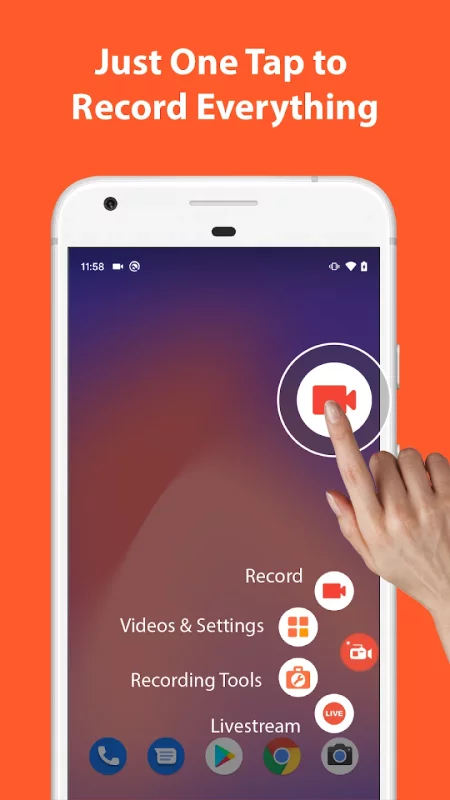
AZ Screen Recorder is a reliable and high-quality screen recorder with audio. With many features including screen record, screen capture, video editor and live streaming, this screen recording app lets you create and share gameplay videos, save video calls or record videos that cannot be downloaded.
ADVANTAGES
★ Easy to use.
★ High-quality videos.
★ NO watermark.
★ NO time limit.
KEY FEATURES
★ Screen recording: this function lets you create beautiful screen record videos.
- Easily start/stop screen record with control buttons.
- Pause/resume screen video recording at any time.
- Screen recorder with audio from the mic.
- Screen recorder with internal audio.
- Show your face in a floating window with facecam.
- Record screen video to GIF.
- Draw on screen while screen recording.
- Shake device to stop screen video recording.
- Transfer screenshot video to computers using Wifi.
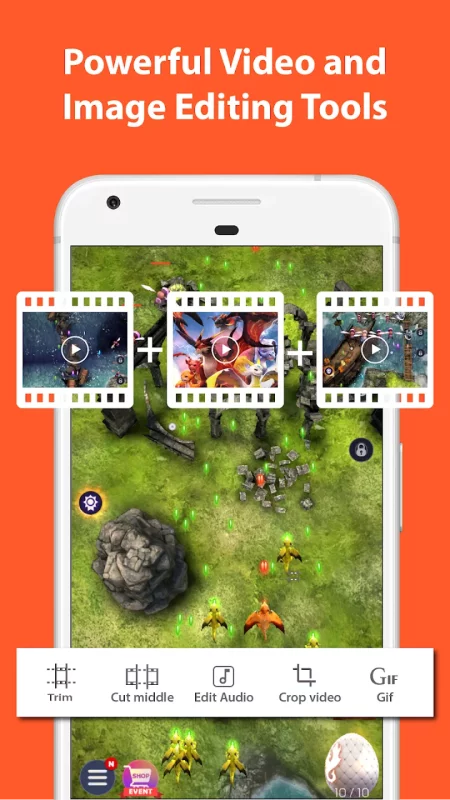
★ Video Editor: this screen video recording app also lets you edit videos.
- Trim videos.
- Remove middle parts of videos.
- Merge videos.
- Add background music.
- Add subtitles.
- Extract frames from videos.
- Crop videos.
- Rotate videos.
- Compress videos to save space for new video records.
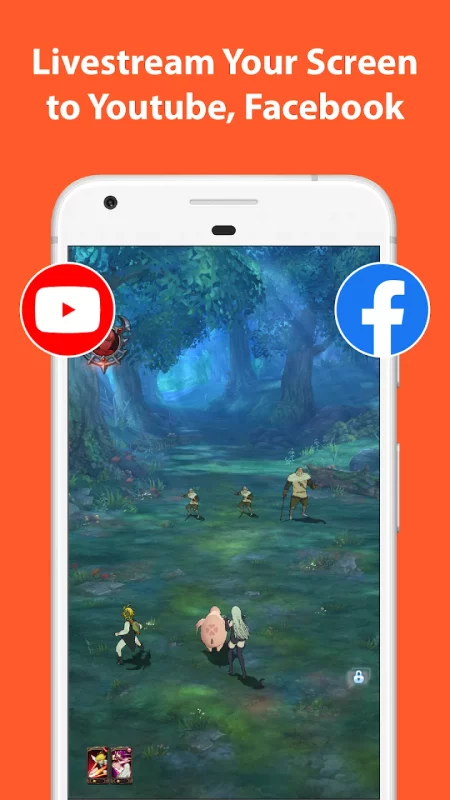
★ Livestream: this screen recording app can also be used as a live streaming app for Youtube or Facebook.
You can broadcast your phone screen to friends, followers, subscribers and other viewers. The following features are provided to help you livestream conveniently:
- Broadcast phone screen together with audio.
- Various video stream resolutions.
- Optionally show your face while live streaming.
★ Screenshots and Image Editing
AZ Recorder is more than just a screen video recorder app. It can also help you take screenshots and edit images. You can capture screen easily with one tap and use in-app image editing tools to:
- Stitch images: auto detect and combine several images into one.
- Crop images: remove unwanted parts.
- Blur image: pixelate areas you don’t want to show.
- Add text, emojis or draw directly on screenshots.
MULTI-PURPOSE
This record screen video app is made to meet your demands.
🎥 Screen recorder with audio
Since you can record screen and audio, this screen recorder app is suitable for many purposes such as to be a video call recording app or a game screen recorder.
🎧 Screen recorder with internal audio
Since Android 10, this screen video recorder also supports internal audio. Specifically, you can record screen with the original sound of any game or app. Because of that, this screen recorder with internal audio can be used as a live recorder or simply as an internal audio recorder.
🏆 Best screen recorder for gaming
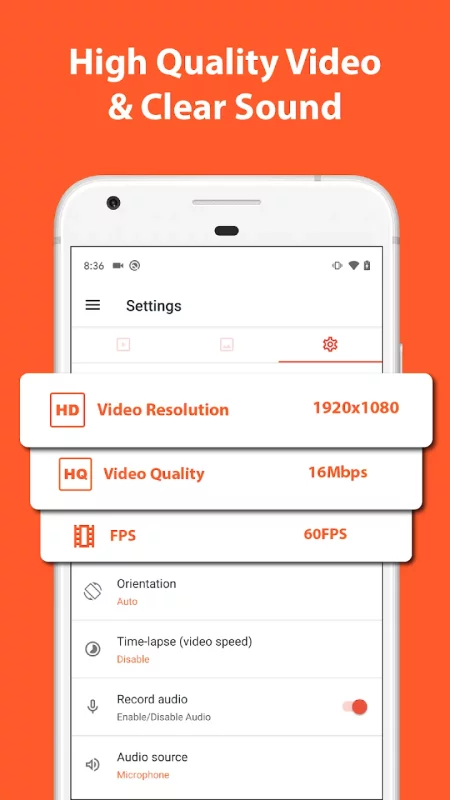
This screen recording app can be used as a game recorder because it supports many resolutions from HD, FullHD, 2K to 4K (4K screen recorder is only available to some users and devices). In addition, this screen video recorder app also supports different frame-rates: 24fps, 30fps, 60fps…
🎉 Video call recorder
This screen video recorder helps you keep important and memorable video calls with family, friends and colleagues.
If you want to use screen recorder no ads or just simply like our free screen record app, please upgrade to support this video software development.
Thanks for downloading this video screen recorder. We are striving to make AZ Screen Recorder app the best screen recorder for Android. If you have any feedback, bug reports or suggestions, please contact us at az.screen.recorder@gmail.com.

Download Screen Recorder - AZ Recorder for Android for free
- Download the XAPK file to your Android device.
- Install one of these installers from our website:
- Open the installer and select the downloaded file from the Downloads folder.
- Allow installation from this source if Android asks for permission.
- Start installation. To update the app, install the newer file without uninstalling the current version.