
- Update22.09.2026
- Latest Version14.0.12
- Android OS9+
- LicenseFree
-
LanguagesEnglish Afrikaans, አማርኛ, العربية, অসমীয়া, Azərbaycan dili, Беларуская, Български, বাংলা, Bosanski, Català, Čeština, Dansk, Deutsch, Ελληνικά, English, Español, Eesti, Euskara, فارسی, Suomi, Français, Galego, ગુજરાતી, हिन्दी, Hrvatski, Magyar, Հայերեն, Bahasa Indonesia, Íslenska, Italiano, עברית, 日本語, ქართული, Қазақ тілі, ខ្មែរ, ಕನ್ನಡ, 한국어, Кыргызча, ລາວ, Lietuvių, Latviešu, Македонски, മലയാളം, Монгол, मराठी, Bahasa Melayu, မြန်မာ, Norsk bokmål, नेपाली, Nederlands, ଓଡ଼ିଆ, ਪੰਜਾਬੀ, Polski, Português, Română, Русский, සිංහල, Slovenčina, Slovenščina, Shqip, Српски, Svenska, Kiswahili, தமிழ், తెలుగు, ไทย, Tagalog, Türkçe, Українська, اردو, Oʻzbekcha, Tiếng Việt, 中文, isiZulu
- Content RatingTeen
- DeveloperPixery Bilgi Teknolojileri
- Package Namecom.avcrbt.funimate
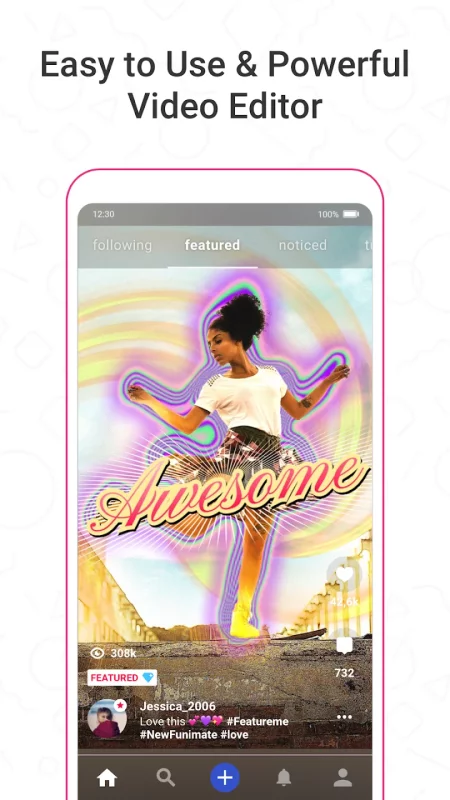
Funimate is the best video editing app you can find on mobile! Join millions of Funimate users who create advanced video edits easily. With Funimate, you’ll be able to create PRO edits very quickly with the help of unique and advanced editing features we have.
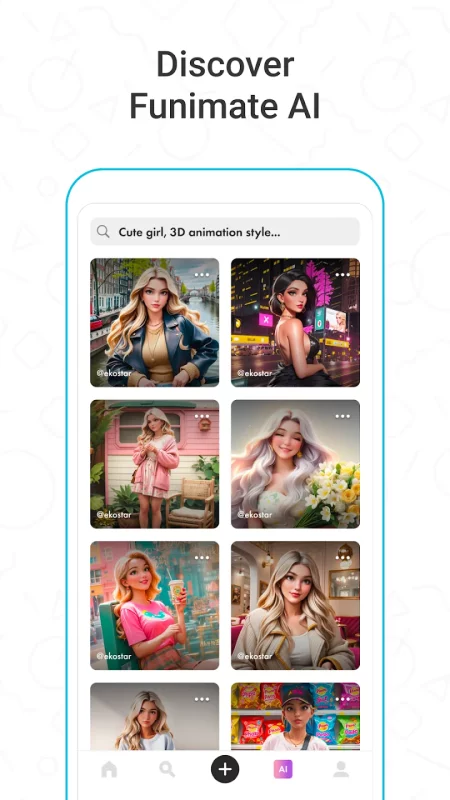
Funimate AI Studio, lets you generate AI characters and AI images, offering unlimited creative possibilities. Write prompts, share your creations, and find inspiration within the community to boost your videos' appeal.
Create amazing Fan Edits or spice up your freestyle videos with unique video features like transitions, custom animations, video and text effects and filters. Add stickers, backgrounds and overlays to your video to show off your creativity and amaze your friends from our element library with thousands of options.
You can share the videos you create on Funimate on TikTok, Instagram, Snapchat and amaze your friends and gain followers! Don’t forget to post on Funimate as well to join the Funimate community and for a chance to get featured!
P.S: Funimate users get featured more often on social media like TikTok because of creative videos they make by using unique Funimate video effects!
On Funimate you can find:
Fan Edit videos to show their appreciation and love to influencers and celebrities;
Lip sync, dance and freestyle videos with awesome text effects, AI effects and video effects;
Awesome anime edits our users make with their favorite anime and manga characters;
Game edits to show off your gaming skills;
And MANY MORE...
TOP VIDEO EDITING FEATURES
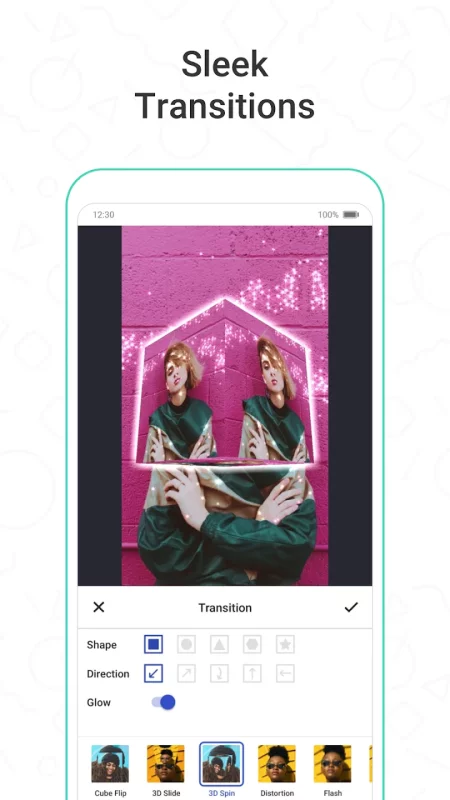
TRANSITIONS: Awesome transitions for your edits that you can add with a single tap! We have the best video transitions to wow your followers. Just add your pictures & videos and just by using a few taps you create a cool video with professional looking video transitions.
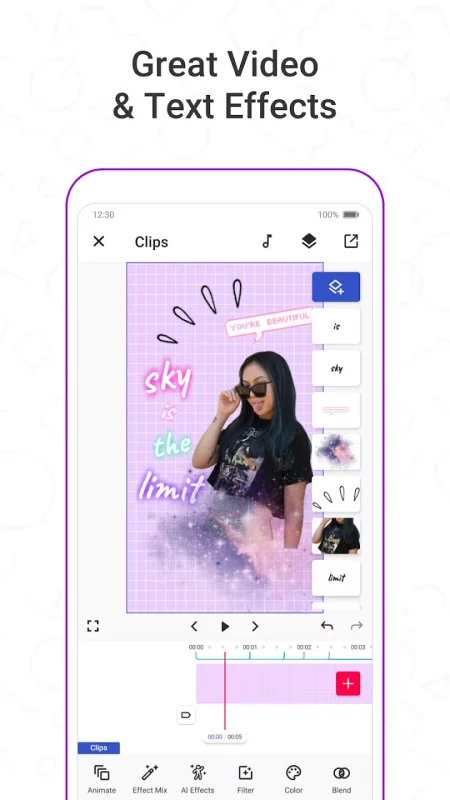
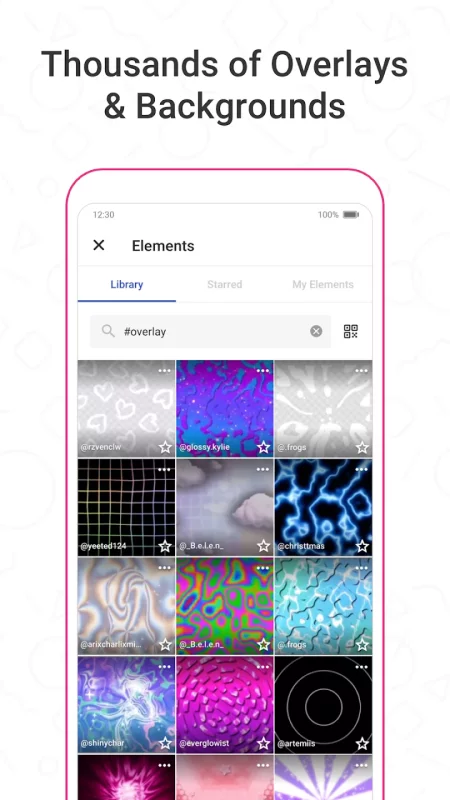
ELEMENT LIBRARY: Video editing is even more fun with overlays, stickers and backgrounds from our element library that has thousands of elements for you to select from. You can also use hundreds of emojis and add text to videos to create cool musical videos, lip sync videos or slow motion videos with Funimate.
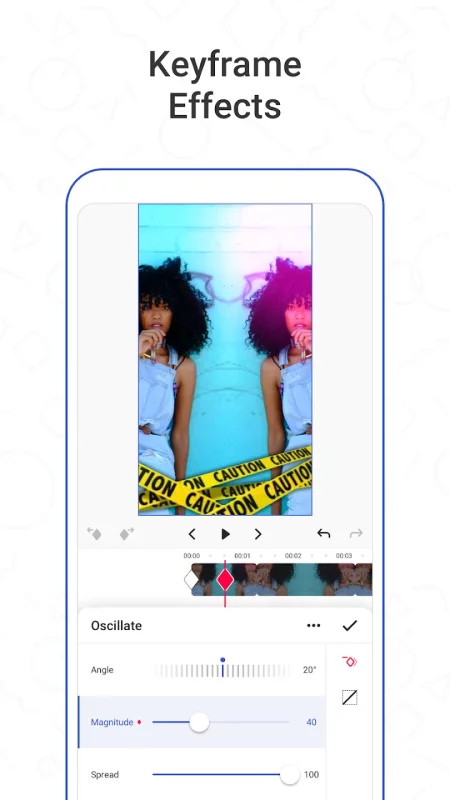
KEYFRAMES: You’re not limited to our effects when it comes to making your videos unique. You can create your own effects with the photos on your phone. It’s super easy to animate your layers using keyframes! Discover custom animations to show off your creative skills to your followers.
VIDEO MASK & AI EFFECTS: You can change the background of your videos and add cool mask effects to your videos with just a click! To try this out, add a dance/freestyle video, tap AI Effects button and choose the effect you want. That’s it!
EFFECT MIX: Tons of different effects to add a professional touch to your videos! You can try more than 100 advanced video effects on Funimate video editor.
INTRO & OUTRO EFFECTS: Tens of intro and outro animations you can select for your texts, images and videos.
TEXT EFFECTS: Add lyrics of the music to your video with many text effects like neon lights, colors and many more. Tens of different fonts available!
ADD MUSIC TO VIDEOS: Add your favorite music to videos, to make short music video clips with creative effects.
VIDEO MERGE, CUT & TRIM: Besides all the awesome features, you’ll also have classic video editor app features like cropping, merging, cutting, trimming and editing videos. Funimate is the only video editor you need. You can also create reverse videos and slow motion videos just with a tap!
BE A PART OF FUNIMATE VIDEO EDITING COMMUNITY: Shoot videos for weekly challenges, show your creativity by using video effects, hot music and get featured to grow your fan base on Funimate. Share your creativity on TikTok, Instagram, Youtube and Musically and boost your likes: best way to amaze your friends and get new followers.
Download Funimate Video Editor & Maker for Android for free
- Download the XAPK file to your Android device.
- Install one of these installers from our website:
- Open the installer and select the downloaded file from the Downloads folder.
- Allow installation from this source if Android asks for permission.
- Start installation. To update the app, install the newer file without uninstalling the current version.