
- Update10.10.2026
- Latest Version1.8.0
- Android OS5.0+
- LicenseFree
-
LanguagesEnglish Afrikaans, አማርኛ, العربية, অসমীয়া, Asturianu, Azərbaycan dili, Беларуская, Български, bamanankan, বাংলা, Brezhoneg, Bosanski, Català, کوردیی ناوەندی, Čeština, Dansk, Deutsch, Ελληνικά, English, Esperanto, Español, Eesti, Euskara, فارسی, Suomi, Filipino, Français, Galego, ગુજરાતી, עברית, हिन्दी, Hrvatski, Magyar, Հայերեն, Interlingua, Bahasa Indonesia, Íslenska, Italiano, 日本語, Basa Jawa, ქართული, Taqbaylit, Қазақ тілі, ខ្មែរ, Kurdî (Kurmancî), ಕನ್ನಡ, 한국어, Kurdî, Кыргызча, Latina, lombard, ລາວ, Lietuvių, Latviešu, Македонски, മലയാളം, Монгол, मराठी, Bahasa Melayu, မြန်မာ, Norsk bokmål, नेपाली, Nederlands, Norsk nynorsk, ߒߞߏ, Occitan, ଓଡ଼ିଆ, ਪੰਜਾਬੀ, Polski, Português, Română, Русский, ᱥᱟᱱᱛᱟᱲᱤ, Sardu, සිංහල, Slovenčina, Slovenščina, Soomaali, Shqip, Српски, Svenska, Kiswahili, தமிழ், తెలుగు, ไทย, ትግርኛ, Tagalog, toki pona, Türkçe, Татар теле, Twi, Tamaziɣt n laṭlaṣ, Українська, اردو, Oʻzbekcha, Tiếng Việt, 中文, isiZulu
- Content RatingTeen
- Developervideo download.
- Package Namecom.video.downloader.eopiu
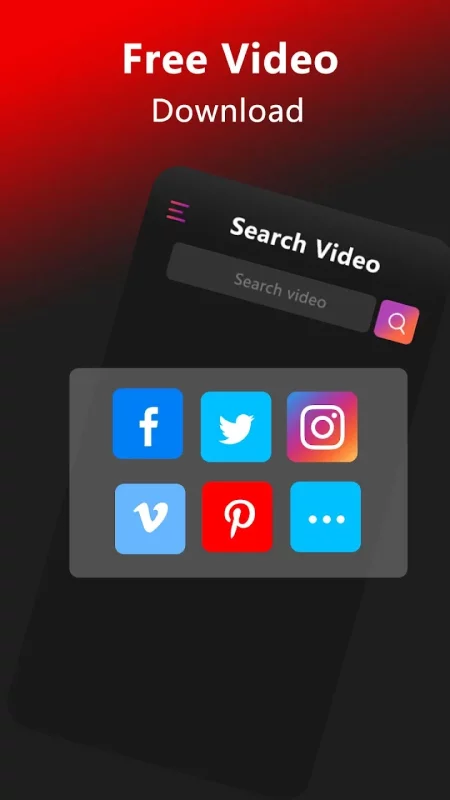
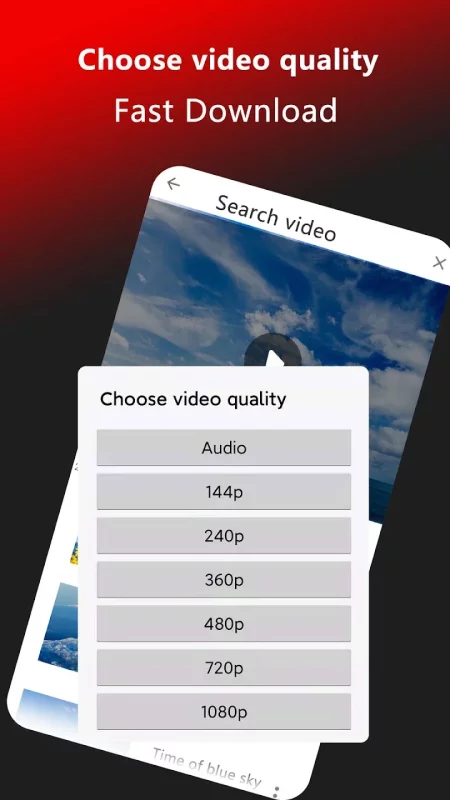
Fastest video downloader on the market. Almost all videos can be downloaded, and all formats of HD and SD videos can be downloaded on social media, and they are 100% free and private.
Main features:
⭐ Highly optimized download manager – fastest downloader you can get
⭐ Fully featured website AdBlocker – use your own filter lists and more
⭐ Private web browser – incognito browsing, file PIN protection
⭐ Multiple SD card support
⭐ All format support - m3u8, mp3, mp4, mov, avi, wmv, pdf and much more
⭐ Convert video to audio
Easy to use:
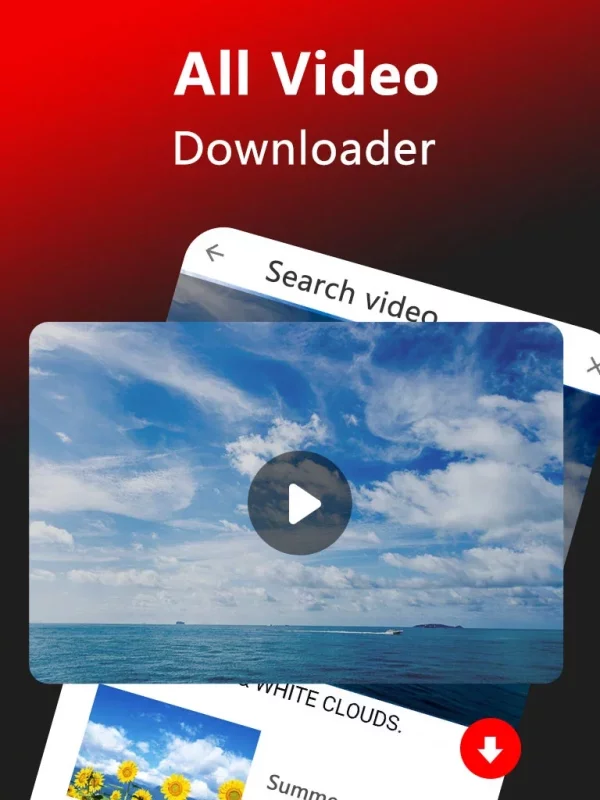
• Enter search keywords
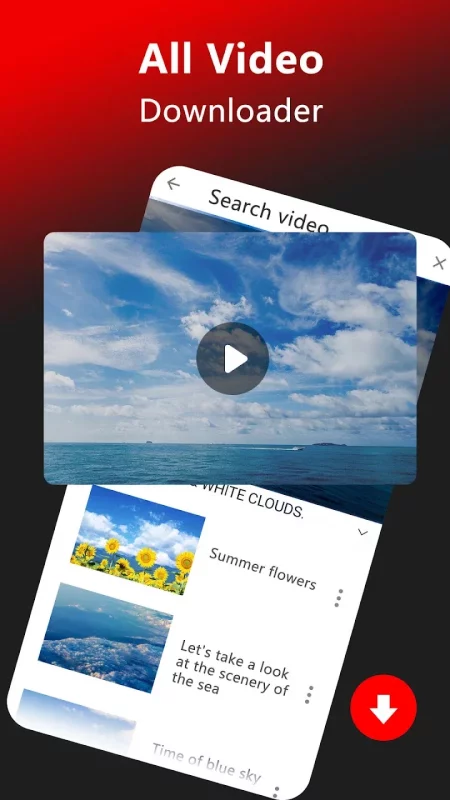
• Click on the video in the search list to enter the playback page
• Click the download button in the lower right corner to download the video
• That's it! It's that simple!
What else:
• Page bookmarks for favorite pages
• Bookmark import & export to other devices
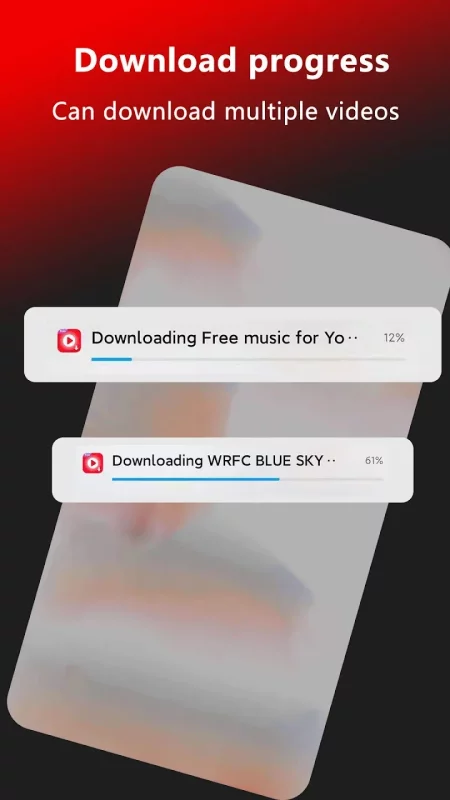
• Background file downloads
• Multiple file downloads in the same time
• Pause, resume and remove download
• Failed downloads can be resumed from the point of failure
• Files over 4GB are supported

Download Tube Video Downloader & Video for Android for free
- Download the APK file to your Android device.
- Find the file in the Downloads folder and open it.
- Allow installation from this source if Android blocks it.
- Tap Install. To update the app, install the newer APK without uninstalling the current version.