pCloud: Cloud Storage

pCloud: Cloud Storage

0 votes
  • Update
    07.10.2026
  • Latest Version
    4.25.1
  • Android OS
    10+
  • License
    Free
  • Languages
  • Content Rating
    Everyone
  • Developer
  • Package Name
    com.pcloud.pcloud

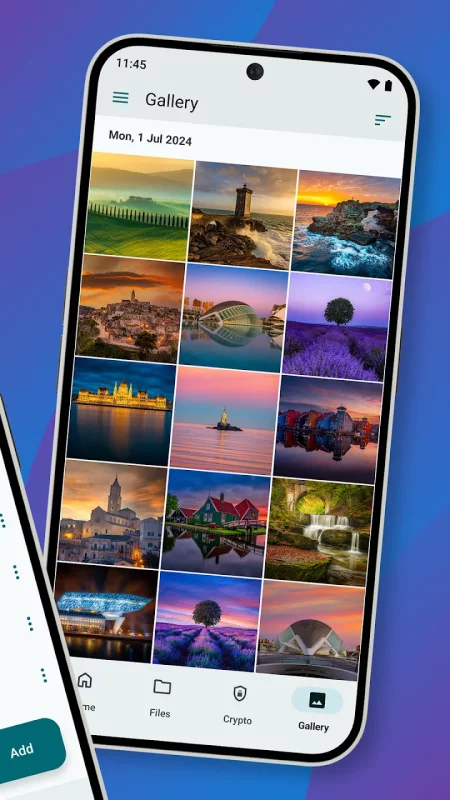
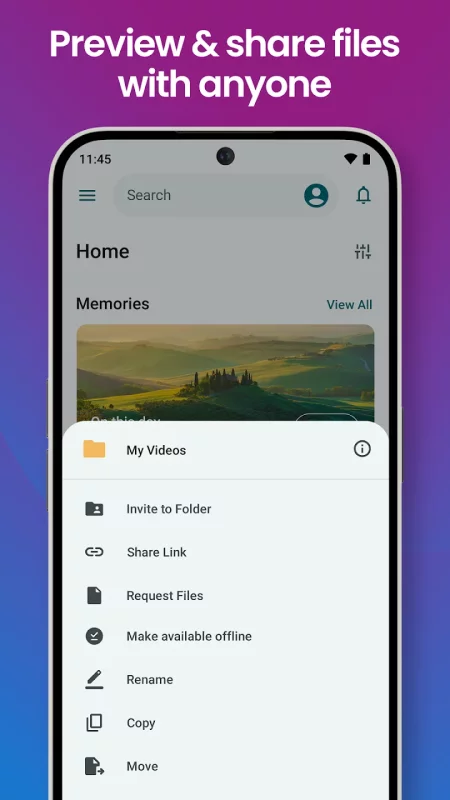
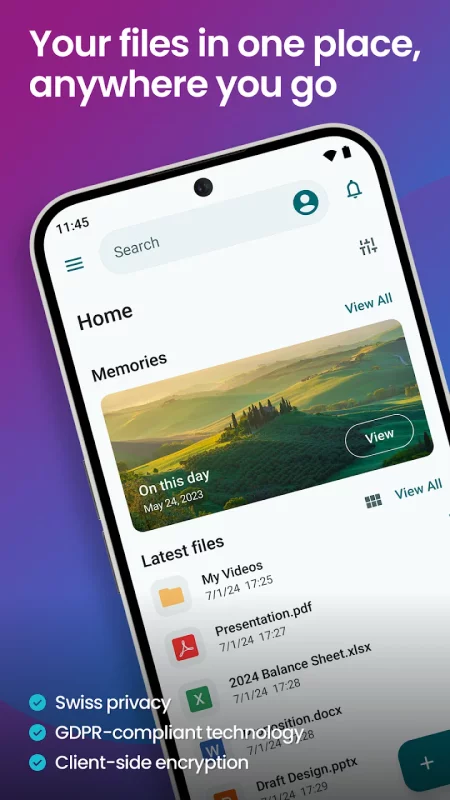
pCloud is the secure place to store, preview and share files, anywhere you go. Start with up to 10 GB free storage.

You'll be able to backup photos and videos from your device, play your personal playlists, or preview work-related documents. You'll also be able to share large files with anyone and control access with password protection and expiration dates. From your vacation photos to videos and work documents, pCloud brings all your files together.

• Start with up to 10 GB free. Extend the space on your phone with up to 2 TB
• Choose where to store your files - in the United States or the European Union.
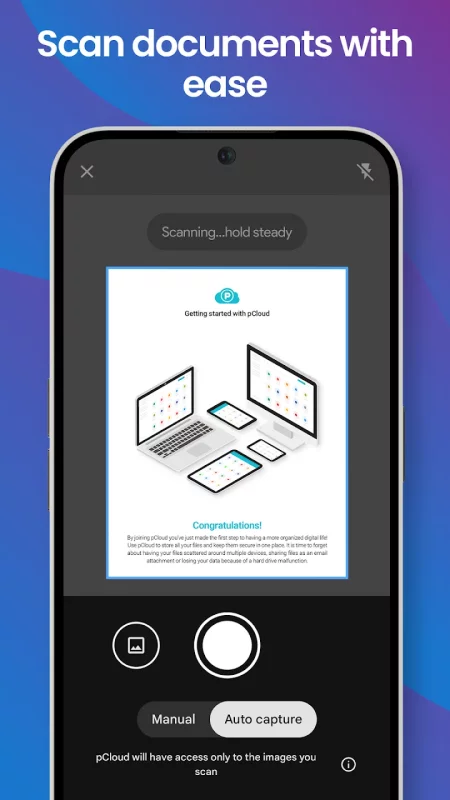
• Scan invoices, reports or receipts with an easy-to-use document scanner.
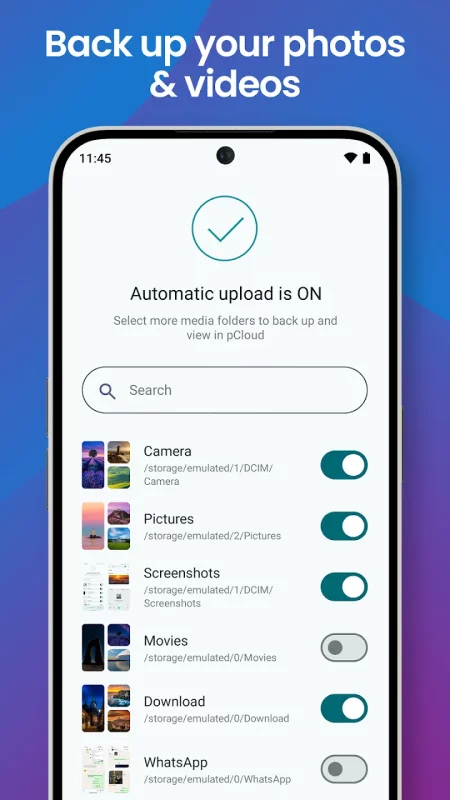
• Backup photos and videos from your phone with the option Automatic Upload.
• Access and preview files across all your devices.
• Share large files with added security (password protection, expiration date).
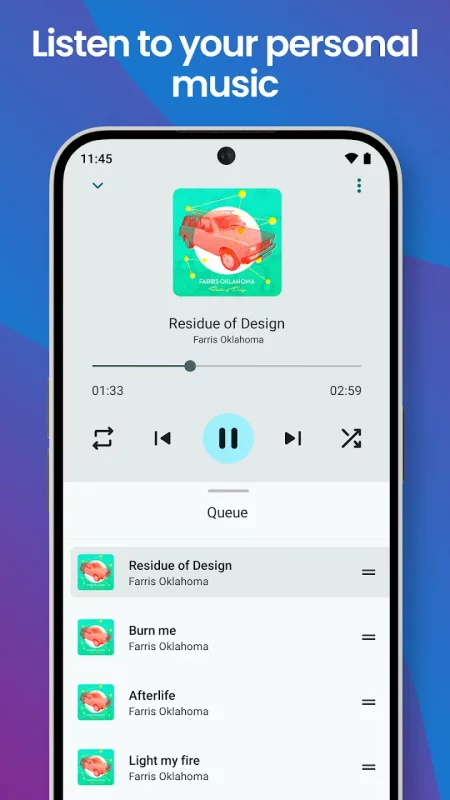
• Play your personal music collection with the built-in audio player.
• Get offline access to important files, when you're on the go.
• Encrypt private files with client-side encryption, using pCloud Encryption.

Use pCloud Encryption as the vault for your passwords, financial reports or other sensitive documents. The files you upload to the Crypto folder will be protected with client-side encryption. This means that they will be encrypted before they get uploaded to pCloud. With pCloud's zero-knowledge privacy policy we, as a service provider, will not know what kind of data you store in the Crypto folder.

pCloud is also available for iOS, desktop (Windows, macOS and Linux) and from my.pCloud.com.
Download pCloud: Cloud Storage for Android for free

Download pCloud: Cloud Storage 4.25.1 xapk Android 10+ ARMV8
69.46 Mb
No viruses found
Permissions (21)
Detections: 0
Check date: 07 October 2026, 04:55
The file was scanned for viruses using VirusTotal.
ACCESS_COARSE_LOCATION - allows an app to access approximate location.
ACCESS_FINE_LOCATION - allows an app to access precise location.
ACCESS_MEDIA_LOCATION - allows an application to access any geographic locations persisted in the user's shared collection.
ACCESS_NETWORK_STATE - allows applications to access information about networks.
ACCESS_WIFI_STATE - allows applications to access information about wi-fi networks.
FOREGROUND_SERVICE - allows a regular application to use service.startforeground.
FOREGROUND_SERVICE_DATA_SYNC - allows a regular application to use service.startforeground with the type "datasync".
FOREGROUND_SERVICE_MEDIA_PLAYBACK - allows a regular application to use service.startforeground with the type "mediaplayback".
INTERNET - allows applications to open network sockets.
POST_NOTIFICATIONS - allows an app to post notifications
READ_EXTERNAL_STORAGE - allows an application to read from external storage.
READ_MEDIA_IMAGES - allows an application to read image files from external storage.
READ_MEDIA_VIDEO - allows an application to read video files from external storage.
READ_MEDIA_VISUAL_USER_SELECTED - allows an application to read image or video files from external storage that a user has selected via the permission prompt photo picker.
RECEIVE_BOOT_COMPLETED - allows an application to receive the intent.action_boot_completed that is broadcast after the system finishes booting.
REQUEST_IGNORE_BATTERY_OPTIMIZATIONS - permission an application must hold in order to use settings.action_request_ignore_battery_optimizations.
USE_BIOMETRIC - allows an app to use device supported biometric modalities.
USE_FINGERPRINT - this constant was deprecated in api level 28. applications should request use_biometric instead
WAKE_LOCK - allows using powermanager wakelocks to keep processor from sleeping or screen from dimming.
WRITE_EXTERNAL_STORAGE - allows an application to write to external storage.
WRITE_SYNC_SETTINGS - allows applications to write the sync settings.
SHA1 signature: 389c4dc773716865ef4a66d63aa58eaa2e05c480
SHA256 signature: b65c9cb8362878f8cc2095c812f68f55852c087a2e0e4cd4f258381502e77bb5
How to install XAPK
  1. Download the XAPK file to your Android device.
  2. Install one of these installers from our website:
  3. Open the installer and select the downloaded file from the Downloads folder.
  4. Allow installation from this source if Android asks for permission.
  5. Start installation. To update the app, install the newer file without uninstalling the current version.

⚠If the download fails or gets stuck, try enabling a VPN, disabling your ad blocker, or switching to a different network.
See also
Find My Phone: Find Lost Phone
Find My Phone has over 15 Million downloads. Find Lost Phone is one of best lost phone finder
Instacart: Get Food Delivery
Get food delivery and grocery orders delivered directly to your door in as fast as 30 minutes with
Make Money: Play to Earn Cash
Join millions using the Mode Earn App to earn rewards through everyday activities! Mode Earn App
TikTok - Videos, Shop & LIVE
TikTok is the global discovery platform for videos, streaming on LIVE, shopping, and more. Our
Zillow: Homes for Sale & Rent
Find your new home to buy or rent with expert real estate tools and millions of listings right at
Sideline: 2nd Phone Line App
Sideline gives you a second phone number for calling and texting—so you can stay connected without
Ultimate Guitar: Chords & Tabs
Ultimate Guitar is your portal to playing your favorite songs. Learn on any instrument, including
Funimate Video Editor & Maker
Funimate is the best video editing app you can find on mobile! Join millions of Funimate users who
Comments (0)
Loading comments...