
- Update03.10.2026
- Latest Version40.0.6
- Android OS5.0+
- LicenseFree
-
LanguagesEnglish Afrikaans, አማርኛ, العربية, অসমীয়া, Azərbaycan dili, Беларуская, Български, বাংলা, Bosanski, Català, Čeština, Dansk, Deutsch, Ελληνικά, English, Español, Eesti, Euskara, فارسی, Suomi, Français, Galego, ગુજરાતી, हिन्दी, Hrvatski, Magyar, Հայերեն, Bahasa Indonesia, Íslenska, Italiano, עברית, 日本語, ქართული, Қазақ тілі, ខ្មែរ, ಕನ್ನಡ, 한국어, Кыргызча, ລາວ, Lietuvių, Latviešu, Македонски, മലയാളം, Монгол, मराठी, Bahasa Melayu, မြန်မာ, Norsk bokmål, नेपाली, Nederlands, ଓଡ଼ିଆ, ਪੰਜਾਬੀ, Polski, Português, Română, Русский, සිංහල, Slovenčina, Slovenščina, Shqip, Српски, Svenska, Kiswahili, தமிழ், తెలుగు, ไทย, Tagalog, Türkçe, Українська, اردو, Oʻzbekcha, Tiếng Việt, 中文, isiZulu
- Content RatingEveryone
- DeveloperHB_Techno_Apps
- Package Namevideoderdownloaderapp.mp4videodervideodownloader
Videoder Video Downloader is your all-in-one HD video downloader, fast media saver, and private browser! Easily download HD videos, trending short clips, status updates, reel videos, and MP3 music directly to your phone for seamless offline playback.
Looking for a fast, safe, and reliable all video downloader? Videoder automatically detects videos on websites and social platforms, allowing you to save high-resolution media in just one tap!
🚀 Key Features
⚡ Ultra-Fast Download Speed: Multi-threaded downloading ensures maximum speed for large video files and audio tracks.
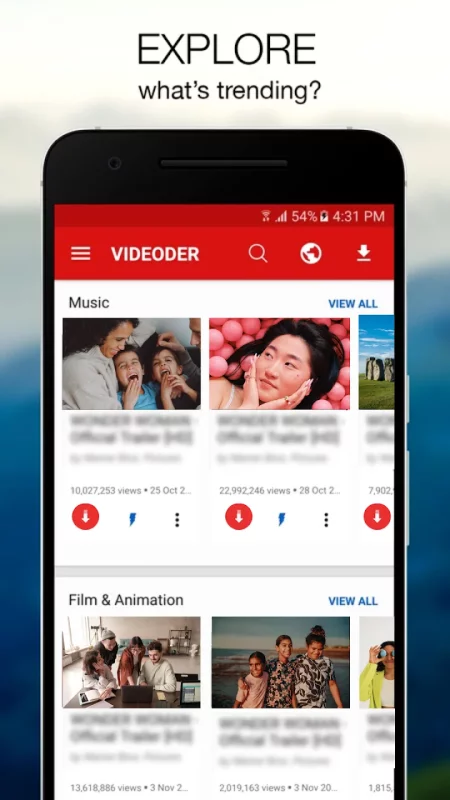
🌐 Built-in Private Browser: Search, browse, and auto-detect downloadable videos without leaving the app.
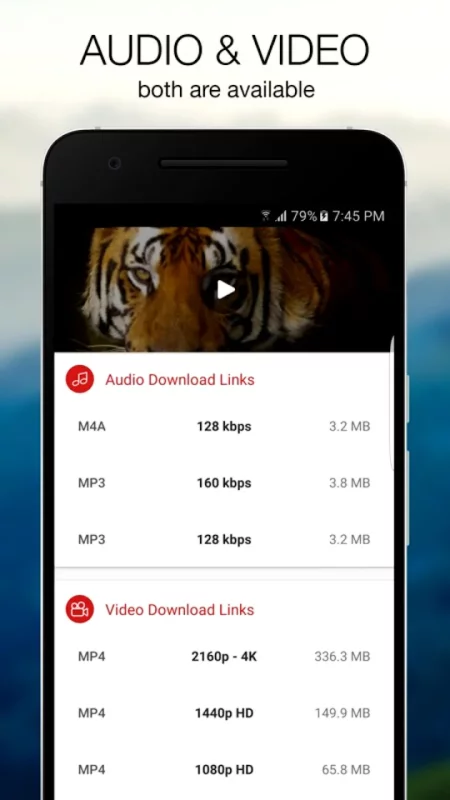
🎬 All Formats Supported: Full compatibility with MP4, MP3, MOV, AVI, WMV, M4A, M4V, PDF, TXT, DOC, XLS, and more.
🔒 Private Folder Protection: Keep your personal videos and downloaded files safe in a password-protected secret folder.
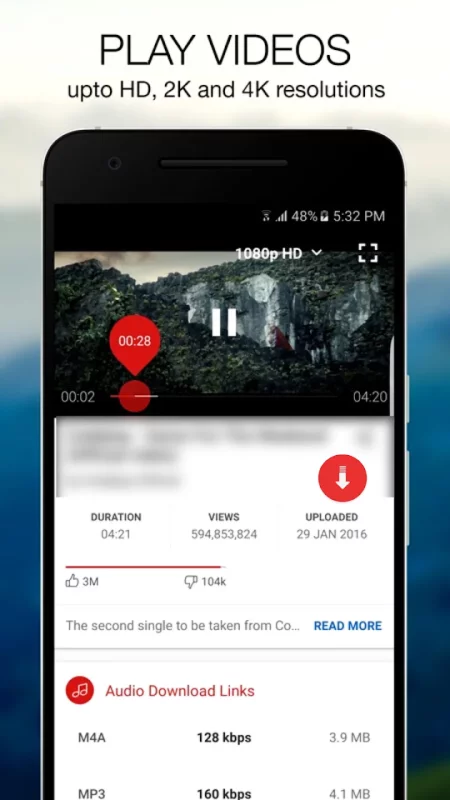
📺 HD Video Player Included: Play all saved media offline using the integrated full-featured video player.
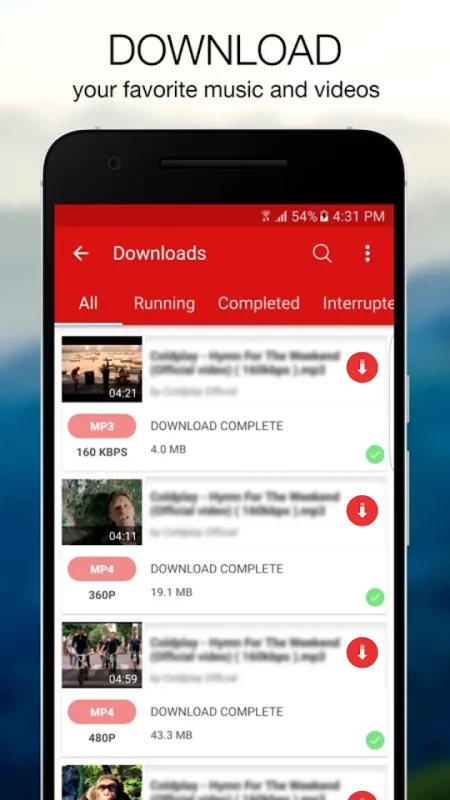
🔄 Advanced Download Manager: Pause, resume, retry, or cancel downloading files anytime. Supports background downloading and SD card storage.
📲 Status & Reel Saver: Save viral clips, stories, status updates, and trending social media content in crisp high definition.
🛠️ How to Use Videoder Video Downloader
1. Browse or Paste: Use the built-in browser to visit your favorite sites, or copy the video link and paste it into the app.
2. Auto-Detect: Let the app automatically detect the available media files on the page.
3. Select Resolution: Choose your preferred video quality (HD, Full HD, or SD) or extract MP3 audio.
4. Tap Download: Hit the download button and enjoy instant, high-speed offline viewing!
💡 Why Choose Videoder?
Whether you need a free video downloader app, a fast MP4 video saver, or a secure offline media player, Videoder combines speed, privacy, and convenience into one lightweight tool. Manage multiple concurrent downloads easily, monitor progress in real-time, and enjoy your favorite content anytime, anywhere!
⚠️ Disclaimer
Please obtain permission from the content owner before you repost or download videos or media files.
This app is not officially associated with, affiliated with, or endorsed by any social media platform.
Downloading files protected by copyright is prohibited and regulated by the laws of the country where you reside.
Note: Due to store policies and terms of service, downloading content from YouTube is strictly not supported.
Download Videoder: HD Video Downloader for Android for free
- Download the APK file to your Android device.
- Find the file in the Downloads folder and open it.
- Allow installation from this source if Android blocks it.
- Tap Install. To update the app, install the newer APK without uninstalling the current version.