
- Update02.10.2026
- Latest Version6.28
- Android OS6.0+
- LicenseFree
-
LanguagesEnglish Afrikaans, አማርኛ, العربية, অসমীয়া, Azərbaycan dili, Беларуская, Български, বাংলা, Bosanski, Català, Čeština, Dansk, Deutsch, Ελληνικά, English, Español, Eesti, Euskara, فارسی, Suomi, Français, Galego, ગુજરાતી, हिन्दी, Hrvatski, Magyar, Հայերեն, Bahasa Indonesia, Íslenska, Italiano, עברית, 日本語, ქართული, Қазақ тілі, ខ្មែរ, ಕನ್ನಡ, 한국어, Кыргызча, ລາວ, Lietuvių, Latviešu, Македонски, മലയാളം, Монгол, मराठी, Bahasa Melayu, မြန်မာ, Norsk bokmål, नेपाली, Nederlands, ଓଡ଼ିଆ, ਪੰਜਾਬੀ, Polski, Português, Română, Русский, සිංහල, Slovenčina, Slovenščina, Shqip, Српски, Svenska, Kiswahili, தமிழ், తెలుగు, ไทย, Tagalog, Türkçe, Українська, اردو, Oʻzbekcha, Tiếng Việt, 中文, isiZulu
- Content RatingEveryone
- DeveloperDev47Apps
- Package Namecom.dev47apps.droidcam
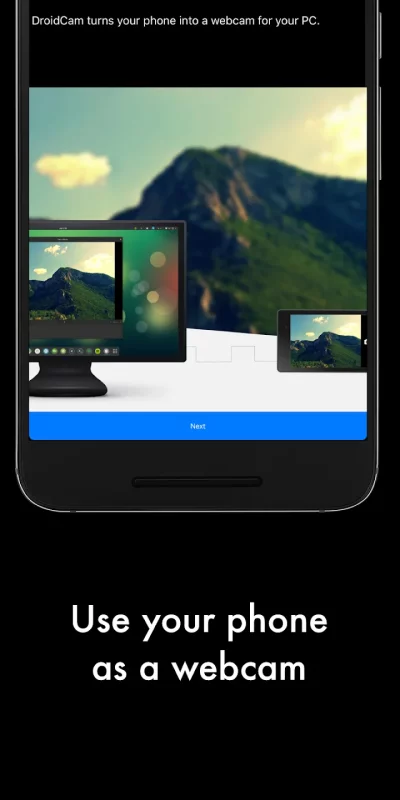
DroidCam turns your Android device into a webcam.
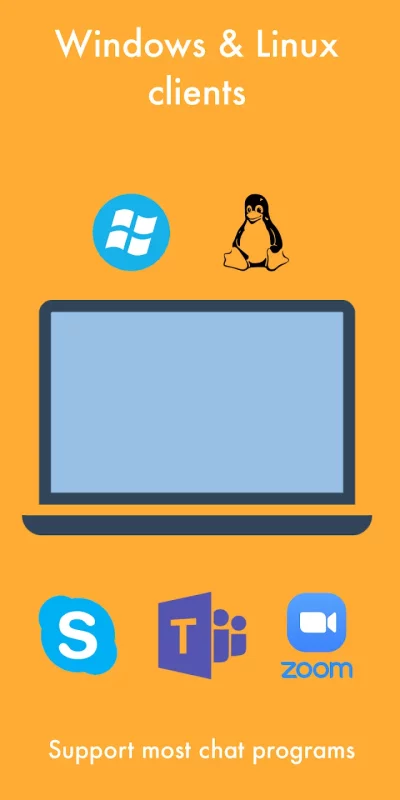
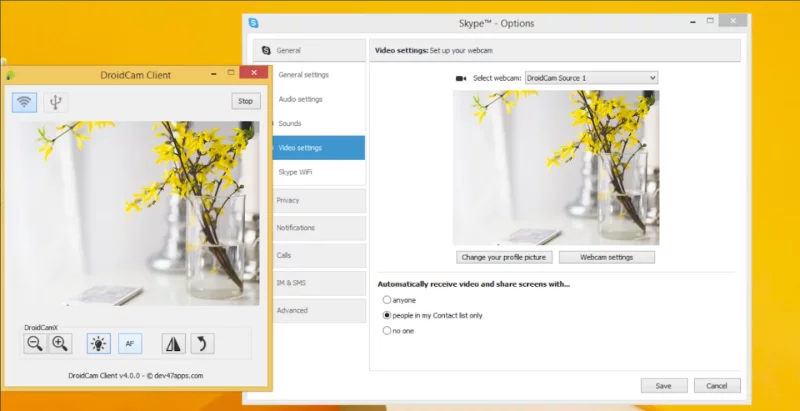
The app works with a PC client that connects the computer with your phone. Windows and Linux clients are available. Visit www.dev47apps.com on your computer to download, install, and get more info on usage.
Features:
- Chat using "DroidCam Webcam" on your computer, including Sound and Picture.
- Completely free with no usage limits or watermarks.
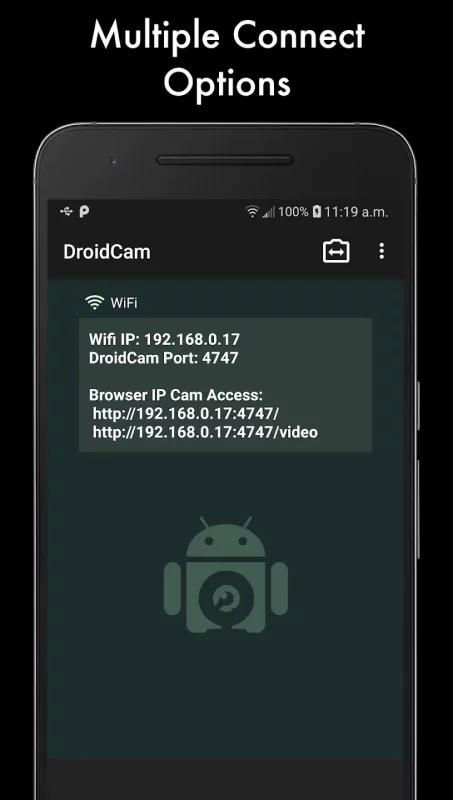
- Connect over WiFi or USB*.
- Microphone noise cancellation.
- Use other (non camera) apps with DroidCam in the background.
- Keeps working with the screen off to conserve battery.
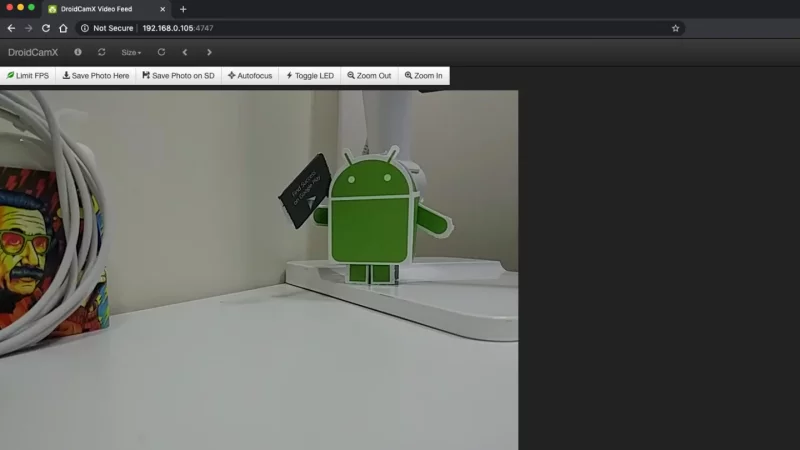
- IP web camera MJPEG access (access camera via a browser or from another phone/tablet/etc).
If you like the app, consider getting the Pro version, DroidCamX, which has:
- No Ads.
- USB-Only mode for added privacy and security.
- Phone calls muting.
- 720p/1080p video support via HD Mode.
- 'Smooth FPS' option for more stable video.
- Pro features on the Windows client including video mirror, flip, rotate, contrast, brightness and other controls.
A bargain compared to actual webcams sold in store!
* USB connection may require additional setup
Download DroidCam Webcam (Classic) for Android for free
- Download the APK file to your Android device.
- Find the file in the Downloads folder and open it.
- Allow installation from this source if Android blocks it.
- Tap Install. To update the app, install the newer APK without uninstalling the current version.