- Update01.10.2026
- Latest Version2.5.4
- Android OS7.0+
- LicenseFree
-
LanguagesEnglish Afrikaans, አማርኛ, العربية, অসমীয়া, Azərbaycan dili, Беларуская, Български, বাংলা, Bosanski, Català, Čeština, Dansk, Deutsch, Ελληνικά, English, Español, Eesti, Euskara, فارسی, Suomi, Filipino, Français, Galego, ગુજરાતી, हिन्दी, Hrvatski, Magyar, Հայերեն, Bahasa Indonesia, Íslenska, Italiano, עברית, 日本語, ქართული, Қазақ тілі, ខ្មែរ, ಕನ್ನಡ, 한국어, Кыргызча, ລາວ, Lietuvių, Latviešu, Македонски, മലയാളം, Монгол, मराठी, Bahasa Melayu, မြန်မာ, Norsk bokmål, नेपाली, Nederlands, ଓଡ଼ିଆ, ਪੰਜਾਬੀ, Polski, Português, Română, Русский, සිංහල, Slovenčina, Slovenščina, Shqip, Српски, Svenska, Kiswahili, தமிழ், తెలుగు, ไทย, Tagalog, Türkçe, Twi, Українська, اردو, Oʻzbekcha, Tiếng Việt, 中文, isiZulu
- Content RatingEveryone
- DeveloperInShot Inc.
- Package Namecast.video.screenmirroring.casttotv
Tired of squinting at a small phone screen?
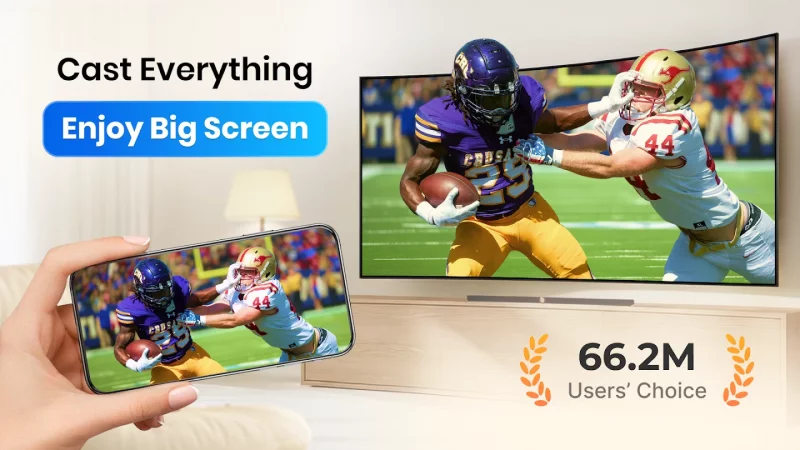
Our Cast to TV app enables you to instantly cast online videos, live streams & local videos, music and images to TV, Chromecast, Roku, Amazon Fire Stick or Fire TV, Xbox, Apple TV or other DLNA Devices — or mirror your whole phone screen to your Smart TV in HD.
🏅 Key Features:
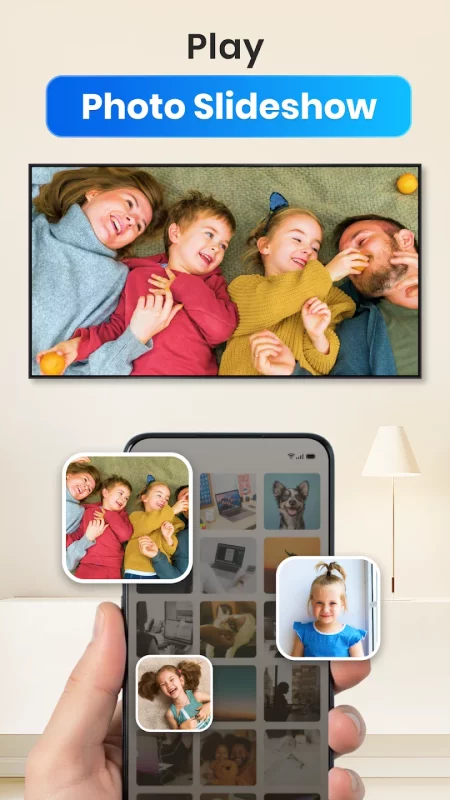
● Cast local videos, music and photo slideshows to TV instantly.
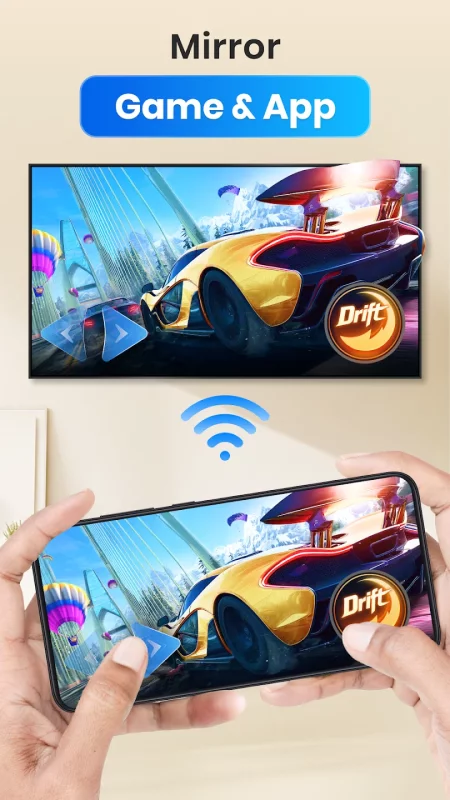
● Screen Mirroring: mirror your phone screen to TV in real time.
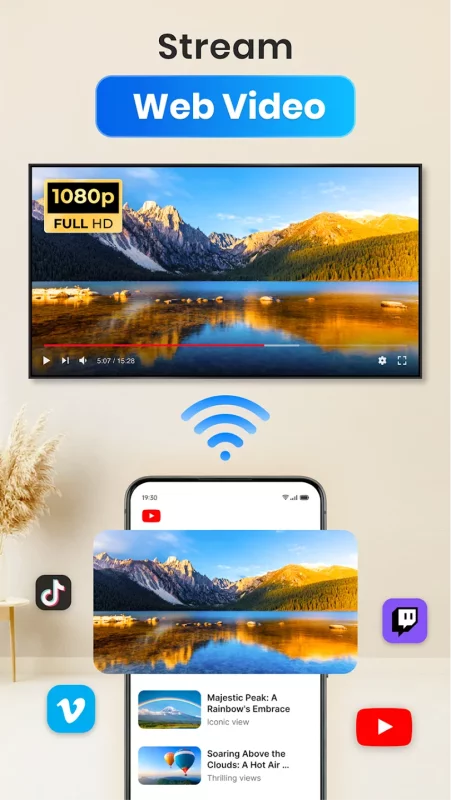
● Built-in browser for web video cast.
● Cast live sports, gaming streams, and IPTV channels to TV.
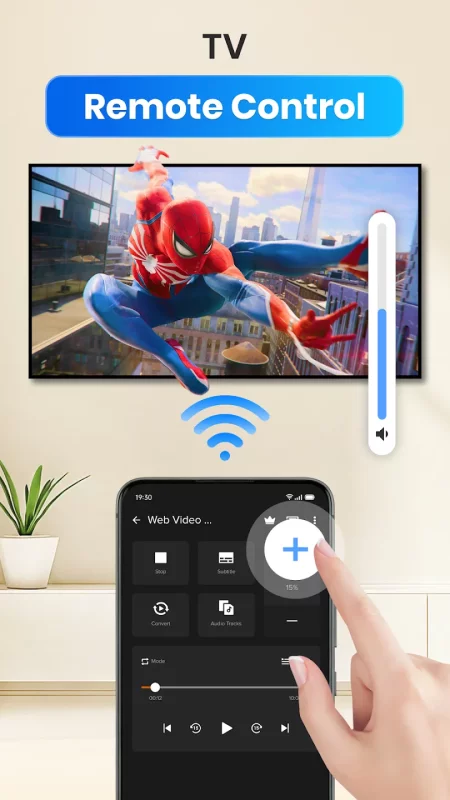
● Easy to control TV with phone: pause, volume, forward/rewind, previous/next, etc.
● Add local video and local audio to Play Queue.
● Play media in shuffle, loop, repeat mode.
● Auto search for available cast devices & streaming devices.
● Auto identify video, audio, photo files on your device and SD card.
💡 Why Choose XCast?
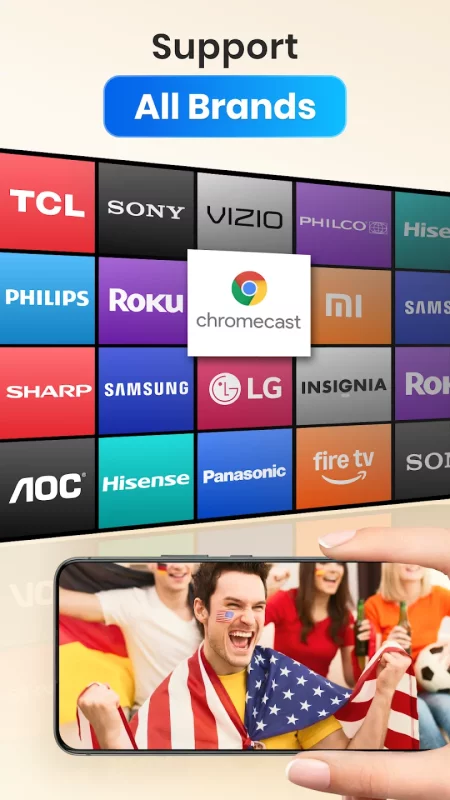
- Wide device support.
- Cast local media and web videos without limits.
- Both screen mirroring and media casting in a single app.
- HD quality, low latency and a stable connection.
📺 All Cast in One. With Cast to TV, you can cast to:
☆ Chromecast
☆ Smart TVs: Samsung, LG, Sony, Hisense, Xiaomi, Panasonic, etc.
☆ Xbox One and Xbox 360
☆ Amazon Fire TV and Cast to Fire Stick
☆ Apple TV and Airplay
☆ Roku, Roku Stick and Roku TVs
☆ Other DLNA receivers
☆ Coming soon: Kodi etc.
If you want to cast videos and live streams from your Android, or share your music and photos on TV, you'd better try Cast to TV, Chromecast & Roku.
Cast to Roku
Easy to connect and cast to Roku. You can cast videos, live streams, and music to Roku without limitations. Fast forward and backward can provide you with an excellent experience for watching movies. Just search videos from your favorite website and cast to Roku now!
Cast to Chromecast
Cast local video, photo slideshow, and music from phone to Chromecast easily and fast. Cast to Chromecast, Fire TV and other smart TVs with no feature limited. Cast web video to Chromecast, and enjoy the best experience of watching videos and live streams— fast, wireless and in HD.
Cast to Apple TV
Cast both local files and online videos to Apple TV with the AirPlay function. Cast to Apple TV with the remote control to adjust the video progress and volume.
Stream to TV from phone is very dependent on Wi-Fi network and streaming device. Please make sure that your phone and streaming device is connected with the same Wi-Fi. And the format of the media is supported by streaming device. If you have troubles when you stream to TV or cast to Chromecast, you can try to reboot the Wi-Fi router and streaming device. If you have any suggestions or problems about XCast, please feel free to contact us at videostudio.feedback@gmail.com.
DISCLAIMER:
Chromecast is a trademark of Google LLC. This app is not affiliated with or endorsed by Google, Roku or other brands.
Download Cast to TV, Chromecast & Roku for Android for free
- Download the XAPK file to your Android device.
- Install one of these installers from our website:
- Open the installer and select the downloaded file from the Downloads folder.
- Allow installation from this source if Android asks for permission.
- Start installation. To update the app, install the newer file without uninstalling the current version.