
- Update01.10.2026
- Latest Version11.8.3
- Android OS11+
- LicenseFree
-
LanguagesEnglish Afrikaans, አማርኛ, العربية, অসমীয়া, Azərbaycan dili, Беларуская, Български, বাংলা, Bosanski, Català, Čeština, Dansk, Deutsch, Ελληνικά, English, Español, Eesti, Euskara, فارسی, Suomi, Filipino, Français, Galego, ગુજરાતી, हिन्दी, Hrvatski, Magyar, Հայերեն, Bahasa Indonesia, Íslenska, Italiano, עברית, 日本語, ქართული, Қазақ тілі, ខ្មែរ, ಕನ್ನಡ, 한국어, Кыргызча, ລາວ, Lietuvių, Latviešu, Македонски, മലയാളം, Монгол, मराठी, Bahasa Melayu, မြန်မာ, Norsk bokmål, नेपाली, Nederlands, ଓଡ଼ିଆ, ਪੰਜਾਬੀ, Polski, Português, Română, Русский, සිංහල, Slovenčina, Slovenščina, Shqip, Српски, Svenska, Kiswahili, தமிழ், తెలుగు, ไทย, Tagalog, Türkçe, Українська, اردو, Oʻzbekcha, Tiếng Việt, 中文, isiZulu
- Content RatingEveryone
- DeveloperThe Ohio State University
- Package Nameedu.osumc.healthassistant.app
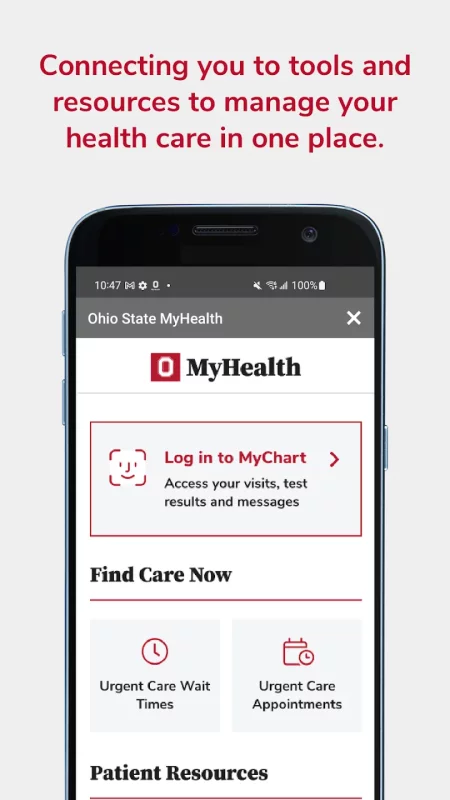
The Ohio State MyHealth app gives you the tools and resources to manage your healthcare at The Ohio State University Wexner Medical Center anywhere, anytime.
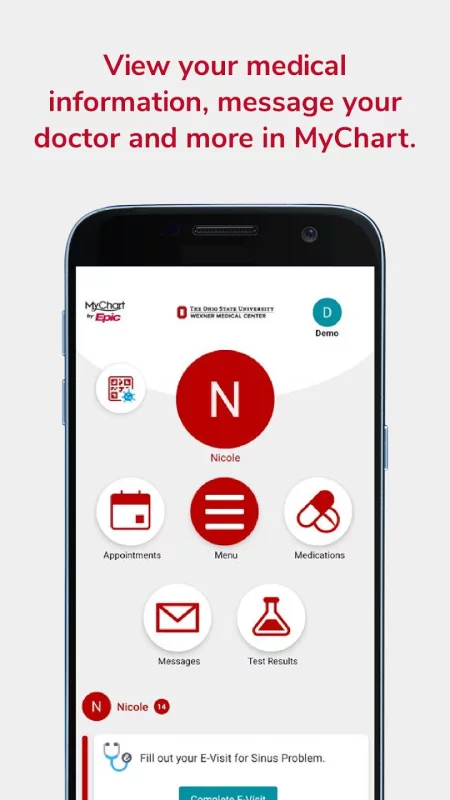
MYCHART
Sign up or log in to your MyChart patient portal account to access:
• Schedule and manage in-person appointments and video visits
• Preregister for your visit, fill out paperwork online and save time at registration
• View visit preparation and follow-up care instructions
• Get test result notifications and standard ranges for lab results
• Send secure messages to your care team
• Reminders for routine care; annual physical, flu shot, and other preventive care
• Share access to health information with children, family members, and caregivers
• Get a price estimate, pay your bill, manage your payment plan or schedule financial assistance counseling
• View your COVID-19 vaccination history, status, and test results
• Upload health and fitness data, including data from Health Connect, when enrolled in self-tracking programs.
• Set up your Communication Preferences
For help with your MyChart account visit go.osu.edu/mychartfaq or contact MyChartTechSupport@osumc.edu.
WEXNER MEDICAL CENTER LOCATIONS
• Find a healthcare location near you
• Search locations by name or specialty
• Get directions, see construction updates and find parking
• Look up hospital visitation hours and policies
• View healthcare services and providers by location
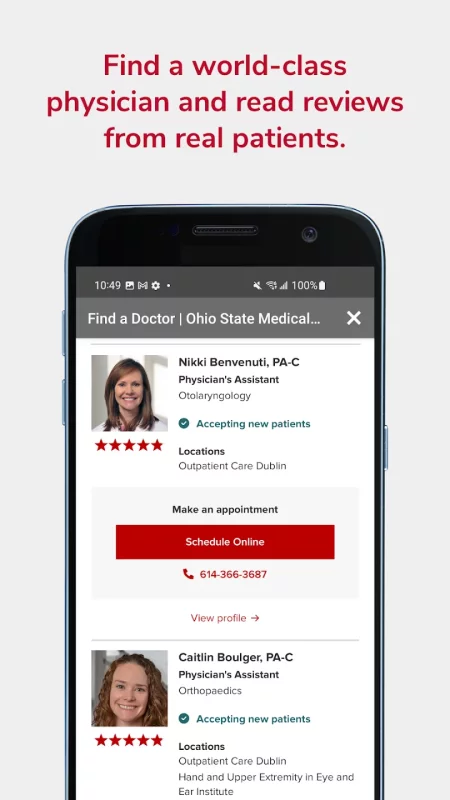
FIND A DOCTOR
• New detailed clinician and researcher profiles
• View provider ratings and reviews from real patients
• Choose the right healthcare provider for you
• Search for healthcare services by specialty, condition, location or name
• Filter results by providers accepting new patients
• Schedule online with select providers
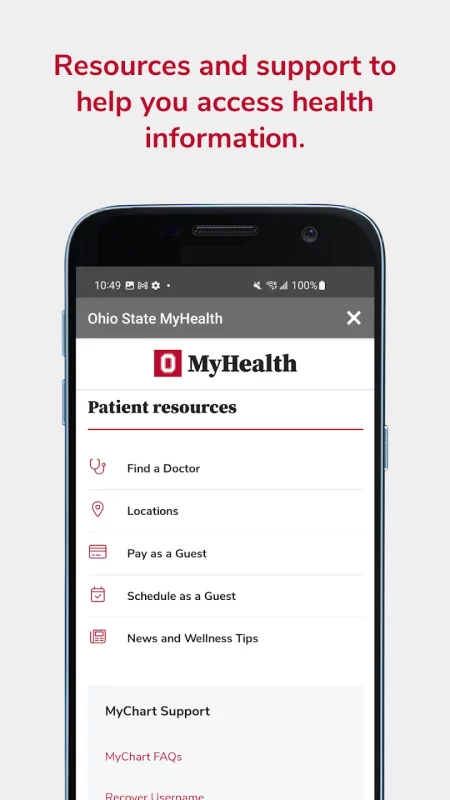
PATIENT RESOURCES
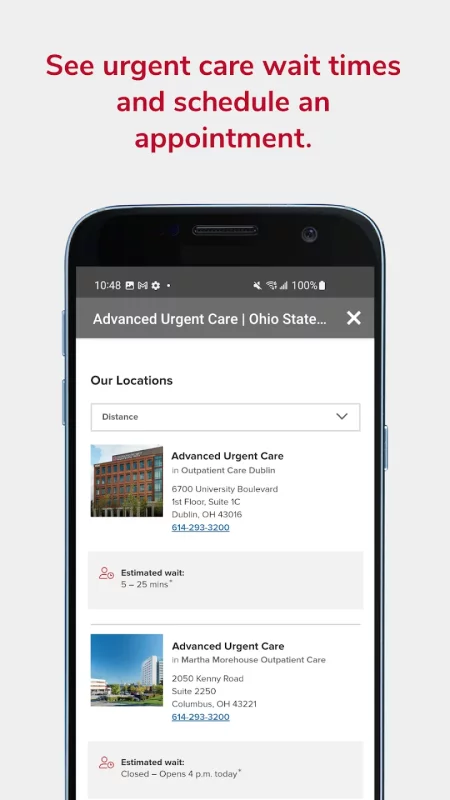
• View Urgent Care wait times
• Schedule as a new patient without a MyChart account
• Get a price estimate or pay your bill as a guest
• Recover your MyChart username or password
• Share feedback on your experience as a patient
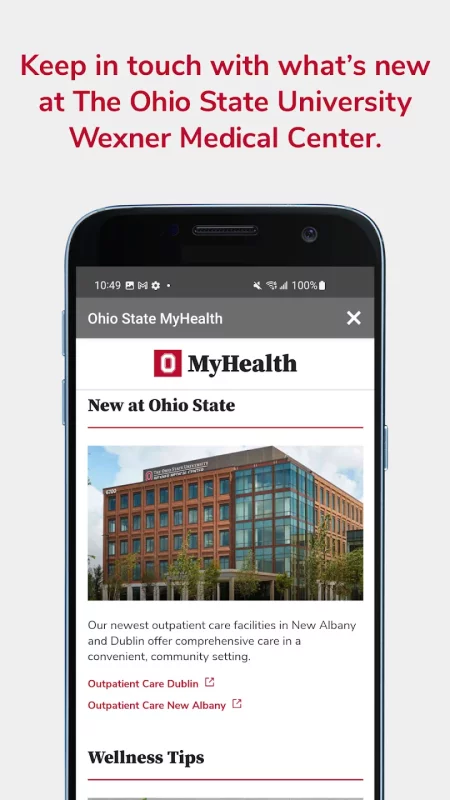
WELLNESS RESOURCES
• Advice and news from medical experts
• Recipes and wellness tips from nutritionists and providers
• Learn about breakthrough research, innovations, and clinical trials
Download Ohio State MyHealth for Android for free
- Download the XAPK file to your Android device.
- Install one of these installers from our website:
- Open the installer and select the downloaded file from the Downloads folder.
- Allow installation from this source if Android asks for permission.
- Start installation. To update the app, install the newer file without uninstalling the current version.