- Update30.09.2026
- Latest Version2.36.4
- Android OS11+
- LicenseFree
-
LanguagesEnglish Afrikaans, አማርኛ, العربية, অসমীয়া, Azərbaycan dili, Беларуская, Български, বাংলা, Bosanski, Català, Čeština, Dansk, Deutsch, Ελληνικά, English, Español, Eesti, Euskara, فارسی, Suomi, Filipino, Français, Galego, ગુજરાતી, हिन्दी, Hrvatski, Magyar, Հայերեն, Bahasa Indonesia, Íslenska, Italiano, עברית, 日本語, ქართული, Қазақ тілі, ខ្មែរ, ಕನ್ನಡ, 한국어, Кыргызча, ລາວ, Lietuvių, Latviešu, Македонски, മലയാളം, Монгол, मराठी, Bahasa Melayu, မြန်မာ, Norsk bokmål, नेपाली, Nederlands, ଓଡ଼ିଆ, ਪੰਜਾਬੀ, Polski, Português, Română, Русский, සිංහල, Slovenčina, Slovenščina, Shqip, Српски, Svenska, Kiswahili, தமிழ், తెలుగు, ไทย, Tagalog, Türkçe, Українська, اردو, Oʻzbekcha, Tiếng Việt, 中文, isiZulu
- Content RatingEveryone
- DeveloperCricket Wireless LLC
- Package Namecom.mizmowireless.acctmgt
Need a new life hack? Download the myCricket App!
Redesigned with you in mind, the myCricket App is simple, seamless and FREE. It gives you the freedom to manage your Cricket Wireless account anywhere, anytime with just the tap of a button.
What to Expect:
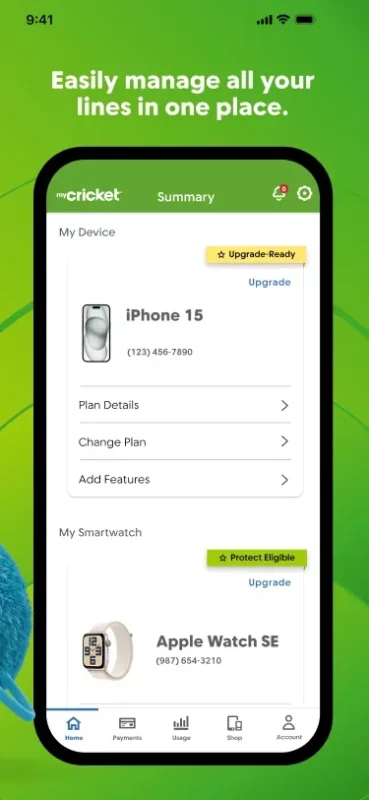
Account Home Screen
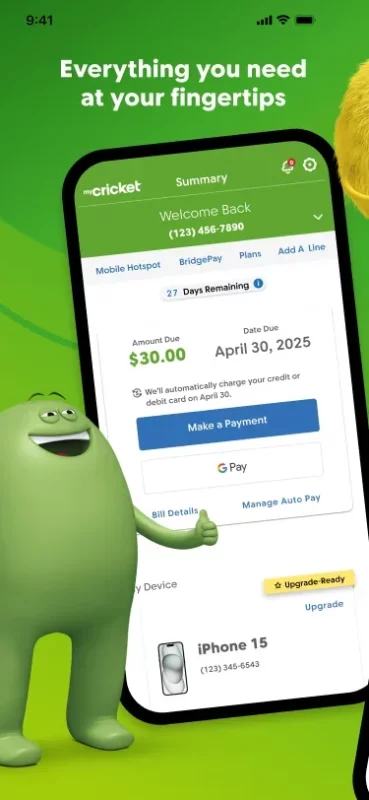
No need to wonder about the status of your wireless account because we’ve made it easy to stay up to date on payments, plans, data, due dates, and exclusive offerings.
Payments
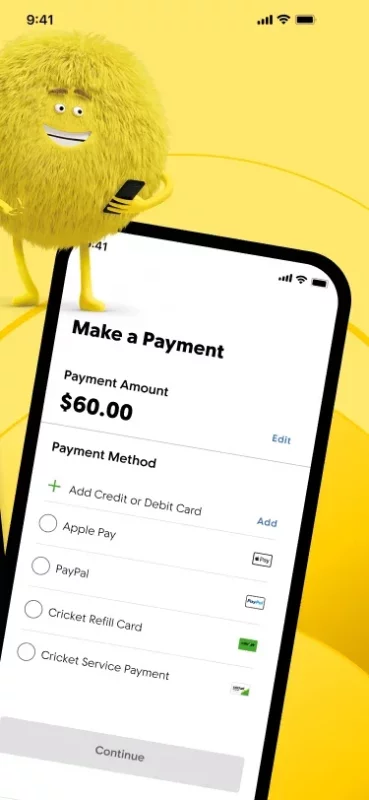
Want to make a payment without the hassle of phone calls and store visits? Consider it done! Check out all of the easy ways to pay and save up to $60/year with the Auto Pay credit.
• Credit/Debit Card
• Cricket Refill Card
• Gift Cards
• Google Pay
• Samsung Pay
Plans and Features
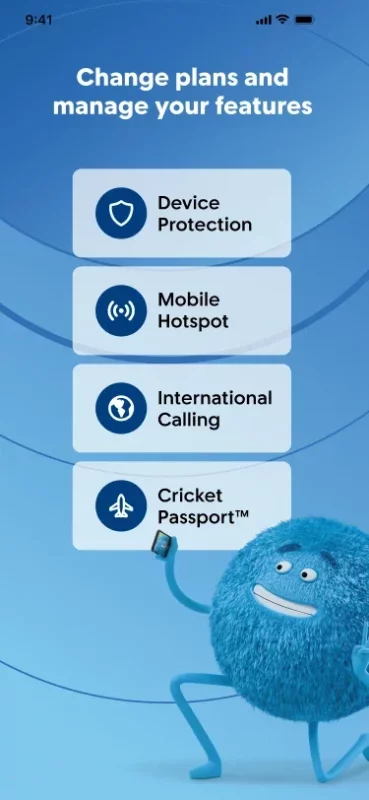
Our range of plans and features lets you choose what best fits your budget and lifestyle. Use the app to customize each based on your needs.
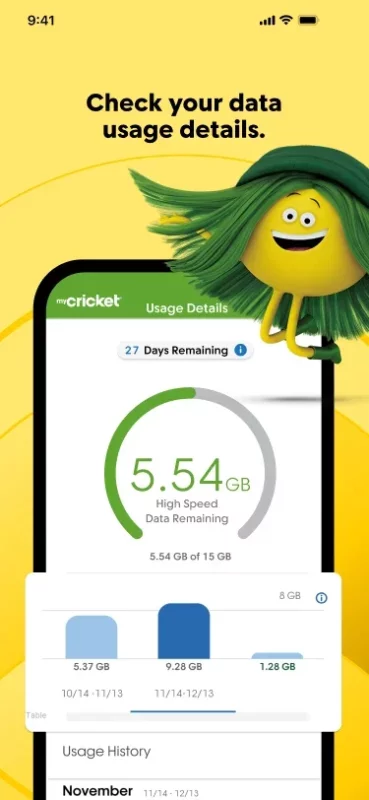
Data Usage
Tired of going over your data each month? Our data usage gauge and countdown clock will keep you updated so you’re always in the know about how many gigs of data remain each month and how many days of service you have left in your current billing cycle.
Support
Maybe you need a question answered or maybe you’re little curious. We can handle both! Organized by categories and popular topics, we provide answers to frequently asked questions. If you hit a snag, one of our talented support reps are here to help troubleshoot.
And lastly…our newest addition to the app:
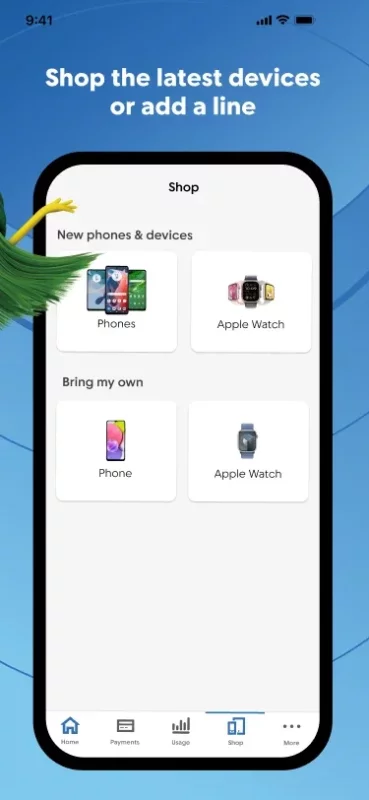
Shopping
If you have an unlocked device and wish to switch from your current carrier to the Cricket network, we’ll guide you through the seamless process of transferring your phone over – all through the myCricket App!
Due to its user-friendly interface and useful features, people may experience the following:
Excessive smiling
Reduced stress
The urge to leave amazing Ratings & Reviews
A sense of accomplishment
But don’t take our word for it. Download the app for yourself and have something to smile about.
Download myCricket for Android for free
- Download the APK file to your Android device.
- Find the file in the Downloads folder and open it.
- Allow installation from this source if Android blocks it.
- Tap Install. To update the app, install the newer APK without uninstalling the current version.