- Update25.09.2026
- Latest Version1.40
- Android OS7.0+
- LicenseFree
-
LanguagesEnglish العربية, Deutsch, English, Español, Français, हिन्दी, Bahasa Indonesia, Italiano, 日本語, 한국어, Nederlands, Português, Русский, ไทย, Türkçe, Tiếng Việt, 中文
- Content RatingEveryone
- DeveloperControllaTV
- Package Namecom.controlla.remoteapp
🗑 Move over the old Smart TV remote! Control your Samsung TV with your phone and say goodbye 👋 to your old bulky remote! Download the app Now 📲!
So, you've decided to ditch your big bulky remote? Say hello to the newest Smart TV universal remote control for Samsung.
Samsung Smart Remote app allows you to control your Samsung TV using your phone 🤳
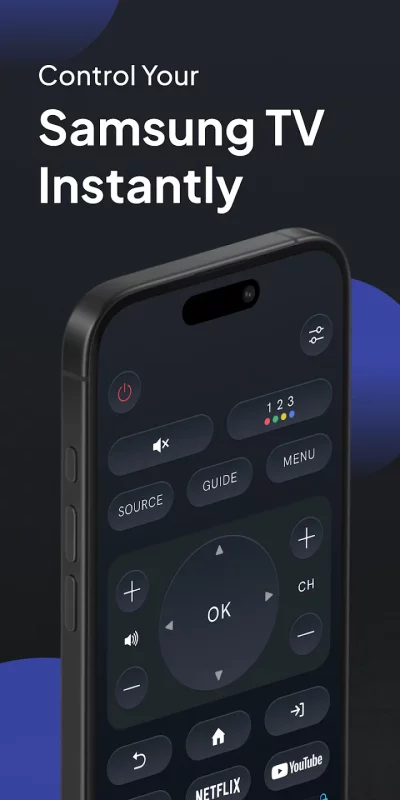
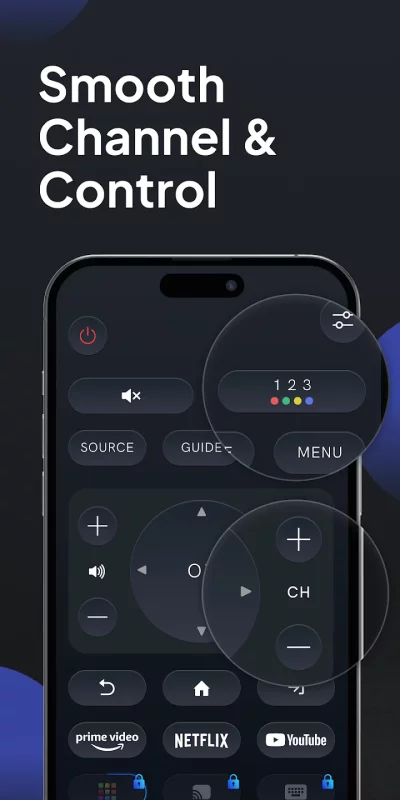
The Smart Remote has a multi-button design that enables a simple, intuitive, and comfortable operation.
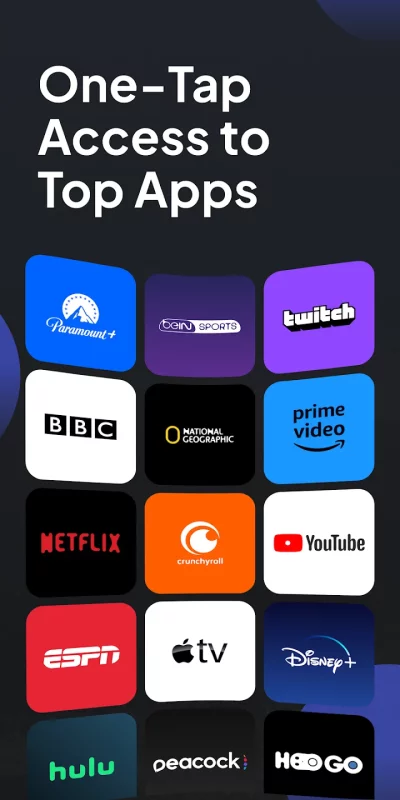
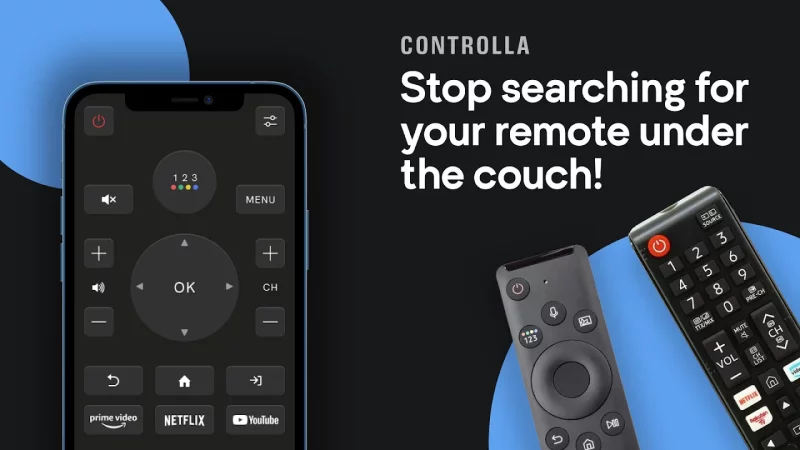
Watch your favorite TV shows and movies using our unique streaming buttons for Netflix, Prime, and Youtube. Samsung Smart Remote makes watching what you love easier, browsing online, and accessing your favorite content.
🍿Let us make your TV experience more straightforward and seamless with the new Samsung Smart Remote.
For people who want easy & fast access to control their Samsung TV right from their mobile device! To use the app, connect the mobile device and Smart TV to the same WIFI network and start using it.
No need to buy new batteries🔋, and no more wasting time looking for your lost Samsung remote controller.
This APP is what you need!
➡️Download Samsung Universal TV Remote Now!
This app gives you complete control over your Samsung SmartTV, including all of the
features of your old physical remote control and some more intelligent functions
Buttons:
👉 Turn ON and OFF the TV (Supported models only)
👉 Home button
👉 Return button
👉 Numbers keyboard buttons(Enter a channel number for jumping right to it)
👉 Colors buttons (red, yellow, green, blue)
👉 Change channels (next and previous )
👉 Increase or decrease the volume (also using the Phone side buttons)
👉 Mute the sound (silent mode)
👉 Change the source (HDMI, PC, AV...)
👉 Access the 4 favorite buttons - Up / Down / Left / Right Navigation + center button “OK”
👉 Play / pause / Reverse / Fast Forward.
👉 Netflix button, Amazon prime button, and Youtube button
👉 Settings button
👉 Menu button
Features list:
✅ No infrared equipment required, just Wi-Fi connection
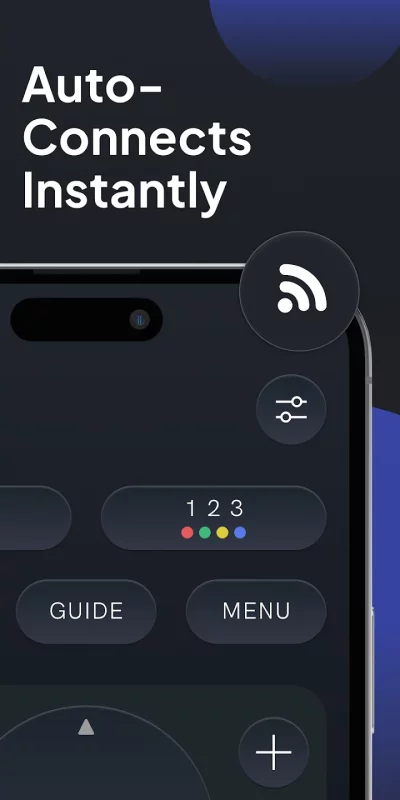
✅ Every time you open the app, your TV will be auto-connected for quick and easy access
✅ Realistic and user-friendly app design
✅ Light vibration when pressing buttons
✅ Connect to multiple TVs with the same phone + option to switch between the devices
For people who want easy & fast access to control their Samsung TV right from their mobile device! Give it a try!😉
Got a Samsung Smart TV? Try our universal TV controller now for free!
Disclaimer:
🚨 This app is not an official Samsung application or any other trademark. We are not affiliated with Samsung Electronics in any way.
Download Remote For Samsung Smart TV for Android for free
- Download the XAPK file to your Android device.
- Install one of these installers from our website:
- Open the installer and select the downloaded file from the Downloads folder.
- Allow installation from this source if Android asks for permission.
- Start installation. To update the app, install the newer file without uninstalling the current version.