- Update28.09.2026
- Latest Version1.7.1-release
- Android OS7.0+
- LicenseFree
-
LanguagesEnglish Afrikaans, አማርኛ, العربية, অসমীয়া, Azərbaycan dili, Беларуская, Български, বাংলা, Bosanski, Català, Čeština, Dansk, Deutsch, Ελληνικά, English, Español, Eesti, Euskara, فارسی, Suomi, Français, Galego, ગુજરાતી, हिन्दी, Hrvatski, Magyar, Հայերեն, Bahasa Indonesia, Íslenska, Italiano, עברית, 日本語, ქართული, Қазақ тілі, ខ្មែរ, ಕನ್ನಡ, 한국어, Кыргызча, ລາວ, Lietuvių, Latviešu, Македонски, മലയാളം, Монгол, मराठी, Bahasa Melayu, မြန်မာ, Norsk bokmål, नेपाली, Nederlands, ଓଡ଼ିଆ, ਪੰਜਾਬੀ, Polski, Português, Română, Русский, සිංහල, Slovenčina, Slovenščina, Shqip, Српски, Svenska, Kiswahili, தமிழ், తెలుగు, ไทย, Tagalog, Türkçe, Twi, Українська, اردو, Oʻzbekcha, Tiếng Việt, 中文, isiZulu
- Content RatingEveryone
- DeveloperBackslash
- Package Namesmart.tv.wifi.remote.control.samcontrol
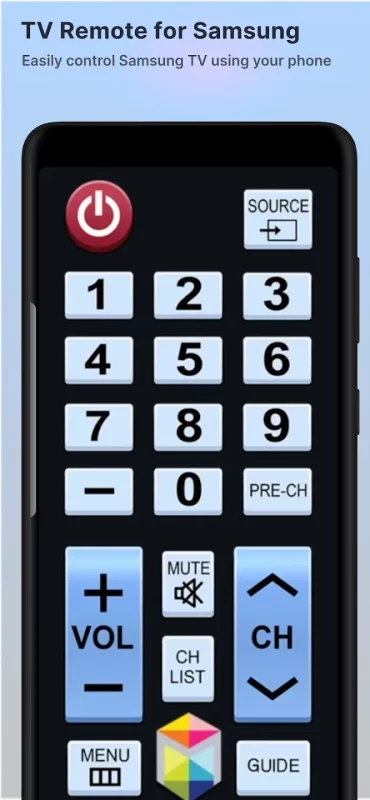
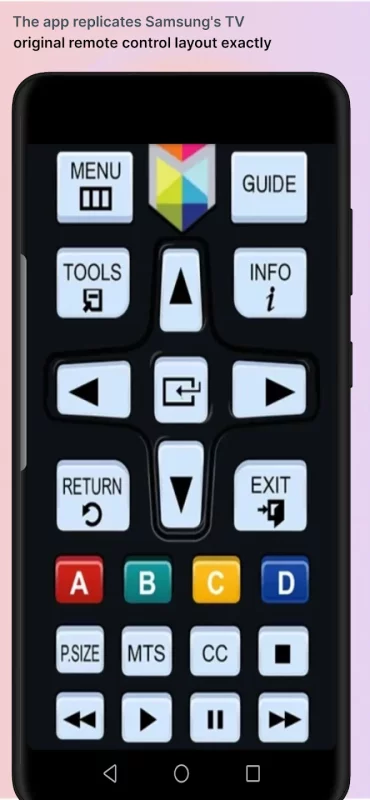
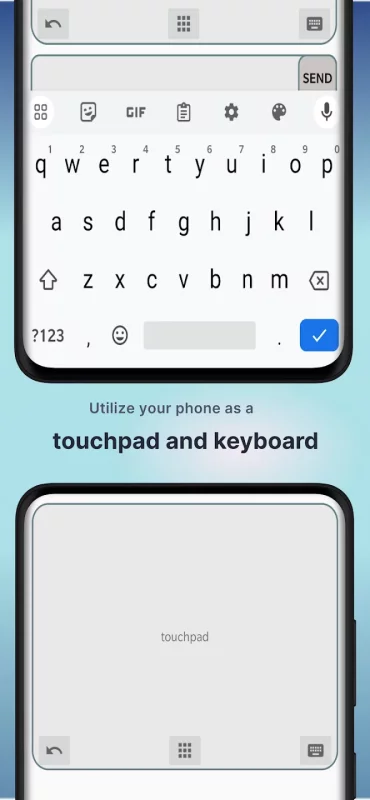
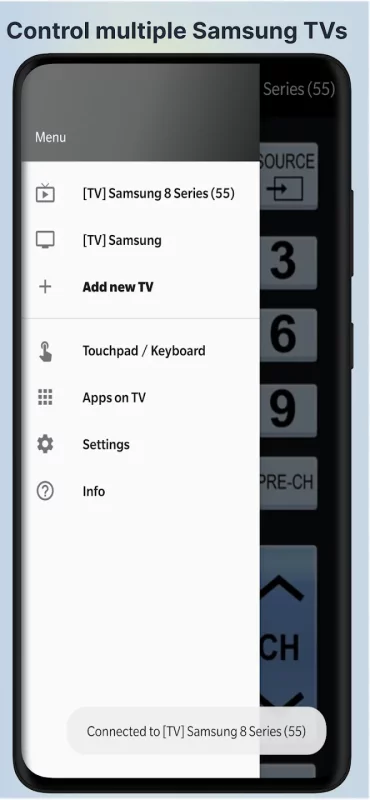
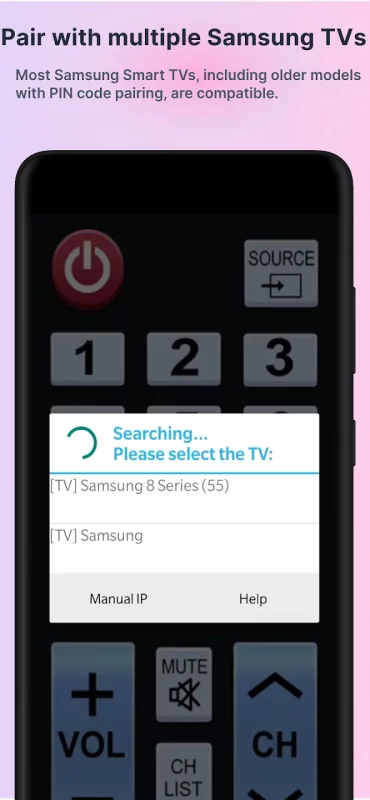
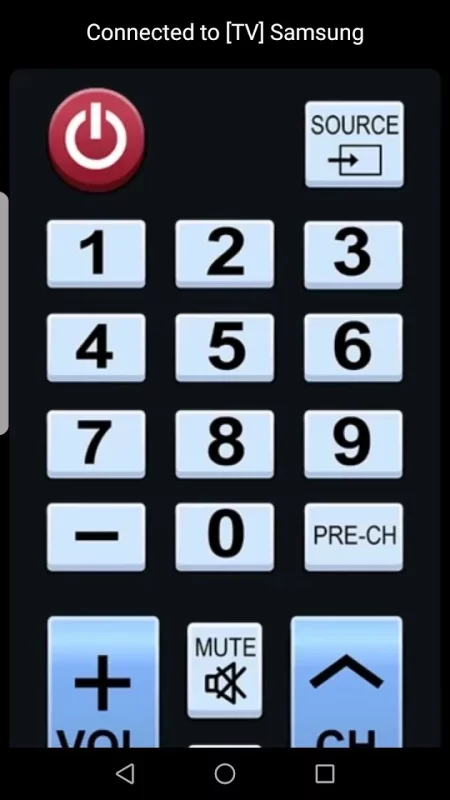
This remote control app allows you to control your Samsung Smart TV over the local network on your phone or from your wrist with Wear OS watch. It is tested with Samsung K-series Tizen TVs (2016 and later) and C, D, E, F, H, J (manufactured between 2010 - 2015) TVs with network (LAN or WiFi) interface.
★ C-Series TV (2010) with Internet TV feature
The function "Remote Control" in the settings of the TV must be enabled)! It's usuallly located at Menu -> System Settings. If there is no such setting, then sadly your TV does not support remote control over network.
★ D-Series models (2011) with AllShare Smart TV feature
★ E(S/H)-Series (2012) with AllShare Smart TV feature
★ F-Series (2013) with AllShare Smart TV feature
App must be set as allowed remote application in the Allshare settings of the TV. If this app connects to your TV on the first time, then you have to accept the message that appears on your TV. If you have refused the confirmation message on your TV ("accept device"), it is possible later to change your selection by going to: Menu -> Network -> AllShare Settings or Menu/Tools -> Network -> Expert Settings -> Mobile Device Manager.
★ K-Series (2016+) Samsung Tizen models with MultiScreen Smart TV control feature your phone must be set as allowed device in Mobile Device Manager. If this app connects to your TV on the first time, then you have to accept the message that appears on your TV. If you have refused the confirmation message on your TV ("accept device"), it is possible later to change your selection by going to: Menu -> Network -> Expert Settings -> Mobile Device Manager.
NB! Make sure your television and phone or tablet are connected to the same local network. This app will work only then when your phone and TV are both on the same local network!
Thanks for downloading this app. If this app doesn't work with your phone or TV then feel free to e-mail me.
Disclaimer/Trademarks:
This app is made by me and is NOT affiliated with or endorsed by Samsung or any other developers.
Download TV Remote for Samsung TV for Android for free
- Download the APK file to your Android device.
- Find the file in the Downloads folder and open it.
- Allow installation from this source if Android blocks it.
- Tap Install. To update the app, install the newer APK without uninstalling the current version.