
- Update28.09.2026
- Latest Version2.3.1
- Android OS7.0+
- LicenseFree
-
LanguagesEnglish English, 中文
- Content RatingEveryone
- DeveloperInfernus
- Package Namecom.infernus.androiddeviceinfo
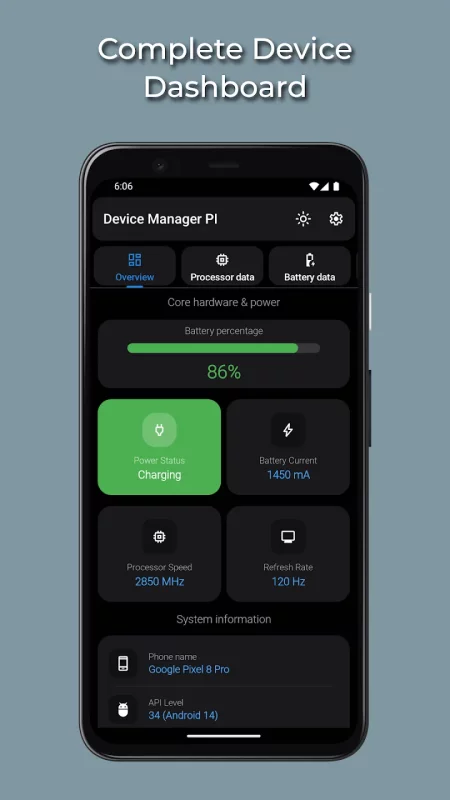
Device Manager PI is a complete Android system information and hardware monitoring tool designed for users who want accurate, real-time data about their device. View detailed CPU usage, RAM activity, battery health indicators, network performance, installed apps, sensors, and full system specifications.
Real-Time Hardware Monitoring
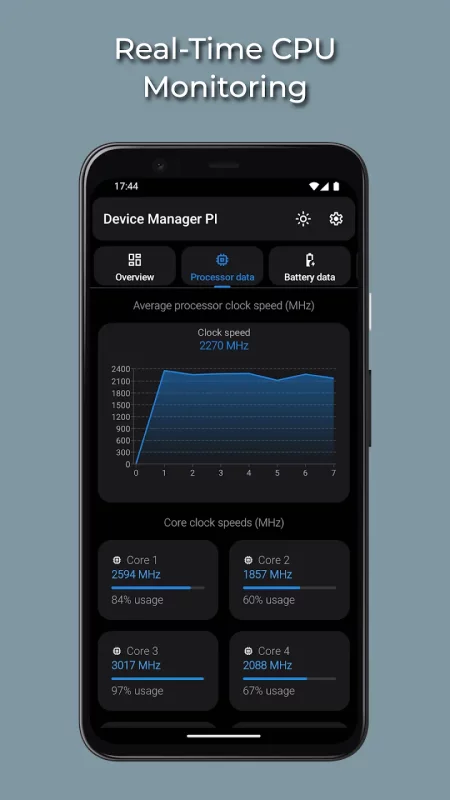
• CPU Monitor: Live core frequencies, architecture details, CPU load per core, and real-time usage graphs.
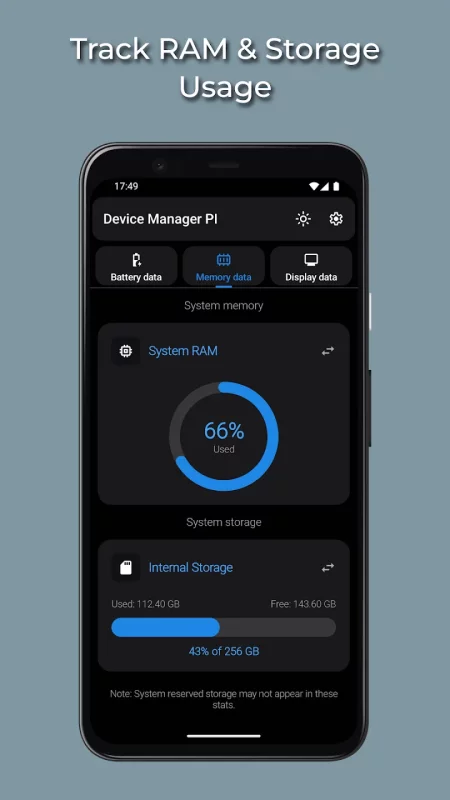
• Memory & Storage: Track RAM consumption, free/used memory, and internal/external storage capacity with system-reported metrics.
• Thermal Info: Monitor device temperature indicators provided directly through Android's APIs.
Battery Analytics & Health Indicators
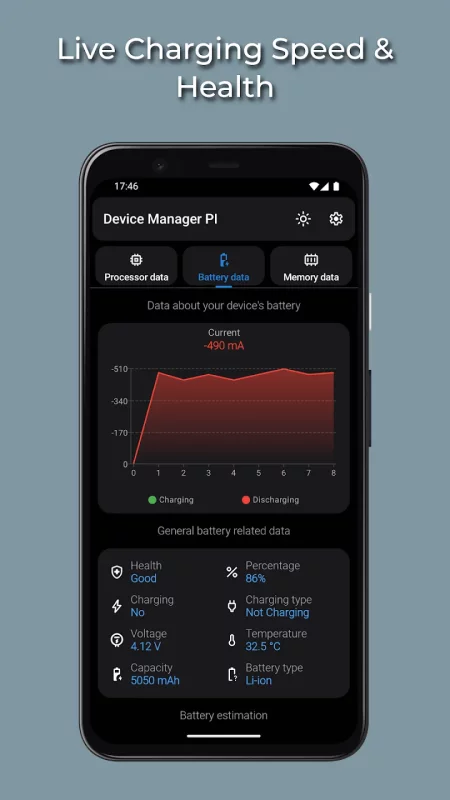
• Charging dаta: Live current (mA), voltage, charging type (AC/USB), and status updates.
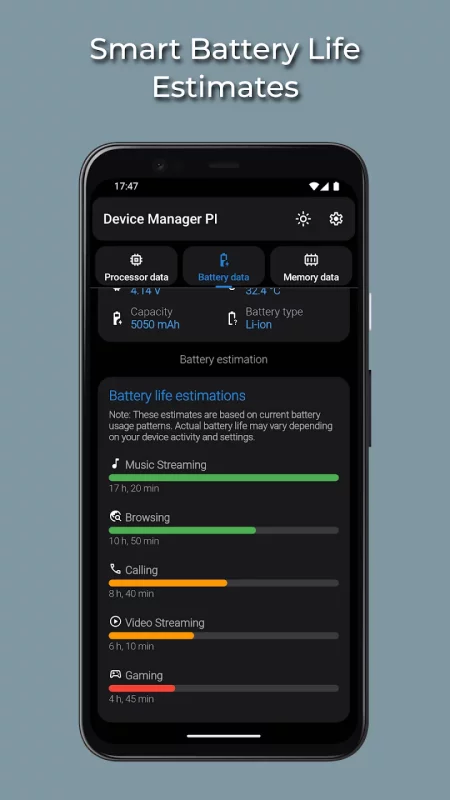
• Health & Capacity: View system-reported battery health, technology, and estimated remaining capacity.
• Usage Estimates: Time-left projections for common activities such as gaming, streaming, and browsing.
Network & Connectivity Diagnostics
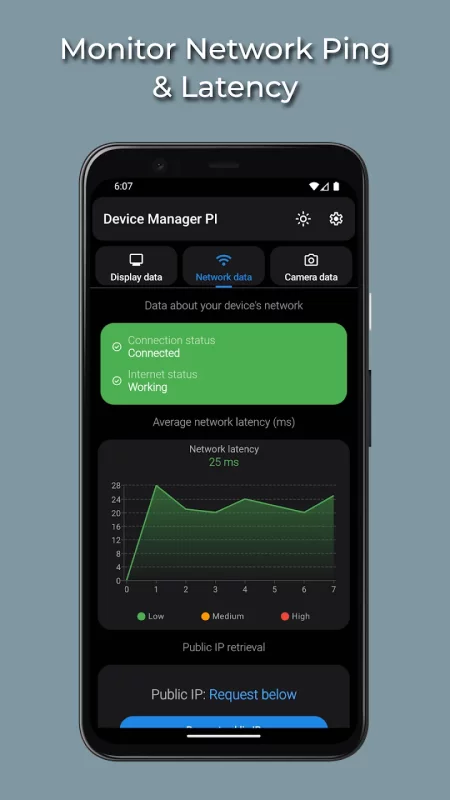
• Ping & Latency: Real-time latency and network responsiveness for Wi-Fi and mobile data.
• Connection Details: Local IP, router gateway, DNS information, and connectivity status.
• Public IP: Fetch your external IP on demand with no background requests.
System Specifications & Hardware Data
• Device Build Info: Manufacturer, model, Android version, kernel data, and build properties.
• Display Info: Resolution, density (DPI), refresh rate (Hz), and full screen metrics.
• Sensors: Live readings from accelerometer, gyroscope, magnetometer, proximity, gravity, and more.
• Camera Details: Sensor resolution, orientation, hardware-level capabilities, and supported features.
Installed Apps Overview
• View installed applications with version numbers, package names, and installation dates.
Designed for Efficiency
• Lightweight and optimized for minimal CPU or battery impact.
• Clean dark-mode interface for visibility and comfort.
• Transparent dаta: Displays raw system-provided hardware information with no modifications.
Download Device Manager PI for a complete technical overview of your Android device.
Download Device Manager PI: System Info for Android for free
- Download the XAPK file to your Android device.
- Install one of these installers from our website:
- Open the installer and select the downloaded file from the Downloads folder.
- Allow installation from this source if Android asks for permission.
- Start installation. To update the app, install the newer file without uninstalling the current version.