Microsoft SharePoint

Microsoft SharePoint

0 votes
  • Update
    22.09.2026
  • Latest Version
    4.00.03
  • Android OS
    8.1+
  • License
    Free
  • Languages
    English
  • Content Rating
    Everyone
  • Developer
  • Package Name
    com.microsoft.sharepoint

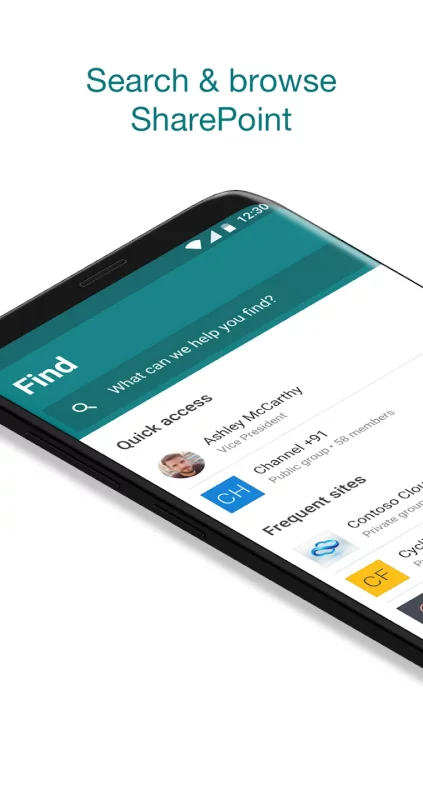
SharePoint infuses AI into the mobile app experience to keep you focused and productive while on the go. AI builds an understanding of what you work on, how you work, and how your colleagues' work relates to you. When you need expertise, content, or resources when you're on the go, SharePoint is a great place to start looking.

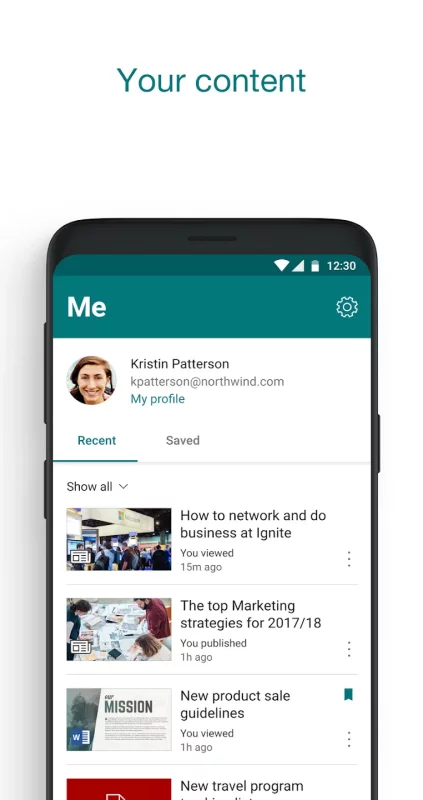
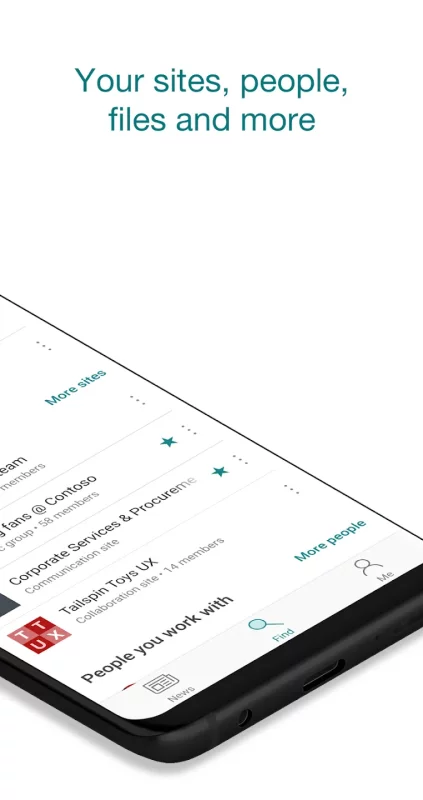
• Browse your sites, files, people and more to get back to what you were working on 
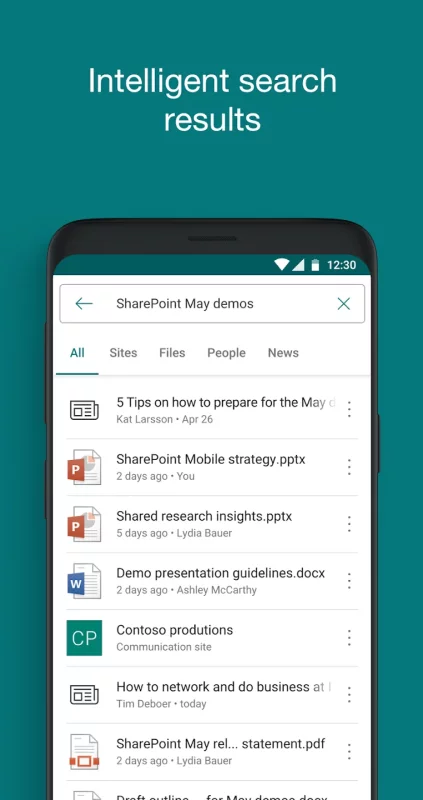
• Use search to find and discover important content
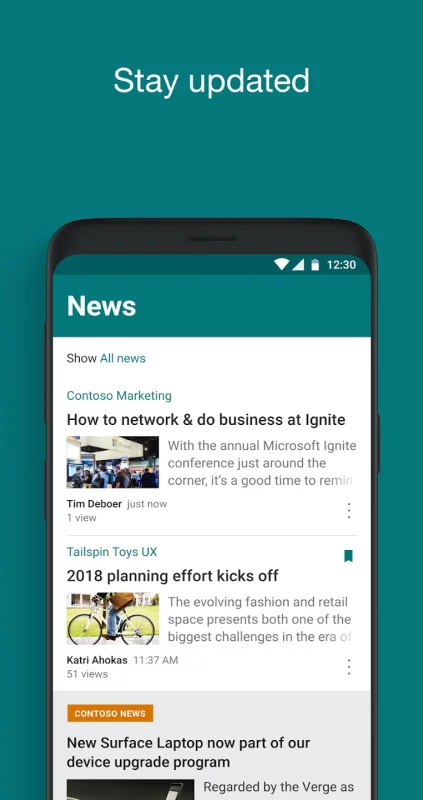
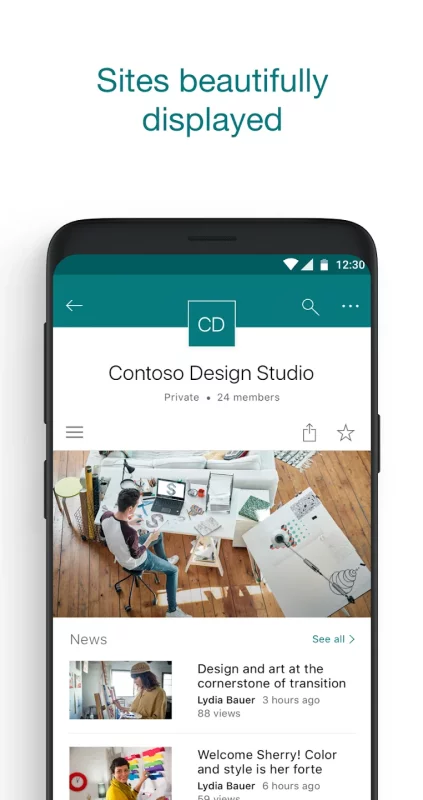
• Access your personalized view of team sites, communication sites, and news posts 
• Tap on a user to get to their contact card and see who they work with and what they are working on
• Create news posts on the go and share your updates, reports, status, and experiences with your team
• Sign in to your SharePoint sites, whether they're in the cloud or on-premises. The app works with SharePoint Online and SharePoint Server versions 2013 and higher
• Add multiple accounts, and easily switch between them

Note: To sign in to SharePoint, your organization needs to have an Office 365 subscription that includes SharePoint Online or an on-premises SharePoint Server.

By installing the app, you agree to these terms and conditions: https://aka.ms/spandeula/

This app is provided by Microsoft. Data provided through the use of this store and this app may be accessible to Microsoft and transferred to, stored, and processed in the United States or any other country/region where Microsoft or its affiliates maintain facilities.
Download Microsoft SharePoint for Android for free

Download Microsoft SharePoint 4.00.03 apk Android 8.1+ ARMV8
34.15 Mb
No viruses found
Permissions (10)
Detections: 0
Check date: 22 September 2026, 14:40
The file was scanned for viruses using VirusTotal.
INTERNET - allows applications to open network sockets.
ACCESS_NETWORK_STATE - allows applications to access information about networks.
GET_ACCOUNTS - allows access to the list of accounts in the accounts service.
VIBRATE - allows access to the vibrator.
POST_NOTIFICATIONS - allows an app to post notifications
WAKE_LOCK - allows using powermanager wakelocks to keep processor from sleeping or screen from dimming.
ACCESS_WIFI_STATE - allows applications to access information about wi-fi networks.
RECEIVE_BOOT_COMPLETED - allows an application to receive the intent.action_boot_completed that is broadcast after the system finishes booting.
FOREGROUND_SERVICE - allows a regular application to use service.startforeground.
NFC - allows applications to perform i/o operations over nfc.
SHA1 signature: 812a2ace16c28e4caf23f97b902ec8746eca6cf5
SHA256 signature: a0794215278a567e887af6cde015a5e88414ef640f7dab3855a3e779658be778
How to install APK
  1. Download the APK file to your Android device.
  2. Find the file in the Downloads folder and open it.
  3. Allow installation from this source if Android blocks it.
  4. Tap Install. To update the app, install the newer APK without uninstalling the current version.

⚠If the download fails or gets stuck, try enabling a VPN, disabling your ad blocker, or switching to a different network.
More by Microsoft Corporation
Microsoft Teams
Microsoft Teams
Whether you’re connecting with your community for an upcoming activity or working with teammates on
Microsoft Excel: Spreadsheets
Spreadsheets & Calculations • Create charts, budgets, project plans, accounting & financial
Microsoft OneNote: Save Notes
Supercharge your productivity with OneNote. Organize your thoughts and ideas, and simplify planning
Microsoft Outlook
Microsoft Outlook
Stay organized with a unified inbox, intelligent filtering and multiple calendars at a glance.
See also
Microsoft OneNote: Save Notes
Supercharge your productivity with OneNote. Organize your thoughts and ideas, and simplify planning
Microsoft Authenticator
Use Microsoft Authenticator for easy, secure sign-ins for all your online accounts using
Microsoft To Do: Lists & Tasks
Microsoft To Do is a task management app to help you stay organized and manage your day-to-day. You
Find My Phone: Find Lost Phone
Find My Phone has over 15 Million downloads. Find Lost Phone is one of best lost phone finder
Google Fit: Activity Tracking
Get to a healthier and more active life with the new Google Fit! It's hard to know how much or
Microsoft Defender: Antivirus
Microsoft Defender is an online security app for your digital life1 and work2. Stay safer online
Microsoft Copilot
Microsoft Copilot
The Microsoft Copilot app is the AI built for work. Copilot helps you keep your work moving, from
Yahoo Mail: Email & Planner
YAHOO MAIL: THE SMART INBOX DESIGNED TO SIMPLIFY YOUR LIFE Yahoo Mail is the ultimate smart inbox
Comments (0)
Loading comments...