- Update12.10.2026
- Latest Version3.35.428.eb7f
- Android OS6.0+
- LicenseFree
-
Languagesالعربية, Deutsch, Español, Français, עברית, हिन्दी, Bahasa Indonesia, Italiano, 日本語, 한국어, Bahasa Melayu, Nederlands, Português, Русский, Svenska, ไทย, Türkçe, Tiếng Việt, 中文
- Content RatingEveryone
- DeveloperBaloota
- Package Namecom.baloota.dumpster
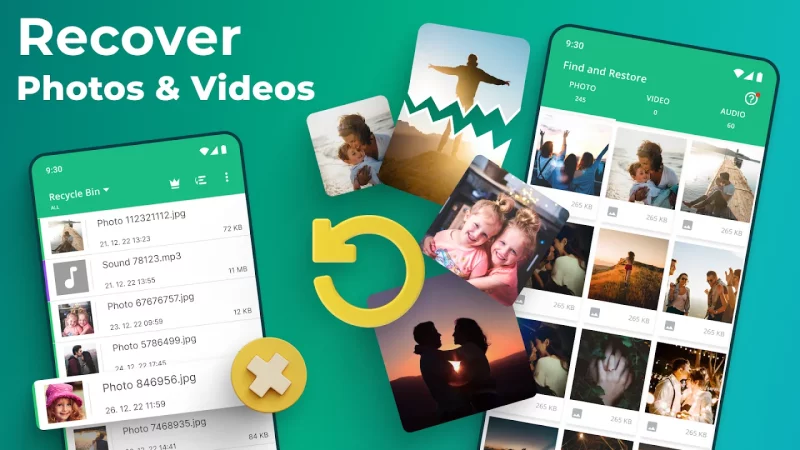
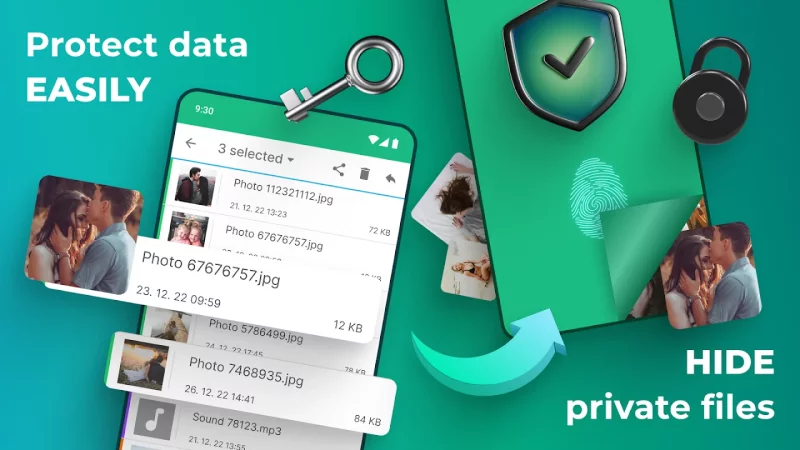
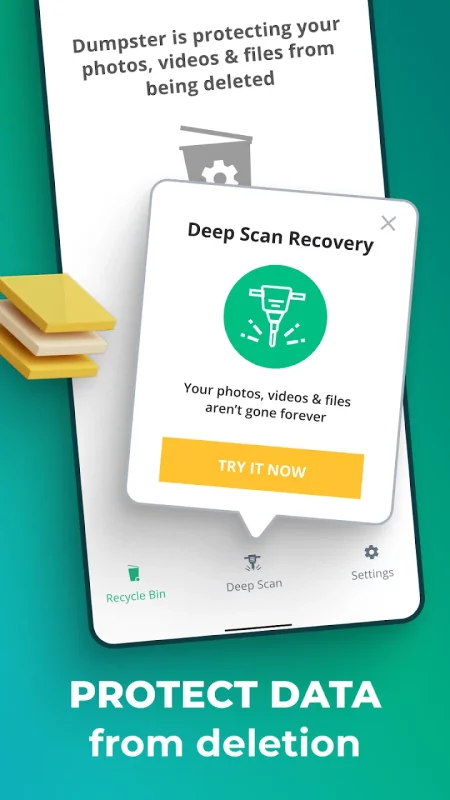
Accidentally deleted a photo or video you wanted to keep? Dumpster is a recycle bin for Android that helps you restore supported files saved in your bin. Set it up before you need it, so you have a way to bring back eligible items after an accidental deletion.
Whether you’re sorting through holiday photos or clearing out old videos, Dumpster gives your saved media a second chance. Browse available backed-up items, find what matters, and choose what to restore.
A second chance for your photos and videos:
✅ Recover deleted photos: Restore pictures saved in Dumpster, from family moments to images you still need.
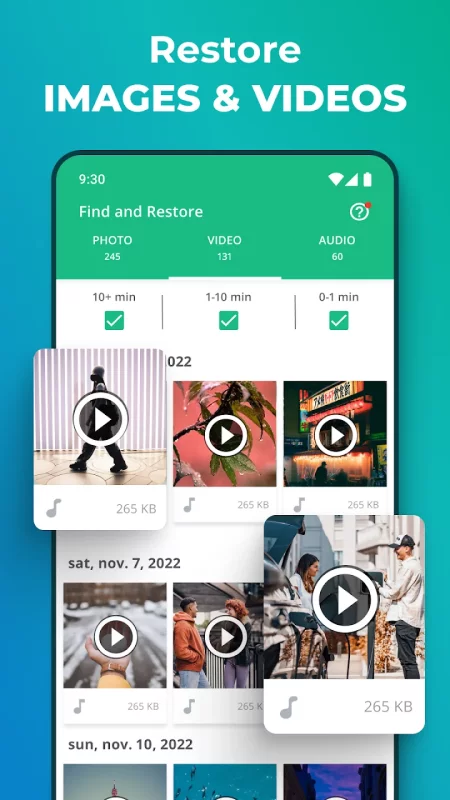
✅ Restore deleted videos: Bring back saved clips you removed by mistake or decided to keep.
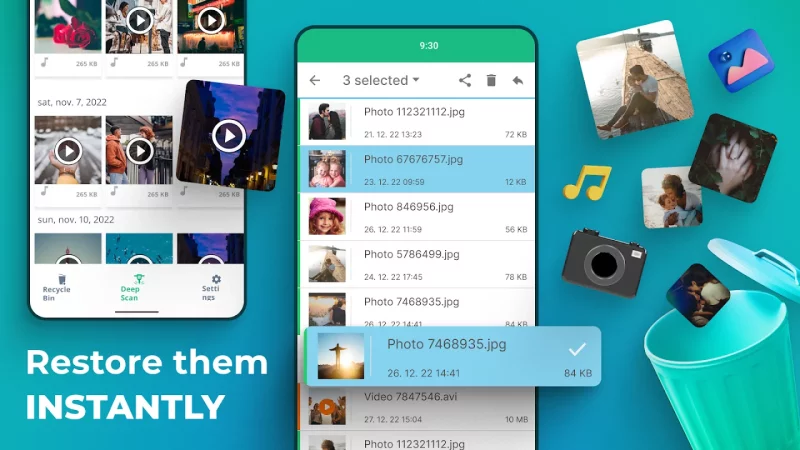
✅ Find supported files in one place: Browse your recycle bin for available backed-up items.
✅ No root required: Use Dumpster’s backup and restore features without rooting your Android device.
✅ Cloud backup with Premium: Back up supported photos and videos to cloud storage.
✅ App lock with Premium: Restrict access to Dumpster with a four-digit passcode.
✅ Personalize with Premium: Choose custom themes and enjoy an ad-free experience.
⚠️ Important: How recovery works and its limitations
Dumpster’s recycle bin can restore only supported items it has successfully saved and still retains. Install the app, complete setup, and grant the required permissions before relying on this feature.
• No guaranteed recovery: Dumpster cannot guarantee recovery of every deleted photo, video, or file.
• Previously deleted items: The recycle bin does not contain files deleted before Dumpster was installed and configured. Any media discovery feature is limited to finding accessible files or copies that remain on your device.
• Device and permission limits: Android restrictions, file locations, permissions, and background settings may affect what Dumpster can access and save.
• Saved copies are required: Items permanently removed from Dumpster cannot be restored through the recycle bin unless another accessible backup exists.
• Results may vary: An available copy may differ from the original in quality or completeness.
Set up today. Restore when you need to.
After installing Dumpster, complete setup and grant the permissions needed for its backup features. Dumpster can then save supported items for later restoration, subject to your settings and device limitations.
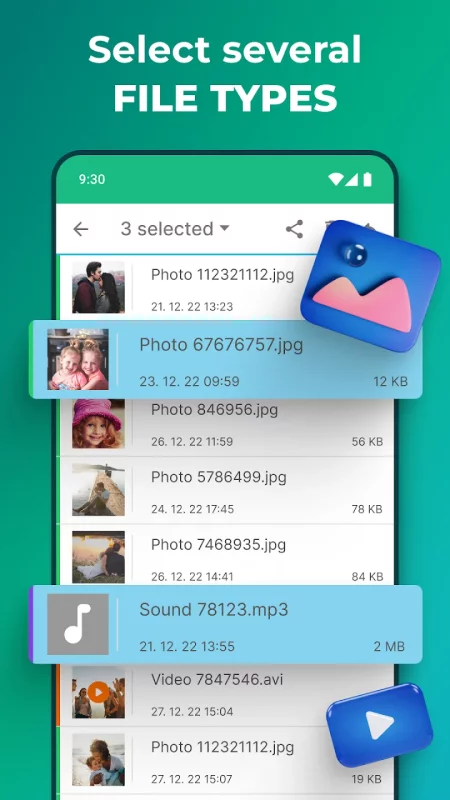
When you need something back, open your recycle bin, browse the available items, and select what you want to restore. Having a saved copy is what makes this second chance possible.
Deleted the wrong photo?
Check Dumpster for a saved copy of the picture you meant to keep.
Changed your mind about a video?
Find and restore the video if it’s still available in your bin.
Planning a gallery cleanup?
Set up Dumpster first and check that the items you want to protect are supported and backed up.
Want an additional backup option?
Explore Premium cloud backup for supported photos and videos.
Dumpster works without root access. Cloud storage, app lock, custom themes, and an ad-free experience require a Premium account. An app lock helps restrict access to your bin; it does not guarantee file recovery.
Questions or need a hand? Contact support.dumpster@baloota.com.
Make room for a change of mind. Set up Dumpster and give the photos, videos, and supported files saved in your recycle bin a second chance.
Download Dumpster: Photo/Video Recovery for Android for free
- Download the APK file to your Android device.
- Find the file in the Downloads folder and open it.
- Allow installation from this source if Android blocks it.
- Tap Install. To update the app, install the newer APK without uninstalling the current version.