Calculator Photo & Video Vault

Calculator Photo & Video Vault

1 vote
  • Update
    12.09.2026
  • Latest Version
    3.4.0
  • Android OS
    6.0+
  • License
    Free
  • Languages
    English
  • Content Rating
    Everyone
  • Developer
  • Package Name
    eztools.calculator.photo.vault

Your calculator. Your private vault.

Calculator Photo & Video Vault combines a fully functional calculator with a password-protected space for personal photos and videos. Use the calculator for everyday calculations, then enter your vault password whenever you want to access your hidden media.

What this app does
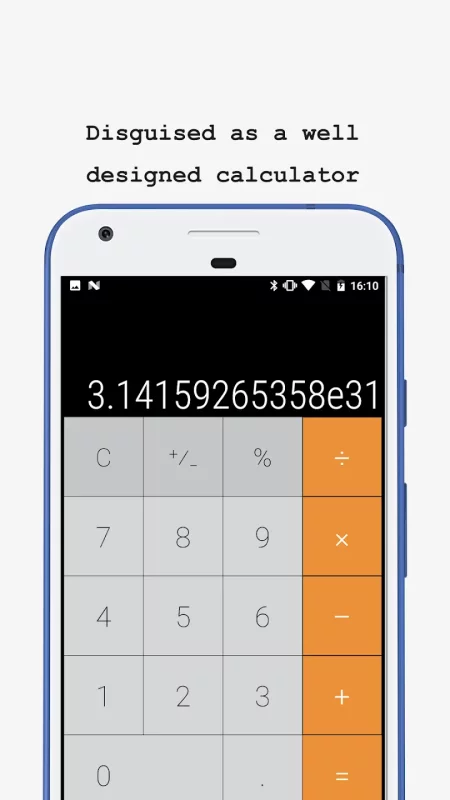
The app opens with a calculator panel. You can use the panel for normal calculations. Enter your password on the calculator panel to open a private photo and video vault. The vault helps protect your personal photos and videos so other people cannot easily see them.

How it works

1. Open the app. You will see a calculator panel for everyday calculations.
2. Set a password for your private vault.
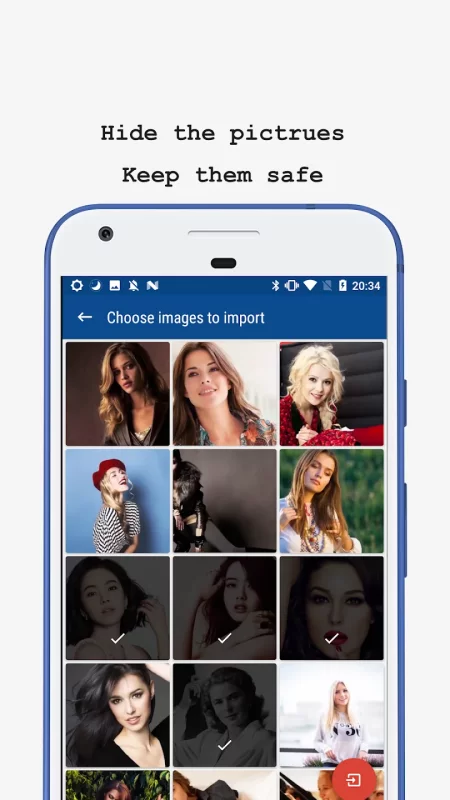
3. Import the photos and videos you want to keep private into the vault.
4. Enter your password on the calculator panel to open the vault.
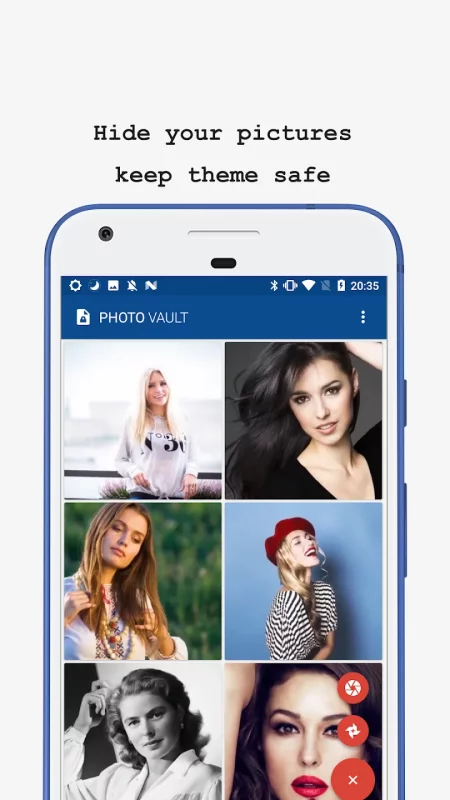
5. View or manage your private photos and videos inside the vault. Leave the vault to return to the calculator panel.

Key features

• Use a practical calculator for everyday calculations
• Enter your password on the calculator panel to open the private vault
• Help keep private photos and videos from being seen by others
• Hide selected photos and videos from your device gallery
• Protect access to your private vault with a password
• Encrypt all data stored in the vault
• Back up encrypted vault data to the cloud with a paid subscription
• Restore backed-up media after switching to a new device or resetting your current one
• Manage hidden media through a clean, simple interface

Encrypted cloud backup

Cloud backup requires a paid subscription. When enabled, it keeps an encrypted copy of your vault data available for recovery. If your device is reset, lost, or replaced, you can restore successfully backed-up photos and videos after signing in. Cloud backup helps reduce the risk of losing important media.

Privacy made simple

All data stored in the vault and included in cloud backups is encrypted. Encryption and password-protected access help prevent unauthorized access to your private photos and videos.

Important

Keep your vault password and cloud account credentials safe. Make sure a cloud backup completes successfully before uninstalling the app, resetting your device, or moving to a new device.

You can visit https://cpv.calculatorphotovault.info/delete-account at any time to delete your account and data.
Download Calculator Photo & Video Vault for Android for free

Download Calculator Photo & Video Vault 3.4.0 xapk Android 6.0+
4.92 Mb
No viruses found
Permissions (15)
Detections: 0
Check date: 12 September 2026, 15:35
The file was scanned for viruses using VirusTotal.
ACCESS_NETWORK_STATE - allows applications to access information about networks.
ACCESS_WIFI_STATE - allows applications to access information about wi-fi networks.
FOREGROUND_SERVICE - allows a regular application to use service.startforeground.
INTERNET - allows applications to open network sockets.
READ_EXTERNAL_STORAGE - allows an application to read from external storage.
READ_MEDIA_IMAGES - allows an application to read image files from external storage.
READ_MEDIA_VIDEO - allows an application to read video files from external storage.
READ_MEDIA_VISUAL_USER_SELECTED - allows an application to read image or video files from external storage that a user has selected via the permission prompt photo picker.
READ_PHONE_STATE - allows read only access to phone state, including the current cellular network information, the status of any ongoing calls, and a list of any phoneaccounts registered on the device.
RECEIVE_BOOT_COMPLETED - allows an application to receive the intent.action_boot_completed that is broadcast after the system finishes booting.
USE_FINGERPRINT - this constant was deprecated in api level 28. applications should request use_biometric instead
WAKE_LOCK - allows using powermanager wakelocks to keep processor from sleeping or screen from dimming.
WRITE_EXTERNAL_STORAGE - allows an application to write to external storage.
SHA1 signature: ae8dc1ed3c45aec18f6cf0b1421fd3b2bbe9a948
SHA256 signature: eb30672d252e90e5017f882d7e83dae901149072182110153596d9f781c24d23
How to install XAPK
  1. Download the XAPK file to your Android device.
  2. Install one of these installers from our website:
  3. Open the installer and select the downloaded file from the Downloads folder.
  4. Allow installation from this source if Android asks for permission.
  5. Start installation. To update the app, install the newer file without uninstalling the current version.

⚠If the download fails or gets stuck, try enabling a VPN, disabling your ad blocker, or switching to a different network.
See also
Calculator Vault - App Hider
Calculator Vault - App Hider Calculator Vault is more than just a calculator — it’s a secure
Find My Phone: Find Lost Phone
Find My Phone has over 15 Million downloads. Find Lost Phone is one of best lost phone finder
App Hider: Hide Apps
App Hider allow you to hide applications in hidden space wiht calculator password protection. App
LastPass Password Manager
LastPass is a password manager that secures your passwords and personal information in an encrypted
Unseen Messenger - Deleted Msg
Unseen Messenger: Deleted Msg - Your Text Message Recovery Assistant! Have you ever wanted to read
Dropbox: Secure Cloud Storage
Dropbox allows you to backup your most essential files to the cloud, where you may access them at
Google Fit: Activity Tracking
Get to a healthier and more active life with the new Google Fit! It's hard to know how much or
Track Any Phone
Track Any Phone
Discover a New Level of Location Tracking: Your Safe Connection with One Way GPS Tracker. Track Any
Comments (0)
Loading comments...