Google Drive

Google Drive

0 votes
  • Update
    08.08.2026
  • Latest Version
    2.26.317.0
  • Android OS
    8.0+
  • License
    Free
  • Languages
    English
  • Content Rating
    Everyone
  • Developer
  • Downloads
    1
  • Package Name
    com.google.android.apps.docs

Google Drive lets you securely store, intelligently organize and collaborate on files and folders from anywhere, on any device.

With Drive, you can:
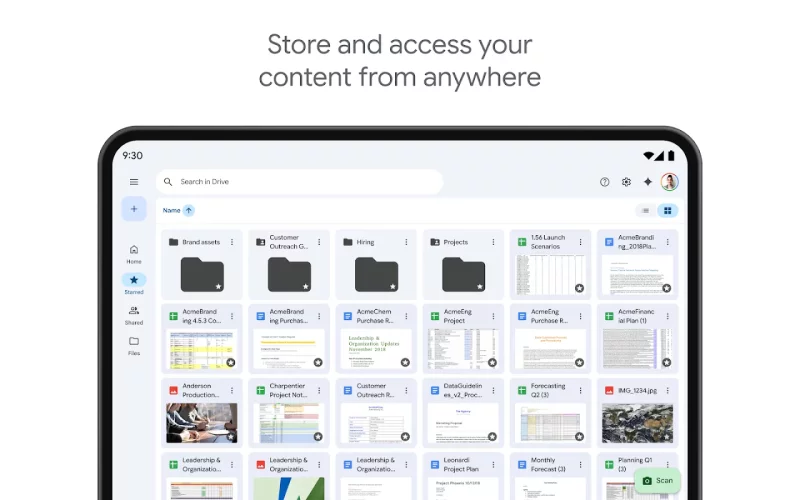
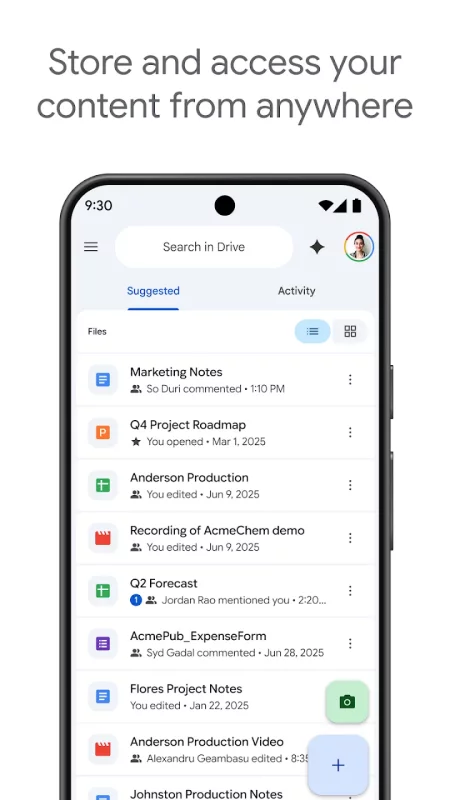
• Safely store and access your files anywhere
• Edit and store 100+ file types, including PDFs, Office files, videos and more
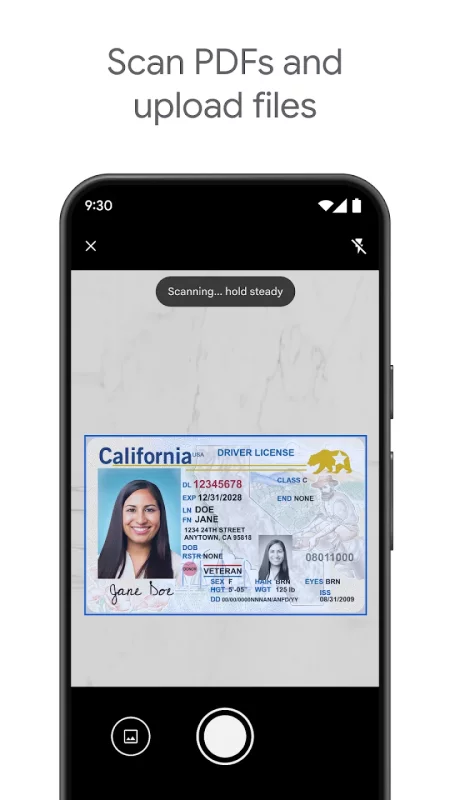
• Scan and upload paper documents using your device’s camera
• Quickly access recent and important files
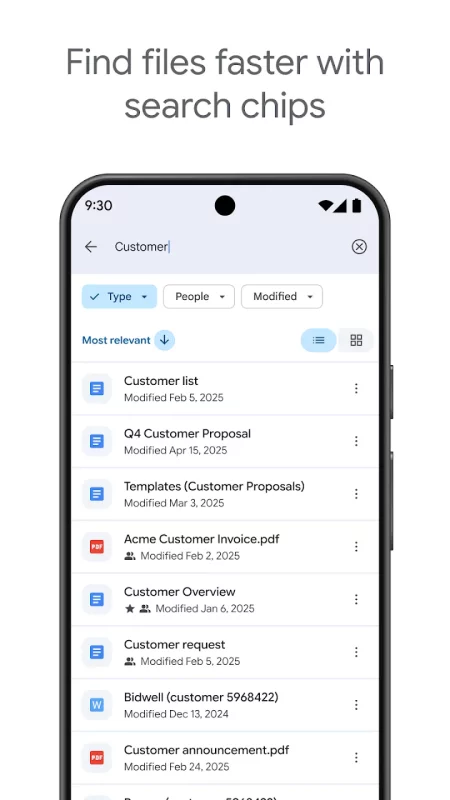
• Search for files by name and content
• Filter files by type, last modified date and more
• Share and set permissions for files and folders
• View your content on the go while offline
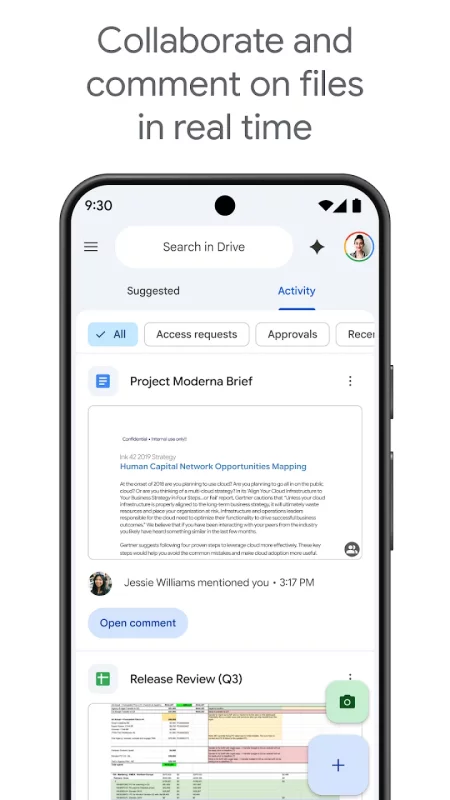
• Receive notifications about important activity on your files
• View files more easily on Android tablets with side by side view, drag and drop functionality and more

Google Workspace subscribers have access to additional Drive functionality, including:
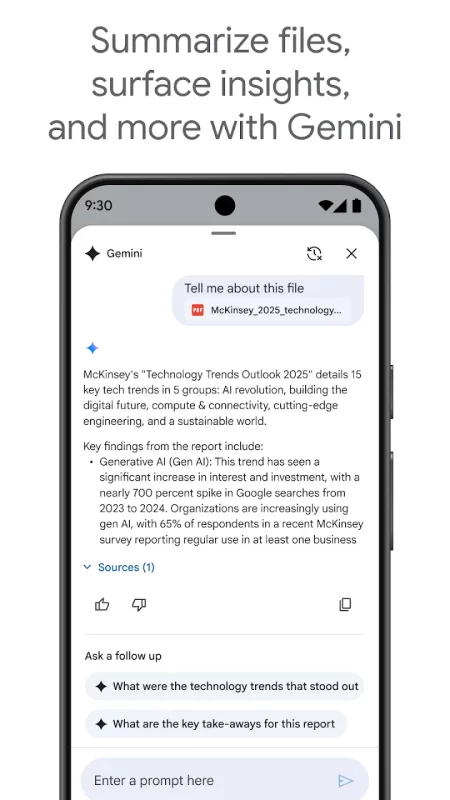
• Using AI to summarize information, retrieve quick facts, and surface insights from your files
• Security and management controls for admins to help meet data compliance needs
• Sharing files and folders directly with groups or teams within your organization
• Creating a shared drive to store all of your team’s content
• Requesting electronic signatures and manage vendor agreements, customer contracts, and more
Download Google Drive for Android for free

Download Google Drive 2.26.317.0 apk Android 8.0+ ARMV8, ARMV7, X86, X86_64
121.49 Mb
No viruses found
Permissions (23)
Detections: 0
Check date: 08 August 2026, 05:55
The file was scanned for viruses using VirusTotal.
READ_EXTERNAL_STORAGE - allows an application to read from external storage.
READ_MEDIA_AUDIO - allows an application to read audio files from external storage.
CAMERA - required to be able to access the camera device.
GET_PACKAGE_SIZE - allows an application to find out the space used by any package.
WRITE_EXTERNAL_STORAGE - allows an application to write to external storage.
WAKE_LOCK - allows using powermanager wakelocks to keep processor from sleeping or screen from dimming.
INTERNET - allows applications to open network sockets.
ACCESS_NETWORK_STATE - allows applications to access information about networks.
ACCESS_WIFI_STATE - allows applications to access information about wi-fi networks.
GET_ACCOUNTS - allows access to the list of accounts in the accounts service.
READ_SYNC_STATS - allows applications to read the sync stats.
READ_SYNC_SETTINGS - allows applications to read the sync settings.
WRITE_SYNC_SETTINGS - allows applications to write the sync settings.
READ_CONTACTS - allows an application to read the user's contacts data.
INSTALL_SHORTCUT - allows an application to install a shortcut in launcher.
VIBRATE - allows access to the vibrator.
FOREGROUND_SERVICE - allows a regular application to use service.startforeground.
FOREGROUND_SERVICE_DATA_SYNC - allows a regular application to use service.startforeground with the type "datasync".
FOREGROUND_SERVICE_MEDIA_PLAYBACK - allows a regular application to use service.startforeground with the type "mediaplayback".
RUN_USER_INITIATED_JOBS - allows applications to use the user-initiated jobs api.
POST_NOTIFICATIONS - allows an app to post notifications
NFC - allows applications to perform i/o operations over nfc.
RECEIVE_BOOT_COMPLETED - allows an application to receive the intent.action_boot_completed that is broadcast after the system finishes booting.
SHA1 signature: 38918a453d07199354f8b19af05ec6562ced5788
SHA256 signature: f0fd6c5b410f25cb25c3b53346c8972fae30f8ee7411df910480ad6b2d60db83
How to install APK
  1. Download the APK file to your Android device.
  2. Find the file in the Downloads folder and open it.
  3. Allow installation from this source if Android blocks it.
  4. Tap Install. To update the app, install the newer APK without uninstalling the current version.

⚠If the download fails or gets stuck, try enabling a VPN, disabling your ad blocker, or switching to a different network.
More by Google LLC
YouTube
YouTube
Get the official YouTube app on Android phones and tablets. See what the world is watching -- from
Google Docs
Google Docs
Create, edit, and collaborate with others on documents from your Android phone or tablet with the
YouTube Music
YouTube Music
Connecting you to the world of music: ● Music content including live performances, covers, remixes
Google Messages
Google Messages
Google Messages is the official Google app for messaging. Google Messages is revolutionizing how a
See also
Citrix Workspace
Citrix Workspace
The new Citrix Workspace app (formerly known as Citrix Receiver) provides a great user experience -
WPS Office-PDF, Word, Sheet
★ WPS Office – Office Suite, PDF Editor & Document Reader WPS Office is a powerful office suite
Google Fit: Activity Tracking
Get to a healthier and more active life with the new Google Fit! It's hard to know how much or
Google Docs
Google Docs
Create, edit, and collaborate with others on documents from your Android phone or tablet with the
Adobe Scan AI PDF Scanner, OCR
Magic eraser for cleaner scans. The new Magic eraser tool removes unwanted fingers, shadows,
Notion: AI Workspace
Notion is the connected workspace where teams and AI think together. Used by over 100M, Notion lets
Ringtones for Android™
Ringtones for Android™ helps you to easily personalize your phone with music ringtones and HD
Find My Phone: Find Lost Phone
Find My Phone has over 15 Million downloads. Find Lost Phone is one of best lost phone finder
Comments (0)
Loading comments...