
- Update08.10.2026
- Latest Version2.2.76
- Android OS6.0+
- LicenseFree
-
LanguagesEnglish Afrikaans, አማርኛ, العربية, অসমীয়া, Azərbaycan dili, Беларуская, Български, বাংলা, Bosanski, Català, Čeština, Dansk, Deutsch, Ελληνικά, English, Español, Eesti, Euskara, فارسی, Suomi, Français, Galego, ગુજરાતી, हिन्दी, Hrvatski, Magyar, Հայերեն, Bahasa Indonesia, Íslenska, Italiano, עברית, 日本語, ქართული, Қазақ тілі, ខ្មែរ, ಕನ್ನಡ, 한국어, Кыргызча, ລາວ, Lietuvių, Latviešu, Македонски, മലയാളം, Монгол, मराठी, Bahasa Melayu, မြန်မာ, Norsk bokmål, नेपाली, Nederlands, ଓଡ଼ିଆ, ਪੰਜਾਬੀ, Polski, Português, Română, Русский, සිංහල, Slovenčina, Slovenščina, Shqip, Српски, Svenska, Kiswahili, தமிழ், తెలుగు, ไทย, Tagalog, Türkçe, Українська, اردو, Oʻzbekcha, Tiếng Việt, 中文, isiZulu
- Content RatingEveryone
- DeveloperNetsoft Holdings, LLC
- Package Namecom.netsoft.Hubstaff
Hubstaff is a time tracking app built for distributed and field teams.
Track hours, log job site attendance with GPS, and manage tasks — all from your phone.
Used by 140,000+ teams worldwide, Hubstaff’s mobile app makes it easy to:
📍 Track time and location
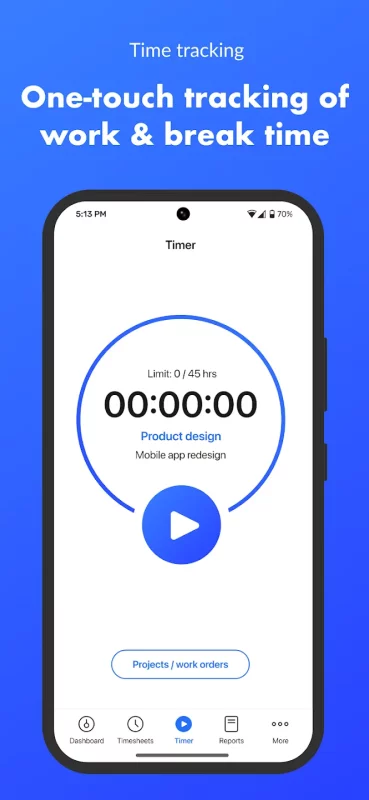
Start and stop timers with a tap, or automatically when arriving at a job site using geofencing.
✅ Assign tasks and projects
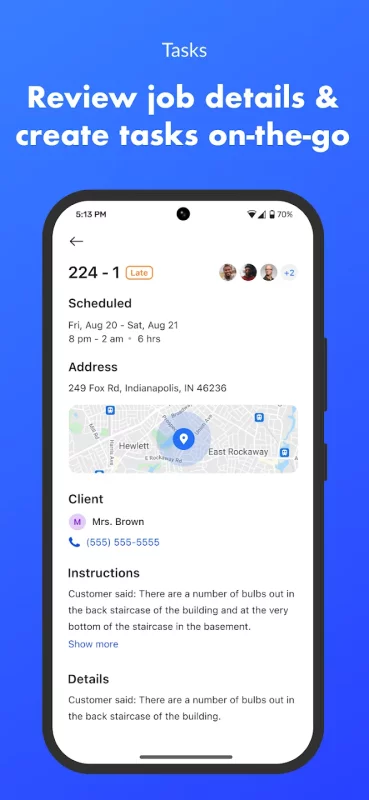
Create or import tasks to track time against specific work, right from the app.
📸 Attach notes and photos
Add context to time entries for better visibility into fieldwork and project status.
🗺️ View team locations
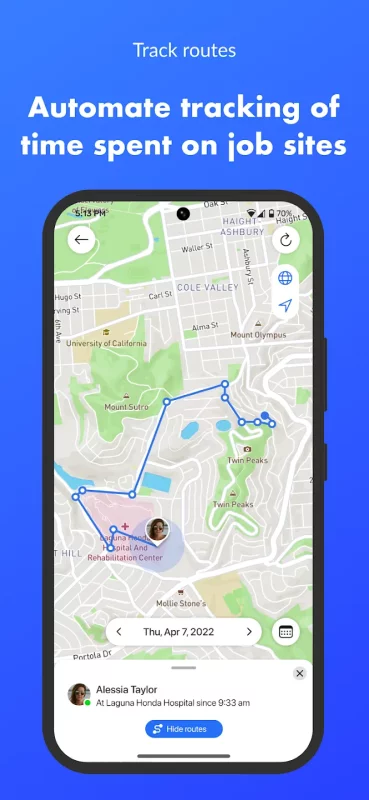
See real-time map views, route histories, and arrival/departure times at job sites.
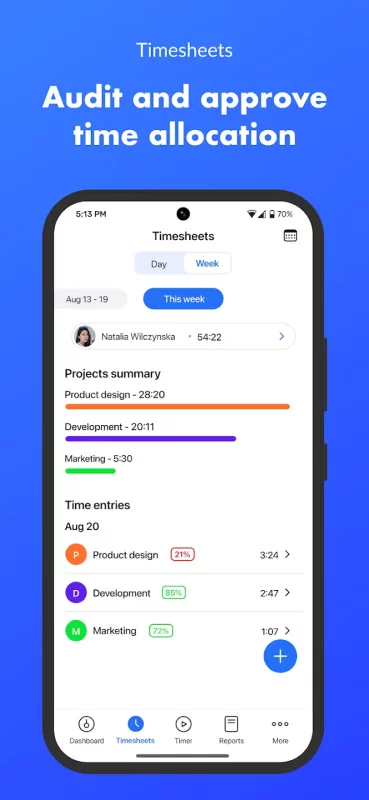
🧾 Log timesheets and attendance
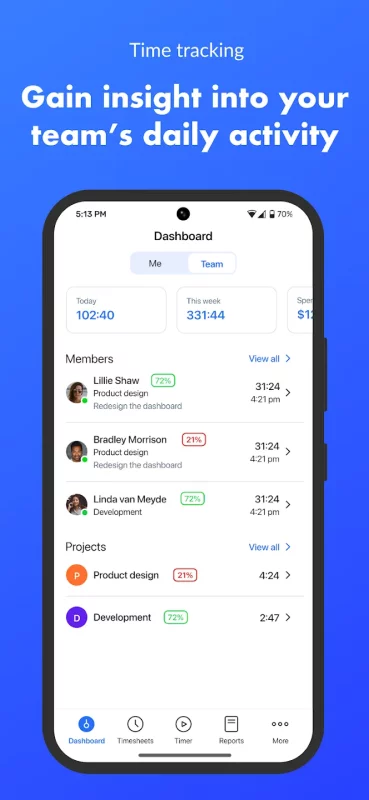
Review weekly time summaries and verify job site presence with mobile tracking.
📊 Sync with web-based reports
While in-depth reports and payments are on the web, mobile gives you fast insights on the go.
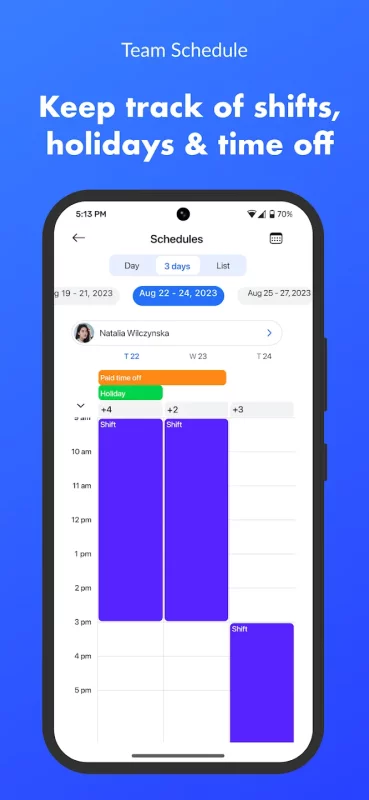
Note: Some features like invoicing, full reports, and scheduling are available via Hubstaff’s desktop and web apps.
🌟 Start your free 14-day trial and see why Hubstaff is the trusted time tracking app for remote, hybrid, and field teams.
Download Hubstaff Time Tracker for Android for free
- Download the APK file to your Android device.
- Find the file in the Downloads folder and open it.
- Allow installation from this source if Android blocks it.
- Tap Install. To update the app, install the newer APK without uninstalling the current version.