- Update08.10.2026
- Latest VersionR31.0.0
- Android OS7.0+
- LicenseFree
-
LanguagesEnglish Afrikaans, አማርኛ, العربية, অসমীয়া, Azərbaycan dili, Беларуская, Български, বাংলা, Bosanski, Català, Čeština, Dansk, Deutsch, Ελληνικά, English, Español, Eesti, Euskara, فارسی, Suomi, Français, Galego, ગુજરાતી, עברית, हिन्दी, Hrvatski, Magyar, Հայերեն, Bahasa Indonesia, Íslenska, Italiano, 日本語, ქართული, Қазақ тілі, ខ្មែរ, ಕನ್ನಡ, 한국어, Кыргызча, ລາວ, Lietuvių, Latviešu, Македонски, മലയാളം, Монгол, मराठी, Bahasa Melayu, မြန်မာ, Norsk bokmål, नेपाली, Nederlands, Norsk, ଓଡ଼ିଆ, ਪੰਜਾਬੀ, Polski, Português, Rumantsch, Română, Русский, සිංහල, Slovenčina, Slovenščina, Shqip, Српски, Svenska, Kiswahili, தமிழ், తెలుగు, ไทย, Tagalog, Türkçe, Українська, اردو, Oʻzbekcha, Tiếng Việt, 中文, isiZulu
- Content RatingEveryone
- DeveloperTotal Wireless
- Package Namecom.tracfone.total.myaccount
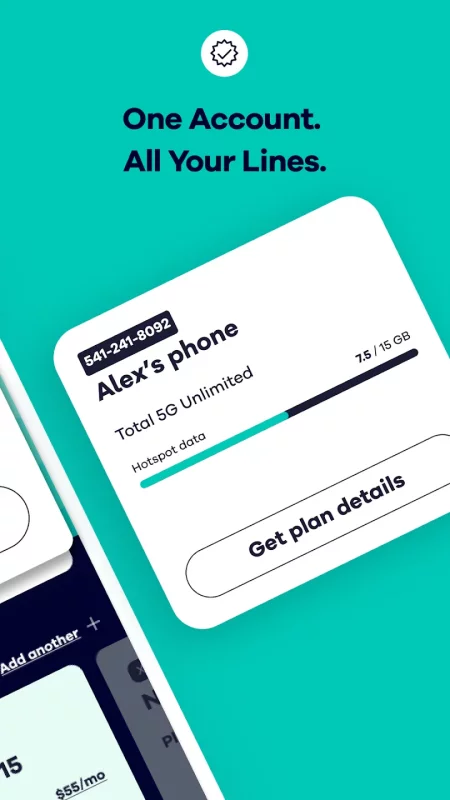
The Total Wireless app is the top choice for seamlessly tracking past and future payments, current plans, and rewards. Affordable phone plan options are at your fingertips with in-app tools designed to make managing your plan simple and stress-free. Seamlessly access all account details at a glance, and manage devices.
With a newly improved Activation experience, you can get started on your prepaid or unlimited talk and data plans quickly and stay connected on Verizon’s 5G wireless network.
Whether you're making payments or keeping track of rewards, our phone service management app has you covered. Need quick access? Simply log in to your mobile account. Total Wireless allows for full control of your phone service. Not a Total Wireless customer yet? Switching to our affordable phone plan is easy.
Download today, and take control of your mobile network with the app that’s totally with you
TOTAL WIRELESS FEATURES
AFFORDABLE PHONE PLAN MANAGEMENT APP
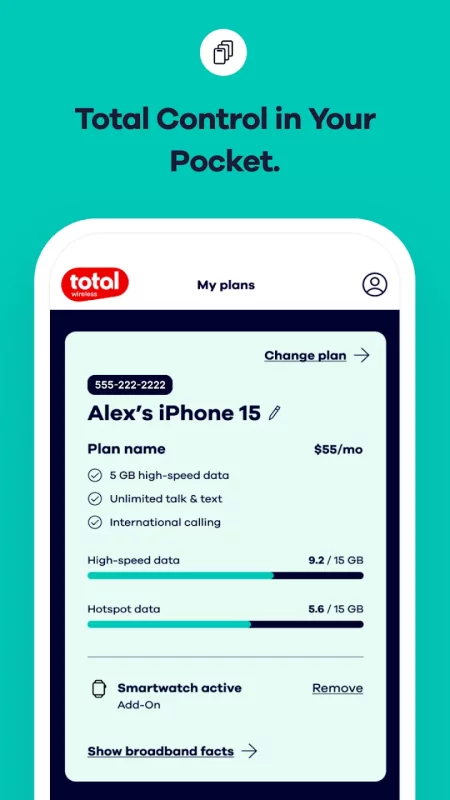
Our app allows you to easily organize and manage your devices and data usage on our wireless network.
- Unlimited talk and data plans allow you to track and optimize your data usage easily.
- Simplify staying on top of your current plan for seamless connectivity.
WIRELESS NETWORK THAT WORKS FOR YOU
- Your Mobile Account allows you to make updates to your mobile network plan.
- Covered by the Verizon 5G Network*
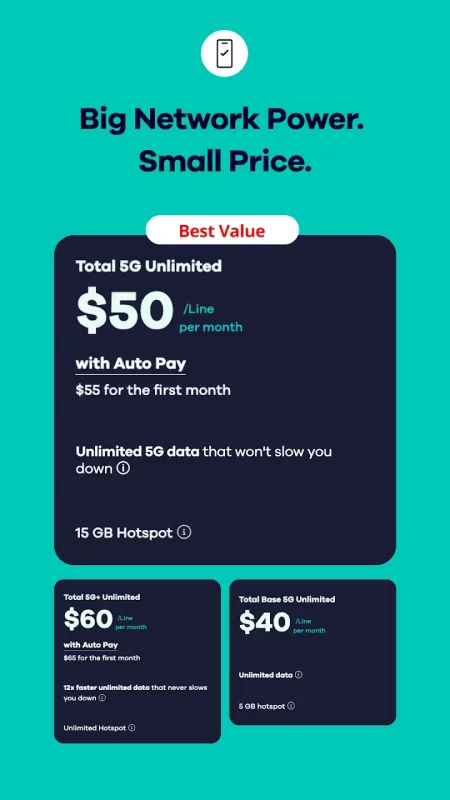
- Unlimited talk and text: Total Base 5G Unlimited plan starting at just $40
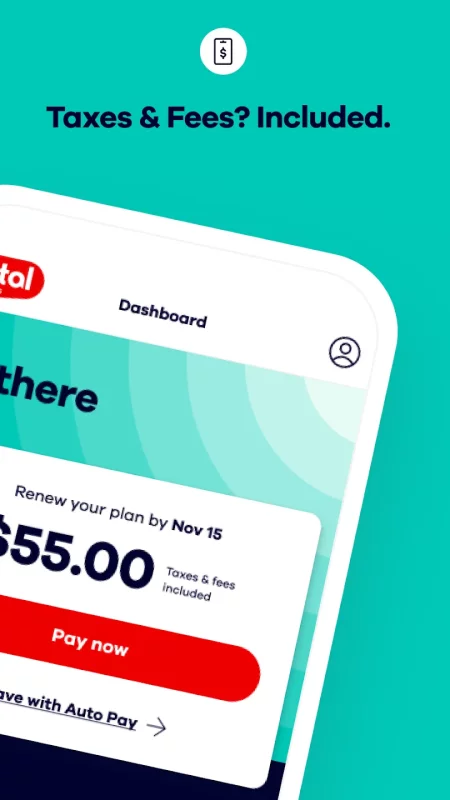
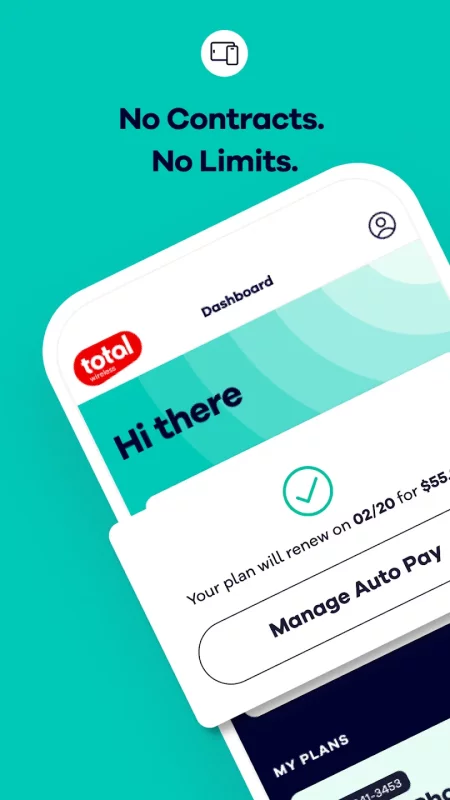
- Auto Pay can renew your service plan
TOTAL WIRELESS WALLET
Add funds to your affordable phone plan account with Total Wireless Wallet, so you can purchase service plans, devices, and accessories.
Switch to Total Wireless today and experience a phone service that keeps you connected and rewarded. Not a Total Wireless customer? Switch today at www.totalwireless.com

Download My Total Wireless: Account App for Android for free
- Download the APK file to your Android device.
- Find the file in the Downloads folder and open it.
- Allow installation from this source if Android blocks it.
- Tap Install. To update the app, install the newer APK without uninstalling the current version.