
- Update07.10.2026
- Latest Version2.3.5.7
- Android OS7.0+
- LicenseFree
-
LanguagesEnglish Afrikaans, አማርኛ, العربية, অসমীয়া, Azərbaycan dili, Беларуская, Български, বাংলা, Bosanski, Català, Čeština, Dansk, Deutsch, Ελληνικά, English, Español, Eesti, Euskara, فارسی, Suomi, Français, Galego, ગુજરાતી, हिन्दी, Hrvatski, Magyar, Հայերեն, Bahasa Indonesia, Íslenska, Italiano, עברית, 日本語, ქართული, Қазақ тілі, ខ្មែរ, ಕನ್ನಡ, 한국어, Кыргызча, ລາວ, Lietuvių, Latviešu, Македонски, മലയാളം, Монгол, मराठी, Bahasa Melayu, မြန်မာ, Norsk bokmål, नेपाली, Nederlands, ଓଡ଼ିଆ, ਪੰਜਾਬੀ, Polski, Português, Română, Русский, සිංහල, Slovenčina, Slovenščina, Shqip, Српски, Svenska, Kiswahili, தமிழ், తెలుగు, ไทย, Tagalog, Türkçe, Українська, اردو, Oʻzbekcha, Tiếng Việt, 中文, isiZulu
- Content RatingEveryone
- DeveloperFurat Apps
- Package Namecom.bluetooth.connect.scanner.auto.pair
Introducing the Bluetooth app for seamless wireless connectivity and mobile device management! Our Bluetooth Auto connect app is designed to make connecting to Bluetooth devices and managing them easier than ever before, with a special feature of Bluetooth Auto Connect, Bluetooth Pairing, Bluetooth Scanner and Find Bluetooth Devices. Connect all your devices easily with the Bluetooth auto connect app.
Features of our Bluetooth App:
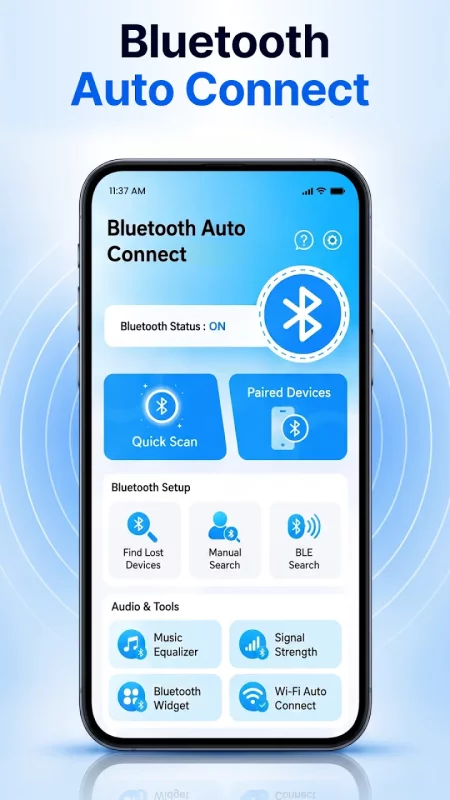
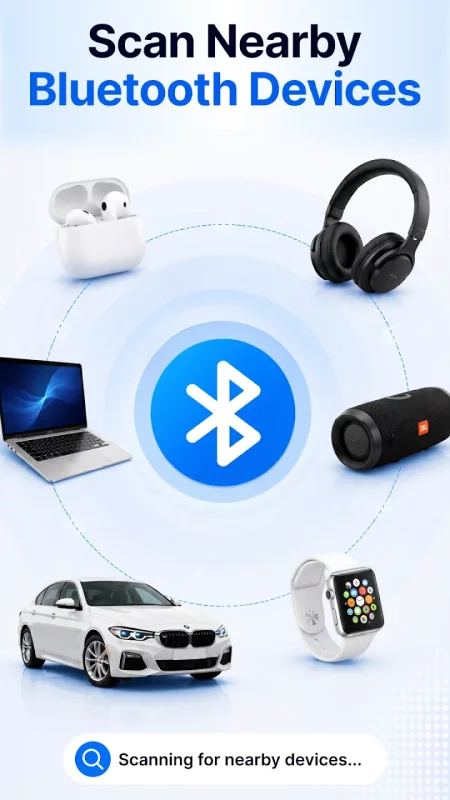
✓ Quick Bluetooth Scanner: Scan and discover nearby Bluetooth devices
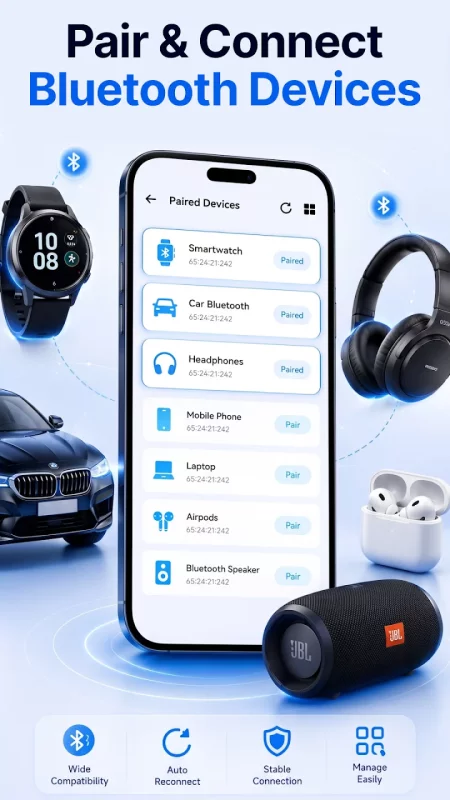
✓ Bluetooth Pair & Connect: Pair and connect compatible Bluetooth devices.
✓Paired Device Manager: View all your paired Bluetooth devices.
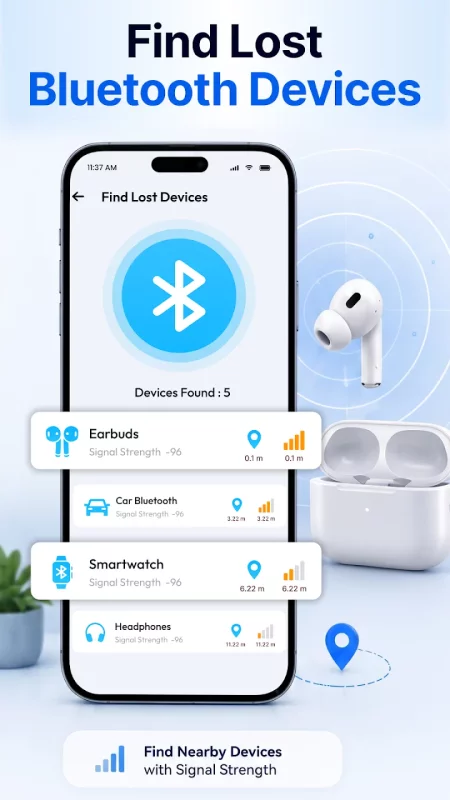
✓ Find Nearby Bluetooth Devices: Locate nearby Bluetooth devices using Bluetooth signal strength.
✓ Manual Bluetooth Search: Search for nearby Bluetooth devices whenever you need and refresh the scan to discover devices.
✓ BLE Device Scanner: Scan for nearby Bluetooth Low Energy (BLE) devices.
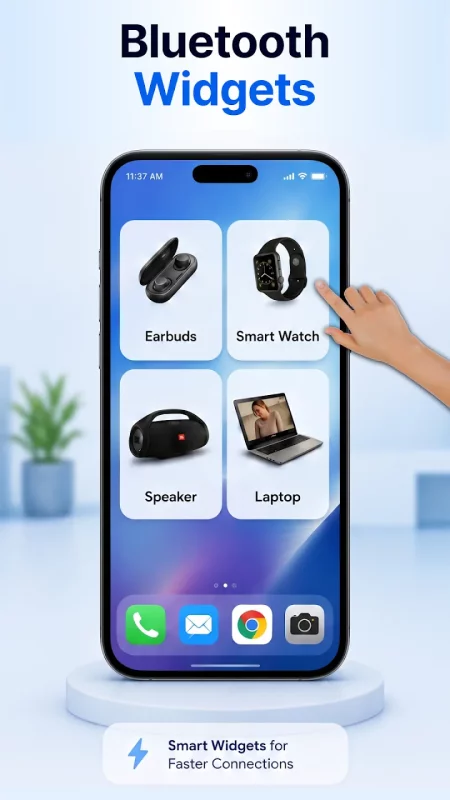
✓ Bluetooth Home Screen Widget: Turn Bluetooth on or off quickly from your home screen.
✓ Bluetooth Signal Strength to monitor.
✓ Music Equalizer
✓ View Bluetooth & Device Information.
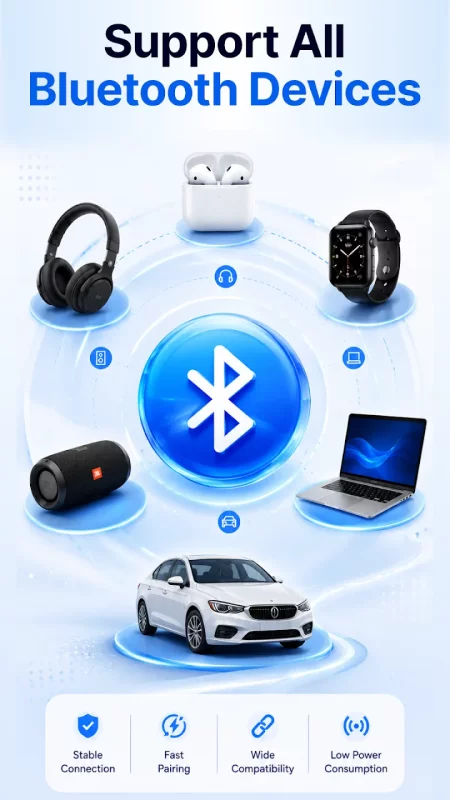
With our "Bluetooth Connect" feature, you can easily connect to Bluetooth devices, including headphones, earbuds, speakers and even your car's Bluetooth system. Our Bluetooth pairing app makes connecting to your devices a breeze. Instantly connect Bluetooth headphones, earbuds, speakers, smartwatches and car audio systems. Scan nearby Bluetooth devices, reconnect paired accessories automatically, and find lost Bluetooth devices using signal strength. Plus, we have added Bluetooth widgets for quick access to your frequently used Bluetooth devices without opening the bluetooth connect app. Enjoy the one-tap pairing with this Bluetooth auto connect app. Bluetooth connector app is easily connect to speaker, headphones, and other devices.
Our Bluetooth Audio connect app also includes hands-free calling and audio streaming capabilities. Plus, our Bluetooth Auto Connect bt app supports a wide range of Bluetooth devices, so you can connect to any device that uses Bluetooth technology. Easily connect to all your devices and add bluetooth widgets on your mobile screen with our Bluetooth connect App. Use this app to quickly connect smartwatch Bluetooth and stay synced. The Bluetooth audio widgets work with smartphones, laptops, and tablets. Our Bluetooth pair & connect app can easily connect your car speaker with mobile. Connect and manage Bluetooth audio devices, including headphones, earbuds, and speakers, with ease.
In addition to connecting to devices, our bluetooth pair auto connect app also makes it easy to manage them. With advanced features in bluetooth app connect to speaker such as device management and pairing, you can easily keep track of all your connected devices. With our Bluetooth Connect App, Easily connect Bluetooth earphones, headphones, and other compatible audio devices while managing your paired devices in one convenient place. Bluetooth loudspeaker connect is simple to use. Easily connect your smartwatch with our bluetooth app.
Our Bluetooth connect app has been optimized for low energy consumption. Bluetooth Auto Connect app with bluetooth pair, bluetooth finder, scanner & connect features. Connect Bluetooth headphones, wireless earbuds, speakers, and other compatible Bluetooth audio devices in just a few taps.
Overall, our Bluetooth pairing connector app is the perfect solution for anyone looking for an easy way to connect and manage their Bluetooth devices. Whether you want to connect Bluetooth headphones, pair wireless earbuds, scan nearby Bluetooth devices, find Bluetooth devices, manage Bluetooth connections, or monitor Bluetooth signal strength, Bluetooth Pair Auto Connect provides all the essential Bluetooth tools in one simple and easy-to-use Bluetooth app
Enjoy extra features with the Premium version.
No Ads
Find Unlimited Devices
Add Widgets
VIP Customer Support
Future Updates
Download Bluetooth Pair Auto Connect for Android for free
- Download the XAPK file to your Android device.
- Install one of these installers from our website:
- Open the installer and select the downloaded file from the Downloads folder.
- Allow installation from this source if Android asks for permission.
- Start installation. To update the app, install the newer file without uninstalling the current version.