
- Update07.10.2026
- Latest Version7.4.2
- Android OS9+
- LicenseFree
-
LanguagesEnglish Afrikaans, አማርኛ, العربية, অসমীয়া, Azərbaycan dili, Беларуская, Български, বাংলা, Bosanski, Català, Čeština, Dansk, Deutsch, Ελληνικά, English, Español, Eesti, Euskara, فارسی, Suomi, Français, Galego, ગુજરાતી, עברית, हिन्दी, Hrvatski, Magyar, Հայերեն, Bahasa Indonesia, Íslenska, Italiano, 日本語, ქართული, Қазақ тілі, ខ្មែរ, ಕನ್ನಡ, 한국어, Кыргызча, ລາວ, Lietuvių, Latviešu, Македонски, മലയാളം, Монгол, मराठी, Bahasa Melayu, မြန်မာ, Norsk bokmål, नेपाली, Nederlands, Norsk, ଓଡ଼ିଆ, ਪੰਜਾਬੀ, Polski, Português, Română, Русский, සිංහල, Slovenčina, Slovenščina, Shqip, Српски, Svenska, Kiswahili, தமிழ், తెలుగు, ไทย, Tagalog, Türkçe, Українська, اردو, Oʻzbekcha, Tiếng Việt, 中文, isiZulu
- Content RatingEveryone
- DeveloperPerdoceo Education Corporation
- Package Nameedu.ctuniv
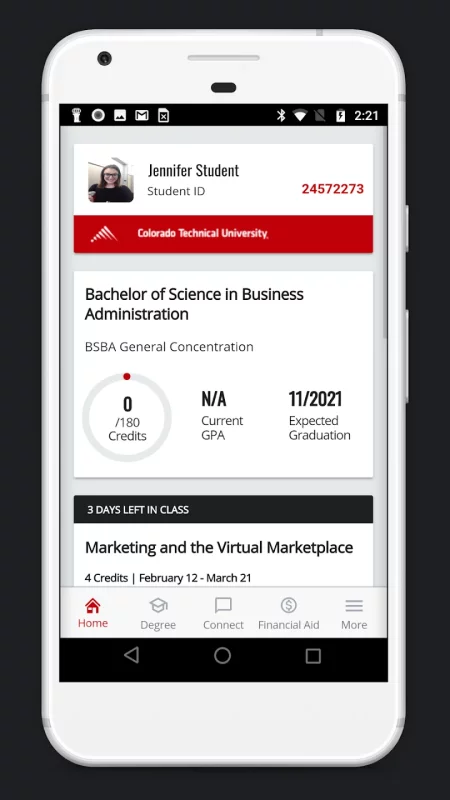
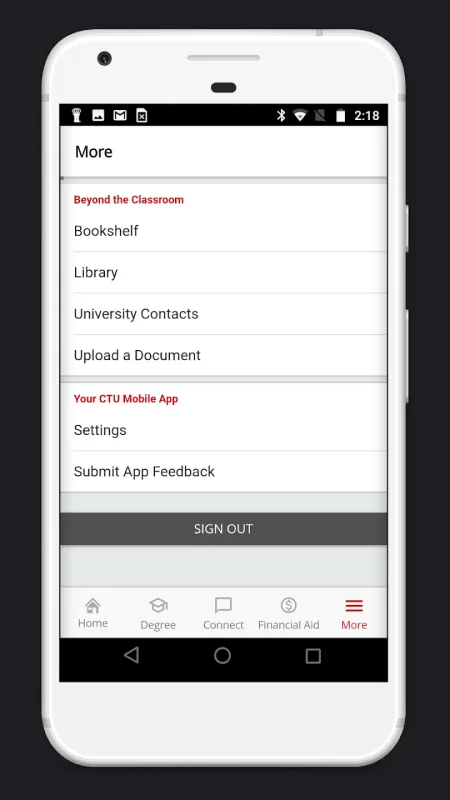
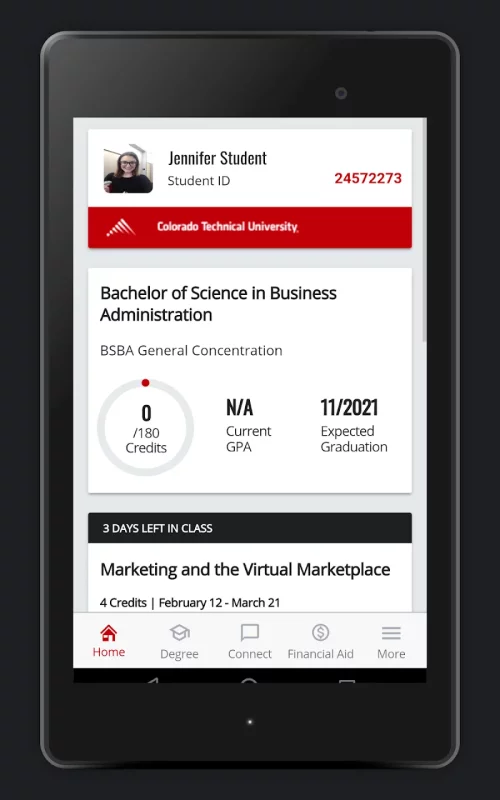
Designed to help students at Colorado Technical University fit education into their lives, CTU Mobile offers a secure, convenient way to make the most of mobile moments each day. CTU Mobile makes it easy for you to keep up with classes, get homework done, stay connected with timely notifications, and manage your education on the go.
CTU Mobile offers students studying online and on-campus:
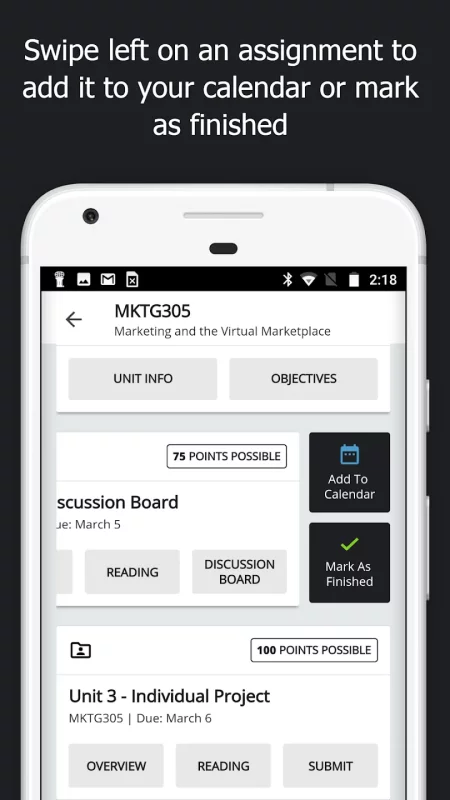
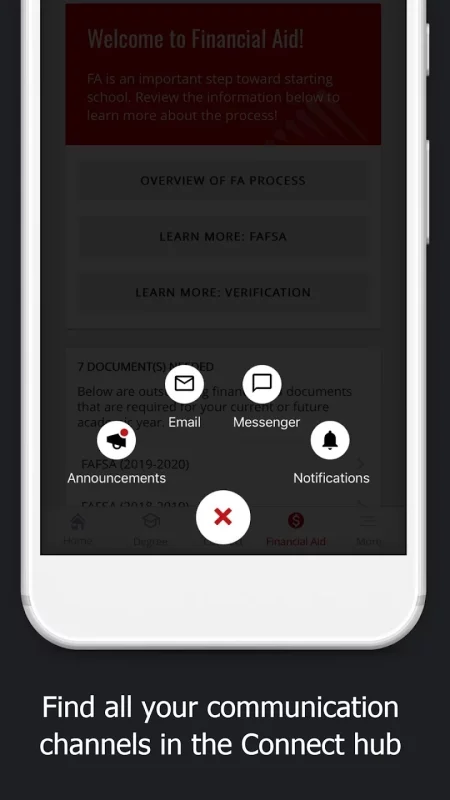
- Real-time push notifications for what matters most – Discussion Board replies, grades, changes to Live Chats, assignment due dates, and more
- A streamlined classroom view with announcements, assignments, tablet and phone integration with intellipath™, Live Chats and class meeting times, grades, and instructor feedback all in one place
- One-touch access to join and participate in Live Chats or play archived sessions on the go
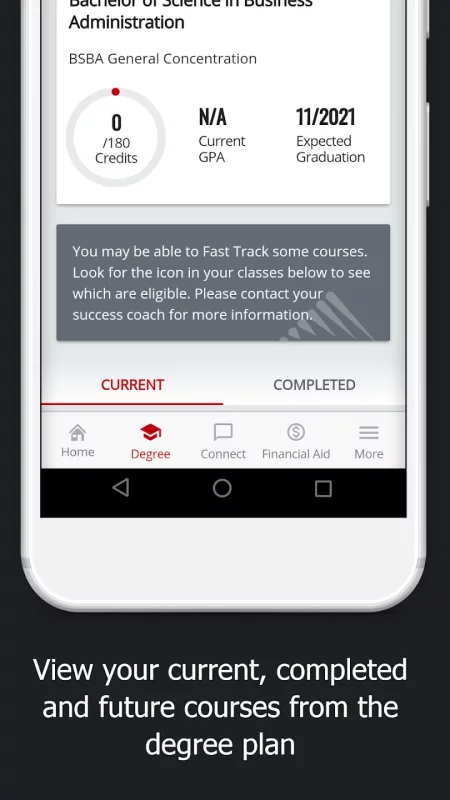
- Ability to review your degree plan, including past and future courses
- At-a-glance view of your financial aid status and ability to send required documents to CTU through your device with just a tap
Your feedback is welcome! Email mobile@coloradotech.edu with suggestions.
Enjoying the app? Leave a rating or review to help your fellow CTU students.
Download CTU Student Mobile for Android for free
- Download the APK file to your Android device.
- Find the file in the Downloads folder and open it.
- Allow installation from this source if Android blocks it.
- Tap Install. To update the app, install the newer APK without uninstalling the current version.