
- Update07.10.2026
- Latest Version2.27.0.524
- Android OS13+
- LicenseFree
-
LanguagesEnglish العربية, Deutsch, English, Español, Français, हिन्दी, Bahasa Indonesia, Italiano, 日本語, 한국어, မြန်မာ, Português, Русский, ไทย, Türkçe, Tiếng Việt, 中文
- Content RatingEveryone
- DeveloperDexcom
- Package Namecom.dexcom.clarity.mobile
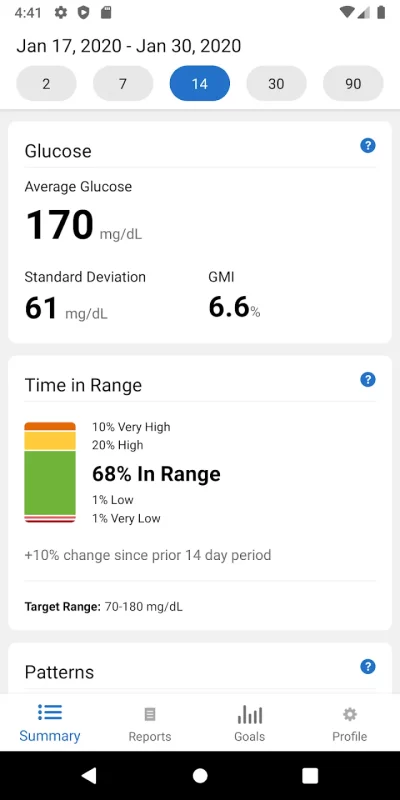
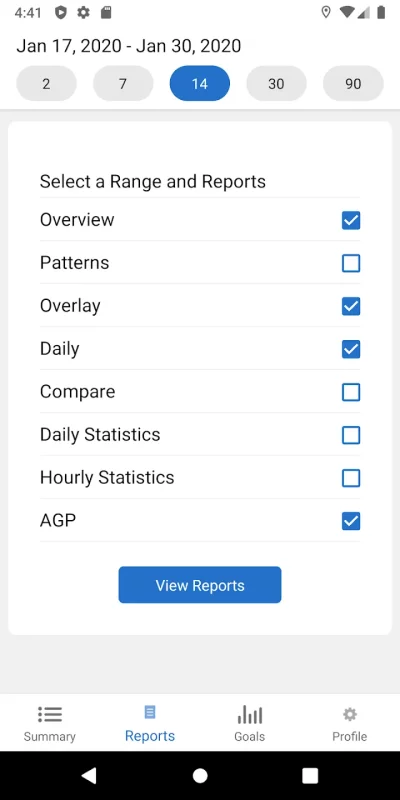
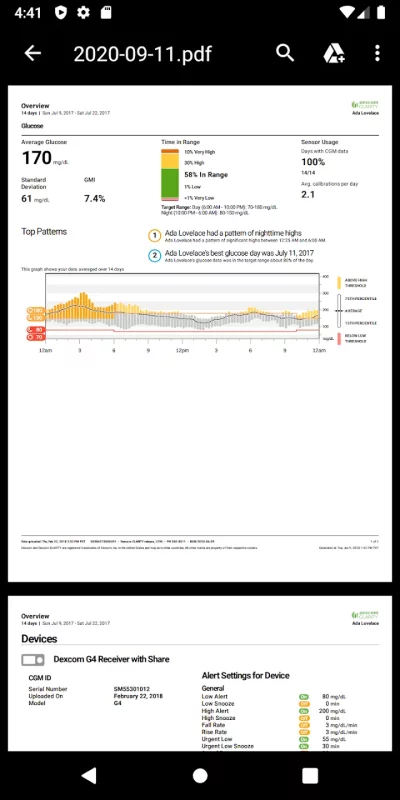
Dexcom Clarity is a diabetes management application for CGM users. It provides relevant insights into users’ retrospective glucose values, patterns, and trends over time.
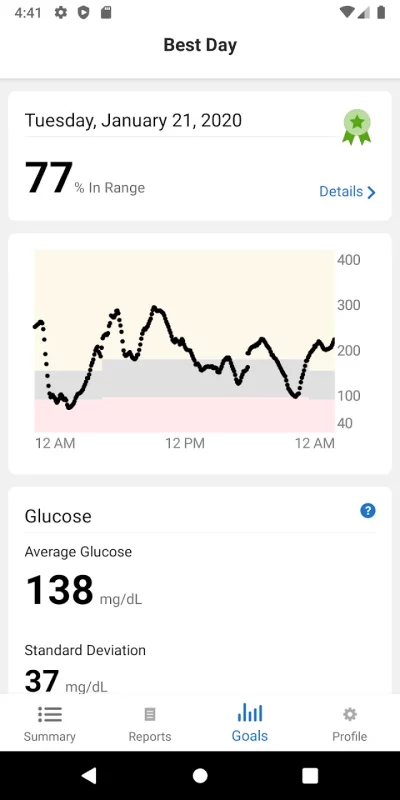
Dexcom Clarity is an important part of your Dexcom CGM system. It can help you identify glucose patterns and, with your healthcare professional, determine the potential causes of those patterns.
Dexcom Clarity users experience up to 15% increased time in range (70-180mg/dL) as compared to non-users.*
Log in with your Dexcom account to:
• Keep tabs on your time in range, patterns and other key metrics.
• Allow clinics to access to your data and reports to make appointments more efficient.
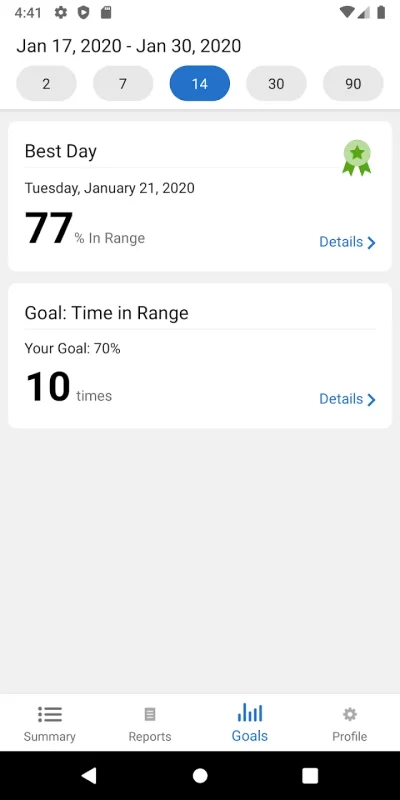
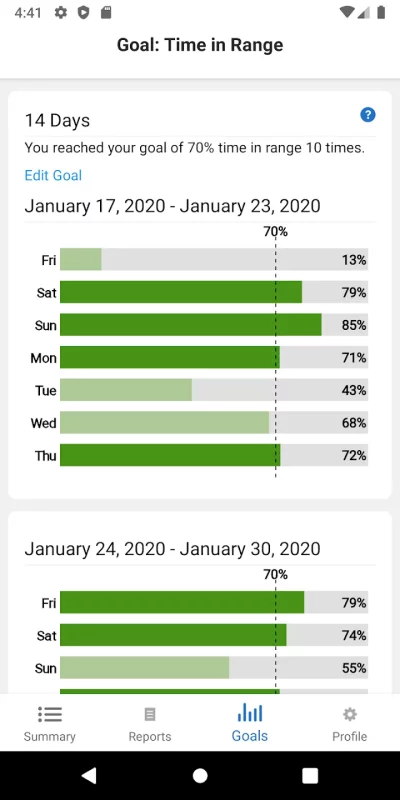
• Set Time in Range goals.
• Turn on daily or weekly notifications and emails.
• View, save, print, and email all reports.
• Connect to partner apps for more features and benefits.
This app store should not be used as your first point of contact to resolve technical or customer services issues. In order to protect your privacy and personal information, and promptly resolve any technical or customer services issues you are having with any Dexcom product, please contact 1-888-738-3646.
Dexcom is required to follow up with customers regarding product-related complaints. If Dexcom determines that your comment/complaint requires follow up, a technical support representative will attempt to contact you to gather more information regarding your comment/complaint.
*Parker AS, Welsh J, Jimenez A, Walker T. Insights from big data (2): Benefits of self-guided retrospective review of continuous glucose monitoring reports. Diabetes Technol Ther. 2018;20(S1):A-27.
Download Dexcom Clarity for Android for free
- Download the XAPK file to your Android device.
- Install one of these installers from our website:
- Open the installer and select the downloaded file from the Downloads folder.
- Allow installation from this source if Android asks for permission.
- Start installation. To update the app, install the newer file without uninstalling the current version.