- Update07.10.2026
- Latest Version30066
- Android OS5.0+
- LicenseFree
-
LanguagesEnglish العربية, Deutsch, English, Español, Français, हिन्दी, Bahasa Indonesia, Italiano, 日本語, 한국어, မြန်မာ, Português, Русский, ไทย, Türkçe, Tiếng Việt, 中文
- Content RatingEveryone
- DeveloperY2K Team
- Package Namecom.nhysoft.mspaint
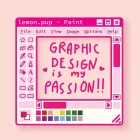
Paint.Ms is a simple, fun drawing app for quick everyday image editing — from a
few doodles to detailed artwork. Easy for beginners, handy for everyone.
CREATE & EDIT
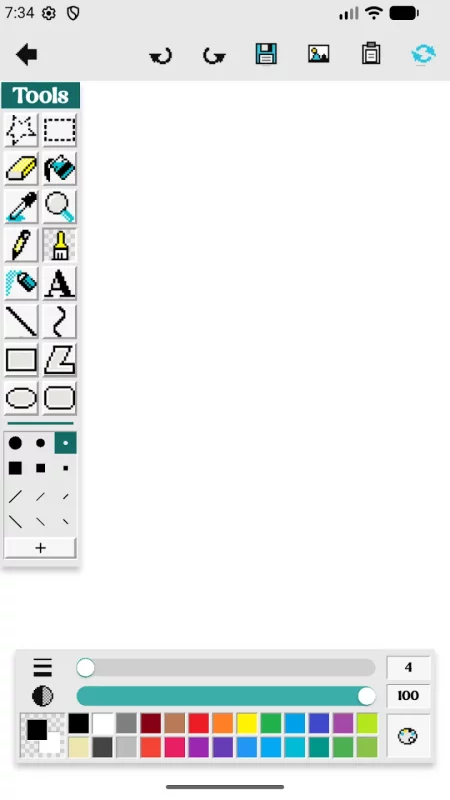
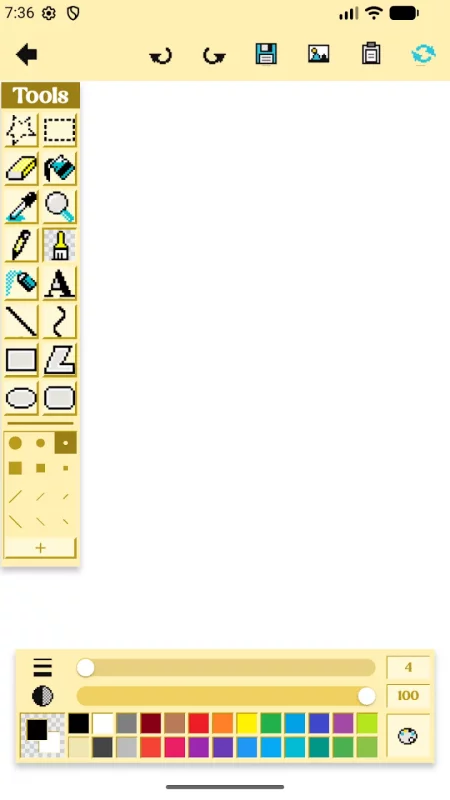
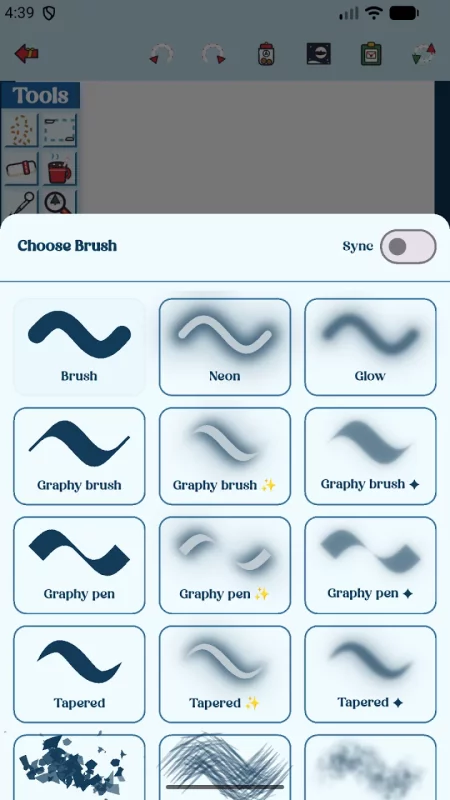
• Draw freely with many brushes: pencil, brush, calligraphy pen & brush,
crayon, watercolour, neon, glow, splatter, airbrush, and more
• Adjust brush size and opacity for the perfect stroke
• Shapes made easy: line, curve, rectangle, rounded rectangle, ellipse, polygon
• Fill tool, eraser, eyedropper (pick any color), and zoom & pan
• Add text with a huge collection of stylish fonts
• Select, move, and edit parts of your image
• Unlimited undo & redo
COLORS & THEMES
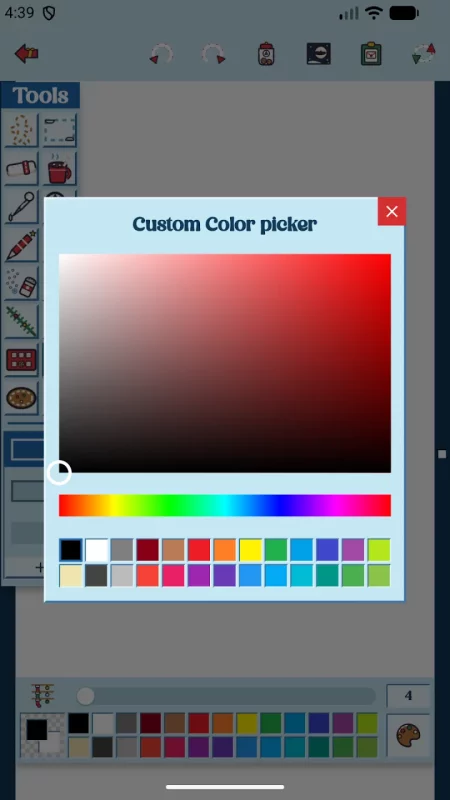
• Rich color palette plus a full HSV color picker
• Create and save your own custom color palettes
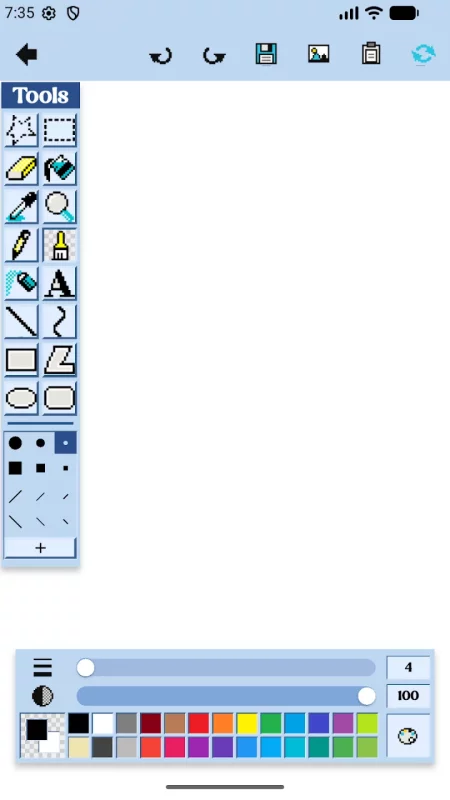
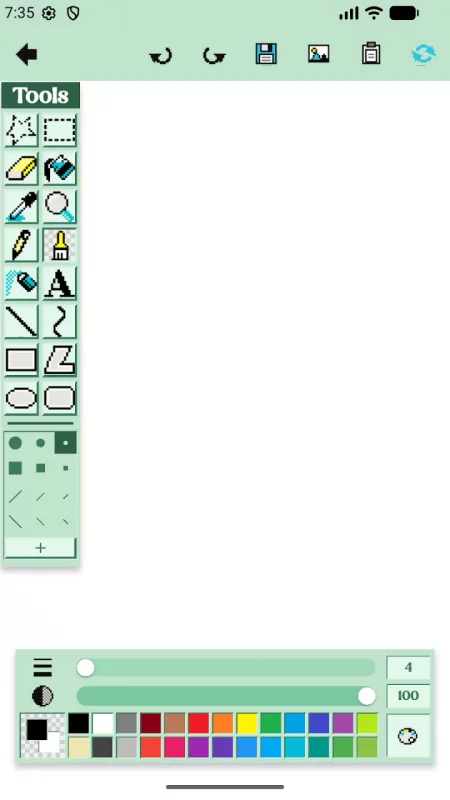
• Switch app themes — colors and icon styles — to make it yours
• Download extra theme packs
WORK WITH YOUR IMAGES
• Draw in full color or classic black-and-white
• Transparent background support
• Import photos to edit or draw over
• Save and open as PNG, JPEG, GIF, BMP, or TIFF
• Save to Photos or share anywhere
GO VIP
• Unlock every premium theme
• Enjoy an ad-free experience
Start painting today — no fuss, just fun. 🎨
Download Paint.Ms for Android for free
- Download the XAPK file to your Android device.
- Install one of these installers from our website:
- Open the installer and select the downloaded file from the Downloads folder.
- Allow installation from this source if Android asks for permission.
- Start installation. To update the app, install the newer file without uninstalling the current version.