
- Update07.10.2026
- Latest Version26.05.01460
- Android OS8.0+
- LicenseFree
-
LanguagesEnglish العربية, Deutsch, English, Español, Français, हिन्दी, Bahasa Indonesia, Italiano, 日本語, 한국어, မြန်မာ, Português, Русский, ไทย, Türkçe, Tiếng Việt, 中文
- Content RatingEveryone
- DeveloperXmind Ltd.
- Package Namenet.xmind.doughnut
Major Update: Collaboration Now Supported!
From real-time collaboration to cloud storage and cross-device syncing, Xmind redefines productivity for every team member.
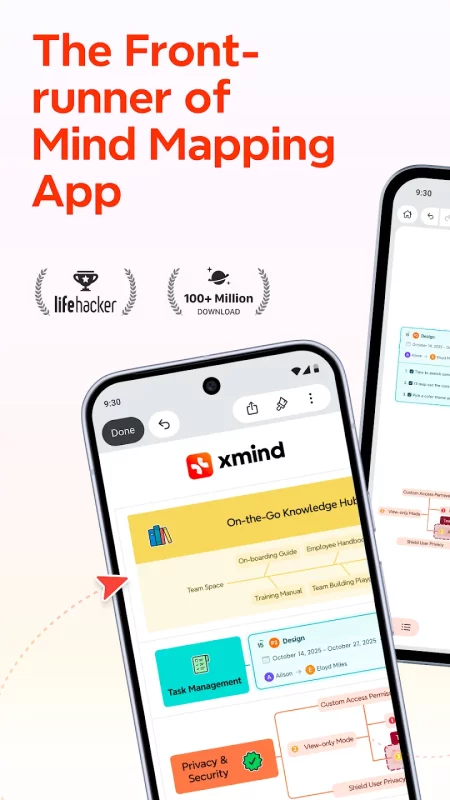
Mind map: Your Productivity Booster for Smarter Thinking and Collaboration
As a front-runner in mind mapping apps, Xmind has been continuously refining and innovating to craft this all-in-one thinking tool for over 19 years. Our commitment to delivering unprecedented efficiency in mind mapping experiences has earned the loyalty of hundreds of millions of users worldwide.
REAL-TIME COLLABORATION: IGNITE TEAM-WIDE PRODUCTIVITY
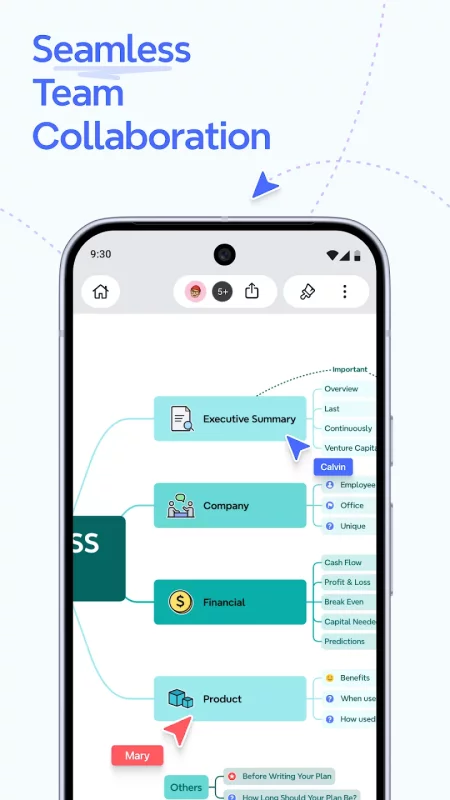
• Online edit and comment: Efficiently boosts productivity in teamwork, such as departmental brainstorming, agile project management, and group assignments.
• Cloud storage: Automatically saves updates, allows historical version tracking, enables cross-device access to all ideas and creations anytime, anywhere, while safeguarding your privacy.
• Customized permission controls: Set files to view-only mode, assign specific editing privileges, or apply password protection.
CLARIFY THOUGHTS WITH MIND MAPS: SIMPLE & EASY
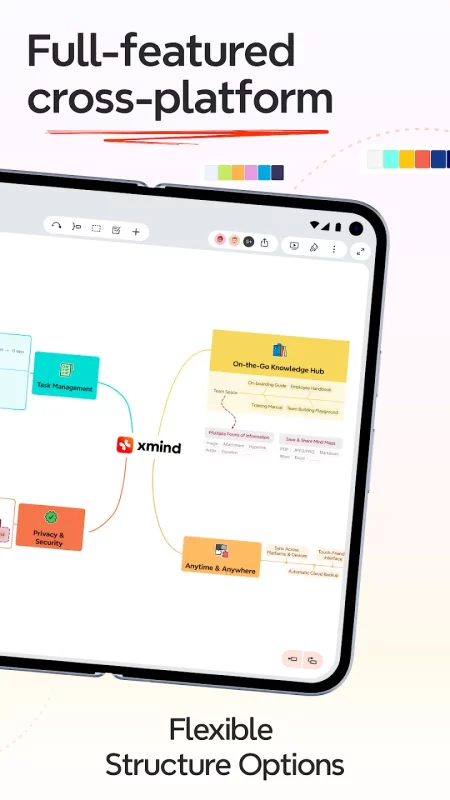
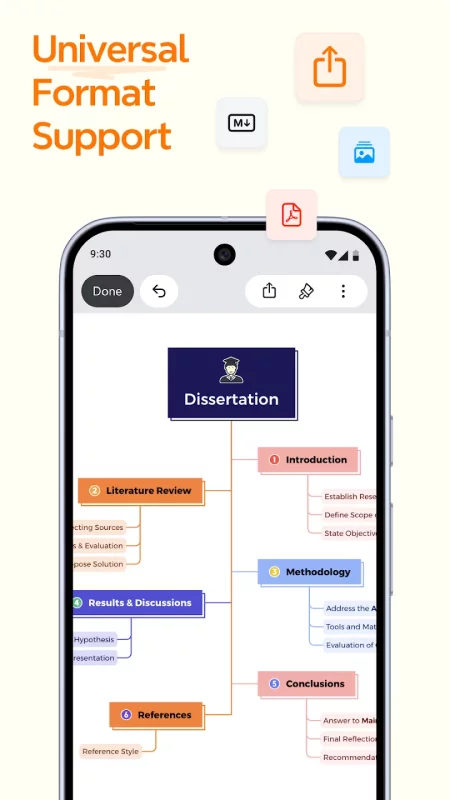
• Structures + Multi-Structure Combination (Exclusive to Xmind): Explore 10+ specialized structures — including Mind Map, Logic Chart, Brace Map, Tree Chart, Org Chart, Timeline, Fishbone, Tree Tables, Matrix, Grid, and more — to seamlessly empower your ideas and accurately present even the most complex projects.
• Templates & Smart Color Themes: Kick-start any mind map with 100+ specially designed templates and aesthetic color themes, powered by a smart algorithm that ensures your creations stay stylish.
• Multiple Organizers: Connect any two topics with "Relationship", group ideas with "Boundary", and conclude each part with "Summary".
CONTENT AND PRESENTATION: WHERE POSSIBILITIES MULTIPLY
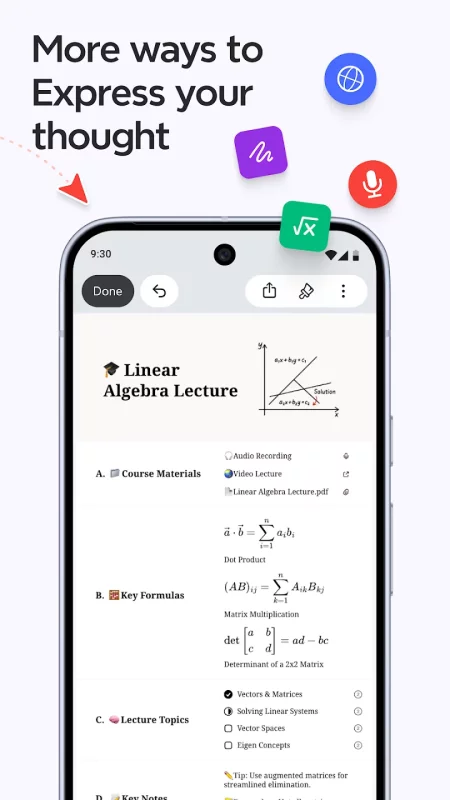
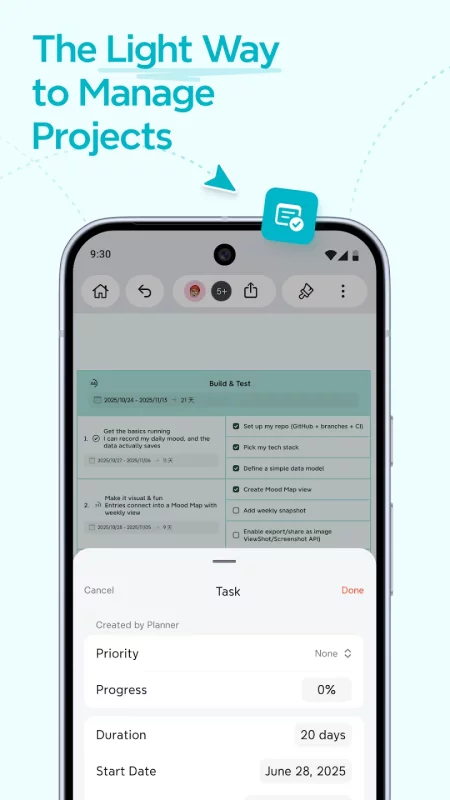
• Insert: Elaborate and enrich a topic with images, audio notes, equations, labels,web links, topic links, attachments, drawings, tasks and jot down mathematics and chemical equations with LaTeX.
• Search and Replace: Search, locate and replace any content within the mind map.
• Outliner: One-click switch to outline your thoughts and sharpen thinking focus.
• Pitch Mode: Present mind map as a slideshow with auto-generated transitions and layouts based on your content with just a click.
• ZEN Mode: A full-screen and distraction-free mode built to help you focus on the content and leave everything behind.
• Filters: Tag topics using markers & labels to quickly locate and filter topics.
LET THINKING BE A VIBRANT JOURNEY: WHERE CREATIVITY KNOWS NO BOUNDS
• Stickers & Illustrations: 400+ illustrations crafted by senior designers & AI, 200+ stickers for your mind map mastery.
• Hand-drawn Style: Turn your maps into playful doodles in one tap, injecting whimsical charm into your ideas.
• Colored Branch: Color-adaptive branches that fuel your creative brilliance.
SUBSCRIBE TO XMIND
• Products: All Platforms Xmind Premium (Yearly), All Platforms Xmind Premium (Monthly), All Platforms Xmind Pro (Yearly), All Platforms Xmind Pro (Monthly).
• Type: Auto-Renewable Subscriptions.
• Cancel Subscription:
Open the Google Play Store app.
Click your profile icon > "Payments & Subscriptions" > "Subscriptions"
Select Xmind Pro/Premium and click "Cancel Subscription"
• Terms of Service: https://www.xmind.app/terms/
• Privacy Policy: https://www.xmind.app/privacy/
Contact Xmind
* To explore more Xmind tips and unlock exclusive fan benefits by following Xmind's official YouTube, Instagram, and X: @Xmind
* Let us know if you have any feedback or if we can help in any way: support@xmind.app
Download Xmind: Mind Map & Brainstorm for Android for free
- Download the XAPK file to your Android device.
- Install one of these installers from our website:
- Open the installer and select the downloaded file from the Downloads folder.
- Allow installation from this source if Android asks for permission.
- Start installation. To update the app, install the newer file without uninstalling the current version.