
- Update07.10.2026
- Latest Version6.3.5
- Android OS10+
- LicenseFree
-
LanguagesEnglish Afrikaans, አማርኛ, العربية, অসমীয়া, Azərbaycan dili, Беларуская, Български, বাংলা, Bosanski, Català, Čeština, Dansk, Deutsch, Ελληνικά, English, Español, Eesti, Euskara, فارسی, Suomi, Français, Galego, ગુજરાતી, हिन्दी, Hrvatski, Magyar, Հայերեն, Bahasa Indonesia, Íslenska, Italiano, עברית, 日本語, ქართული, Қазақ тілі, ខ្មែរ, ಕನ್ನಡ, 한국어, Кыргызча, ລາວ, Lietuvių, Latviešu, Македонски, മലയാളം, Монгол, मराठी, Bahasa Melayu, မြန်မာ, Norsk bokmål, नेपाली, Nederlands, ଓଡ଼ିଆ, ਪੰਜਾਬੀ, Polski, Português, Română, Русский, සිංහල, Slovenčina, Slovenščina, Shqip, Српски, Svenska, Kiswahili, தமிழ், తెలుగు, ไทย, Tagalog, Türkçe, Українська, اردو, Oʻzbekcha, Tiếng Việt, 中文, isiZulu
- Content RatingEveryone
- DeveloperPalo Alto Networks
- Package Namecom.paloaltonetworks.globalprotect
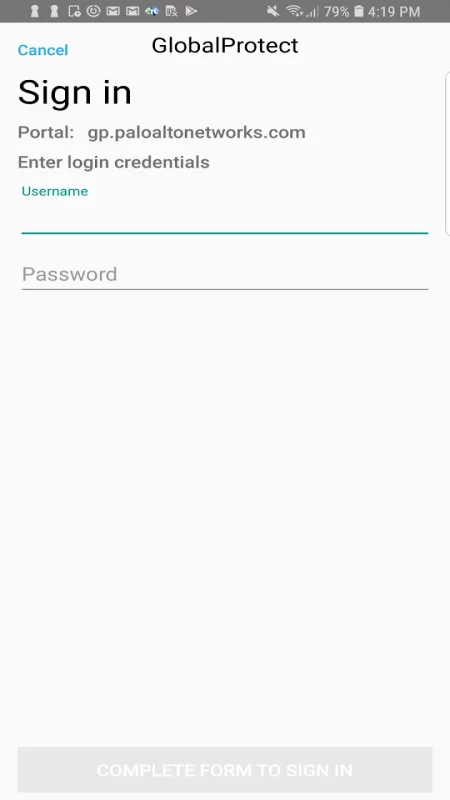
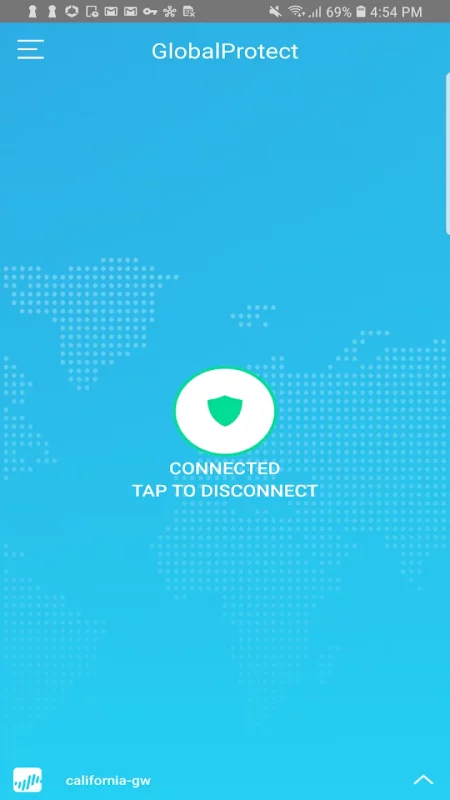
GlobalProtect for Android connects to a GlobalProtect gateway on a Palo Alto Networks next-generation firewall to allow mobile users to benefit from enterprise security protection. Enterprise administrator can configure the same app to connect in either Always-On VPN, Remote Access VPN or Per App VPN mode. The app automatically adapts to the end user’s location and connects the user to the best available gateway in order to deliver optimal performance for all users and their traffic, without requiring any effort from the user. This allows users to work safely and effectively at locations outside of the traditional office.
Before installing this app, please check with your IT department to ensure that your organization has enabled a GlobalProtect gateway subscription on the firewall.
Features:
- Automatic VPN connection
- Support for BYOD with Remote Access VPN and App Level VPN
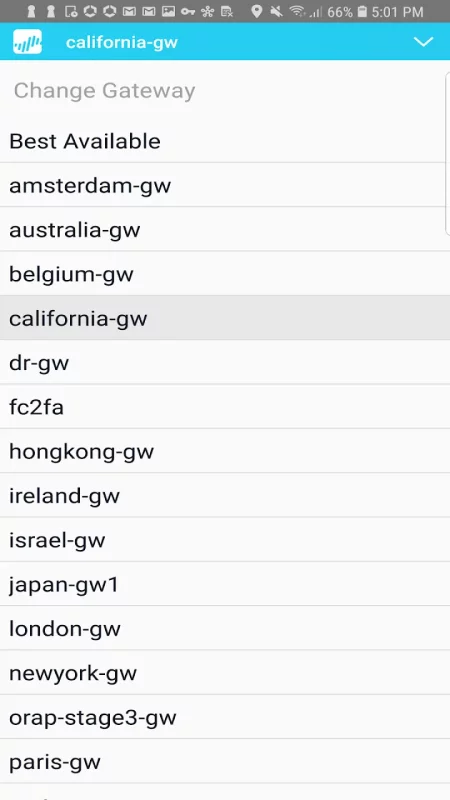
- Automatic discovery of best available gateway
- Manual gateway selection capability
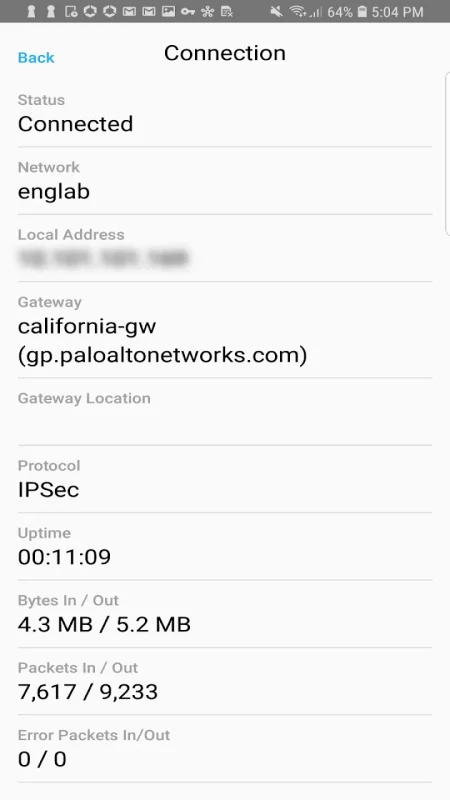
- Connection over IPSec or SSL
- Integration with MDM for easy provisioning
- Support for changing an expired AD/RADIUS password when the user connects remotely
- Support for 2 Factor One Time Password based Authentication using RADIUS, SAML
- Support for other PAN-OS authentication methods, including LDAP, Client Certificates, and Local User Databases
- Full benefits of the native Android experience with integrated notification
- Capability for enterprises to enable users to use any app securely
Requirements:
- Supported on Palo Alto Networks next-generation firewalls running PAN-OS 7.1, 8.0, 8.1, 9.0 and above
- Requires a GlobalProtect gateway subscription installed on the Palo Alto Networks firewall in order to enable support for GlobalProtect app for Android.
- Supported on Android 5.0 and later releases
Download GlobalProtect for Android for free
- Download the APK file to your Android device.
- Find the file in the Downloads folder and open it.
- Allow installation from this source if Android blocks it.
- Tap Install. To update the app, install the newer APK without uninstalling the current version.