- Update03.10.2026
- Latest Version2.6.1
- Android OS6.0+
- LicenseFree
-
LanguagesEnglish Afrikaans, አማርኛ, العربية, অসমীয়া, Azərbaycan dili, Беларуская, Български, বাংলা, Bosanski, Català, Čeština, Dansk, Deutsch, Ελληνικά, English, Español, Eesti, Euskara, فارسی, Suomi, Français, Galego, ગુજરાતી, Hausa, हिन्दी, Hrvatski, Magyar, Հայերեն, Bahasa Indonesia, Íslenska, Italiano, עברית, 日本語, Basa Jawa, ქართული, Қазақ тілі, ខ្មែរ, ಕನ್ನಡ, 한국어, کٲشُر, Кыргызча, Latina, ລາວ, Lietuvių, Latviešu, Македонски, മലയാളം, Монгол, मराठी, Bahasa Melayu, မြန်မာ, Norsk bokmål, नेपाली, Nederlands, Norsk nynorsk, Norsk, ଓଡ଼ିଆ, ਪੰਜਾਬੀ, Polski, Português, Română, Русский, Ikinyarwanda, සිංහල, Slovenčina, Slovenščina, Shqip, Српски, Svenska, Kiswahili, தமிழ், తెలుగు, Тоҷикӣ, ไทย, Tagalog, Türkçe, ئۇيغۇرچە, Українська, اردو, Oʻzbekcha, Tiếng Việt, isiXhosa, 中文, isiZulu
- Content RatingEveryone
- DeveloperMOBI Technologies, ,Inc.
- Package Namecom.mobi.smart
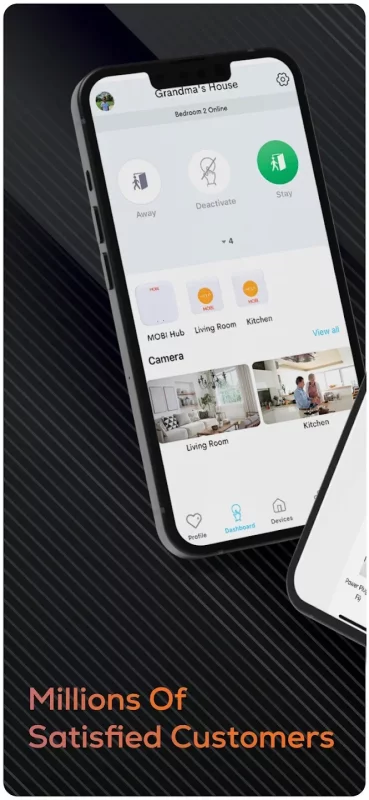
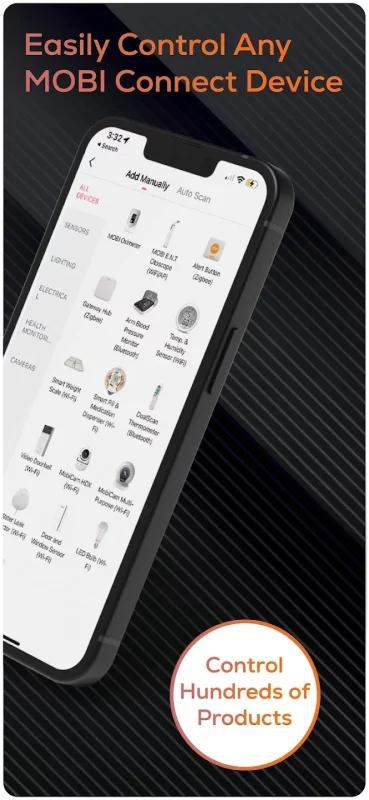
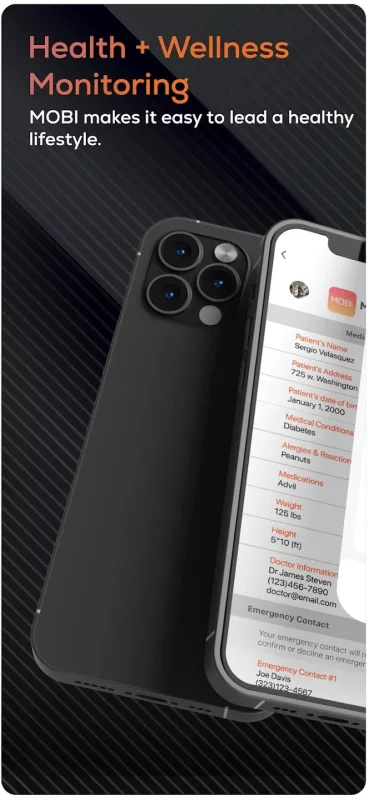
MOBI Smart is an all-encompassing app that controls all MOBI Smart devices which include: Baby Nursery, Health Wellness, Aging in Place, Pet Monitoring, Elderly Monitoring, SOS Alerts and much more. With additional new products being added regularly always stay up to date in one app.
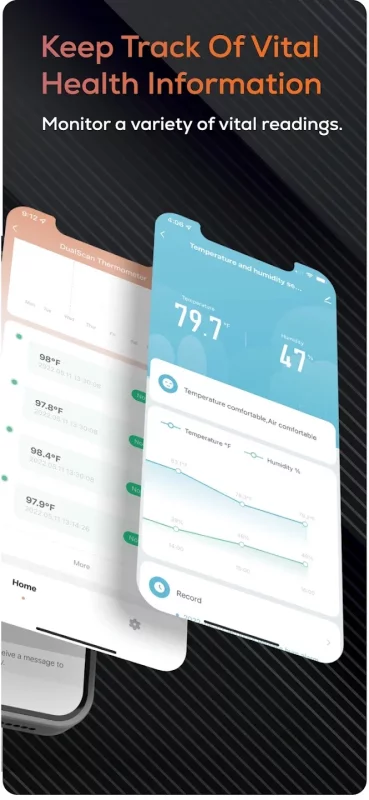
MOBI Smart is a consumer health and home electronics mobile app committed to elevating the consumer experience around digital living and wellness monitoring for all ages. Through intuitive, easy-to-use solutions and Home Health Tech kits, MOBI Smart inspires smart living while catering to comfort when you need to manage and monitor vitals all within one app.
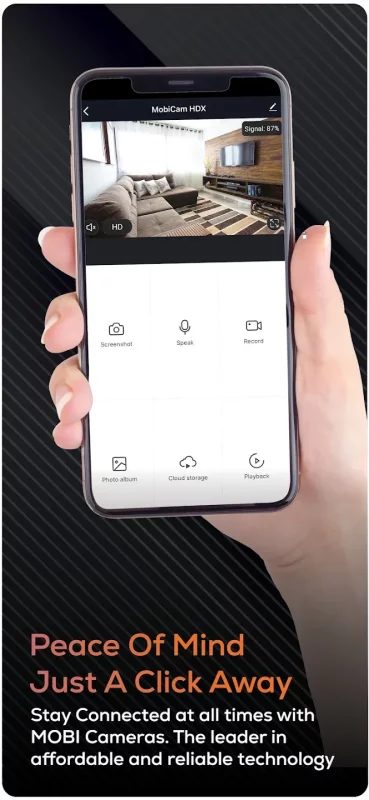
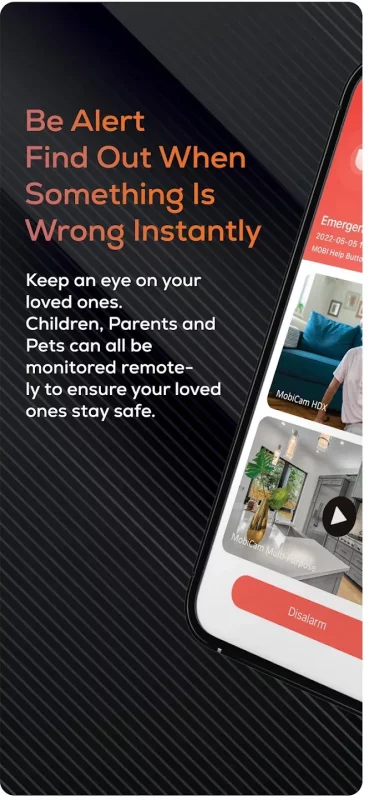
1. Monitor your home or loved ones with easy to install Smart Devices
2. Expandable system with over 100+ cameras and devices in multiple homes, businesses & locations
3. Create automations that trigger and activate different devices and send alert notifications
4. Allows access to multiple people to share in the monitoring & care responsibilities
Download MOBI Smart for Android for free
- Download the XAPK file to your Android device.
- Install one of these installers from our website:
- Open the installer and select the downloaded file from the Downloads folder.
- Allow installation from this source if Android asks for permission.
- Start installation. To update the app, install the newer file without uninstalling the current version.