
- Update03.10.2026
- Latest VersionV1-250221
- Android OS8.0+
- LicenseFree
-
LanguagesEnglish Afrikaans, አማርኛ, العربية, অসমীয়া, Azərbaycan dili, Беларуская, Български, বাংলা, བོད་སྐད་, Bosanski, Català, Čeština, Dansk, Deutsch, Ελληνικά, English, Español, Eesti, Euskara, فارسی, Suomi, Français, Galego, ગુજરાતી, Hausa, हिन्दी, Hrvatski, Magyar, Հայերեն, Bahasa Indonesia, Íslenska, Italiano, עברית, 日本語, ქართული, Қазақ тілі, ខ្មែរ, ಕನ್ನಡ, 한국어, Кыргызча, ລາວ, Lietuvių, Latviešu, Македонски, മലയാളം, Монгол, मराठी, Bahasa Melayu, Malti, မြန်မာ, Norsk bokmål, नेपाली, Nederlands, Norsk, ଓଡ଼ିଆ, ਪੰਜਾਬੀ, Polski, Português, Română, Русский, සිංහල, Slovenčina, Slovenščina, Shqip, Српски, Svenska, Kiswahili, தமிழ், తెలుగు, ไทย, Tagalog, Türkçe, ئۇيغۇرچە, Українська, اردو, Oʻzbekcha, Tiếng Việt, 中文, isiZulu
- Content RatingTeen
- DeveloperXiaomi Inc.
- Package Namecom.mi.android.globalFileexplorer
Mi File Manager is a free, secure tool that helps you find file faster, manage files easily, and share them offline with others. It supports tons of cool features: quick search, moving, deleting, opening, and sharing files, as well as renaming, unzipping, and copy-paste. Mi File Manager also recognizes multiple file formats, including music, videos, images, documents, APKs, and zip-files. We update our app regularly to bring you the best experience. With Mi File Manager’s crisp and clear UI, file management becomes easier than ever before!
Key features
Recent: View the files you worked with recently without looking for them.
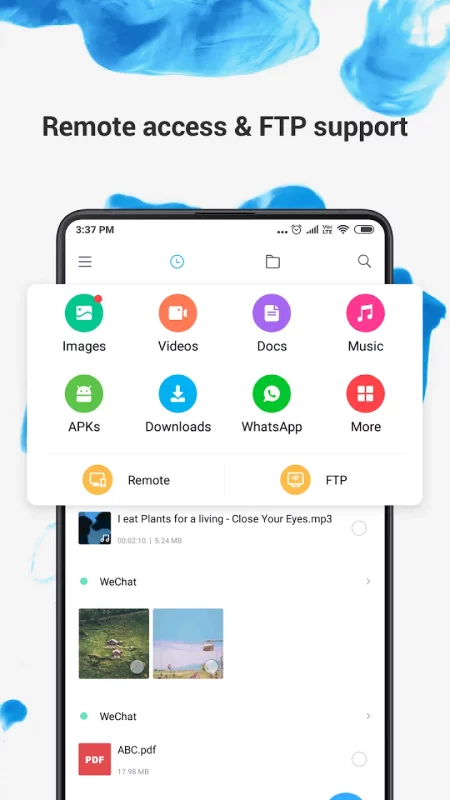
Categories: Files are organized into categories by their formats. From there, you can access to frequently used apps quickly.
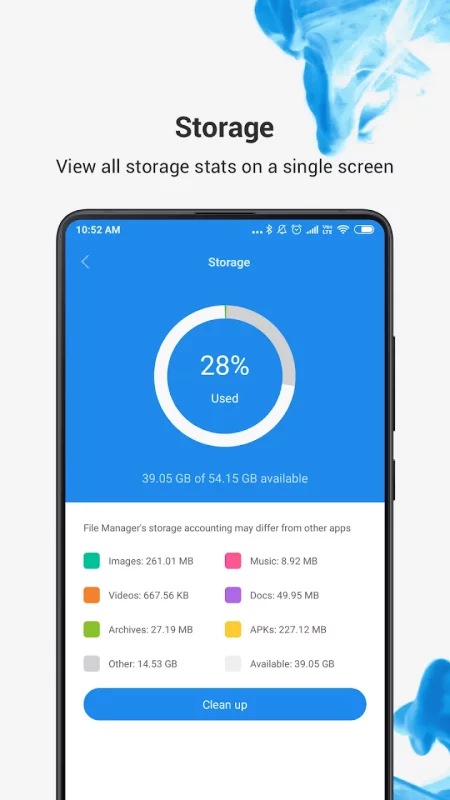
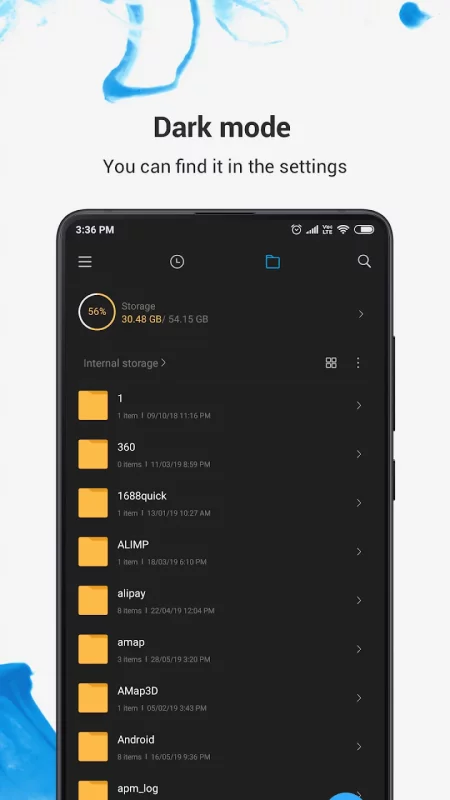
Storage: View your storage stats and manage all folders on your device.
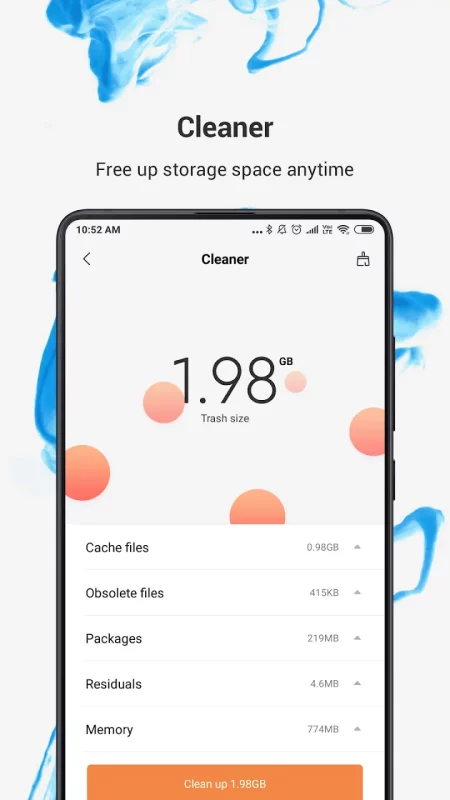
Cleaner: Free up storage space on your device by deleting cache and junk files.
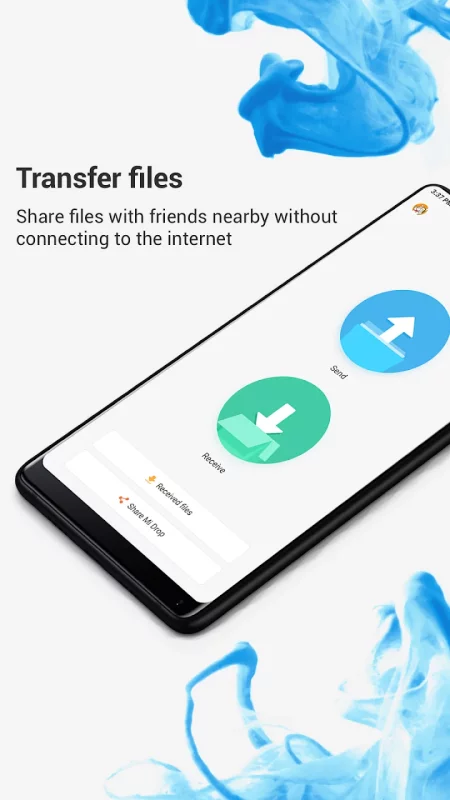
Mi Drop: Share files with friends who are nearby without connecting to the Internet.
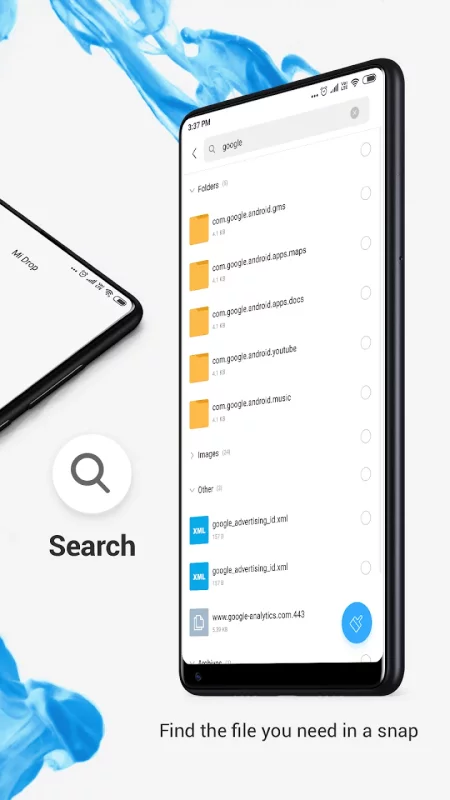
Global search: Enter keywords to find files.
Multiple file formats support: Open videos, music, documents, APKs, and compressed files with one tap.
File compression: Compress and decompress ZIP/RAR archives.
Manage multiple files: Select multiple files for the same operation.
Multiple languages supported: Bahasa Indonesia, Bengali, Chinese, English, Español, Português, ру́сский язы́к, українська мова, Tiếng Việt
Download File Manager for Android for free
- Download the APK file to your Android device.
- Find the file in the Downloads folder and open it.
- Allow installation from this source if Android blocks it.
- Tap Install. To update the app, install the newer APK without uninstalling the current version.