Smart Home Manager

Smart Home Manager

0 votes
  • Update
    03.10.2026
  • Latest Version
    2.2609.505
  • Android OS
    7.0+
  • License
    Free
  • Languages
    English
  • Content Rating
    Everyone
  • Developer
  • Package Name
    com.att.shm

The AT&T Smart Home Manager app will guide you through a simple self-setup process for your new service. It also provides all the tools you need to manage your network in one intuitive, user-friendly interface.

Sign in with your AT&T Internet User ID and password to get started!

• Enjoy clear, technician-free troubleshooting
• Easily view and update your Wi-Fi network name and password
• See what’s connected to your network
• Personalize all your device names
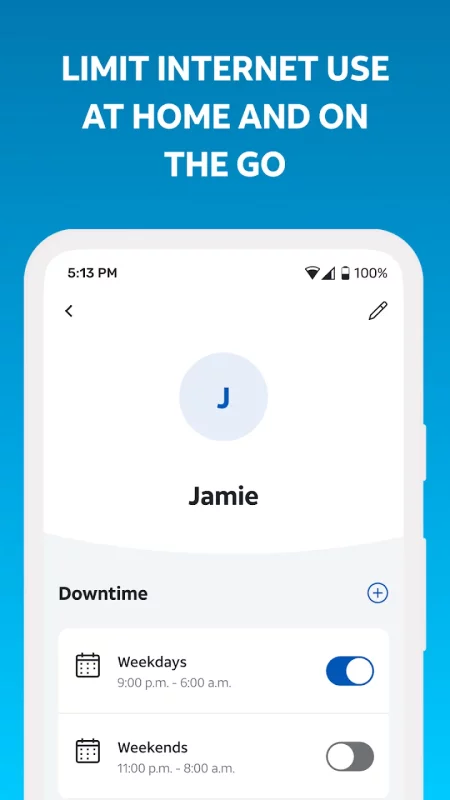
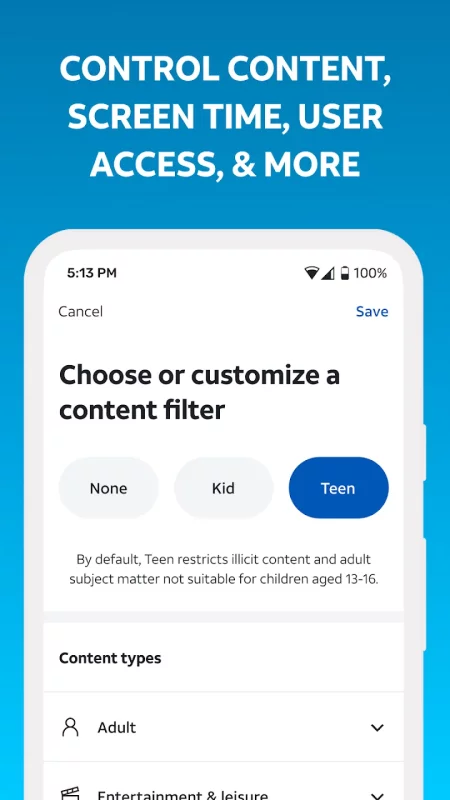
• Create profiles, set parental controls and downtime schedules to manage your family’s screen time at home
• Pause Wi-Fi access for any of your devices
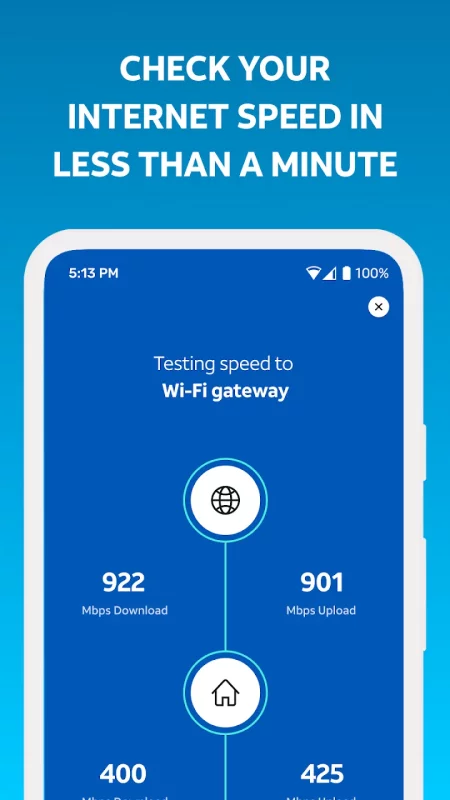
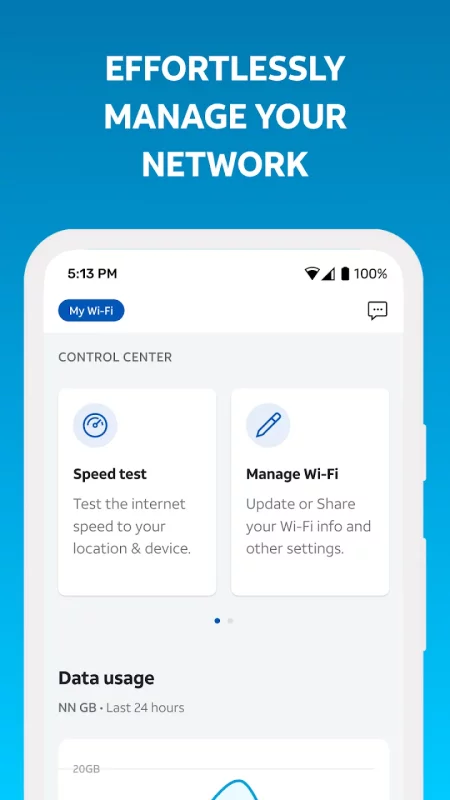
• Test the Internet speed to your Wi-Fi gateway
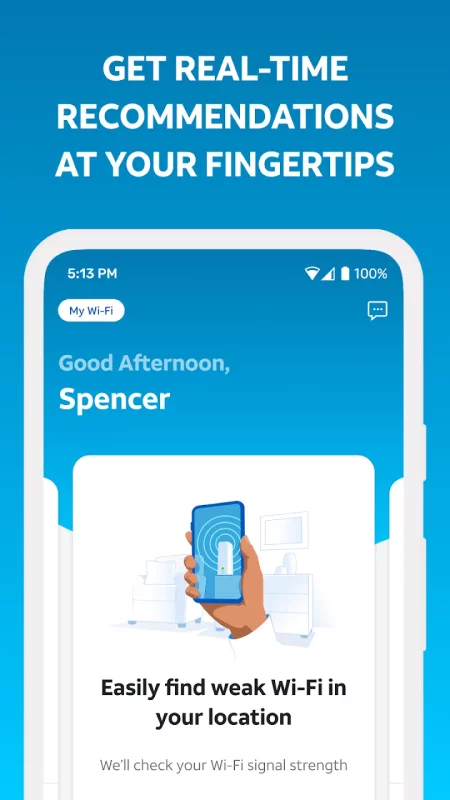
• Pinpoint weak signal spots throughout your home
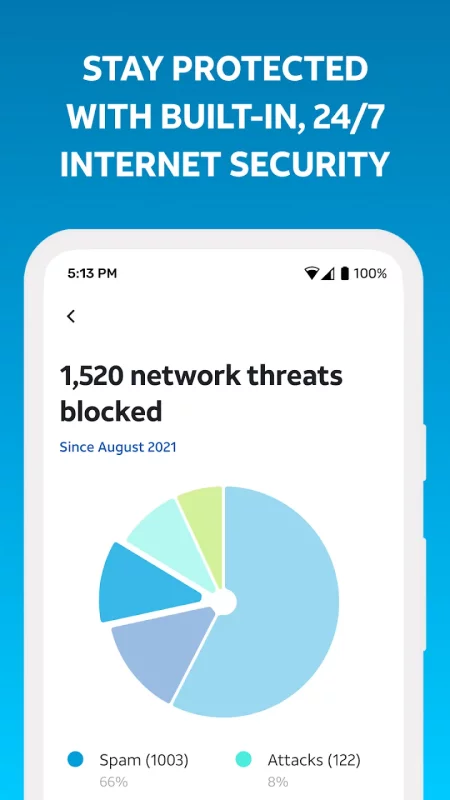
• Check your network health, get notified of issues and service outages, restart your Wi-Fi gateway, and more!

AT&T Smart Home Manager is available to AT&T Internet service customers with a compatible AT&T Wi-Fi Gateway. Feature availability based on Wi-Fi gateway model. Limited to home Wi-Fi network.
Download Smart Home Manager for Android for free

Download Smart Home Manager 2.2609.505 xapk Android 7.0+ ARMV8, ARMV7, X86, X86_64
99.2 Mb
No viruses found
Permissions (24)
Detections: 0
Check date: 03 October 2026, 16:30
The file was scanned for viruses using VirusTotal.
ACCESS_COARSE_LOCATION - allows an app to access approximate location.
ACCESS_FINE_LOCATION - allows an app to access precise location.
ACCESS_NETWORK_STATE - allows applications to access information about networks.
ACCESS_WIFI_STATE - allows applications to access information about wi-fi networks.
CAMERA - required to be able to access the camera device.
CHANGE_NETWORK_STATE - allows applications to change network connectivity state.
CHANGE_WIFI_STATE - allows applications to change wi-fi connectivity state.
FOREGROUND_SERVICE - allows a regular application to use service.startforeground.
FOREGROUND_SERVICE_CONNECTED_DEVICE - allows a regular application to use service.startforeground with the type "connecteddevice".
INTERNET - allows applications to open network sockets.
POST_NOTIFICATIONS - allows an app to post notifications
READ_BASIC_PHONE_STATE - allows read only access to phone state with a non dangerous permission, including the information like cellular network type, software version.
READ_EXTERNAL_STORAGE - allows an application to read from external storage.
READ_PHONE_STATE - allows read only access to phone state, including the current cellular network information, the status of any ongoing calls, and a list of any phoneaccounts registered on the device.
RECEIVE_BOOT_COMPLETED - allows an application to receive the intent.action_boot_completed that is broadcast after the system finishes booting.
RECORD_AUDIO - allows an application to record audio.
REQUEST_IGNORE_BATTERY_OPTIMIZATIONS - permission an application must hold in order to use settings.action_request_ignore_battery_optimizations.
USE_BIOMETRIC - allows an app to use device supported biometric modalities.
USE_FINGERPRINT - this constant was deprecated in api level 28. applications should request use_biometric instead
VIBRATE - allows access to the vibrator.
WAKE_LOCK - allows using powermanager wakelocks to keep processor from sleeping or screen from dimming.
WRITE_EXTERNAL_STORAGE - allows an application to write to external storage.
SHA1 signature: cb11eb1e25aed6e021577f794e226d301d2041bc
SHA256 signature: 23178e548b0708594ada5dffc9e1ac3e014b201fe304e7bc91e95f4f696fbcd9
How to install XAPK
  1. Download the XAPK file to your Android device.
  2. Install one of these installers from our website:
  3. Open the installer and select the downloaded file from the Downloads folder.
  4. Allow installation from this source if Android asks for permission.
  5. Start installation. To update the app, install the newer file without uninstalling the current version.

⚠If the download fails or gets stuck, try enabling a VPN, disabling your ad blocker, or switching to a different network.
More by AT&T Services, Inc.
AT&T
AT&T
One app, every connection. The all-new AT&T app gives you unprecedented access, control, and
See also
Zillow: Homes for Sale & Rent
Find your new home to buy or rent with expert real estate tools and millions of listings right at
Instacart: Get Food Delivery
Get food delivery and grocery orders delivered directly to your door in as fast as 30 minutes with
Make Money: Play to Earn Cash
Join millions using the Mode Earn App to earn rewards through everyday activities! Mode Earn App
Find My Phone: Find Lost Phone
Find My Phone has over 15 Million downloads. Find Lost Phone is one of best lost phone finder
Ultimate Guitar: Chords & Tabs
Ultimate Guitar is your portal to playing your favorite songs. Learn on any instrument, including
Calorie Counter by Lose It!
Lose It! Is your personal calorie counter, diet planner, nutrition-focused food tracker and weight
Google Fit: Activity Tracking
Get to a healthier and more active life with the new Google Fit! It's hard to know how much or
TikTok - Videos, Shop & LIVE
TikTok is the global discovery platform for videos, streaming on LIVE, shopping, and more. Our
Comments (0)
Loading comments...