- Update03.10.2026
- Latest Version4.0.1
- Android OS10+
- LicenseFree
-
LanguagesEnglish Afrikaans, አማርኛ, العربية, অসমীয়া, Azərbaycan dili, Беларуская, Български, বাংলা, Bosanski, Català, Čeština, Dansk, Deutsch, Ελληνικά, English, Español, Eesti, Euskara, فارسی, Suomi, Français, Galego, ગુજરાતી, हिन्दी, Hrvatski, Magyar, Հայերեն, Bahasa Indonesia, Íslenska, Italiano, עברית, 日本語, ქართული, Қазақ тілі, ខ្មែរ, ಕನ್ನಡ, 한국어, Кыргызча, ລາວ, Lietuvių, Latviešu, Македонски, മലയാളം, Монгол, मराठी, Bahasa Melayu, မြန်မာ, Norsk bokmål, नेपाली, Nederlands, ଓଡ଼ିଆ, ਪੰਜਾਬੀ, Polski, Português, Română, Русский, සිංහල, Slovenčina, Slovenščina, Shqip, Српски, Svenska, Kiswahili, தமிழ், తెలుగు, ไทย, Tagalog, Türkçe, Українська, اردو, Oʻzbekcha, Tiếng Việt, 中文, isiZulu
- Content RatingEveryone
- DeveloperGoogle LLC
- Package Namecom.google.samples.apps.cardboarddemo
Cardboard puts virtual reality on your smartphone. The Cardboard app helps you to launch your favourite VR experiences, discover new apps and set up a viewer. The app is now built on the Cardboard open-source software (OSS) SDK.
To fully enjoy this app, you'll need a Cardboard viewer. Learn more and get your own Cardboard viewer at http://g.co/cardboard. To learn more about the Cardboard open-source project, visit our GitHub repository at https://github.com/googlevr/cardboard.
By using this app, you agree to be bound by our Google Terms of Service (Google TOS, http://www.google.com/accounts/TOS), Google's general Privacy Policy (http://www.google.com/intl/en/policies/privacy/) and the additional terms below. This app is a Service as defined in the Google TOS. The terms regarding software in our services apply to your use of this app.
Do not use this app while driving, walking or in any way that distracts you from real-world situations and prevents you from obeying traffic or safety regulations.
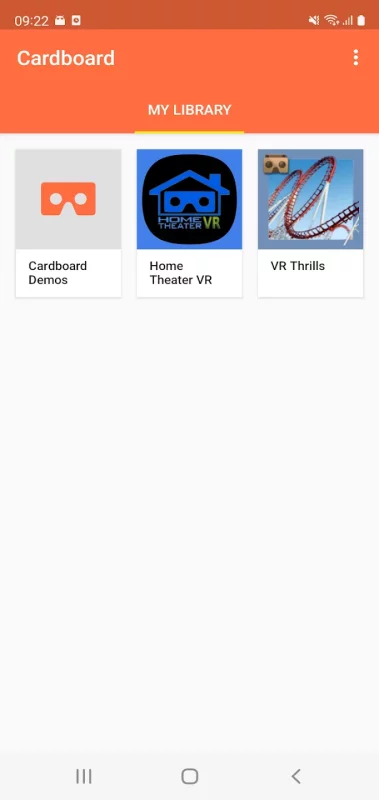
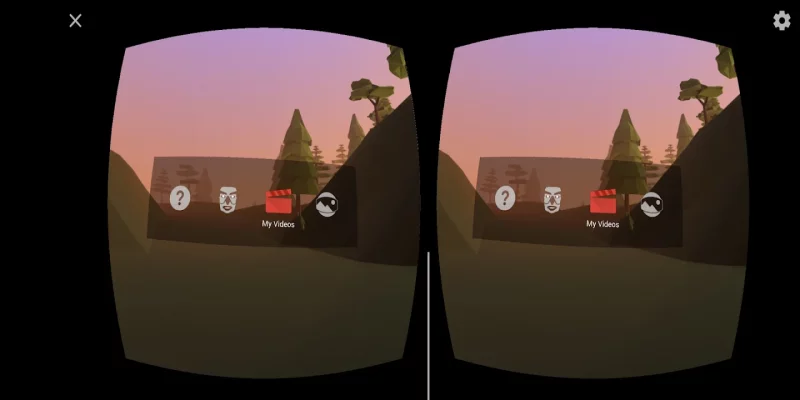
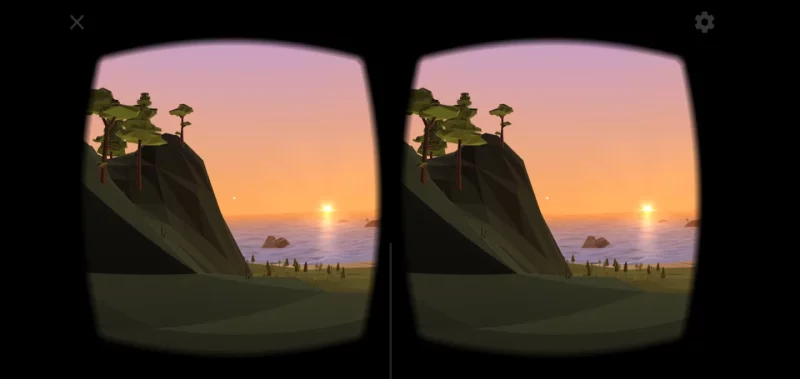
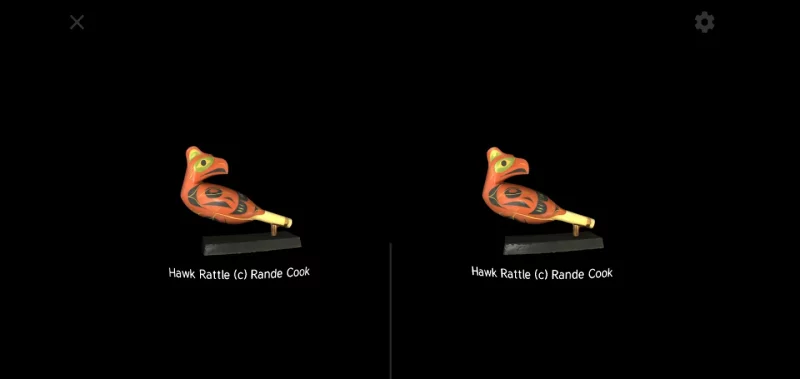
Download Cardboard for Android for free
- Download the APK file to your Android device.
- Find the file in the Downloads folder and open it.
- Allow installation from this source if Android blocks it.
- Tap Install. To update the app, install the newer APK without uninstalling the current version.