• Update
    03.10.2026
  • Latest Version
    7.16.2
  • Android OS
    8.0+
  • License
    Free
  • Languages
  • Content Rating
    Everyone
  • Developer
  • Package Name
    com.delta.mobile.android

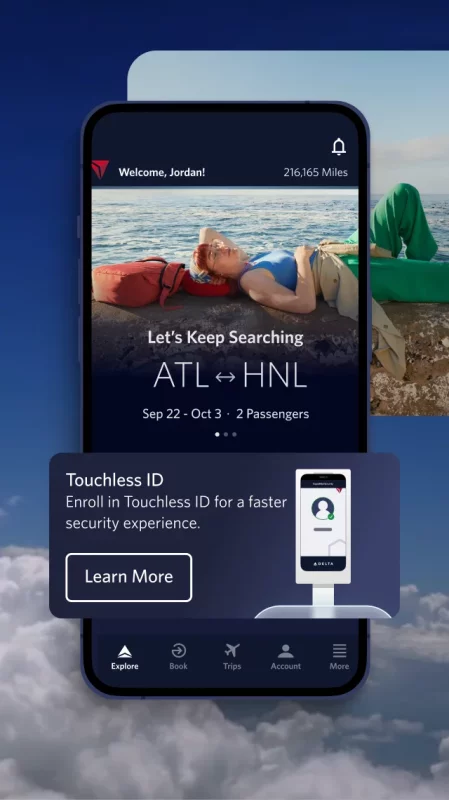
Welcome to Fly Delta, Delta’s award-winning Android app that makes travel easier than ever before.

Planning Your Trip
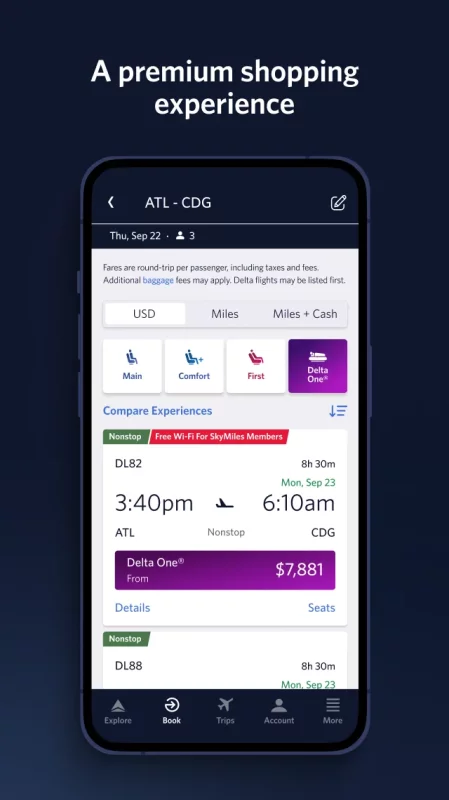
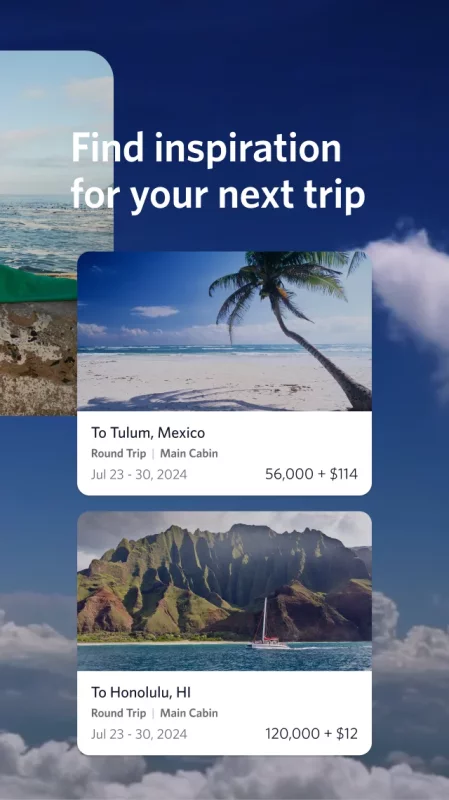
• Shop and book domestic and international flights
• Track and pay for upgrades using your SkyMiles®
• Manage travel preferences and payment methods
• Save a companion to your profile
• Need Help? Chat with one of our agents via Live Chat messaging
Use at the Airport
• ”Today” has everything you need for your day of travel
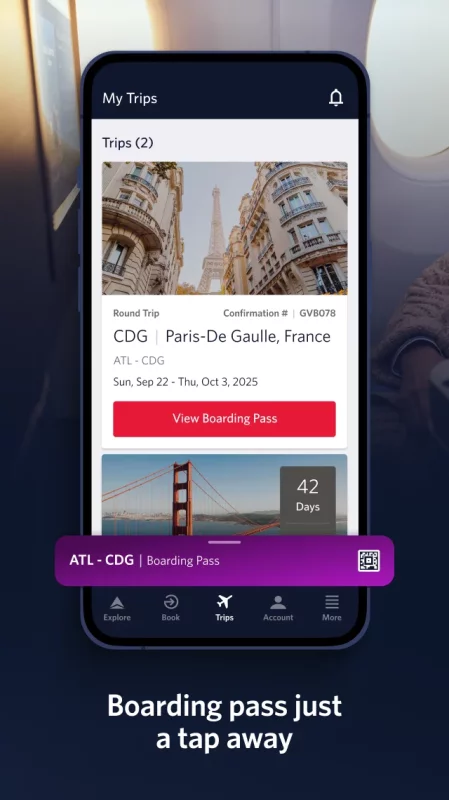
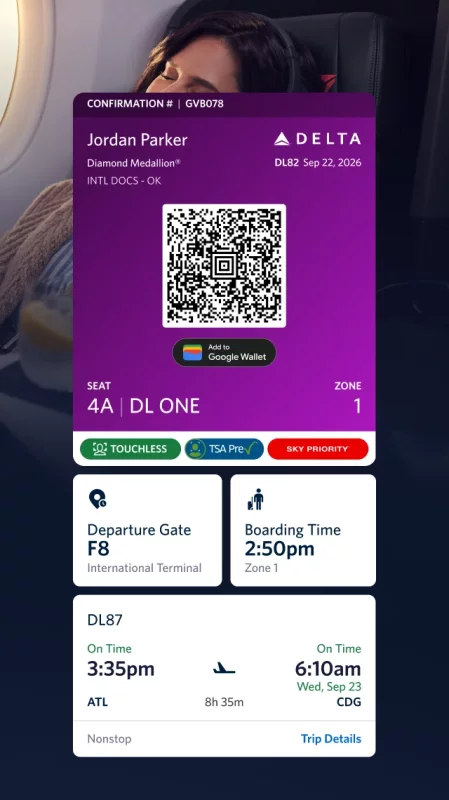
• Check in to your flight and receive your digital boarding pass
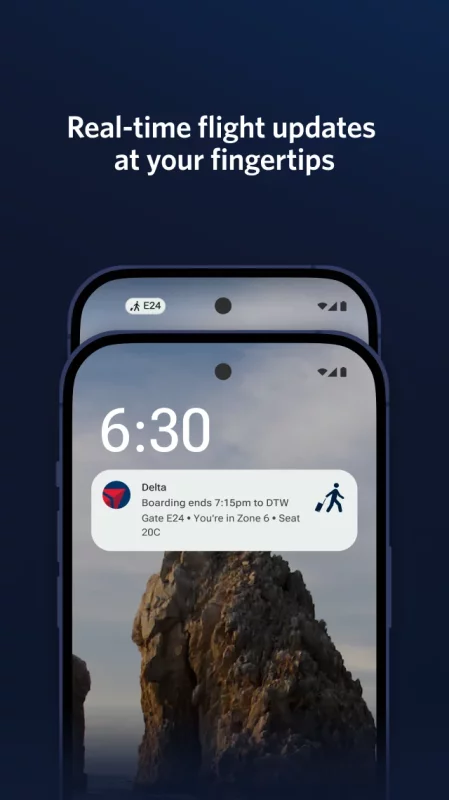
• ”Notifications” stores your flight updates and gate change notifications
• Use Airport Maps to navigate through the airport
• View your place on the upgrade/standby list
• Scan your passport during check-in
• View, change or upgrade your seat
• Reserve Preferred Seats in the bulkhead or aisle
• Access boarding pass offline
• Pay for and track your checked bags
• Add Trip Extras like a Wi-Fi pass or Mileage Booster
• Monitor flight status and read details about our fleet and partners
• Rebook canceled flights or missed connections
During & After Your Flight
• Get real-time bag tracking alerts
• Map your flight en route
• Find Delta Sky Club® info
• Store and use mobile drink vouchers

When downloading the Fly Delta app, you agree that your personal data will be processed in accordance with Delta’s Privacy Policy which can be accessed via the link below or on our website at delta.com.
Download Fly Delta for Android for free

Download Fly Delta 7.16.2 xapk Android 8.0+ ARMV8, ARMV7, X86, X86_64
203.79 Mb
No viruses found
Permissions (22)
Detections: 0
Check date: 03 October 2026, 18:00
The file was scanned for viruses using VirusTotal.
USE_BIOMETRIC - allows an app to use device supported biometric modalities.
ACCESS_COARSE_LOCATION - allows an app to access approximate location.
ACCESS_FINE_LOCATION - allows an app to access precise location.
ACCESS_NETWORK_STATE - allows applications to access information about networks.
ACCESS_WIFI_STATE - allows applications to access information about wi-fi networks.
BLUETOOTH - allows applications to connect to paired bluetooth devices.
BLUETOOTH_ADMIN - allows applications to discover and pair bluetooth devices.
CAMERA - required to be able to access the camera device.
FOREGROUND_SERVICE - allows a regular application to use service.startforeground.
INTERNET - allows applications to open network sockets.
POST_NOTIFICATIONS - allows an app to post notifications
READ_CALENDAR - allows an application to read the user's calendar data.
READ_EXTERNAL_STORAGE - allows an application to read from external storage.
READ_PHONE_STATE - allows read only access to phone state, including the current cellular network information, the status of any ongoing calls, and a list of any phoneaccounts registered on the device.
RECEIVE_BOOT_COMPLETED - allows an application to receive the intent.action_boot_completed that is broadcast after the system finishes booting.
RECORD_AUDIO - allows an application to record audio.
USE_BIOMETRIC - allows an app to use device supported biometric modalities.
USE_FINGERPRINT - this constant was deprecated in api level 28. applications should request use_biometric instead
VIBRATE - allows access to the vibrator.
WAKE_LOCK - allows using powermanager wakelocks to keep processor from sleeping or screen from dimming.
WRITE_CALENDAR - allows an application to write the user's calendar data.
WRITE_EXTERNAL_STORAGE - allows an application to write to external storage.
SHA1 signature: 2a7167e9a28bc6a7ef947db2ea515b3f091e39f1
SHA256 signature: dcbef3766bc1aa5228eb75aca9c7ae023cfebb438390cb737585280a26deaa11
How to install XAPK
  1. Download the XAPK file to your Android device.
  2. Install one of these installers from our website:
  3. Open the installer and select the downloaded file from the Downloads folder.
  4. Allow installation from this source if Android asks for permission.
  5. Start installation. To update the app, install the newer file without uninstalling the current version.

⚠If the download fails or gets stuck, try enabling a VPN, disabling your ad blocker, or switching to a different network.
See also
Instacart: Get Food Delivery
Get food delivery and grocery orders delivered directly to your door in as fast as 30 minutes with
Zillow: Homes for Sale & Rent
Find your new home to buy or rent with expert real estate tools and millions of listings right at
Make Money: Play to Earn Cash
Join millions using the Mode Earn App to earn rewards through everyday activities! Mode Earn App
Street View Map and Navigation
Street View Map and Navigation The street view map and navigation app is a complete GPS navigation
TikTok - Videos, Shop & LIVE
TikTok is the global discovery platform for videos, streaming on LIVE, shopping, and more. Our
Find My Phone: Find Lost Phone
Find My Phone has over 15 Million downloads. Find Lost Phone is one of best lost phone finder
Calorie Counter by Lose It!
Lose It! Is your personal calorie counter, diet planner, nutrition-focused food tracker and weight
Ultimate Guitar: Chords & Tabs
Ultimate Guitar is your portal to playing your favorite songs. Learn on any instrument, including
Comments (0)
Loading comments...