- Update02.10.2026
- Latest Version13.1.00.15
- Android OS9+
- LicenseFree
-
LanguagesEnglish العربية, অসমীয়া, Azərbaycan dili, Беларуская, Български, বাংলা, Bosanski, Català, Čeština, Dansk, Deutsch, Ελληνικά, English, Español, Eesti, Euskara, فارسی, Suomi, Français, Gaeilge, Galego, ગુજરાતી, हिन्दी, Hrvatski, Magyar, Հայերեն, Bahasa Indonesia, Íslenska, Italiano, עברית, 日本語, ქართული, Қазақ тілі, ខ្មែរ, ಕನ್ನಡ, 한국어, Кыргызча, ລາວ, Lietuvių, Latviešu, Македонски, മലയാളം, Монгол, मराठी, Bahasa Melayu, မြန်မာ, Norsk bokmål, नेपाली, Nederlands, ଓଡ଼ିଆ, ਪੰਜਾਬੀ, Polski, Português, Română, Русский, සිංහල, Slovenčina, Slovenščina, Shqip, Српски, Svenska, தமிழ், తెలుగు, Тоҷикӣ, ไทย, Türkmençe, Tagalog, Türkçe, Українська, اردو, Oʻzbekcha, Tiếng Việt, 中文
- Content RatingEveryone
- DeveloperSamsung Electronics Co., Ltd.
- Downloads1
- Package Namecom.sec.android.app.clockpackage
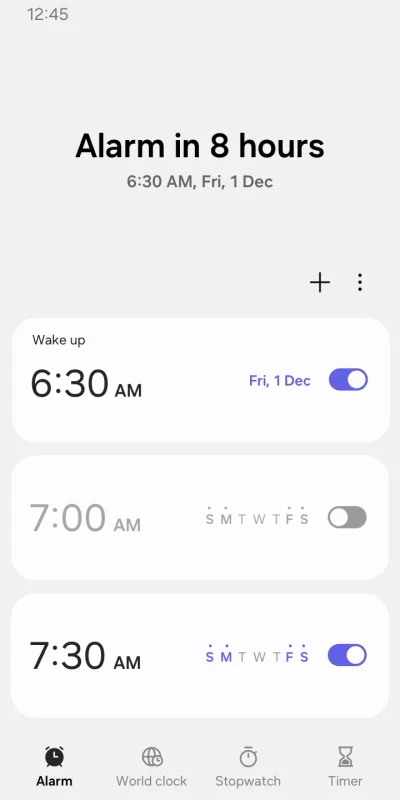
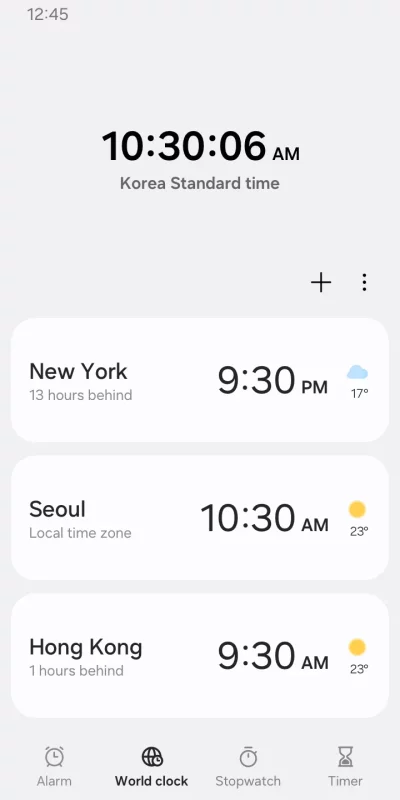
The Clock app provides Alarm, World Clock, Stopwatch, and Timer features. Use the Clock app to manage your time efficiently, as well as check the weather by city.
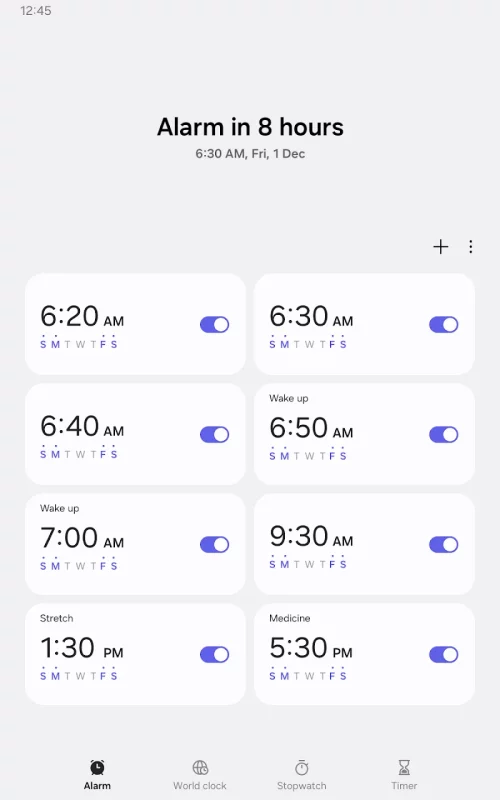
• Alarm
This feature allows you to assign dates to alarms, and repeat alarms can skip one day and be turned on again. The Snooze feature allows you to create the same effect as setting multiple alarms.
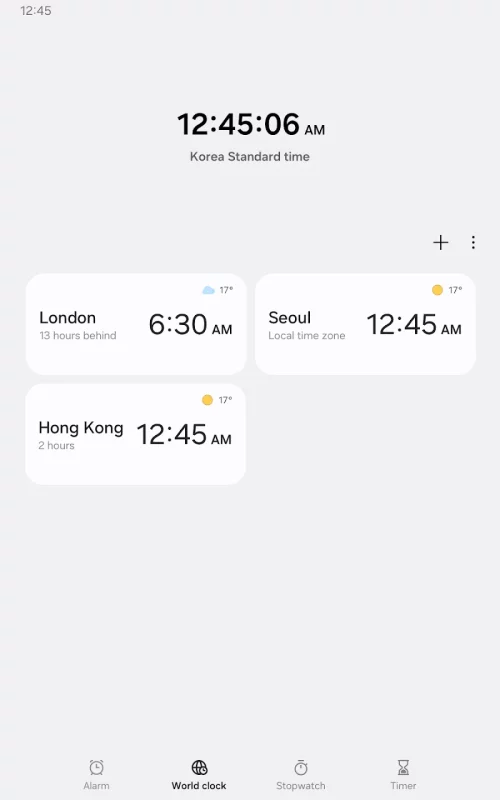
• World Clock
This feature allows you to check the time and weather by city. Quickly confirm the location of a specific city with the globe.
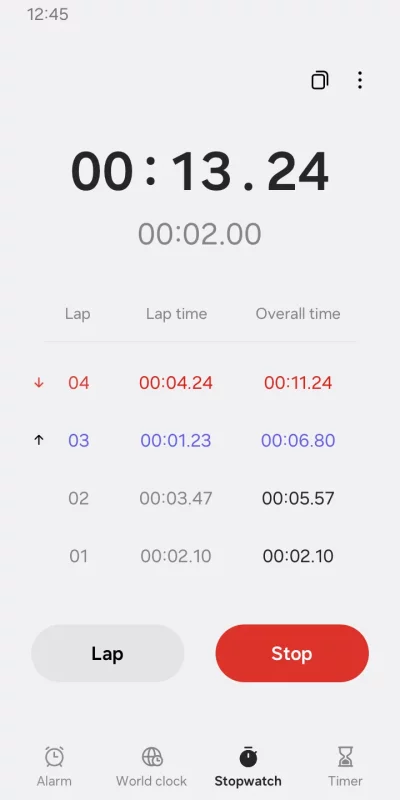
• Stopwatch
This feature allows you to record the elapsed time for each section and copy the recorded value.
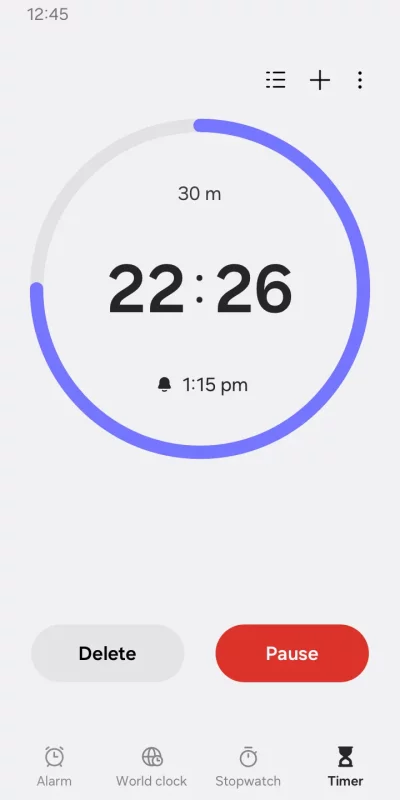
• Timer
This feature allows you to save frequently used timer times as preset timers, as well as run multiple timers simultaneously.
The following permissions are required to use this app, but you can use the basic features of the app without allowing these permissions.
Optional permissions
• Music and audio: Used to open sounds saved on your phone or tablet for alarms and timer alerts
• Notifications: Used to show ongoing timers and notify you about upcoming and missed alarms
• Photos and videos: Used to select images and videos for alarm backgrounds(Android 14 and higher)
• Calendar: Used to show an upcoming event when using the Weather alarm background
Download Clock for Android for free
- Download the APK file to your Android device.
- Find the file in the Downloads folder and open it.
- Allow installation from this source if Android blocks it.
- Tap Install. To update the app, install the newer APK without uninstalling the current version.