- Update30.09.2026
- Latest Version15.22.0
- Android OS7.0+
- LicenseFree
-
LanguagesEnglish العربية, Deutsch, English, Español, Eesti, Suomi, Français, हिन्दी, Magyar, Bahasa Indonesia, Italiano, 日本語, 한국어, Bahasa Melayu, Nederlands, Polski, Português, Русский, Svenska, ไทย, Türkçe, Українська, Tiếng Việt, 中文
- Content RatingEveryone
- DeveloperDOLLAR GENERAL CORPORATION
- Package Namecom.dollargeneral.android
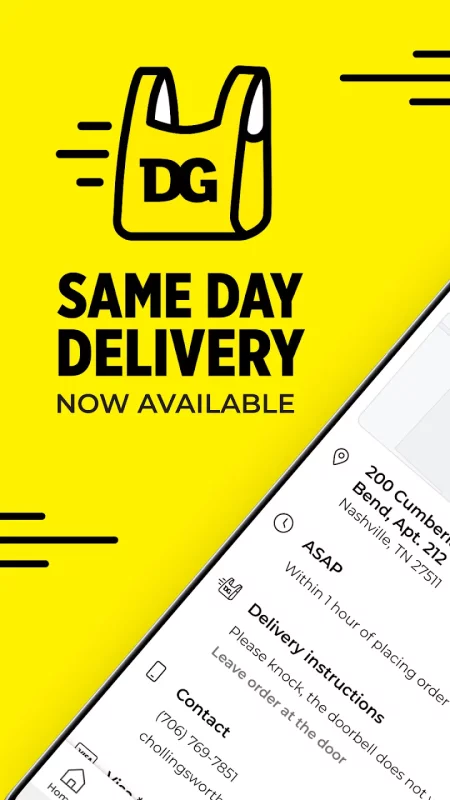
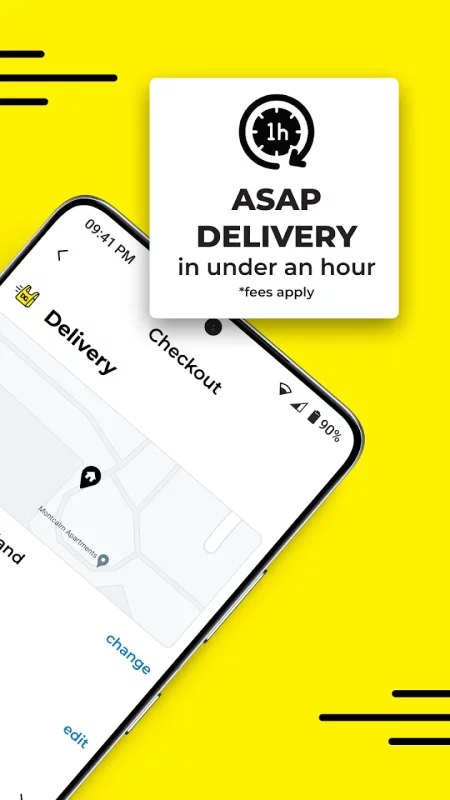
Download the DG Android App and join myDG® to earn deals, rewards and bonuses! Explore all the benefits of myDG® for additional savings today. Shop in the app and find everything that you need at the lowest prices!
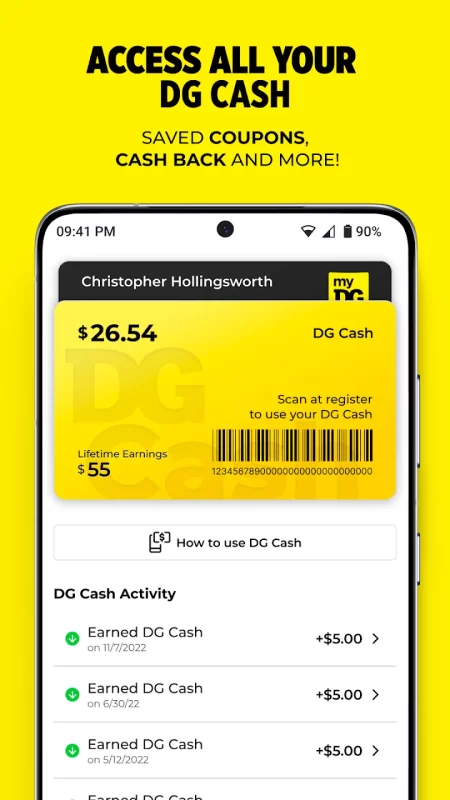
. myDG® Wallet – See your exclusive offers, filter and search your clipped Coupons and Cash Back, access your myDG® ID, scan DG Cash to spend in store, and more.
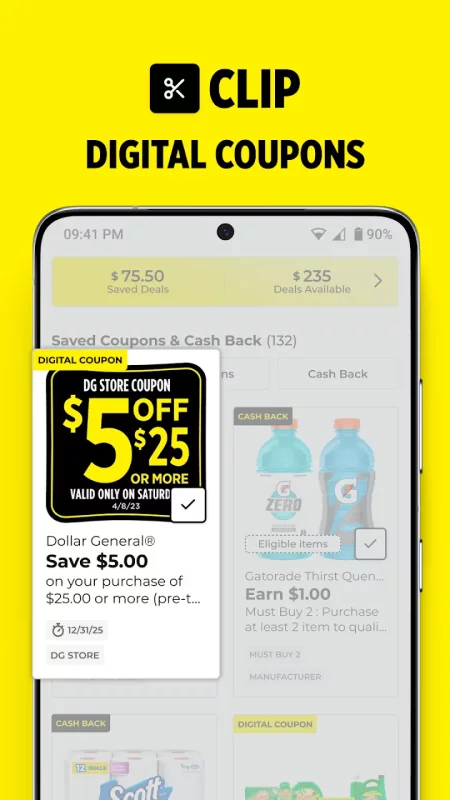
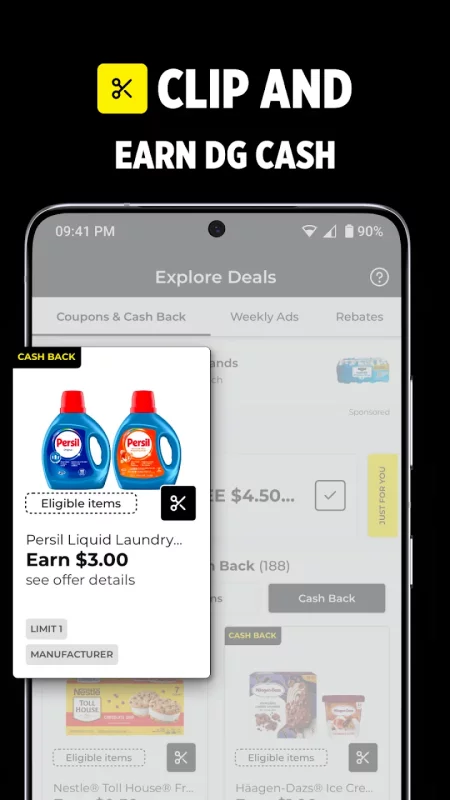
. Digital Coupons – Save on hundreds of items every week.
. Cart Calculator – In-store budgeting that helps you save as you shop.
. Shopping List – Keep your checklist and add coupons to your myDG® Wallet.
. Weekly Ads – See what’s on sale at your store.
Your favorite ways to save - All in one place! Shop the Dollar General app to plan your next shopping trip, or order online.
Our stores are full of great stuff! You will never know what you might find, but our stores always include:
Groceries:
- Food
- Drinks
- Milk
- Eggs
- Soda
- Pantry
- Coffee
- Tea
Party Supplies:
- Holiday Decorations
- Paper Plates & Cups
- Plastic Forks & Knives
- Festive Paper Napkins
- Balloons
Cleaning Supplies:
- Paper Towels
- Sponges & Scrubbers
- Mops & Brooms
- Window & Floor Cleaning
School & Office Supplies:
- Pens & Pencils
- Folders & Filing
- Paper & Notebooks
- Backpacks & Lunch Boxes
Pet Supplies:
- Cat & Dog Food
- Cat & Dog Toys
Home & Garden:
- Pots & Planters
- Lawn Decorations
- Home Decor
- Pillows
- Candles
- Rugs & Mats
- Blankets & Throws
Find the Dollar General App in the Google Play Store, log in and start shopping and saving today!
Download Dollar General-Digital Coupons for Android for free
- Download the XAPK file to your Android device.
- Install one of these installers from our website:
- Open the installer and select the downloaded file from the Downloads folder.
- Allow installation from this source if Android asks for permission.
- Start installation. To update the app, install the newer file without uninstalling the current version.