
- Update28.09.2026
- Latest Version2.8.8
- Android OS10+
- LicenseFree
-
LanguagesEnglish Afrikaans, አማርኛ, العربية, অসমীয়া, Azərbaycan dili, Беларуская, Български, বাংলা, Bosanski, Català, Čeština, Dansk, Deutsch, Ελληνικά, English, Español, Eesti, Euskara, فارسی, Suomi, Français, Galego, ગુજરાતી, हिन्दी, Hrvatski, Magyar, Հայերեն, Bahasa Indonesia, Íslenska, Italiano, עברית, 日本語, ქართული, Қазақ тілі, ខ្មែរ, ಕನ್ನಡ, 한국어, Кыргызча, ລາວ, Lietuvių, Latviešu, Македонски, മലയാളം, Монгол, मराठी, Bahasa Melayu, မြန်မာ, Norsk bokmål, नेपाली, Nederlands, ଓଡ଼ିଆ, ਪੰਜਾਬੀ, Polski, Português, Română, Русский, සිංහල, Slovenčina, Slovenščina, Shqip, Српски, Svenska, Kiswahili, தமிழ், తెలుగు, ไทย, Tagalog, Türkçe, Українська, اردو, Oʻzbekcha, Tiếng Việt, 中文, isiZulu
- Content RatingEveryone
- DeveloperWallpaper Engine Team
- Package Nameio.wallpaperengine.weclient
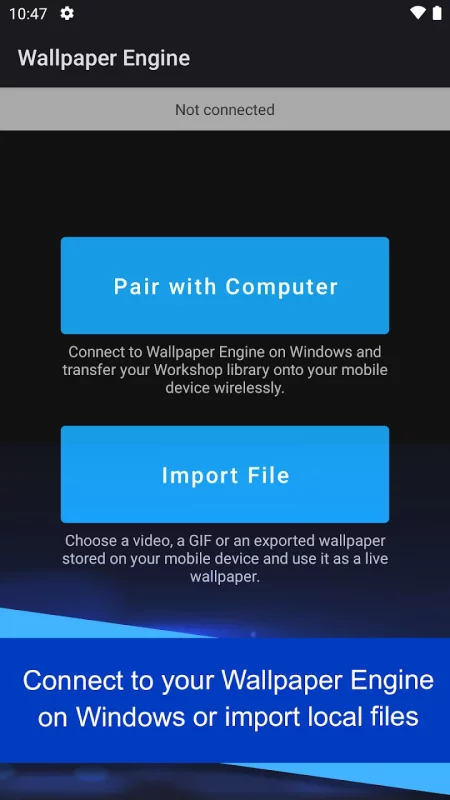
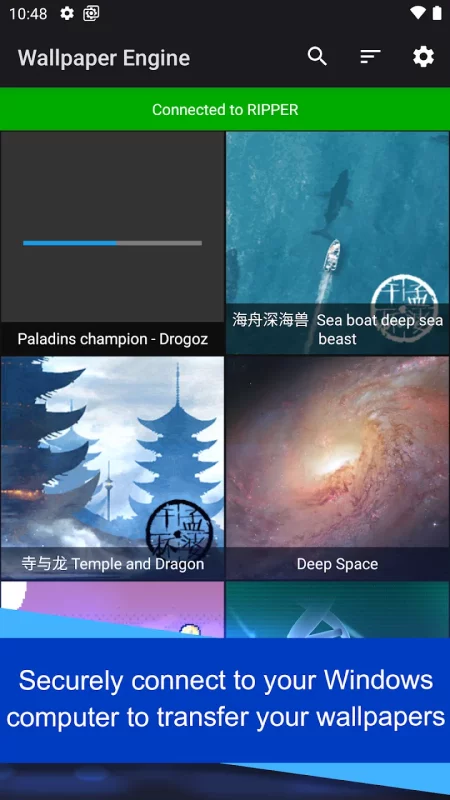
The Wallpaper Engine mobile companion app allows you to import your live wallpaper collection onto your Android device with ease. Connect to Wallpaper Engine on Windows and transfer your existing live wallpaper collection to the mobile app or import local videos and GIFs and use them as live wallpapers with ease!
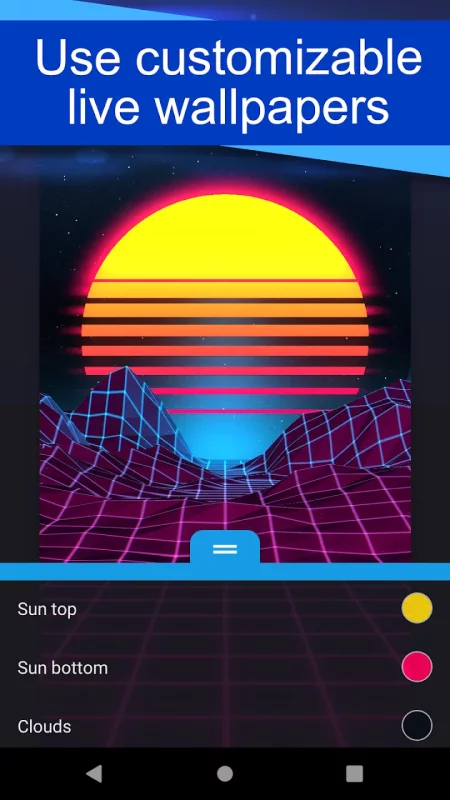
• Supports videos, GIFs and interactive 2D / 3D scenes as wallpapers.
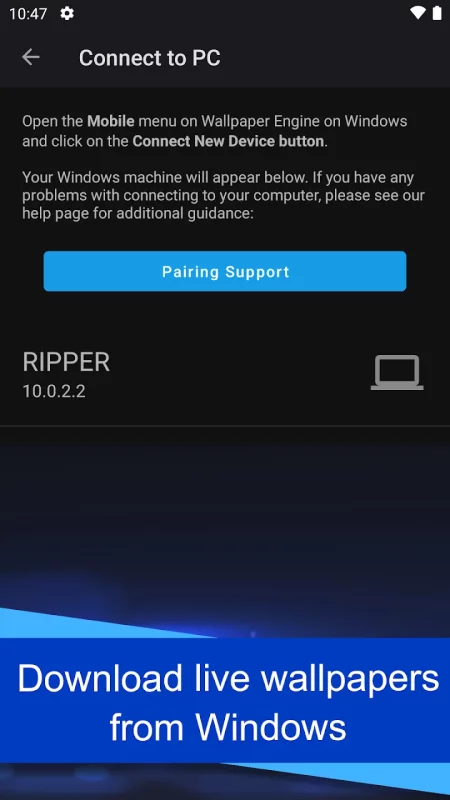
• Connect to Wallpaper Engine on Windows to transfer your desktop library onto your phone.
• Allows you to customize the look and feel of your wallpapers.
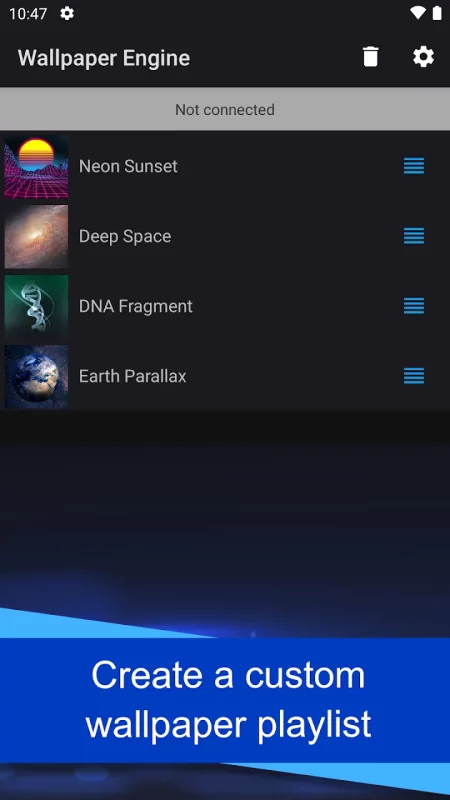
• You can set up a playlist that automatically cycles your wallpapers in regular intervals or depending on the time of day.
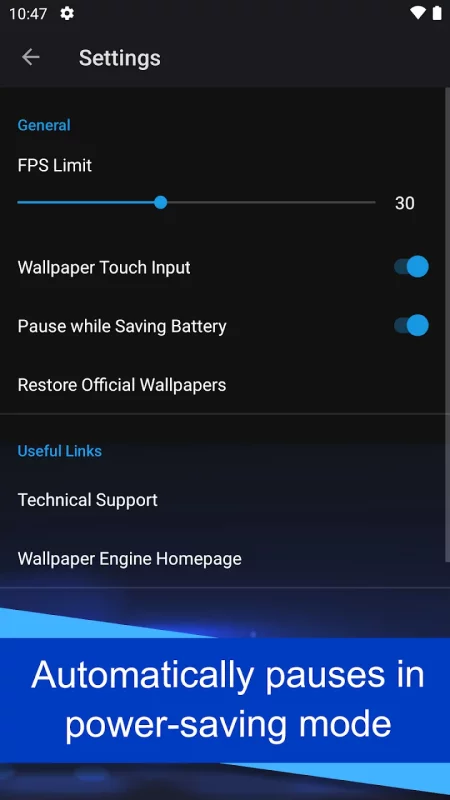
• Wallpapers automatically pause when power savings mode is activated on your phone.
• The app is completely ad-free and also does not track your behavior.
For support with the app, please visit the Android section on our help website:
• https://help.wallpaperengine.io
Download Wallpaper Engine for Android for free
- Download the XAPK file to your Android device.
- Install one of these installers from our website:
- Open the installer and select the downloaded file from the Downloads folder.
- Allow installation from this source if Android asks for permission.
- Start installation. To update the app, install the newer file without uninstalling the current version.