OpenVPN Connect

OpenVPN Connect

0 votes
  • Update
    28.09.2026
  • Latest Version
    3.7.1
  • Android OS
    9+
  • License
    Free
  • Languages
    English
  • Content Rating
    Everyone
  • Developer
  • Package Name
    net.openvpn.openvpn

WHAT IS OPENVPN CONNECT?
OpenVPN Connect is the official OpenVPN client app developed by OpenVPN Inc., the creators of the OpenVPN® protocol. Designed for use with OpenVPN’s zero-trust business VPN solutions, this app enables secure remote access to internal networks, cloud resources, and private applications. A zero-trust VPN is a virtual private network that requires continuous identity and device verification for every access request, adhering to the principle of 'never trust, always verify,' regardless of the user's location.

IMPORTANT NOTE:
This app does NOT include a built-in VPN service. It establishes an OpenVPN tunnel to a VPN server or service that is compatible with the OpenVPN protocol. It is meant for use with OpenVPN’s business Zero-trust VPN solutions:
⇨ Access Server (self-hosted)
⇨ CloudConnexa® (cloud-delivered)

KEY FEATURES:
⇨ Fast, secure VPN tunneling with OpenVPN protocol
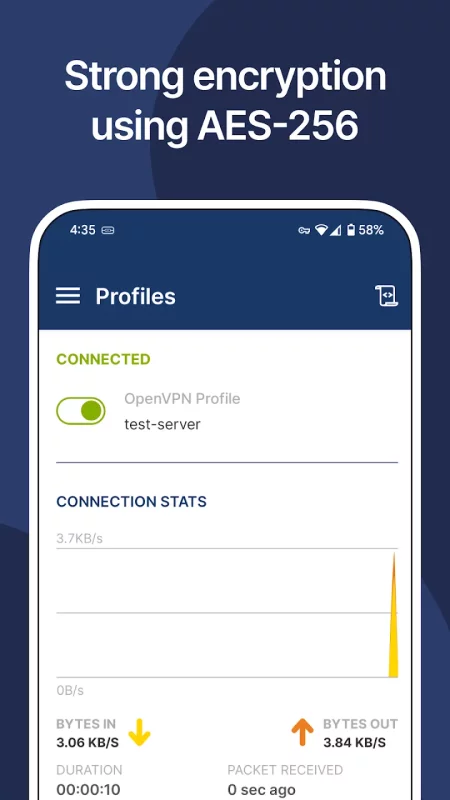
⇨ Strong AES-256 encryption and TLS 1.3 support
⇨ MDM-friendly with a global configuration file
⇨ Device posture checks**
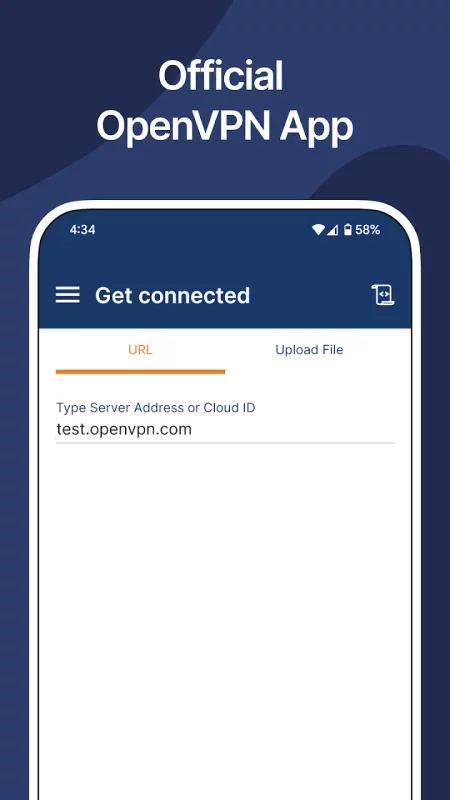
⇨ Import of connection profile with URL**
⇨ Android Always-on VPN support
⇨ Captive Wi-Fi portal detection
⇨ Web authentication for SAML SSO support
⇨ HTTP proxy configuration
⇨ Seamless split-tunneling and auto-reconnect
⇨ Works over Wi-Fi, LTE/4G, 5G, and all mobile networks
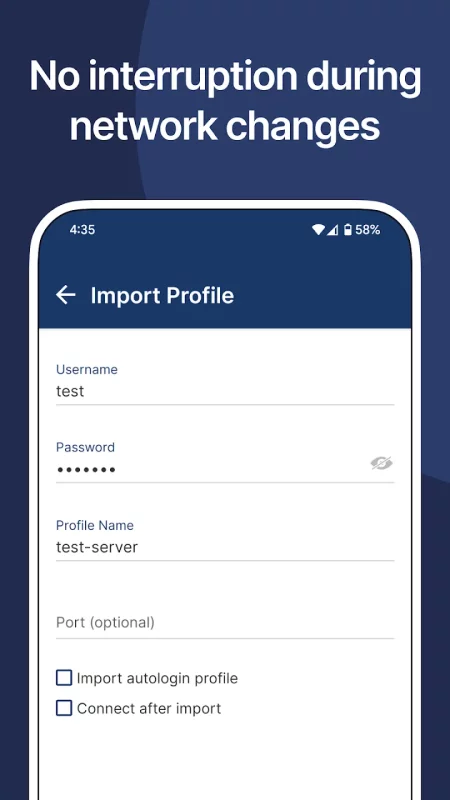
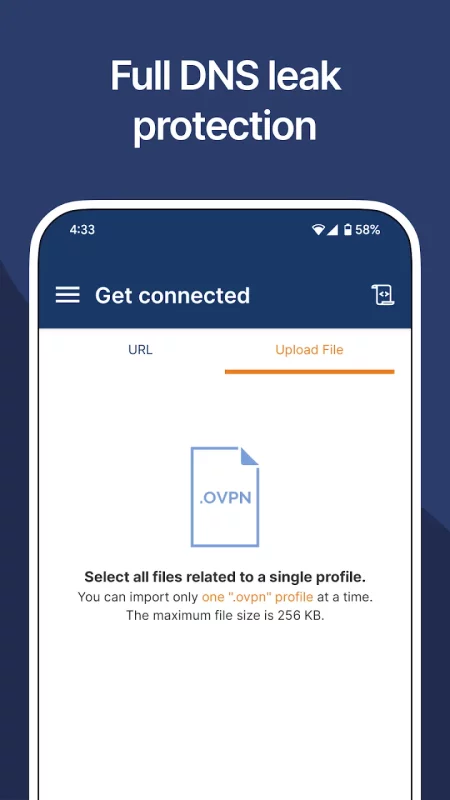
⇨ Easy setup & import of .ovpn profiles
⇨ Kill switch for fail-safe protection
⇨ IPv6 and DNS leak protection
⇨ Support for certificate, username/password, external certificate, and MFA authentication

** Works with Access Server and CloudConnexa

HOW TO USE OPENVPN CONNECT?
Easily get connected by simply entering your organization’s URL and login—no complex setup required.

BEST PAIRED WITH OPENVPN BUSINESS SOLUTIONS:
⇨ Access Server – Self-hosted zero-trust VPN software server with web-based administration, access control, clustering for horizontal scaling, flexible authentication methods, and zero-trust controls.
⇨ CloudConnexa® – Cloud-delivered Zero-Trust business VPN service offered from 30+ worldwide locations with ZTNA, application domain name routing, IPsec support for connecting networks, and advanced identity, device posture, and location context continuous checks.

Trusted by Global Businesses:
Over 20,000 organizations, including Salesforce, Target, Boeing, and others, rely on OpenVPN’s Zero-Trust VPN solutions.
Download OpenVPN Connect for Android for free

Download OpenVPN Connect 3.7.1 xapk Android 9+ ARMV7
28.24 Mb
No viruses found
Permissions (12)
Detections: 0
Check date: 28 September 2026, 17:00
The file was scanned for viruses using VirusTotal.
ACCESS_NETWORK_STATE - allows applications to access information about networks.
FOREGROUND_SERVICE - allows a regular application to use service.startforeground.
FOREGROUND_SERVICE_SPECIAL_USE - allows a regular application to use service.startforeground with the type "specialuse".
INTERNET - allows applications to open network sockets.
POST_NOTIFICATIONS - allows an app to post notifications
READ_EXTERNAL_STORAGE - allows an application to read from external storage.
READ_PHONE_STATE - allows read only access to phone state, including the current cellular network information, the status of any ongoing calls, and a list of any phoneaccounts registered on the device.
RECEIVE_BOOT_COMPLETED - allows an application to receive the intent.action_boot_completed that is broadcast after the system finishes booting.
USE_BIOMETRIC - allows an app to use device supported biometric modalities.
USE_FINGERPRINT - this constant was deprecated in api level 28. applications should request use_biometric instead
WRITE_EXTERNAL_STORAGE - allows an application to write to external storage.
INSTALL_SHORTCUT - allows an application to install a shortcut in launcher.
SHA1 signature: fe902f50aa00c627d51048da76601110d52a70c8
SHA256 signature: 50b9017c54cb233f55a1323d8439c8d9b20451e06ccf357b816956cbd72a9f5f
How to install XAPK
  1. Download the XAPK file to your Android device.
  2. Install one of these installers from our website:
  3. Open the installer and select the downloaded file from the Downloads folder.
  4. Allow installation from this source if Android asks for permission.
  5. Start installation. To update the app, install the newer file without uninstalling the current version.

⚠If the download fails or gets stuck, try enabling a VPN, disabling your ad blocker, or switching to a different network.
See also
Cisco Secure Client-AnyConnect
Formerly AnyConnect COMPATIBLE DEVICES: Android 4.4+ KNOWN ISSUES: - Some freezes are known to
Turbo VPN - Secure VPN Proxy
Turbo VPN is a free and unlimited VPN proxy, offering you a fast VPN connection and stable VPN
MATE VPN - Security Proxy App
MATE VPN is a reliable proxy tool! A stable and worldwide internet privacy and security app for all
Okta Verify
Okta Verify
Okta Verify is a lightweight app that allows you to securely access your apps via 2-step
Bundle (Split) APKs Installer
# Bundle (Split) APKs Installer **Bundle (Split) APKs Installer** is a powerful and easy-to-use
McAfee: Stay Secure & Private
In today's digital world, knowing what's real and what's fake is more critical than
XAPK Installer APK Downloader
Install .XAPK and .APK XInstaller — all in one powerful tool. Master your Android files with the
Windscribe: Fast & Secure VPN
Windscribe VPN is your all-in-one solution for privacy, security, and unrestricted internet
Comments (0)
Loading comments...