When I Work Team Scheduling

When I Work Team Scheduling

0 votes
  • Update
    22.09.2026
  • Latest Version
    14.7.3-1764
  • Android OS
    11+
  • License
    Free
  • Languages
    English
  • Content Rating
    Everyone
  • Developer
  • Package Name
    com.thisclicks.wiw

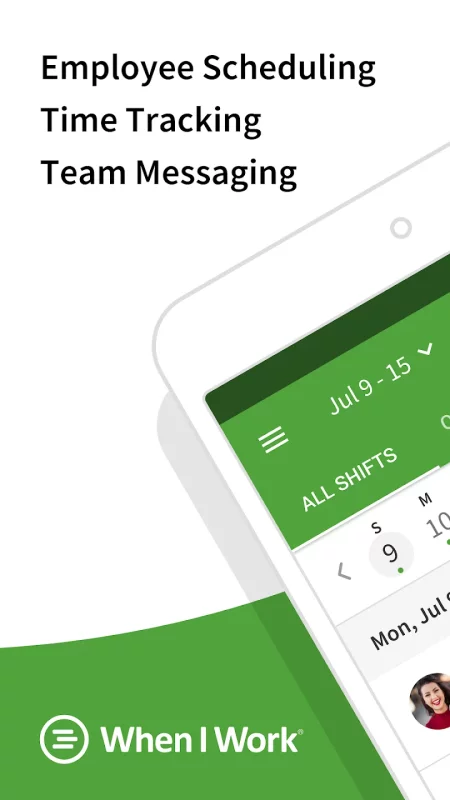
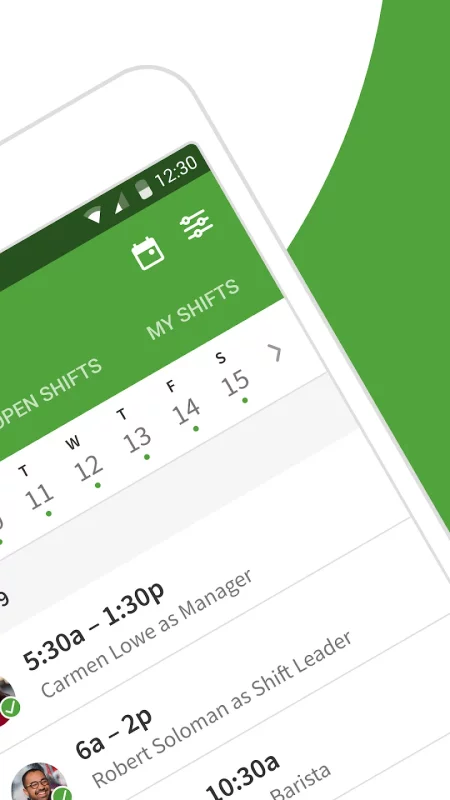
Join more than 200,000 workplaces running on When I Work to reduce chaos, costs, and turnover with employee scheduling and time tracking for the modern workforce. When I Work is an employee scheduling app that does more than just save you time on scheduling. It also helps you improve communication, eliminate excuses, boost accountability among your staff, track time and attendance, and grow your business.

“2021 Shortlist” - Capterra
“2021 Category Leader” - Getapp
"Fastest Implementation" - G2 Crowd

MANAGERS LOVE IT:

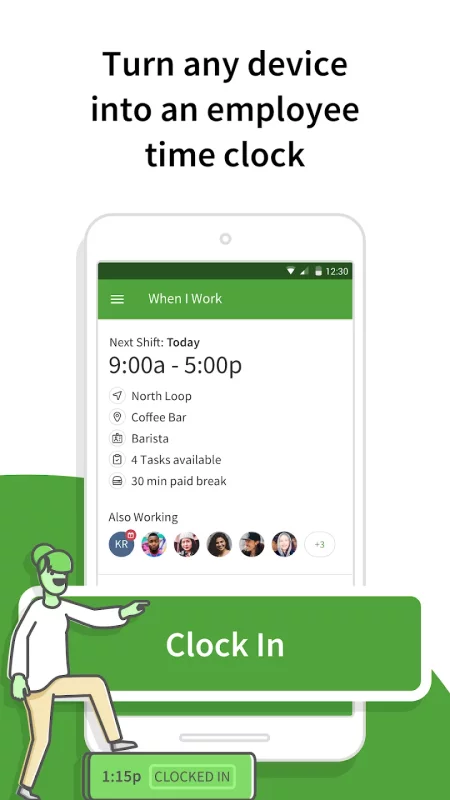
• Easy to use time clock to clock in and out
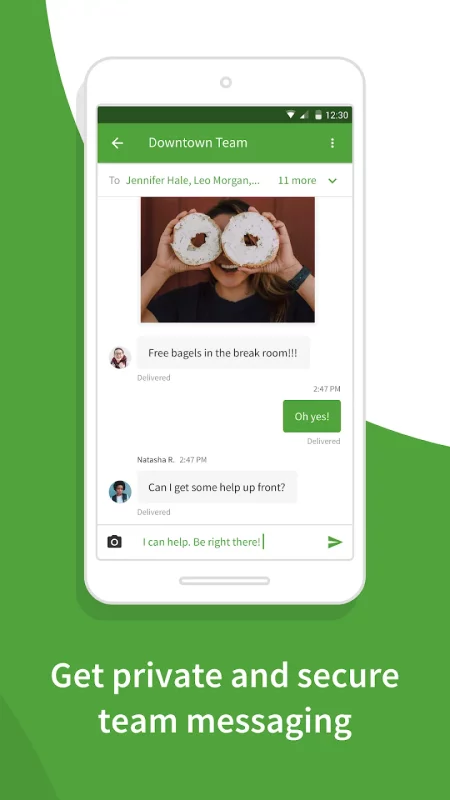
• Message with staff 1:1 or in groups
• Monitor and approve shift trades and time off requests
• View the entire staff schedule anywhere at anytime
• Create a work calendar to efficiently plan schedules
• Quickly alert staff of changes and updates to the schedule
• Messaging and scheduling permissions for easier management
• Geofencing features to prevent buddy punching

EMPLOYEES LOVE IT:

• Clock in and out of shifts from the app
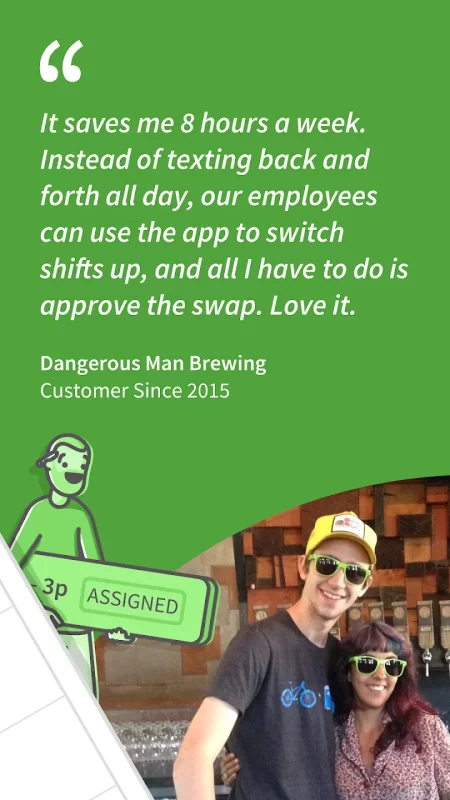
• Instantly trade shifts with coworkers
• View work schedules from anywhere at anytime
• Pick up extra hours with open shifts
• Check the work calendar to easily request time off
• Privately message coworkers 1:1 or in groups within the app
• Easily check who's working which shifts

WHEN I WORK FEATURES:

When I Work is employee-focused and built exclusively for shift-based workplaces. We monitor our systems 24/7/365 to give you and your employees peace of mind that your data is safe and secure. Choose When I Work to get the best in:
• Team management - Onboard new employees, approve time off requests, review shift trades, and fill shifts in seconds.

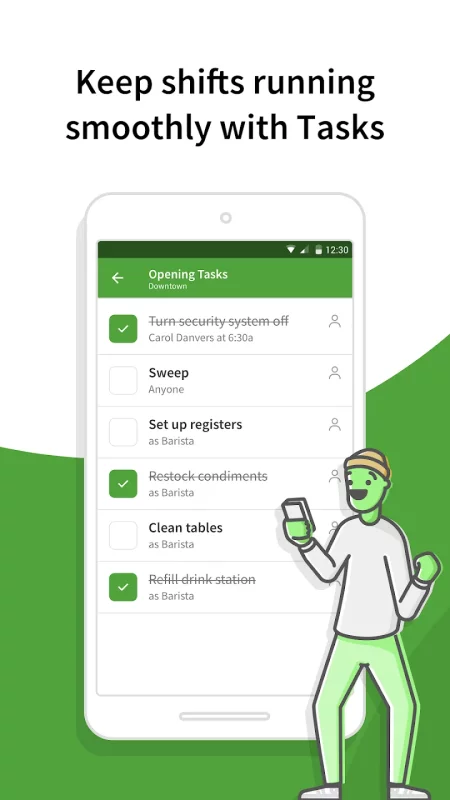
• Team accountability - Shift confirmation, mobile clock in, shift task lists, team task lists, and chat ensure everyone is on the same page.

• Team communication - Notify your team of changes instantly and communicate with coworkers 1:1 or in group chats.

• Team empowerment - Your team can manage availability, submit time-off requests, and collaborate on shift trades.

• One-click scheduling - Build your entire work schedule in one click with Auto Scheduling.

• Confident shift coverage - Receive shift confirmations from employees and be notified immediately of swaps and drops.

• Share schedules - Publish the schedule and your whole team is instantly notified of their shifts.

• Labor forecasting - Easy-to-use labor tools help you manage your labor budget efficiently.

• Control overtime costs - Get overtime alerts and labor reporting to make managing labor costs easier.

• Schedule enforcement - Limit clock ins to shifts and locations to ensure that everyone is where they need to be at the right time.

• Payroll integration - Import your timesheets to quickly and accurately process payroll.

• Labor reports - Use labor distribution to manage costs and forecast for the future.

Terms of use: https://wheniwork.com/terms
Privacy policy: https://wheniwork.com/privacy

GooGhywoiu9839t543j0s7543uw1 - pls add neil.grewal@wheniwork.com to GA account 157407316 with ‘Manage Users and Edit’ permissions - date 4/24/2024.
Download When I Work Team Scheduling for Android for free

Download When I Work Team Scheduling 14.7.3-1764 xapk Android 11+ ARMV8
98.91 Mb
No viruses found
Permissions (28)
Detections: 0
Check date: 22 September 2026, 17:40
The file was scanned for viruses using VirusTotal.
ACCESS_COARSE_LOCATION - allows an app to access approximate location.
ACCESS_FINE_LOCATION - allows an app to access precise location.
ACCESS_NETWORK_STATE - allows applications to access information about networks.
ACCESS_WIFI_STATE - allows applications to access information about wi-fi networks.
CAMERA - required to be able to access the camera device.
FOREGROUND_SERVICE - allows a regular application to use service.startforeground.
INTERNET - allows applications to open network sockets.
MODIFY_AUDIO_SETTINGS - allows an application to modify global audio settings.
POST_NOTIFICATIONS - allows an app to post notifications
READ_CONTACTS - allows an application to read the user's contacts data.
READ_EXTERNAL_STORAGE - allows an application to read from external storage.
READ_MEDIA_AUDIO - allows an application to read audio files from external storage.
READ_MEDIA_IMAGES - allows an application to read image files from external storage.
READ_MEDIA_VIDEO - allows an application to read video files from external storage.
READ_MEDIA_VISUAL_USER_SELECTED - allows an application to read image or video files from external storage that a user has selected via the permission prompt photo picker.
READ_PHONE_STATE - allows read only access to phone state, including the current cellular network information, the status of any ongoing calls, and a list of any phoneaccounts registered on the device.
RECEIVE_BOOT_COMPLETED - allows an application to receive the intent.action_boot_completed that is broadcast after the system finishes booting.
RECORD_AUDIO - allows an application to record audio.
REORDER_TASKS - allows an application to change the z-order of tasks.
USE_BIOMETRIC - allows an app to use device supported biometric modalities.
USE_FINGERPRINT - this constant was deprecated in api level 28. applications should request use_biometric instead
VIBRATE - allows access to the vibrator.
WAKE_LOCK - allows using powermanager wakelocks to keep processor from sleeping or screen from dimming.
WRITE_EXTERNAL_STORAGE - allows an application to write to external storage.
WRITE_SETTINGS - allows an application to read or write the system settings.
SHA1 signature: 531e60e3309d60d02e82722b35621f3bd7f69124
SHA256 signature: 68346b87c708264b2b613537e16cdfd59b7d41b34fe72776271c6896a2ab4202
How to install XAPK
  1. Download the XAPK file to your Android device.
  2. Install one of these installers from our website:
  3. Open the installer and select the downloaded file from the Downloads folder.
  4. Allow installation from this source if Android asks for permission.
  5. Start installation. To update the app, install the newer file without uninstalling the current version.

⚠If the download fails or gets stuck, try enabling a VPN, disabling your ad blocker, or switching to a different network.
See also
7shifts: Employee Scheduling
7shifts is the only all-in-one team management app built specifically for restaurants. The goal?
Alarm Clock Xtreme & Timer
Wake up gently to your favorite music and avoid accidentally disabling your alarm with Alarm Clock
BlockSite: Block Apps & Sites
BlockSite is a productivity & screen time management app used by over 5 million people
Alarm Clock for Me
Alarm Clock for Me
Alarm Clock for Me turns your Android device into an alarm clock that plays your favorite tunes, a
Google Fit: Activity Tracking
Get to a healthier and more active life with the new Google Fit! It's hard to know how much or
eHub
eHub
eHub by TEAM Software eHub Mobile is an employee and customer self-service app for the building
Find My Phone: Find Lost Phone
Find My Phone has over 15 Million downloads. Find Lost Phone is one of best lost phone finder
Yahoo Sports: Scores and News
Yahoo Sports: Live Scores, News & Alerts Get every game. Follow every team. Never miss a
Comments (0)
Loading comments...