- Update22.09.2026
- Latest Version4.2.8
- Android OS7.0+
- LicenseFree
-
LanguagesEnglish Afrikaans, አማርኛ, العربية, অসমীয়া, Azərbaycan dili, Беларуская, Български, বাংলা, Bosanski, Català, Čeština, Dansk, Deutsch, Ελληνικά, English, Español, Eesti, Euskara, فارسی, Suomi, Français, Galego, ગુજરાતી, हिन्दी, Hrvatski, Magyar, Հայերեն, Bahasa Indonesia, Íslenska, Italiano, עברית, 日本語, ქართული, Қазақ тілі, ខ្មែរ, ಕನ್ನಡ, 한국어, Kanuri, Кыргызча, ລາວ, Lietuvių, Latviešu, Македонски, മലയാളം, Монгол, मराठी, Bahasa Melayu, မြန်မာ, Norsk bokmål, नेपाली, Nederlands, Norsk, ଓଡ଼ିଆ, ਪੰਜਾਬੀ, Polski, Português, Română, Русский, සිංහල, Slovenčina, Slovenščina, Shqip, Српски, Svenska, Kiswahili, தமிழ், తెలుగు, ไทย, Tagalog, Türkçe, Twi, Українська, اردو, Oʻzbekcha, Tiếng Việt, 中文, isiZulu
- Content RatingEveryone
- DeveloperiKame Applications - Begamob Global
- Package Namecom.casttv.castforchromecast.screencast
Stop huddling around a small phone screen! With Cast for Chromecast & TV Cast, you can instantly screen mirror your display, cast any video to your TV, and use your phone as a powerful Chromecast remote.
Experience seamless streaming and control without the need for messy cables. Your home entertainment just got a major upgrade.
✨ KEY FEATURES YOU'LL LOVE ✨
✅ Flawless HD Screen Mirroring:
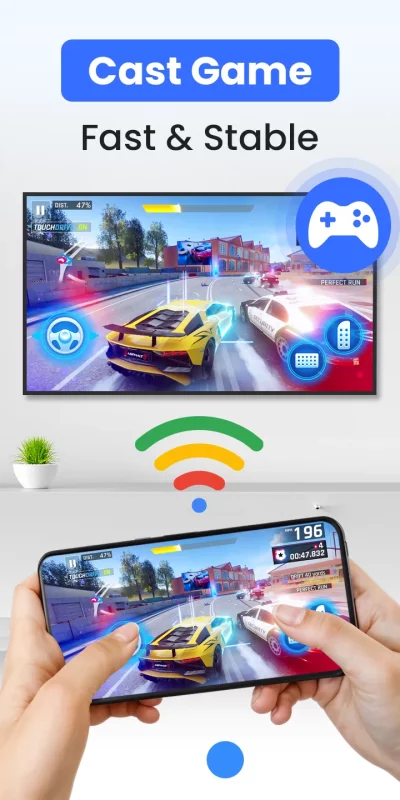
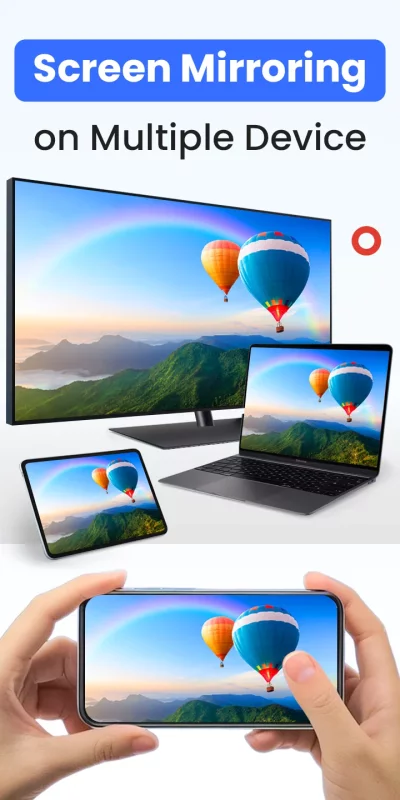
Share your phone's screen in real-time with stunning HD quality and near-zero latency. It's perfect for lag-free gaming, giving presentations, browsing photos, or sharing apps with the entire room.
✅ TV Cast - Cast Anything, Anywhere:
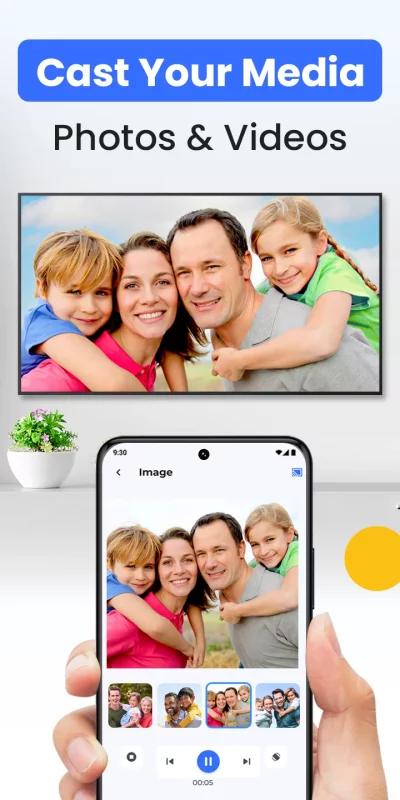
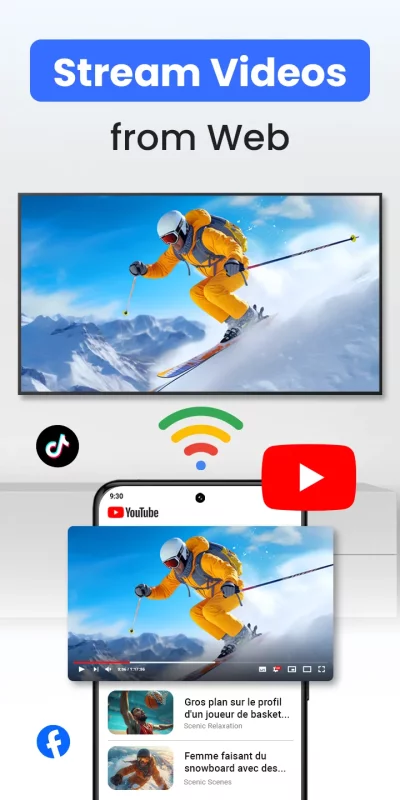
Stream local videos, photo slideshows, and music directly from your phone. Our built-in web browser lets you find and cast online movies and web videos from your favorite sites straight to your big screen.
✅ The Smart TV Remote You Need:
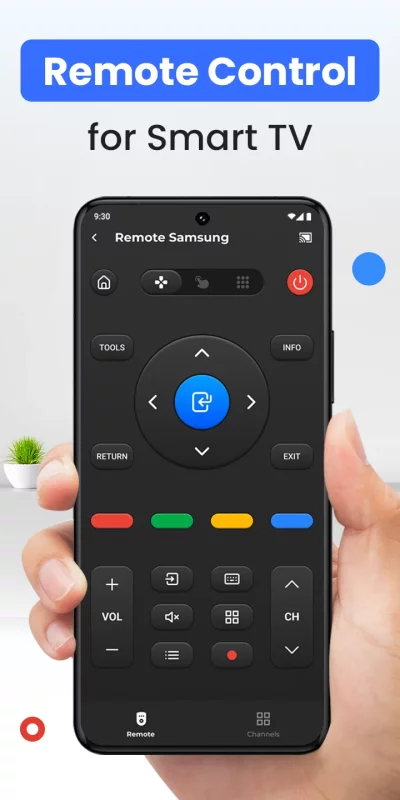
Lost your remote again? No problem. Your phone is now a powerful and intuitive remote control for your Chromecast and Smart TV. Easily play, pause, seek, adjust the volume, and navigate menus right from your fingertips.
✅ Universal Device Support:
Our app is designed for maximum compatibility. Connect effortlessly to:
- Google Chromecast, Chromecast Ultra & Google Cast-enabled devices
- Roku Streaming Sticks & Roku TVs
- Amazon Fire TV & Fire Stick
- Smart TVs: Samsung, LG, Sony, Vizio, TCL, Hisense, etc.
- Xbox One, Xbox 360
- Apple TV (via AirPlay)
- Other DLNA & UPnP receivers
🚀 HOW IT WORKS (3 EASY STEPS):
1. Ensure your phone and TV (or casting device) are connected to the same Wi-Fi network.
2. Open the app. It will automatically discover connectable devices nearby.
3. Select your device, tap to connect, and start to screen mirror or cast to tv!
🎯 The All-in-One Solution For:
Whether you're hosting a movie night, sharing vacation photos, streaming a live game, or presenting in a meeting, our tv cast for chromecast and chromecast screen mirroring app is the only tool you need.
⚠️ Disclaimer: This application is not an official product of Google or any other mentioned trademark. It is developed by an independent publisher.
👉 Download Cast for Chromecast & TV Cast now to unlock the full potential of your Smart TV and streaming devices!
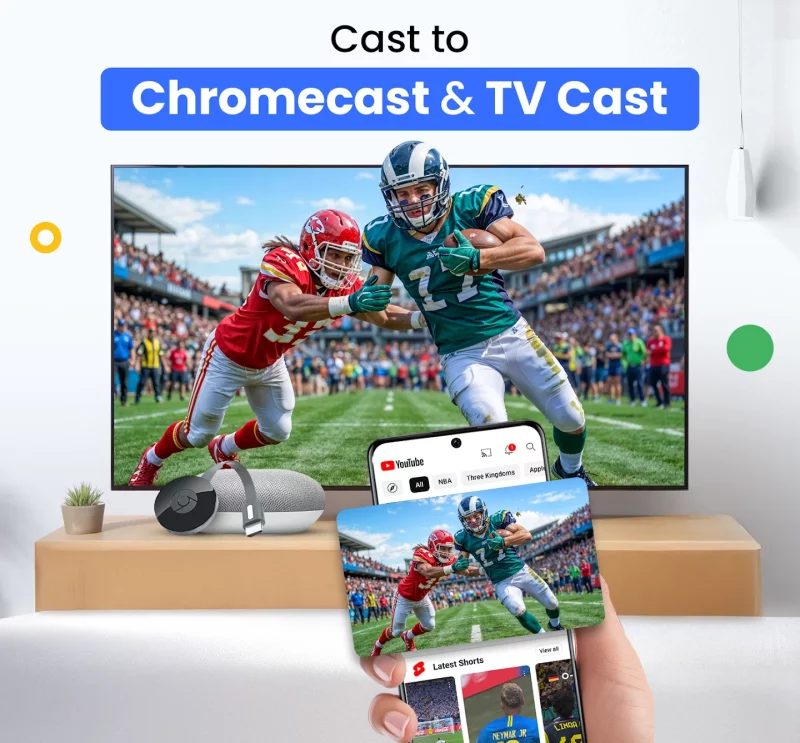
Download Cast for Chromecast & TV Cast for Android for free
- Download the XAPK file to your Android device.
- Install one of these installers from our website:
- Open the installer and select the downloaded file from the Downloads folder.
- Allow installation from this source if Android asks for permission.
- Start installation. To update the app, install the newer file without uninstalling the current version.