- Update17.09.2026
- Latest Version8.12.36
- Android OS12.1+
- LicenseFree
-
LanguagesEnglish English
- Content RatingEveryone
- DeveloperAgileBits
- Package Namecom.onepassword.android
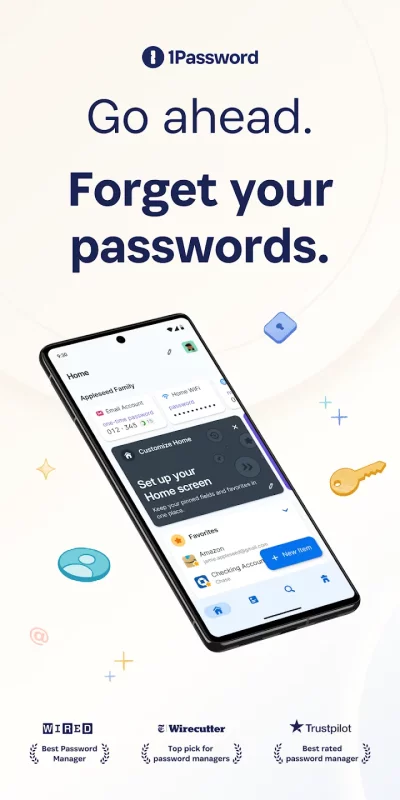
1Password has been helping folks forget their passwords since 2006. Trusted by millions of people and more than 175,000 businesses, "1Password offers the best combination of features, compatibility, security, and ease of use" among password managers, according to The New York Times Wirecutter.
== Generate strong passwords ==
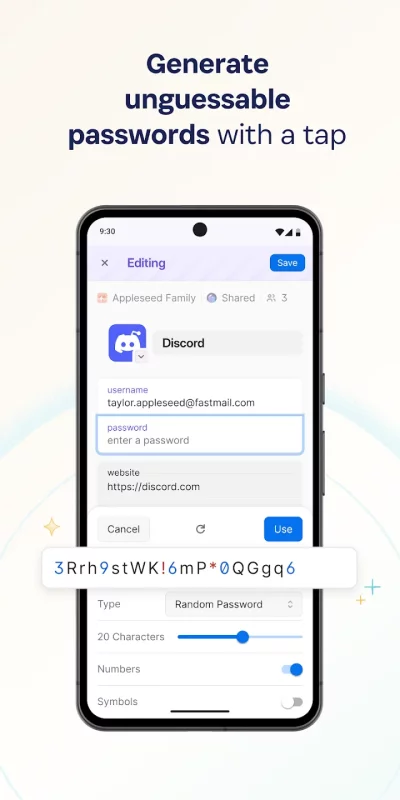
Use the built-in password generator to create strong, unguessable passwords with a tap, then access those secure passwords on any device. 1Password works across popular operating systems as a browser extension, mobile app, or desktop app.
== Sign in automatically ==
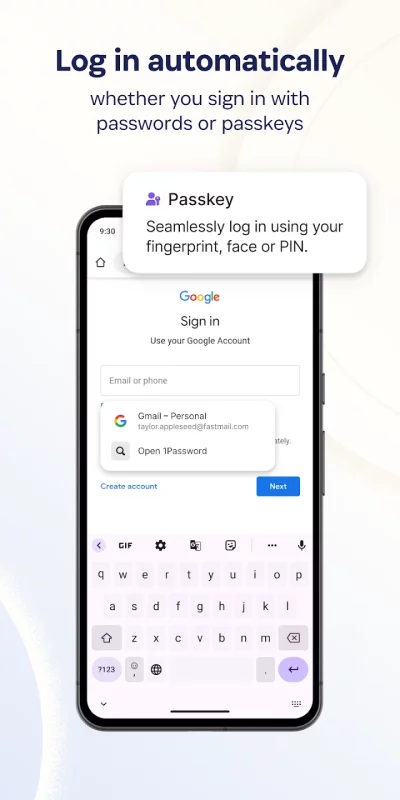
Autofill your username and saved passwords when signing in to websites or apps. 1Password for Android works with popular web browsers (like Google Chrome) and apps so you can sign in to your online accounts without the hassle.
== Built-in two-factor authentication ==
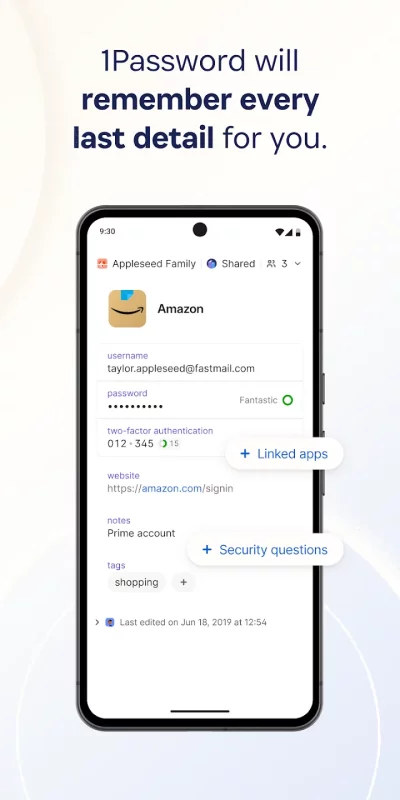
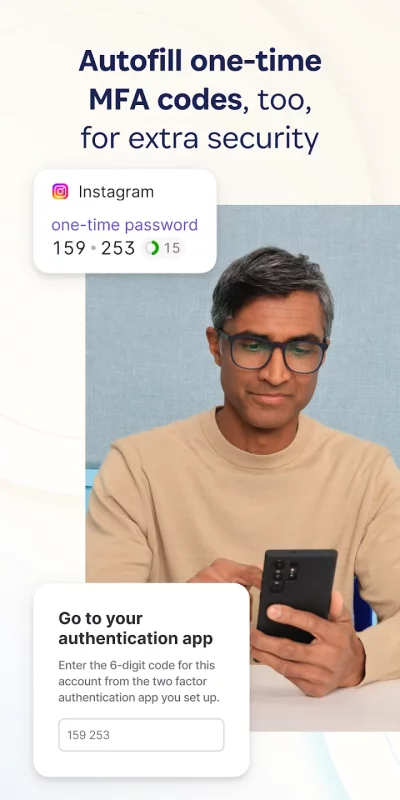
1Password can also create and autofill one-time two-factor authentication codes for services that support 2FA, so there’s no need for a separate authenticator app – and no more copying and pasting.
== Industry-leading passkey support ==
Did you know there’s a more convenient and secure alternative to passwords? They’re called passkeys, and you can generate and save those in 1Password, too – and even use them to unlock 1Password. For sites that support passkeys, you’ll never have to generate another password.
== Sign in with other providers ==
If you sign in to websites or apps with Google or other providers from your Android device instead of a password, you can store and sign in with those logins in 1Password, too.
== Secure and organize your digital life ==
Faster sign-ins are only the beginning. In addition to managing passwords and passkeys, you can store credit cards, secure notes, banking info, medical records, and anything else you want to protect in 1Password, so your most valuable personal information is always available on any device.
== Share anything, securely ==
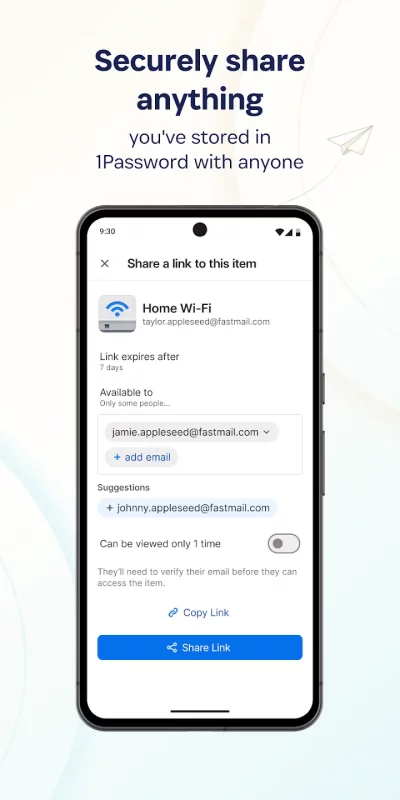
Share passwords and anything you store in 1Password with anyone, even if they don’t use 1Password. Securely (and temporarily) share Wi-Fi details, financial information, and other sensitive info with friends, family, or colleagues to keep that information out of insecure channels like email and messaging apps.
== Security made easy ==
Strong password generation is a big win for your personal security, but 1Password is much more than a password vault. Security features include unlocking 1Password with biometric authentication, and real-time security alerts and reporting through Watchtower. You’ll know immediately if your accounts are compromised in a data breach, so you can take the necessary action.
== Travel Mode ==
Protect your data from prying eyes while traveling with Travel Mode. Temporarily hide vaults containing sensitive information and restore them when you’re home.
== Uniquely secure, completely private ==
Protect yourself and your family from cyber criminals with 1Password’s unique, industry-leading security. We can’t see your 1Password data, so we can’t use it, share it, or sell it.
== Get started for free ==
1Password is the best password manager app for Android. Try 1Password free for 14 days, then find the plan that's right for you or your business.
Download 1Password: Password Manager for Android for free
- Download the XAPK file to your Android device.
- Install one of these installers from our website:
- Open the installer and select the downloaded file from the Downloads folder.
- Allow installation from this source if Android asks for permission.
- Start installation. To update the app, install the newer file without uninstalling the current version.