- Update17.10.2026
- Latest Version4.59.5
- Android OS8.0+
- LicenseFree
-
LanguagesEnglish English
- Content RatingEveryone
- DeveloperCronometer Software Inc.
- Package Namecom.cronometer.android.gold
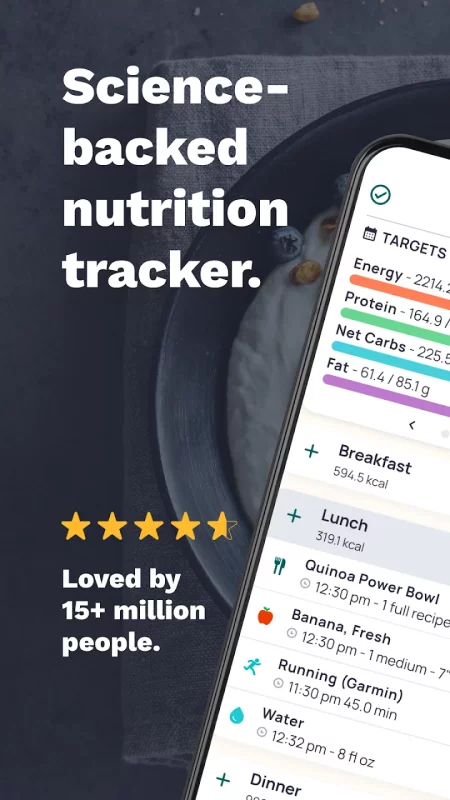
Cronometer is a powerful calorie counter, nutrition tracker, and food diary designed for accuracy. Track calories, macros, fasting, and 95+ nutrients and compounds with one of the most trusted health and fitness apps available.
Whether you're using Cronometer as a weight loss tracker, macro tracker or overall metabolic health tracker, you'll get clear, reliable science-backed insights into your nutrition and how it supports your goals.
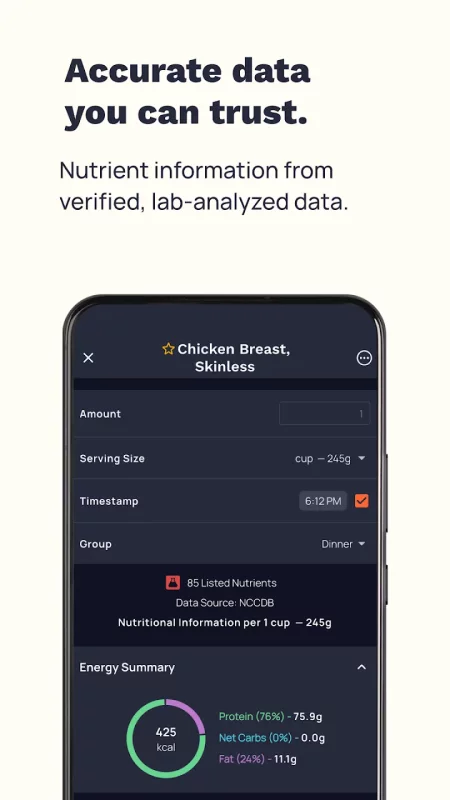
Unlike basic calorie counters, Cronometer is built on a curated database of more than 1.1 million verified foods, including analyzed entries for unmatched accuracy. Get precise nutrition tracking, comprehensive nutrient analysis, and reliable nutrition facts you can trust.
Gain deeper nutrition insights with precision nutrition tools trusted by dietitians, healthcare professionals, and athletes worldwide.
✅ Track Your Nutrition with Confidence
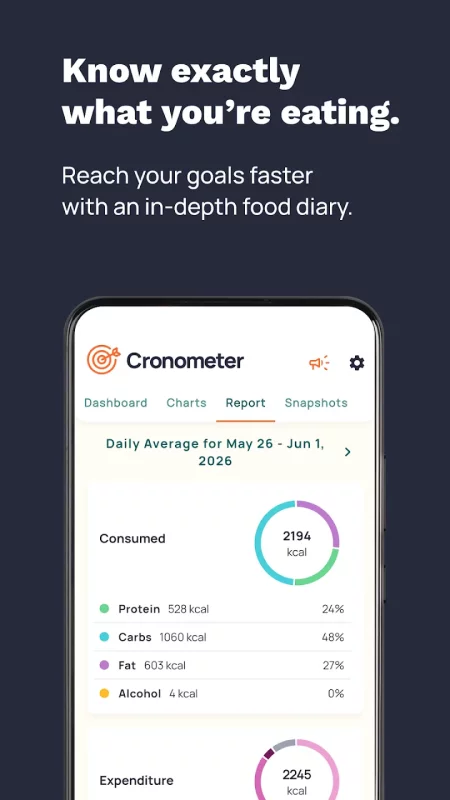
• Log meals in a detailed food diary
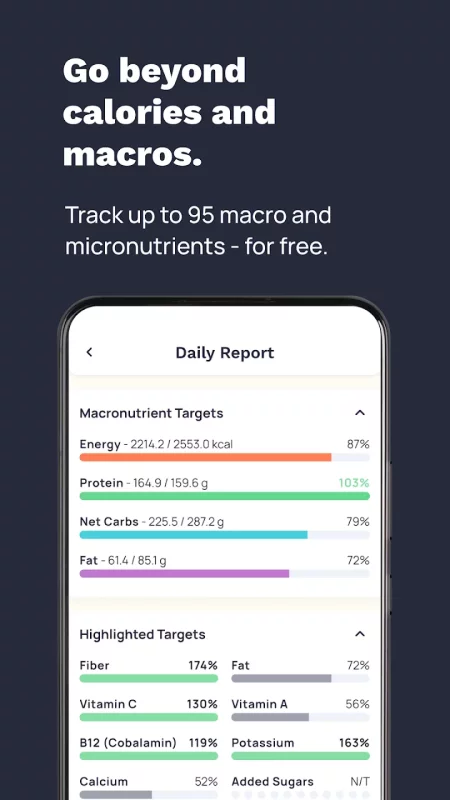
• Track calories, protein, carbs, fat, fiber, vitamins, and minerals
• Monitor both macronutrients and micronutrients
• Compare your intake to personalized nutrition targets
• Designed for weight loss, muscle gain, and long-term health
📉 A Smarter Weight Loss Tracker
• Track calories and weight loss (or gain) with deeper nutritional context
• Identify nutrient gaps that may affect hunger, energy, and progress
• View trends with advanced charts and reports
• Built for sustainable, data-driven weight management
⏱ Built-In Fasting Tracker
• Track intermittent fasting alongside your food diary
• Log fasting windows and eating periods
• See how fasting impacts calories, macros, and nutrient intake
📸 AI-Powered Photo & Voice Logging
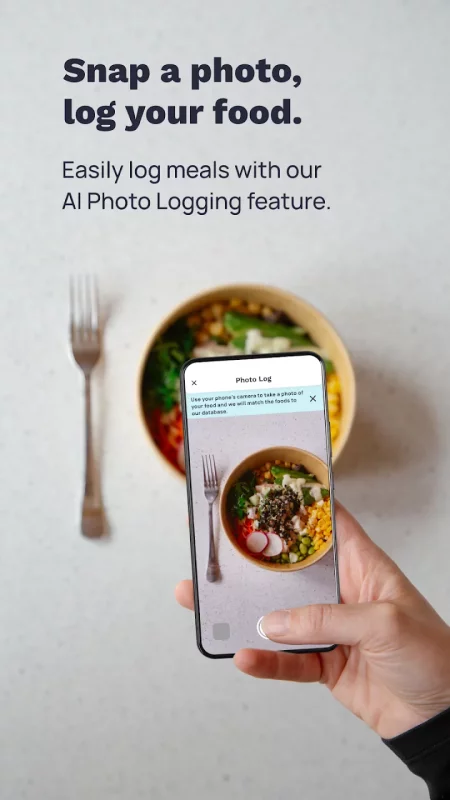
• Snap a photo or use audio to log meals faster
• AI identifies foods, estimates portions, and simplifies meal tracking
• Uses verified NCC database entries for accurate macro and micronutrient tracking
• Review and fine-tune before saving
🔗 Connect Fitness, Sleep & Health Data
• Sync with Health Connect and Wear OS
• Connect Fitbit, Garmin, Oura, WHOOP, Dexcom & more
• Import workouts, activity, sleep, heart rate and energy expenditure
• See how nutrition affects performance and recovery
Cronometer works as a complete fitness tracker and health tracker, unifying your data in one accurate nutrition app.
🥗 Log Food Faster
• Search a trusted, staff-reviewed food database
• Three easy ways to log meals – search, scan a barcode (for free) or upload a photo.
• Save custom foods and recipes
• Repeat meals and automate entries
❓ Why Choose Cronometer?
Cronometer is the calorie tracker and food diary trusted by dietitians, doctors, athletes, and health professionals worldwide.
Track up to 90+ nutrients and compounds, far beyond typical calorie counter apps.
Featured in Healthline, Women’s Health, Prevention, CNET, Oprah Magazine, and more.
🌟 Upgrade to Cronometer Gold
Unlock advanced tools:
• AI Photo & Voice Logging
• Fasting Tracker
• Recipe Importer
• Macro Scheduler
• Custom Charts & Reports
• Nutrition Scores
• Ad-free experience
• Access Crono Coach
Perfect for advanced macro tracking, intermittent fasting, and long-term weight management.
Start Your Health Journey Today
Cronometer is more than a calorie counter — it’s the most accurate nutrition tracker, macro tracking app, and weight loss tracker built for real results.
Download Cronometer today and take control of your calories, macros, fasting, and food diary with confidence.
SUBSCRIPTION DETAILS
Upgrade to Cronometer Gold at any time. Payment will be charged to your Google Play account at confirmation of purchase.
Subscriptions automatically renew unless cancelled at least 24 hours before the end of the current period.
Manage or cancel your subscription in your Google Play Account Settings.
Terms of Use: https://cronometer.com/terms/
Privacy Policy: https://cronometer.com/privacy/
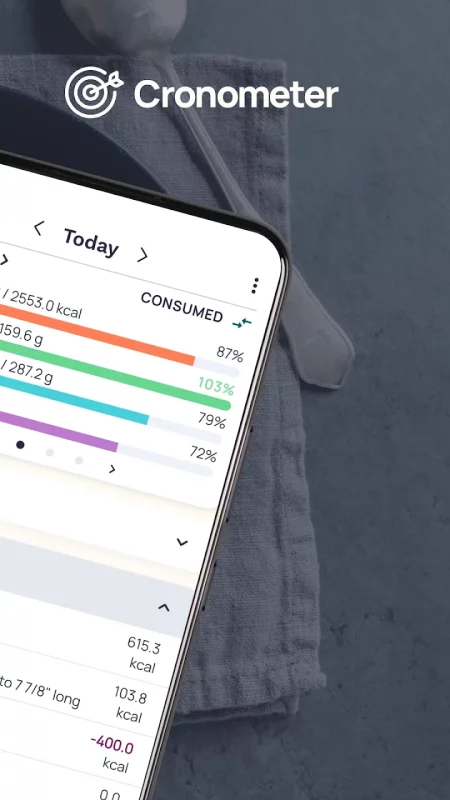
Download Cronometer: Calorie Counter for Android for free
- Download the XAPK file to your Android device.
- Install one of these installers from our website:
- Open the installer and select the downloaded file from the Downloads folder.
- Allow installation from this source if Android asks for permission.
- Start installation. To update the app, install the newer file without uninstalling the current version.