
- Update17.10.2026
- Latest Version4.22.0
- Android OS9+
- LicenseFree
-
LanguagesEnglish English
- Content RatingEveryone
- DeveloperWave HQ
- Package Namecom.waveapps.sales
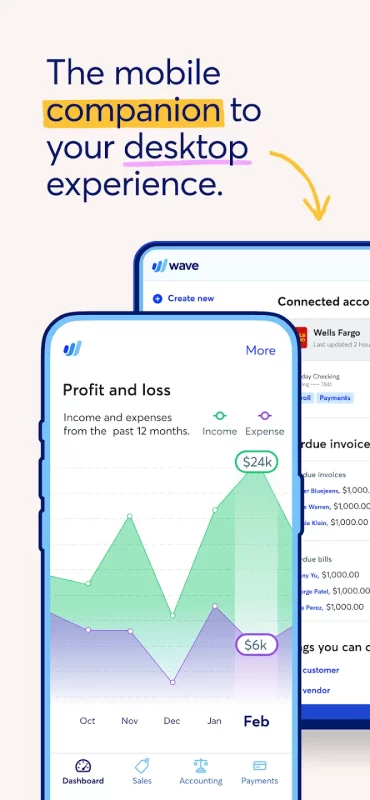
For small business owners, creators, freelancers, consultants, and contractors in the US and Canada, Wave’s mobile app is the perfect companion to our desktop experience. Over 300,000 small businesses use Wave's small business software, so you know we’ve got your back.
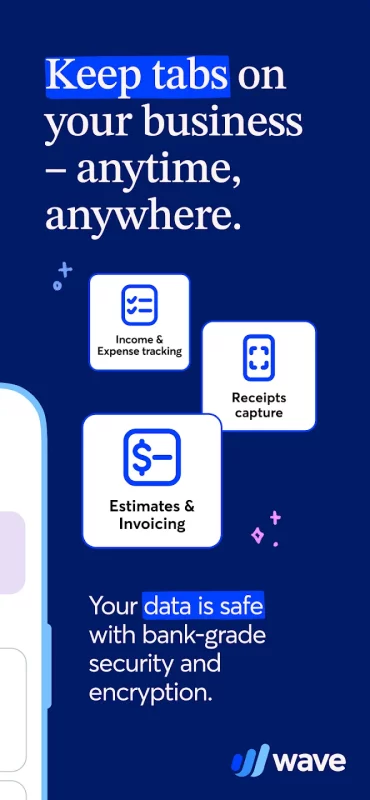
Once you’ve signed up for Wave online, download and use the app as your on-the-go counterpart for some of your favorite Wave features, specifically:
Invoicing
Estimates
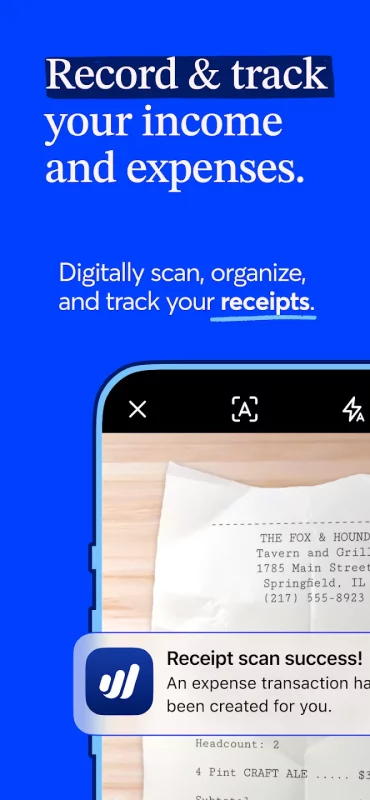
Receipts scanning (with any receipts or Pro Plan subscription)
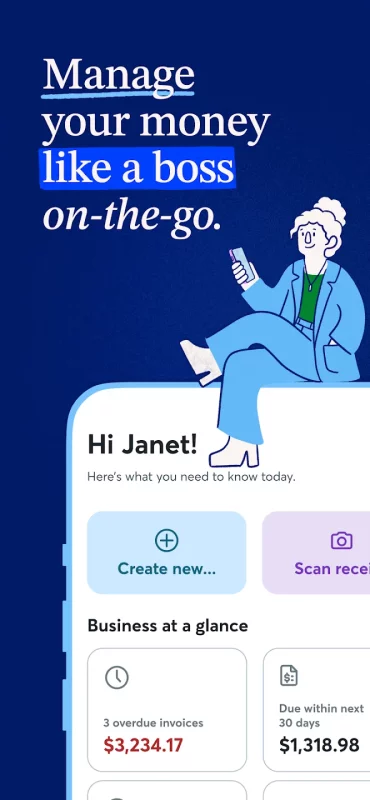
Dashboard access
Accounting (with any receipts or Pro Plan subscription)
1. Mobile invoicing
Create professional, customized invoices with your logo
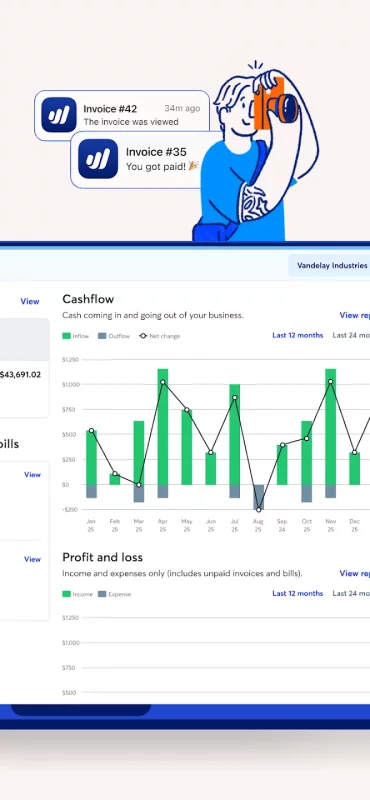
Receive notifications when you've been paid
Check invoice status (sent, viewed, overdue, paid)
Record payments
Send invoice reminders and payment receipts
Synchronize instantly with the desktop version of your Wave account
2. Mobile estimates
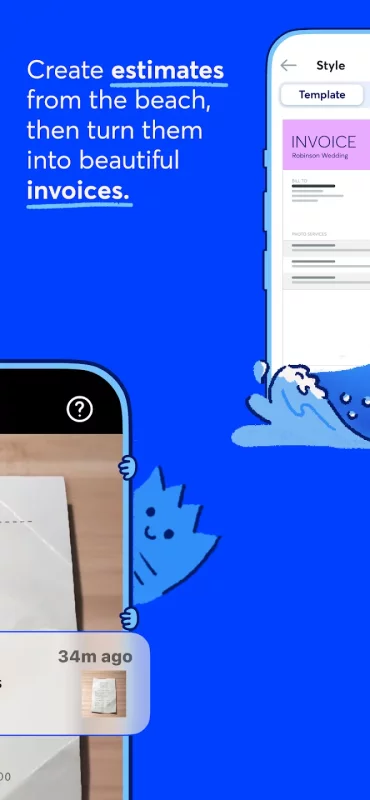
Instantly create estimates and land that dream customer quicker
Convert an estimate into an invoice in seconds
Customize estimates with your brand colors and logo
Access your estimates from anywhere, anytime
3. Receipt scanning (with any receipts or Pro Plan subscription)
Our mobile receipts feature is included in Wave’s Pro Plan or easy to add-on to the Starter Plan. You can digitally capture unlimited receipts with optical character recognition to track your expenses.
Manage your receipts in your Wave account and always be organized
Save time by digitally capturing receipt details in seconds using OCR technology
Breeze through tax season with always up-to-date books and reports, because our receipts and accounting features are synced
Manage and categorize transactions on-the-go or on desktop—everything stays synced!
4. Dashboard
At-a-glance business insights, like profit and loss statements
Quick access to invoicing metrics, like amounts overdue and upcoming payments
Access to accounting reports for understanding your business, filing taxes, and more
5. Accounting (with any receipts or Pro Plan subscription)
With any paid subscription, users can now view, add, edit, delete, and categorize all accounting transactions on-the-go—previously only possible on desktop! If you add, edit, delete, or categorize transactions on the mobile app, the changes will automatically sync with desktop, and vice versa.
Capture unlimited receipts and track expenses at no additional cost
Option to accept online payments* at a discounted rate
Auto-import bank transactions**
Auto-merge and categorize bank transactions
Add additional users to your account
Automate late payment reminders
Access live-person chat and email support
Accept online payments, fast
Wave’s invoicing software works seamlessly to accept online payments via direct integration with our online payments feature: Getting started is as easy as a few clicks*. You’ll be able to select the invoices where you want to accept all major credit cards (Visa®, MasterCard®, American Express®, Discover®) for a competitive, per transaction fee. Most Wave invoices paid by credit card and bank payment get paid in 2 days or less***!
Create your Wave account in the Wave mobile app, or visit waveapps.com.
----------------------------
*Approval is subject to eligibility criteria, including identity verification and credit review.
**Not all financial institutions are supported. Learn more here: https://support.waveapps.com/hc/en-us/articles/115005541303-Understanding-bank-connections
***Payouts are processed in 1-2 business days for credit card payments and 1-7 business days for bank payments. Deposit times may vary due to processing cutoff times, third party delays, or risk reviews.
Privacy: https://www.waveapps.com/legal/privacy-policy
Terms of Use: https://www.waveapps.com/legal/terms-of-use
Terms of Service: https://www.waveapps.com/legal/legal-disclosures
Download Wave: Small Business Software for Android for free
- Download the XAPK file to your Android device.
- Install one of these installers from our website:
- Open the installer and select the downloaded file from the Downloads folder.
- Allow installation from this source if Android asks for permission.
- Start installation. To update the app, install the newer file without uninstalling the current version.