
- Update15.10.2026
- Latest Version1.60
- Android OS6.0+
- LicenseFree
-
LanguagesEnglish Afrikaans, አማርኛ, العربية, অসমীয়া, Azərbaycan dili, Беларуская, Български, বাংলা, Bosanski, Català, Čeština, Dansk, Deutsch, Ελληνικά, English, Español, Eesti, Euskara, فارسی, Suomi, Français, Galego, ગુજરાતી, हिन्दी, Hrvatski, Magyar, Հայերեն, Bahasa Indonesia, Íslenska, Italiano, עברית, 日本語, ქართული, Қазақ тілі, ខ្មែរ, ಕನ್ನಡ, 한국어, Кыргызча, ລາວ, Lietuvių, Latviešu, Македонски, മലയാളം, Монгол, मराठी, Bahasa Melayu, မြန်မာ, Norsk bokmål, नेपाली, Nederlands, ଓଡ଼ିଆ, ਪੰਜਾਬੀ, Polski, Português, Română, Русский, සිංහල, Slovenčina, Slovenščina, Shqip, Српски, Svenska, Kiswahili, தமிழ், తెలుగు, ไทย, Tagalog, Türkçe, Українська, اردو, Oʻzbekcha, Tiếng Việt, 中文, isiZulu
- Content RatingEveryone
- DeveloperCPUID
- Package Namecom.cpuid.cpu_z
Android version of the popular CPU identification tool for PC, CPU-Z is a free application that reports information about your device.
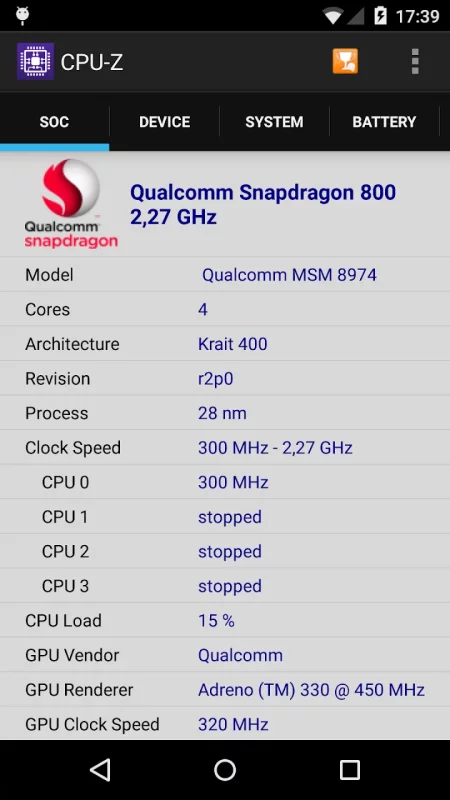
- SoC (System On Chip) name, architecture, clock speed for each core ;
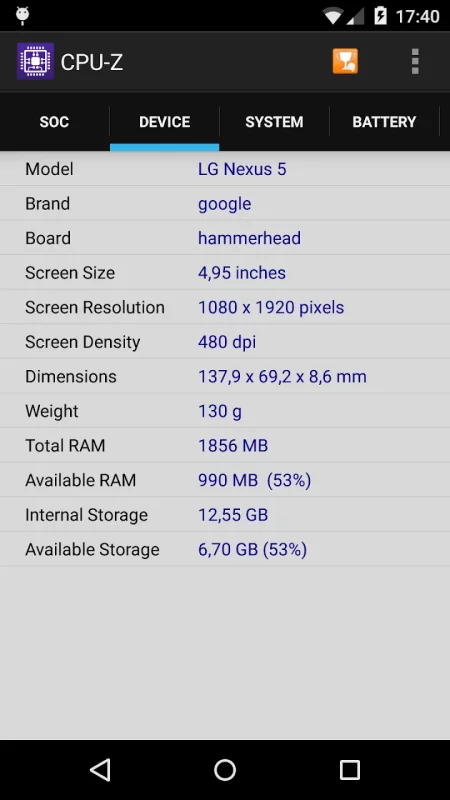
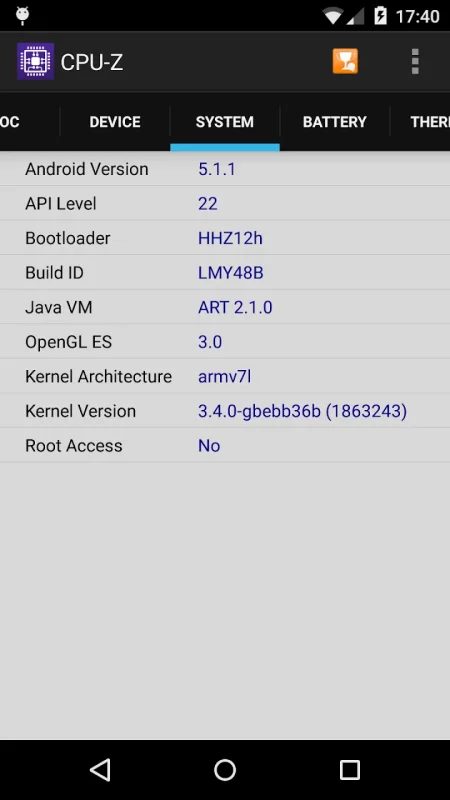
- System information : device brand & model, screen resolution, RAM, storage.;
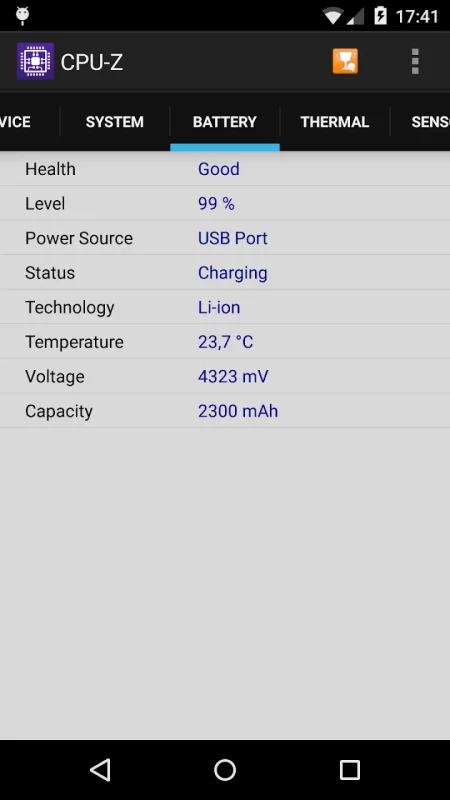
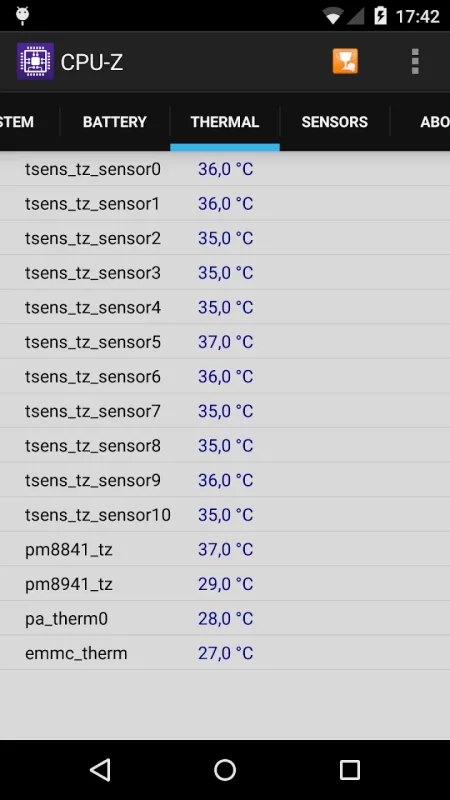
- Battery information : level, status, temperature, capacity ;
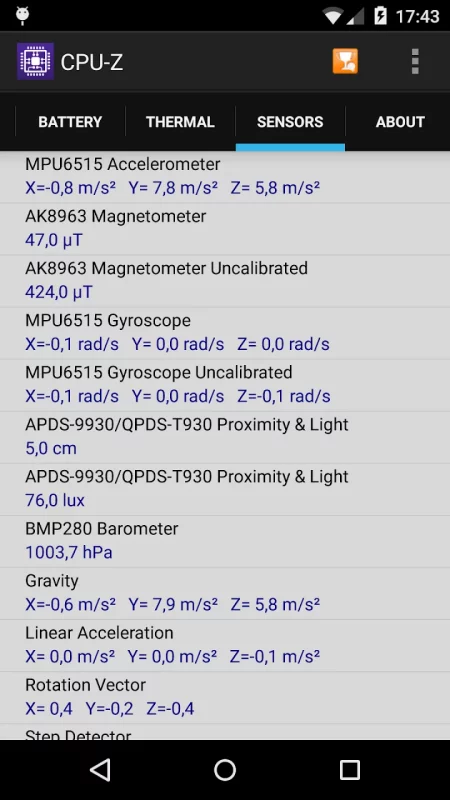
- Sensors.
Requirements :
- Android 2.2 and above (version 1.03 and +)
Permissions :
- INTERNET permission is required for the online validation (see notes below for more détails about the validation process)
- ACCESS_NETWORK_STATE for statistics.
Notes :
Online Validation (version 1.04 and +)
The validation allows to store the hardware specification of your Android device in a database. After the validation, the program opens your validation URL into your current internet browser. If you enter your e-mail address (optional), an e-mail with your validation link will be sent to you as a reminder.
Settings screen and debug (version 1.03 and +)
If CPU-Z closes abnormally (in case of bug), the settings screen will appear at the next run. You can use that screen to remove the main detection features of the application, and make it run.
Bug report
In case of bug, please open the application menu and choose "Send Debug Infos" to send a report by email
FAQ and troubleshooting
You can visit the FAQ at that address : http://www.cpuid.com/softwares/cpu-z-android.html#faq
Download CPU-Z for Android for free
- Download the APK file to your Android device.
- Find the file in the Downloads folder and open it.
- Allow installation from this source if Android blocks it.
- Tap Install. To update the app, install the newer APK without uninstalling the current version.