
- Update15.10.2026
- Latest Version1.8.3
- Android OS6.0+
- LicenseFree
-
LanguagesEnglish العربية, Deutsch, English, Español, Suomi, Français, हिन्दी, Bahasa Indonesia, Italiano, 日本語, Bahasa Melayu, Nederlands, Polski, Português, Русский, ไทย, Tiếng Việt, 中文
- Content RatingEveryone
- DeveloperTruyendiv
- Package Namecom.truyendiv.scoreboard
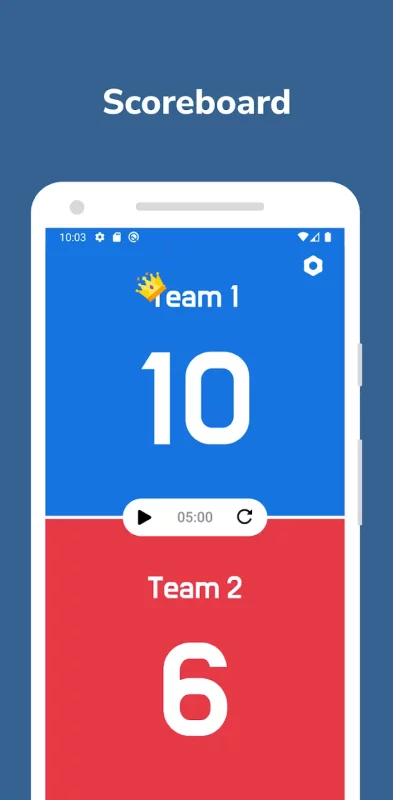
Scoreboard App is a user-friendly app that helps you keep track of the score of two teams in any game. Whether it's a sports game, a board game, or a friendly competition with friends, Scoreboard App is the perfect tool to keep track of the score and timer.
** Many great features you will get:
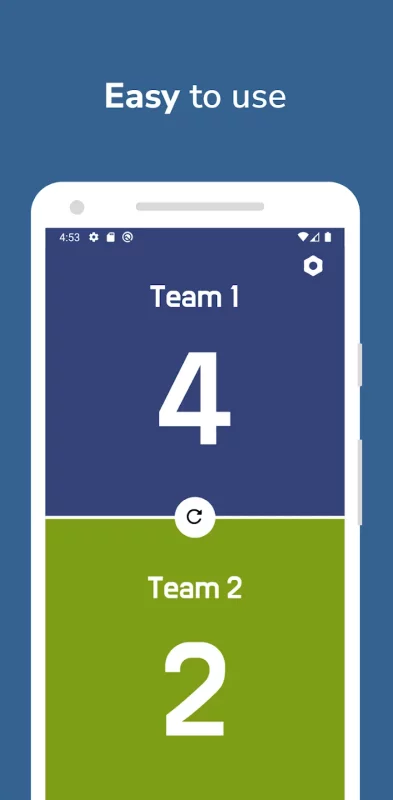
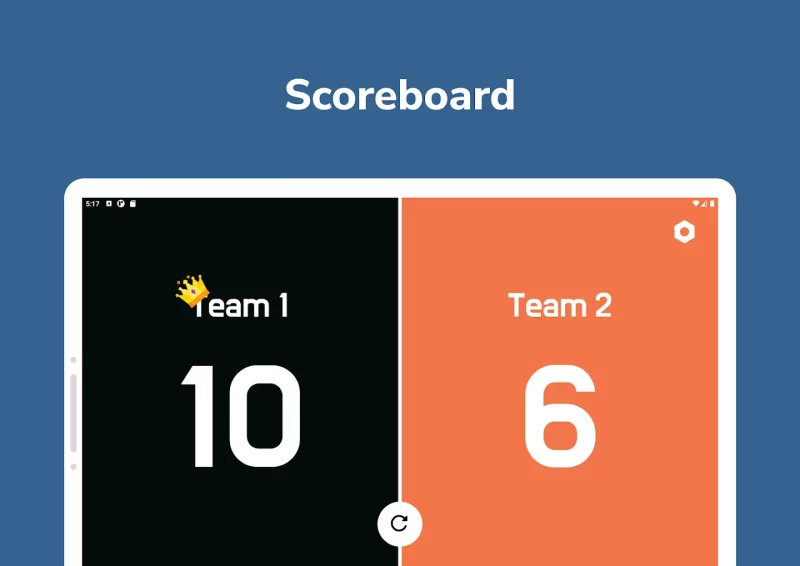
• Easy Scorekeeping: Scoreboard App makes it easy to keep track of the score of two teams
• Custom Team Names: You can set custom names for the two teams, making it easier to keep track of who's who
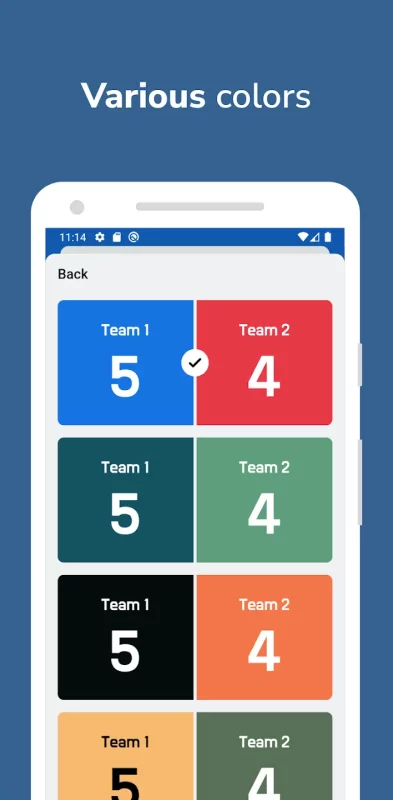
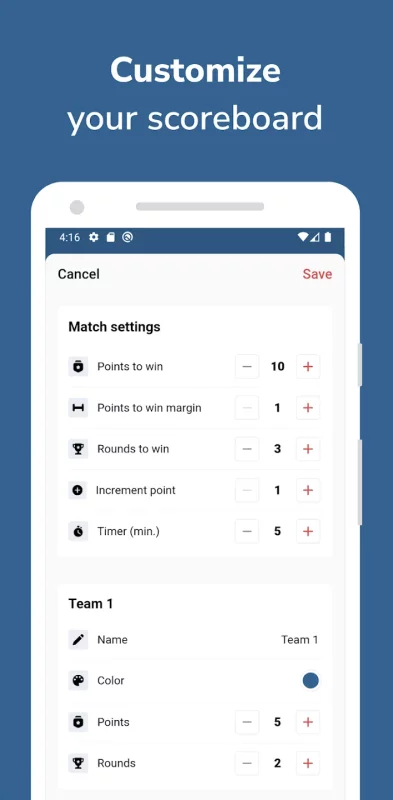
• Customizable Scoreboard: Scoreboard App allows you to customize the look of the scoreboard with different colors and styles.
• Timer: Scoreboard App has a timer feature, allowing you to set a time limit for your game
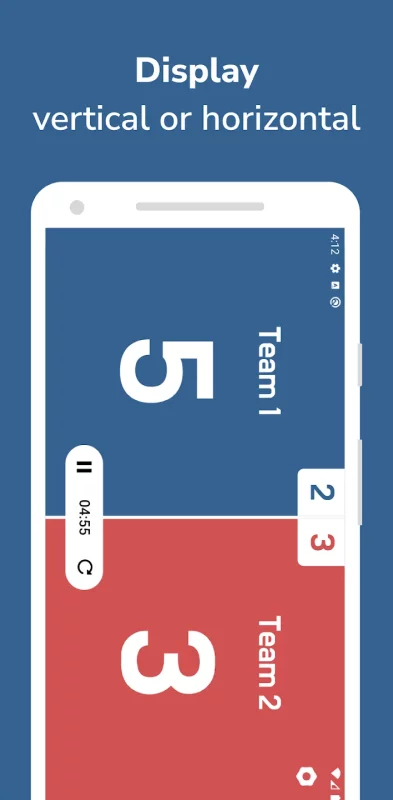
• Landscape and Portrait Mode: Scoreboard App supports both landscape and portrait modes and support display on tablet also
• User-friendly Interface: Scoreboard App has a user-friendly interface that is easy to navigate
** How to use:
Just tap or swipe up the side that scored to increase point, swipe down to decrease point! Reset the score to start a new game.
Scoreboard can be used for many sports and activities like:
Basketball, Football / Soccer, Volleyball, Hockey, Tennis, Table Tennis / Ping Pong, Badminton, Baseball / Softball, Rugby, Handball, Cornhole / Bean Bag Toss, Board games, Indoor / outdoor games and many more.
If Scoreboard has been helpful to you and you have enjoyed using it, I would be grateful if you could take a moment to leave a review, as it would make a big difference! :)
Download Scoreboard - Keep score for Android for free
- Download the XAPK file to your Android device.
- Install one of these installers from our website:
- Open the installer and select the downloaded file from the Downloads folder.
- Allow installation from this source if Android asks for permission.
- Start installation. To update the app, install the newer file without uninstalling the current version.