
- Update15.10.2026
- Latest Version1.10.0
- Android OS7.0+
- LicenseFree
-
LanguagesEnglish English, Français
- Content RatingEveryone
- DeveloperAdvance Auto Parts, Inc.
- Package Namecom.advanceautoparts.vinscan
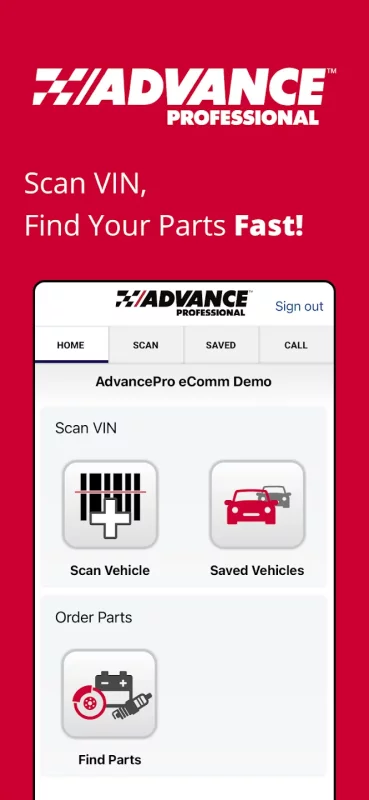
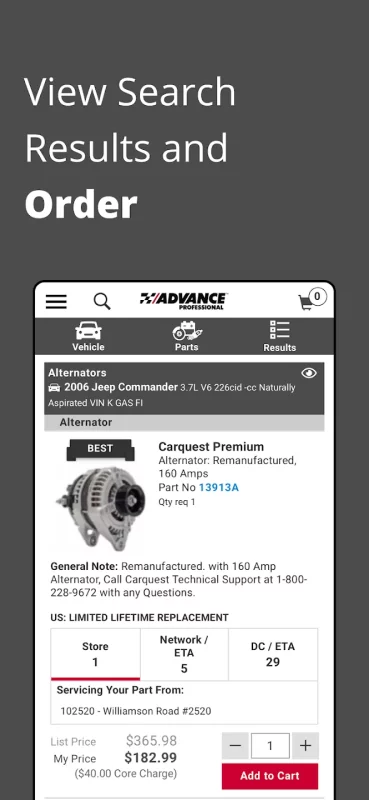
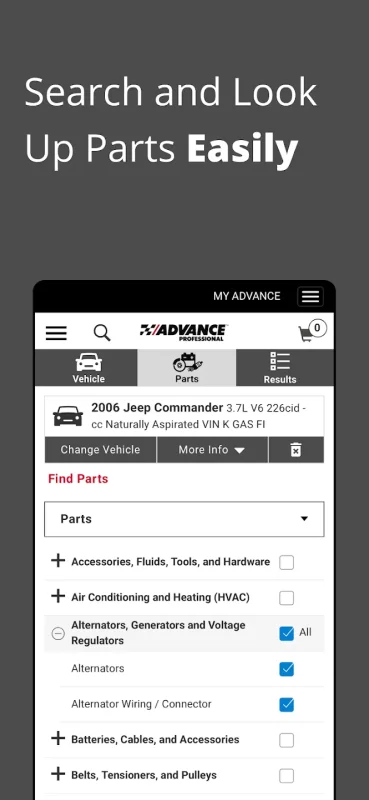
Advance Auto Parts® and Carquest® Professional customers can scan directly from a vehicle’s barcode (windshield or door mounted), search for parts, and order directly from the app using their secure Advance Professional account.
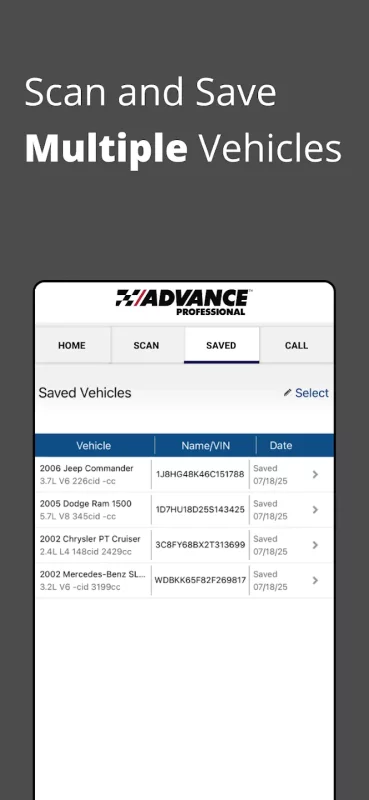
The decoded VIN information will appear on their account’s "Previous Vehicles" list and be available to use for: -
- Capturing a vehicle’s detailed information, including year, make, model, and engine
- Launching AdvancePro to find parts for scanned vehicles right from the app
- Store recent vehicles scanned within the app itself
- Upload the scanned data into your Advance Professional online account
- Get fast, one-click access to your assigned Professional Parts Pro
To look up parts or upload scanned vehicles to your Advance Professional account, you must be an active professional customer. Contact your nearest Advance Auto Parts® store or visit my.advancepro.com for information on starting a professional customer account or obtaining your online credentials.
For support questions on the mobile Advance Professional app, contact Customer Service at 1-877-280-5965 during normal business hours.
Don’t have a professional account? Download our DIY app – see below:
https://play.google.com/store/apps/details?id=com.advanceauto.mobile.commerce.dist
Download Advance Professional for Android for free
- Download the XAPK file to your Android device.
- Install one of these installers from our website:
- Open the installer and select the downloaded file from the Downloads folder.
- Allow installation from this source if Android asks for permission.
- Start installation. To update the app, install the newer file without uninstalling the current version.