- Update15.10.2026
- Latest Version7.43.0
- Android OS12.1+
- LicenseFree
-
LanguagesEnglish Afrikaans, አማርኛ, العربية, অসমীয়া, Azərbaycan dili, Беларуская, Български, বাংলা, Bosanski, Català, Čeština, Dansk, Deutsch, Ελληνικά, English, Español, Eesti, Euskara, فارسی, Suomi, Français, Galego, ગુજરાતી, עברית, हिन्दी, Hrvatski, Magyar, Հայերեն, Bahasa Indonesia, Íslenska, Italiano, 日本語, ქართული, Қазақ тілі, ខ្មែរ, ಕನ್ನಡ, 한국어, Кыргызча, ລາວ, Lietuvių, Latviešu, Македонски, മലയാളം, Монгол, मराठी, Bahasa Melayu, မြန်မာ, Norsk bokmål, नेपाली, Nederlands, Norsk, ଓଡ଼ିଆ, ਪੰਜਾਬੀ, Polski, Português, Română, Русский, සිංහල, Slovenčina, Slovenščina, Shqip, Српски, Svenska, Kiswahili, தமிழ், తెలుగు, ไทย, Tagalog, Türkçe, Українська, اردو, Oʻzbekcha, Tiếng Việt, 中文, isiZulu
- Content RatingEveryone
- DeveloperThe Grizzly Labs
- Package Namecom.thegrizzlylabs.geniusscan.free
Genius Scan is a scanner app that turns your device into a scanner, lets you quickly scan your paper documents on the go and export them as multi-scan PDF files.
*** 20+ million users and 1000s of small businesses use the Genius Scan scanner app ***
The Genius Scan scanner app will replace your desktop scanner and you will never look back.
== KEY FEATURES ==
Smart Scanning:
The Genius Scan scanner app includes all the features to make great scans.
- Document detection & background removal
- Distortion correction
- Shadow removal and defect cleanup
- Batch scanner
PDF Creation & Editing:
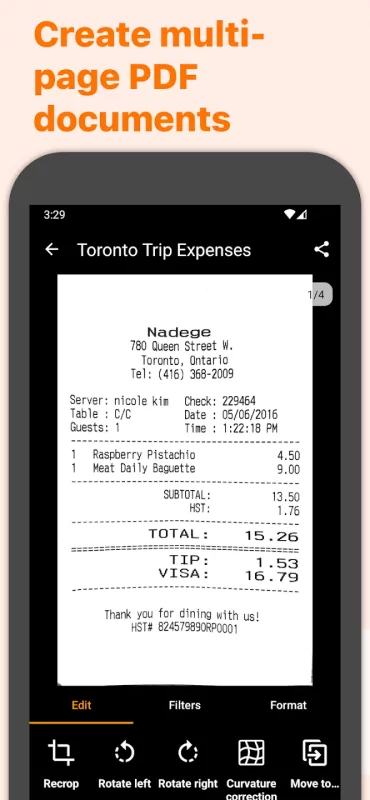
Genius Scan is the best PDF scanner. Scan not just to images, but full PDF documents.
- Combine scans into PDF documents
- Document merging & splitting
- Multi-page PDF creation
Security & Privacy:
A scanner app that preserves your privacy.
- On-device document processing
- Biometric unlock
- PDF encryption
Scan Organization:
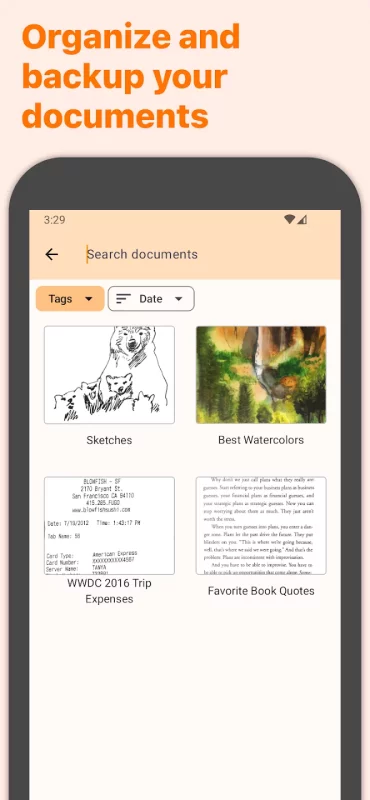
More than just a PDF scanner app, Genius Scan also lets you organize your scans.
- Document tagging
- Metadata and content search
- Smart document renaming (custom templates, …)
- Backup and multi-device sync
Export:
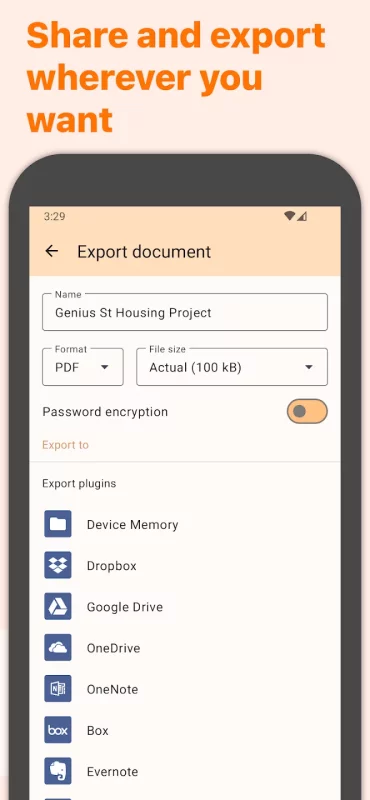
Your scans aren't stuck in your scanner app, you can export them to any other app or services you use.
- Email
- Box, Dropbox, Evernote, Expensify, Google Drive, OneDrive, FTP, WebDAV.
- Any WebDAV compatible service.
OCR (Text Recognition):
In addition to scanning, this scanner app gives you additional understanding of your scans.
+ Extract text from each scan
+ Searchable PDF creation
== ABOUT US ==
It’s in the heart of Paris, France that The Grizzly Labs develops the Genius Scan scanner app. We hold ourselves to the highest standards in terms of quality and privacy.
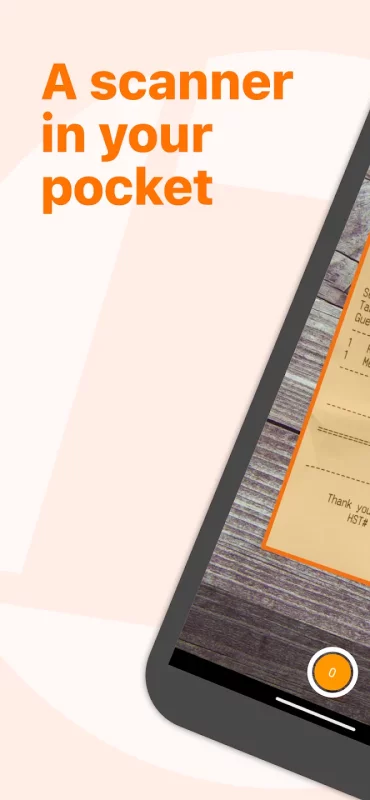
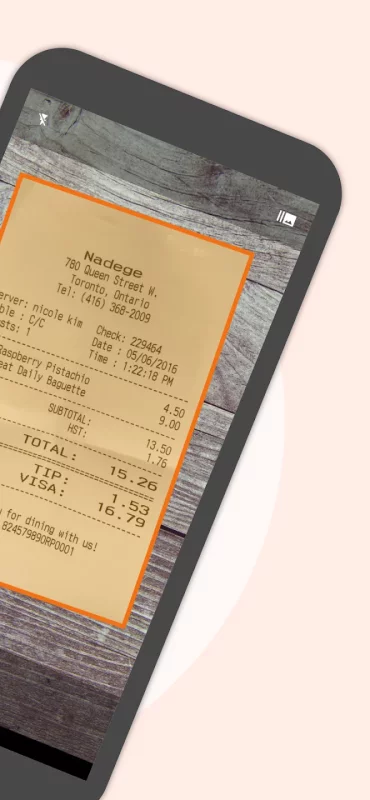

Download Genius Scan - PDF Scanner for Android for free
- Download the XAPK file to your Android device.
- Install one of these installers from our website:
- Open the installer and select the downloaded file from the Downloads folder.
- Allow installation from this source if Android asks for permission.
- Start installation. To update the app, install the newer file without uninstalling the current version.