Kasa Smart

Kasa Smart

0 votes
  • Update
    15.10.2026
  • Latest Version
    3.4.703
  • Android OS
    7.0+
  • License
    Free
  • Languages
    English
  • Content Rating
    Everyone
  • Developer
  • Package Name
    com.tplink.kasa_android

** Kasa Smart is currently only compatible with TP-LINK Smart Plug HS100/110/107 KP200/400/EP10, Smart Plug Mini HS103/105 KP105, Smart Switch HS200/210/220, Smart Power Strip HS300/303, Smart Bulb LB100/110/120/130/200/230, KL50/60/110/120/130, IP Camera KC100/105/110/115/120/200/300/310/400/410S/420WS, Smart Router SR20, and Range Extender RE270/370/350K **

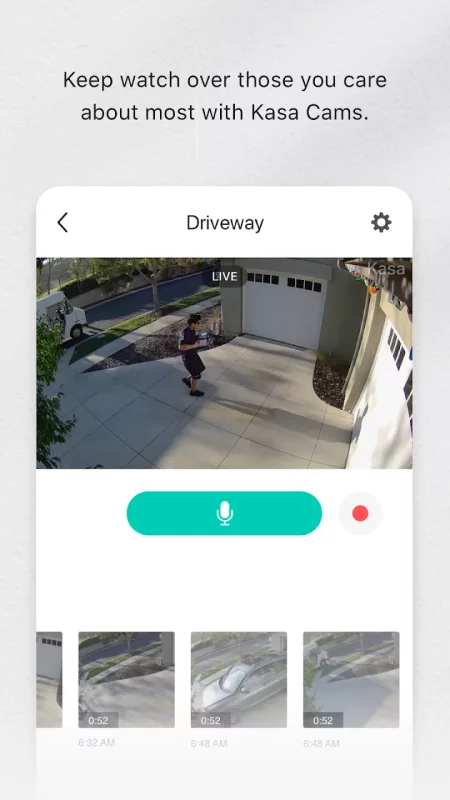
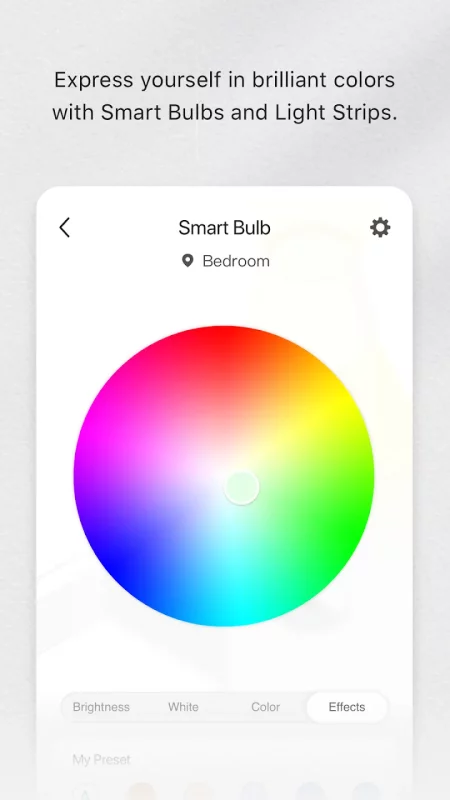
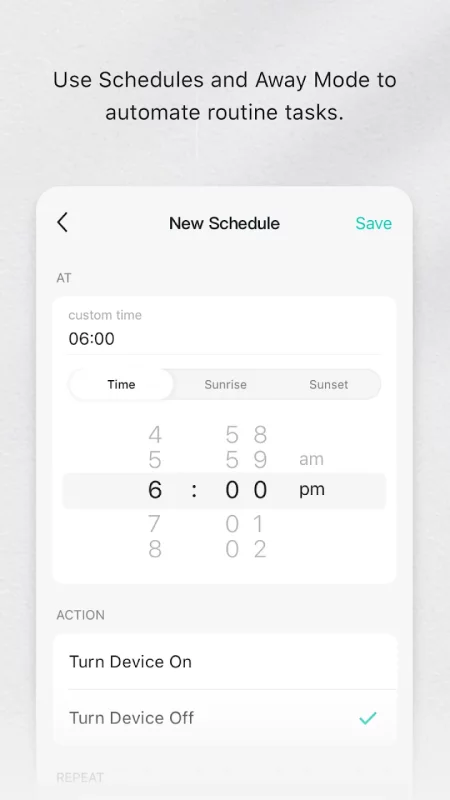
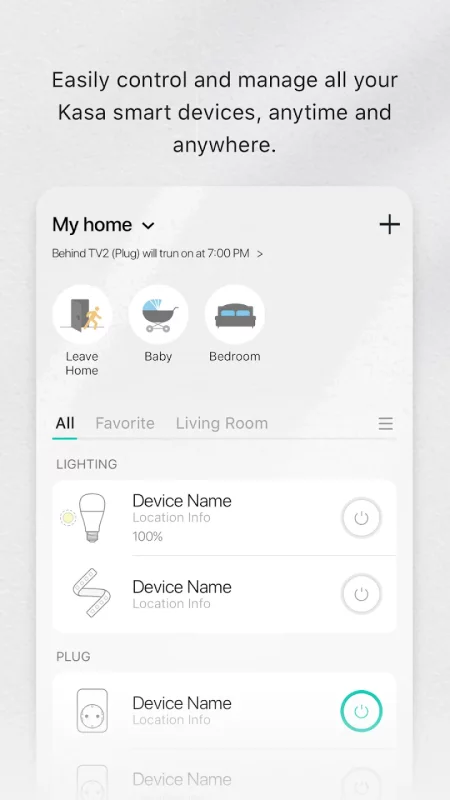
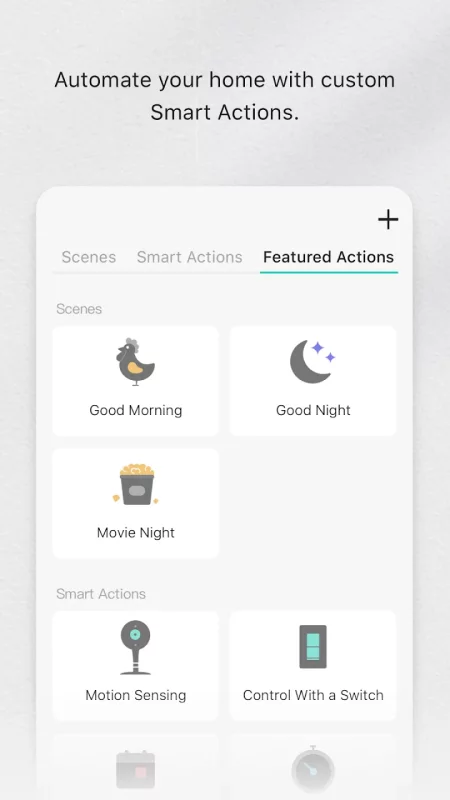
Kasa Smart lets you add, configure, monitor, and control your connected TP-LINK Smart Home devices from anywhere in the world. You can schedule your appliances to turn on or off according to your schedule, or set them to Away Mode to deter would-be burglars. And that’s just the beginning. Purchase a TP-LINK Smart Home device and download the app to get started today.
Download Kasa Smart for Android for free

Download Kasa Smart 3.4.703 xapk Android 7.0+ ARMV8
129.1 Mb
No viruses found
Permissions (31)
Detections: 0
Check date: 15 October 2026, 12:45
The file was scanned for viruses using VirusTotal.
ACCESS_BACKGROUND_LOCATION - allows an app to access location in the background.
ACCESS_COARSE_LOCATION - allows an app to access approximate location.
ACCESS_FINE_LOCATION - allows an app to access precise location.
ACCESS_NETWORK_STATE - allows applications to access information about networks.
ACCESS_NOTIFICATION_POLICY - marker permission for applications that wish to access notification policy.
ACCESS_WIFI_STATE - allows applications to access information about wi-fi networks.
BLUETOOTH - allows applications to connect to paired bluetooth devices.
BLUETOOTH_ADMIN - allows applications to discover and pair bluetooth devices.
BLUETOOTH_CONNECT - required to be able to connect to paired bluetooth devices.
BLUETOOTH_PRIVILEGED - allows applications to pair bluetooth devices without user interaction, and to allow or disallow phonebook access or message access.
BLUETOOTH_SCAN - required to be able to discover and pair nearby bluetooth devices.
CAMERA - required to be able to access the camera device.
CHANGE_NETWORK_STATE - allows applications to change network connectivity state.
CHANGE_WIFI_MULTICAST_STATE - allows applications to enter wi-fi multicast mode.
CHANGE_WIFI_STATE - allows applications to change wi-fi connectivity state.
FOREGROUND_SERVICE - allows a regular application to use service.startforeground.
FOREGROUND_SERVICE_LOCATION - allows a regular application to use service.startforeground with the type "location".
INTERNET - allows applications to open network sockets.
NEARBY_WIFI_DEVICES - required to be able to advertise and connect to nearby devices via wi-fi.
POST_NOTIFICATIONS - allows an app to post notifications
READ_EXTERNAL_STORAGE - allows an application to read from external storage.
READ_MEDIA_AUDIO - allows an application to read audio files from external storage.
READ_PHONE_STATE - allows read only access to phone state, including the current cellular network information, the status of any ongoing calls, and a list of any phoneaccounts registered on the device.
RECEIVE_BOOT_COMPLETED - allows an application to receive the intent.action_boot_completed that is broadcast after the system finishes booting.
RECORD_AUDIO - allows an application to record audio.
SYSTEM_ALERT_WINDOW - allows an app to create windows using the type windowmanager.layoutparams.type_application_overlay, shown on top of all other apps.
VIBRATE - allows access to the vibrator.
WAKE_LOCK - allows using powermanager wakelocks to keep processor from sleeping or screen from dimming.
WRITE_EXTERNAL_STORAGE - allows an application to write to external storage.
SHA1 signature: 82e48d5bd00eb1dcd29a085fa1c95c74bd40ed73
SHA256 signature: 58037b6c408d7fa0431691ae1e7b79d4df1545ed59f705278639109b11359f75
How to install XAPK
  1. Download the XAPK file to your Android device.
  2. Install one of these installers from our website:
  3. Open the installer and select the downloaded file from the Downloads folder.
  4. Allow installation from this source if Android asks for permission.
  5. Start installation. To update the app, install the newer file without uninstalling the current version.
⚠If the download fails or gets stuck, try enabling a VPN, disabling your ad blocker, or switching to a different network.
See also

Make Money: Play to Earn Cash
Join millions using the Mode Earn App to earn rewards through everyday activities! Mode Earn App

Latitude Longitude
Latitude Longitude
Latitude and Longitude app for android allows you to get or share map coordinates of your current

Ultimate Guitar: Chords & Tabs
Ultimate Guitar is your portal to playing your favorite songs. Learn on any instrument, including

Instacart: Get Food Delivery
Get food delivery and grocery orders delivered directly to your door in as fast as 30 minutes with

TikTok - Videos, Shop & LIVE
TikTok is the global discovery platform for videos, streaming on LIVE, shopping, and more. Our

Mercari: Buy and Sell App
MEET MERCARI: a marketplace built for you. Sell quick and save big all in one, top-rated

Street View Map and Navigation
Street View Map and Navigation The street view map and navigation app is a complete GPS navigation

Zillow: Homes for Sale & Rent
Find your new home to buy or rent with expert real estate tools and millions of listings right at
Comments (0)
Loading comments...