
- Update14.10.2026
- Latest Version5.0.7117.0
- Android OS8.0+
- LicenseFree
-
LanguagesEnglish Afrikaans, አማርኛ, العربية, অসমীয়া, Azərbaycan dili, Беларуская, Български, বাংলা, Brezhoneg, Bosanski, Català, Čeština, Dansk, Deutsch, Ελληνικά, English, Español, Eesti, Euskara, فارسی, Suomi, Français, Galego, ગુજરાતી, עברית, हिन्दी, Hrvatski, Magyar, Հայերեն, Bahasa Indonesia, Íslenska, Italiano, 日本語, ქართული, Қазақ тілі, ខ្មែរ, ಕನ್ನಡ, 한국어, Kanuri, Кыргызча, ລາວ, Lietuvių, Latviešu, Македонски, മലയാളം, Монгол, मराठी, Bahasa Melayu, မြန်မာ, Norsk bokmål, नेपाली, Nederlands, Norsk, ଓଡ଼ିଆ, ਪੰਜਾਬੀ, Polski, Português, Română, Русский, davvisámegiella, සිංහල, Slovenčina, Slovenščina, Shqip, Српски, Svenska, Kiswahili, தமிழ், తెలుగు, ไทย, Tagalog, Türkçe, Twi, Українська, اردو, Oʻzbekcha, Tiếng Việt, 中文, isiZulu
- Content RatingEveryone
- DeveloperMicrosoft Corporation
- Package Namecom.microsoft.windowsintune.companyportal
The Company Portal provides access to corporate apps and resources from almost any network. Your company must already subscribe to Microsoft Intune, and your IT admin must set up your account before you can use this app.
Features:
• Enroll to access corporate resources
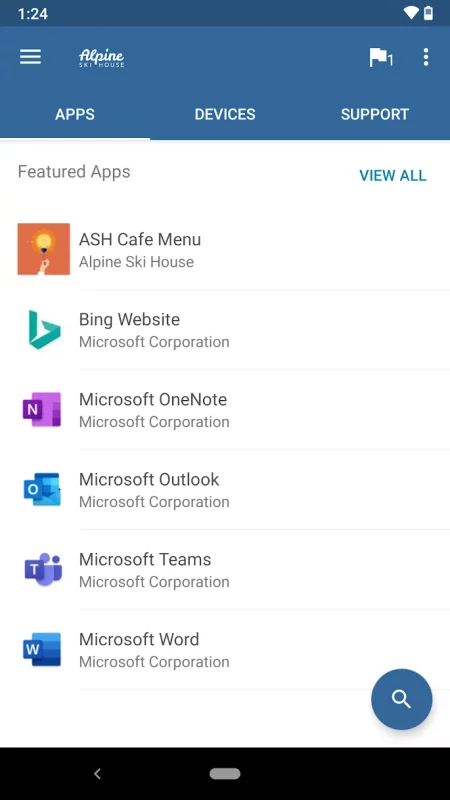
• Browse and install company apps
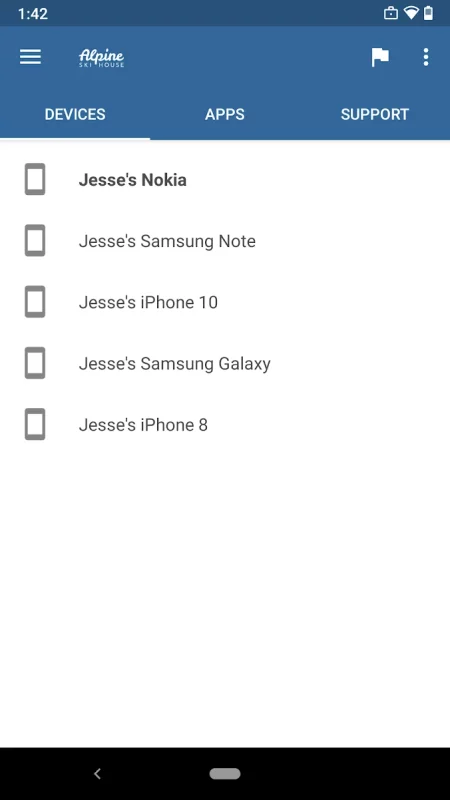
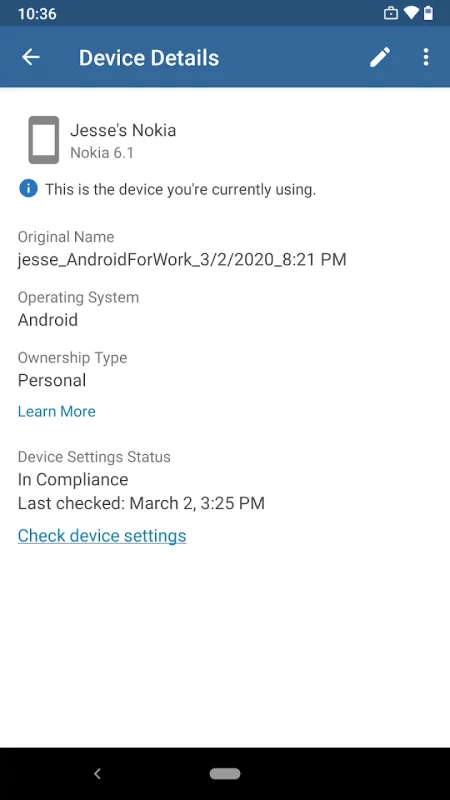
• View and manage all your enrolled devices
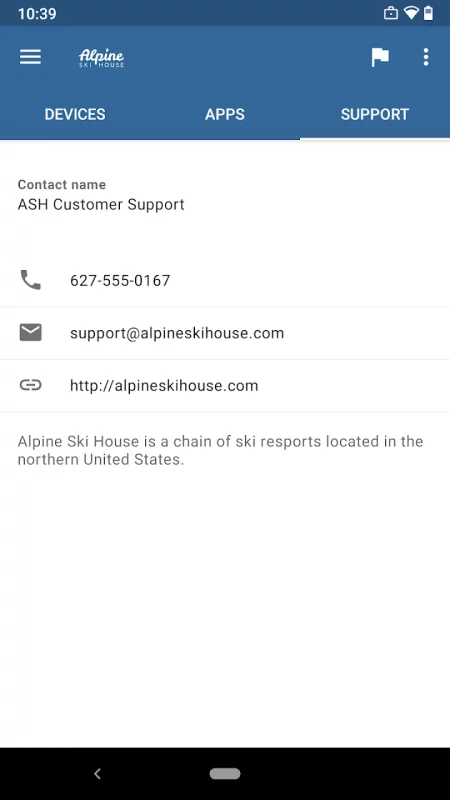
• View IT department contact information
• Change your work account password
• Unenroll or remotely wipe devices
Important: This app requires you to use your work account to enroll in Intune. Some functionality is unavailable in certain countries. If you have issues with this app or questions about its use (including your company’s privacy policy) contact your IT administrator and not Microsoft, your network operator, or your device manufacturer.
https://docs.microsoft.com/Intune/EndUser/using-your-android-device-with-intune
How to uninstall Company Portal:
Before you can uninstall Company Portal, you need to unenroll your device from Intune first. Here are the steps:
1) Follow these directions to unenroll: https://docs.microsoft.com/intune/enduser/unenroll-your-device-from-intune-android
2) Now, you can uninstall Company Portal like you would any other app
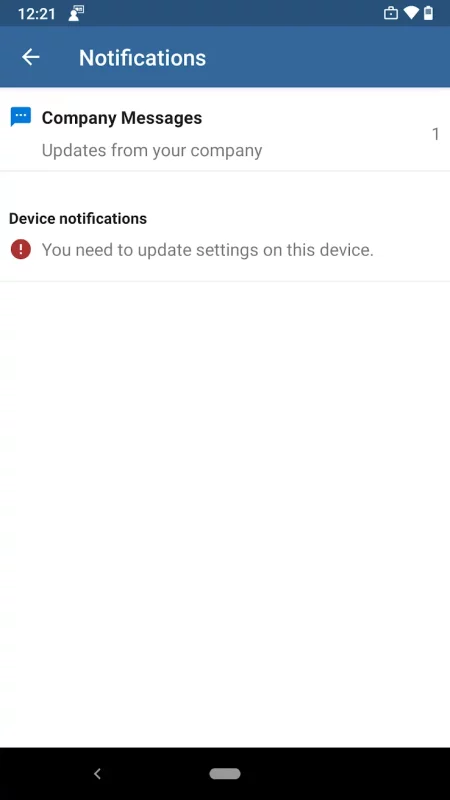
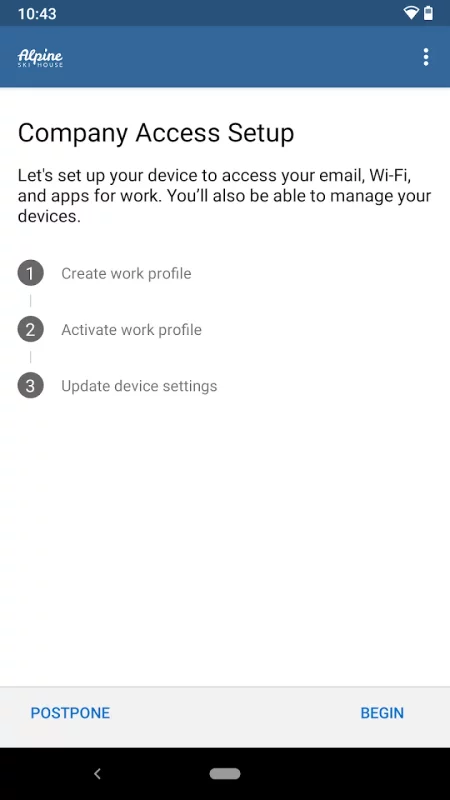
Download Intune Company Portal for Android for free
- Download the APK file to your Android device.
- Find the file in the Downloads folder and open it.
- Allow installation from this source if Android blocks it.
- Tap Install. To update the app, install the newer APK without uninstalling the current version.