
- Update12.10.2026
- Latest Version4.11.26
- Android OS7.0+
- LicenseFree
-
LanguagesEnglish English, 中文
- Content RatingEveryone
- DeveloperYalintech
- Package Nameeyalin.mydevicedetailsheb
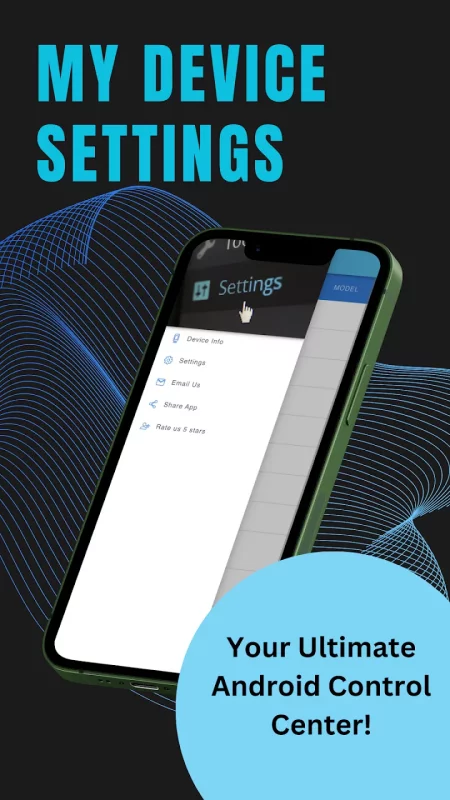
Elevate your Android experience with the My Device Settings app!
⚙️Welcome to the My Device Settings app, your go-to destination for all settings and information related to your Android device. This settings app is designed with an extensive array of settings for Android in mind, ensuring a seamless and user-friendly experience with numerous settings to explore and adjust.
⚙️The My Device Settings app for Android lets you delve into the specifics of your device's model, operating system, and version. It even helps you determine your build number, making it an ideal tool for accessing a wide range of settings for Android when you need to download device-specific software or apps, offering easy access to various settings options.
⚙️This settings-focused app for Android goes beyond just identifying your device settings. It provides critical data about your screen resolution, DPI, and refresh rate, becoming an essential part of settings for Android in terms of optimizing performance and troubleshooting any display issues through customizable settings.
⚙️Need to analyze your device's storage? The My Device Settings app for Android can assist you. It shows you the available storage and its distribution amongst various content types, a valuable feature of settings for Android when deciding what to delete or transfer to external storage. Adjust these settings as needed to manage your device's storage settings.
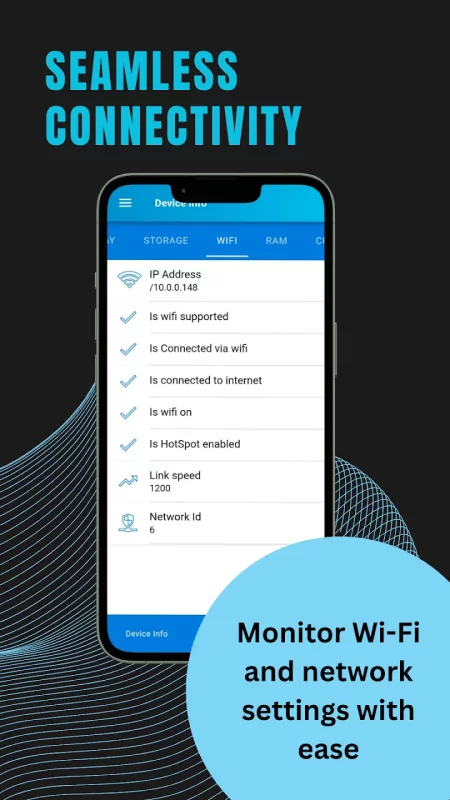
⚙️Facing Wi-Fi or network issues? The My Device Settings app and its comprehensive settings for Android have got you covered. View your connection information, including signal strength, network type, and IP address, right within the app. Plus, the detailed settings for Android in the app let you view and connect to available Wi-Fi networks directly, giving you control over your network settings.
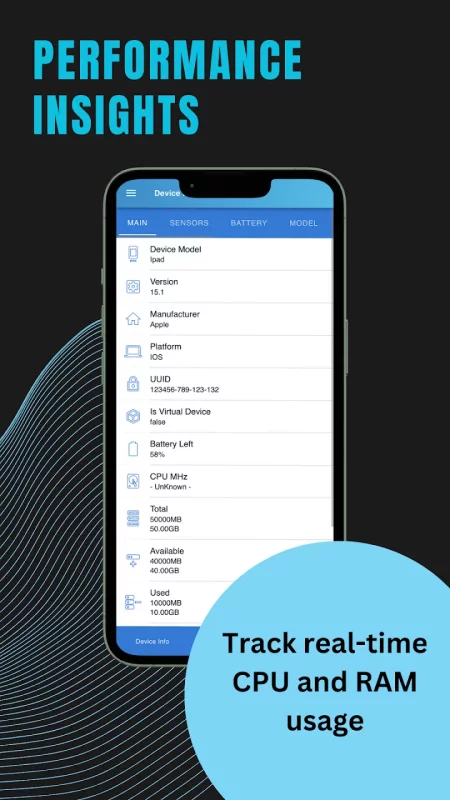
⚙️Tech enthusiasts will appreciate the advanced settings for Android in the My Device Settings app, which provides real-time data on RAM and CPU usage, diving into the finer details of their device with various adjustable settings.
⚙️In summary, the My Device Settings app is your all-in-one tool to access, navigate, and optimize your Android device's settings. It's a must-have tool with rich settings for Android for anyone looking to understand their device better, optimize its performance, and troubleshoot any issues with a wide range of adjustable settings.
⚙️Features of the settings for Android in the My Device Settings app include a comprehensive suite of customizable settings:
✔️Device Model
✔️Data Usage
✔️WiFi
✔️Hot Spot
✔️Screen size
✔️Version
✔️UUID
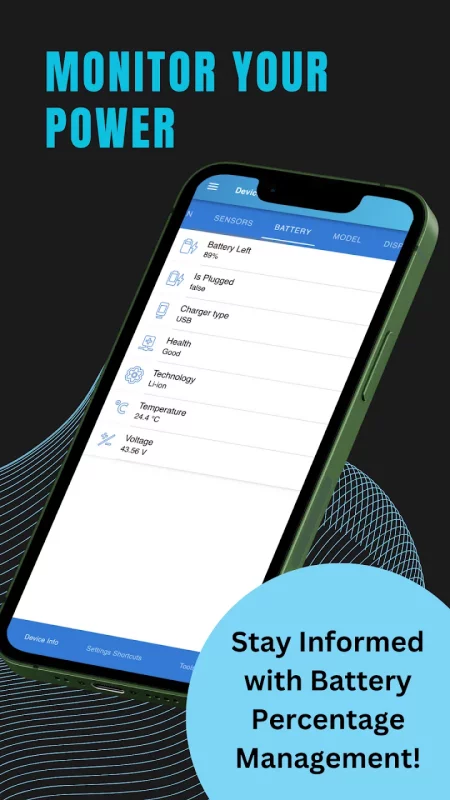
✔️Battery Percentage
✔️Bluetooth
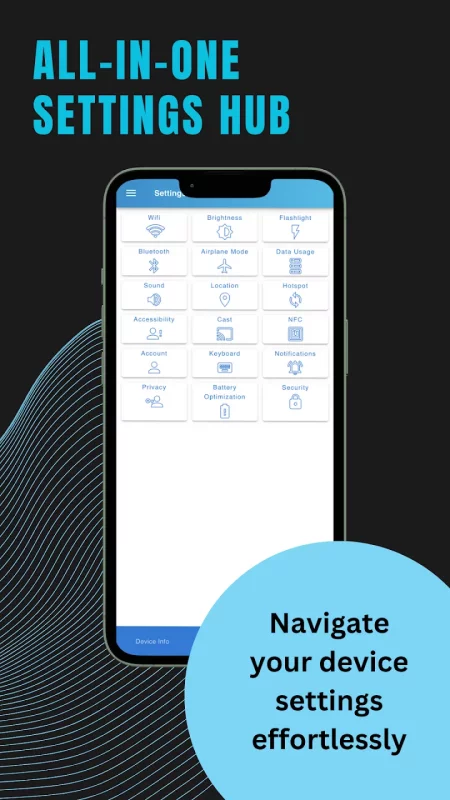
⚙️And it enables straightforward navigation of your Android device settings including a diverse array of adjustable settings:
✔️WiFi
✔️Brightness
✔️Flashlight
✔️Bluetooth
✔️NFC
✔️Data Usage
✔️Hotspot
✔️Sound
✔️Location
✔️Accessibility
✔️Cast
⚙️Moreover, our settings-rich Android app in the My Device Settings app offers unique features like:
✔️Battery Percentage display and monitor
✔️Flashlight application with customizable settings
✔️Digital Compass with multiple settings
✔️Metal Detector & Gold Finder
✔️And support for more than ten language translations with settings
So why wait? Download the My Device Settings app today and take full control of your Android device's settings with a rich array of adjustable settings for Android, offering unparalleled access to a wide variety of settings to enhance your device usage.
Download My Device Settings for Android for free
- Download the XAPK file to your Android device.
- Install one of these installers from our website:
- Open the installer and select the downloaded file from the Downloads folder.
- Allow installation from this source if Android asks for permission.
- Start installation. To update the app, install the newer file without uninstalling the current version.